
OBD Auto Doctor: OBD2 Scanner
Overview
OBD Auto Doctor is a comprehensive OBD2 car diagnostic app that connects to your vehicle’s OBD-II system, turning your smartphone into a powerful car scanner. Designed for both curious enthusiasts and cautious drivers, it lets you monitor real-time vehicle data, read and clear diagnostic trouble codes, and gain deeper insight into how your car is performing. This versatile tool supports real-time data visualization, readiness testing for emissions, and a range of diagnostics that help you understand your car better and potentially avoid unnecessary trips to the shop.
Capabilities and benefits
Read readiness monitor status to make sure your car is ready for emissions testing
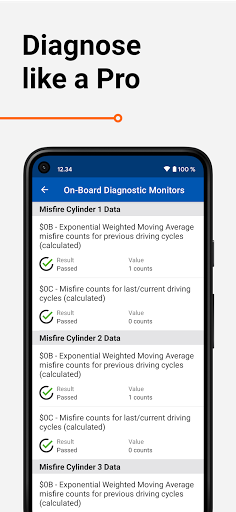
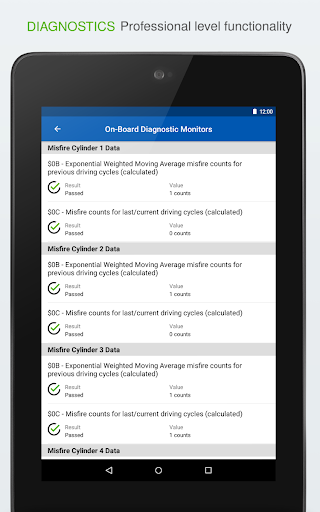
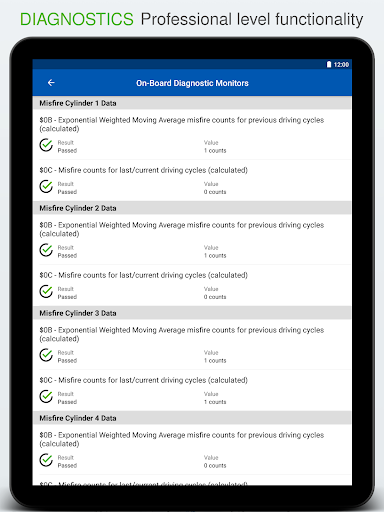
Read On-Board Diagnostic Monitors for advanced diagnostics
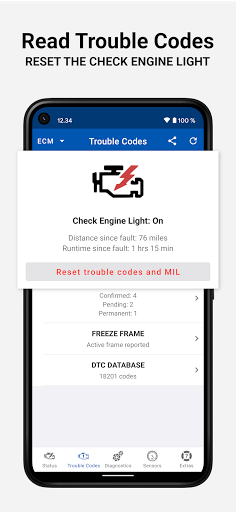
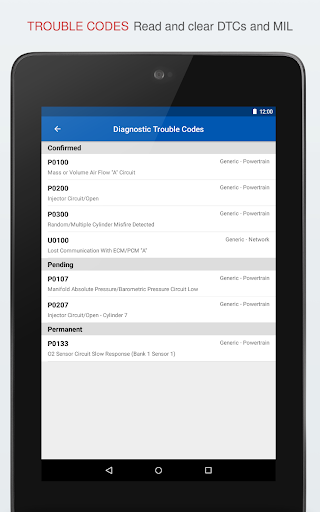
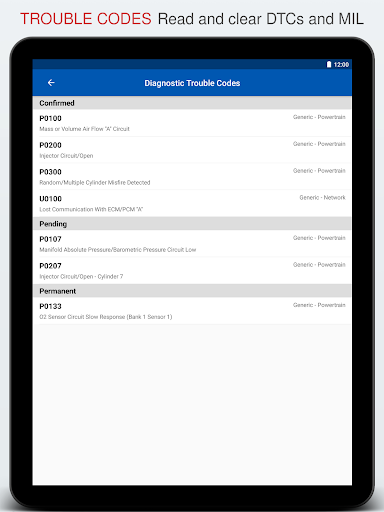
Read OBD 2 Diagnostic Trouble Codes (DTC) and Freeze Frame
Clear the trouble codes and reset the Check Engine Light
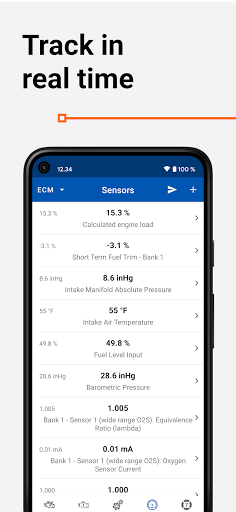
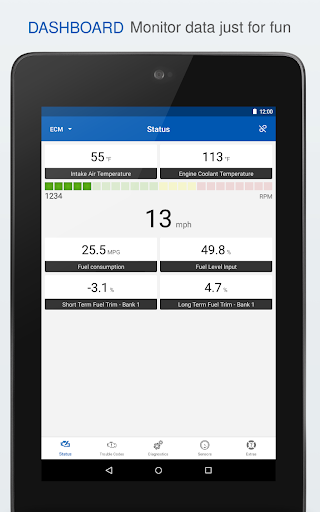
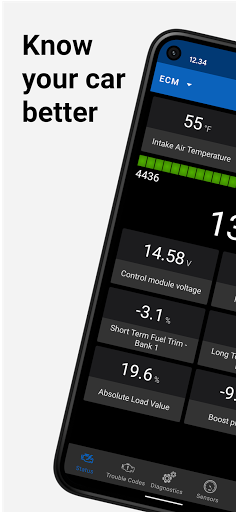
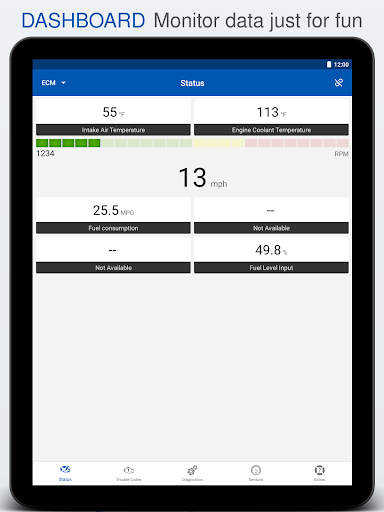
Select PIDs on the dashboard to track them in live
Initiate Service Routines (evaporative system leak test, particulate filter regeneration, inducement system reinitialization)
Monitor fuel consumption while you drive and save money on fuel (gasoline/diesel)
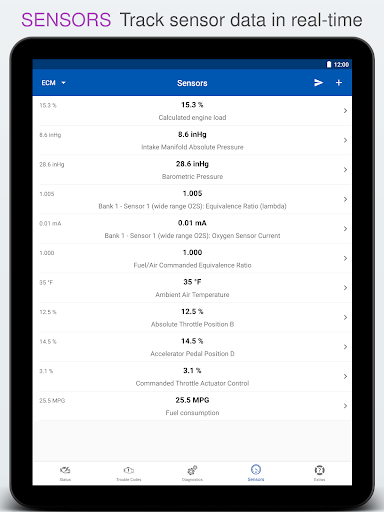
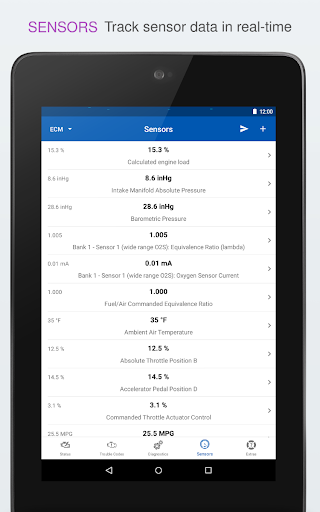
View OBD parameter and sensor data (such as engine coolant temperature or torque) in real-time to detect abnormalities
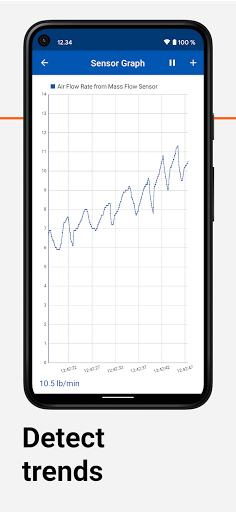
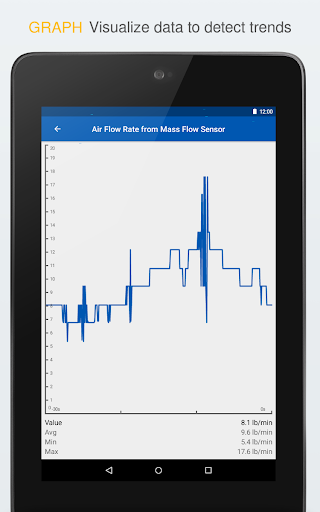
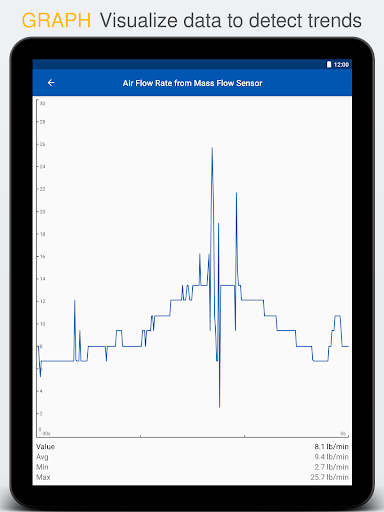
Monitor OBD-II sensor data in numerical or graphical presentation
Support for multiple electronic control units such as engine or transmission
Additional features
Send OBD 2 diagnostic data via email
Record and send sensor data via email in .csv format
Read Vehicle Identification Number (VIN), Calibration Identifications, and Calibration Verification Numbers of ECU
Built-in DTC database with over 18,000 trouble codes, including thousands of manufacturer-specific codes
Compatibility and requirements
OBD Auto Doctor supports all cars sold worldwide that are compatible with OBD2 or EOBD. The app requires a separate OBD adapter using Bluetooth, BLE, or Wifi. Plug the compatible scan tool into the car's diagnostics port to begin diagnostics.
We recommend avoiding cheap clone ELM devices and using genuine ELM327 adapters for reliable performance.
NOTE: Most app features require your car to support them. This app cannot display information that your vehicle does not provide.
Cost and privacy
The basic version of the app is free, with a subscription option to unlock all features. The app may include analytics that anonymously track and report user activity to help improve the product.
Disclaimer: The developer is not responsible for incidents arising from the use or interpretation of the app data.
Why car enthusiasts love OBD Auto Doctor: OBD2 Scanner
Hey there, car enthusiasts and tech-savvy drivers! If you crave deeper insight into how your vehicle performs, this app is a practical companion. OBD Auto Doctor connects to your car's OBD2 system via a Bluetooth adapter, translating complex vehicle data into clear, actionable information right on your phone. It’s like having a mechanic in your pocket—without the grease. You can read DTCs, monitor sensor data, and run readiness tests for emissions all from the driver's seat, making it incredibly convenient for regular checkups and DIY maintenance.
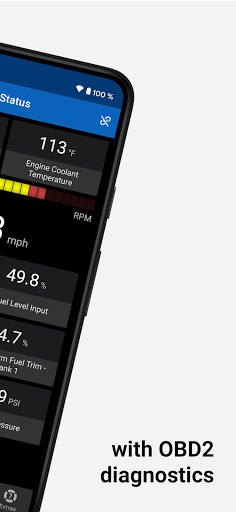
The interface is designed for ease of use. The dashboard presents real-time data in a straightforward, intuitive layout, making it accessible even if you’re not a car expert. With broad model compatibility, the app remains a versatile tool for a wide range of vehicles. Features such as freeze-frame data capture give you a snapshot of performance when a DTC is triggered, effectively acting as a black box for your car.
Imagine rolling through a road trip and suddenly seeing a check engine light. Instead of panicking, you can quickly identify the issue and decide whether a quick fix or a trip to the shop is necessary. For the DIY crowd, OBD Auto Doctor provides the confidence to troubleshoot and monitor your vehicle between visits to the mechanic, helping you save time and money. The app’s real-time fuel data and customizable dashboards let you focus on the metrics that matter most to you, whether you’re tracking efficiency on a highway run or tuning your daily driver for better performance.
Ultimately, OBD Auto Doctor: OBD2 Scanner is a valuable companion for both seasoned gearheads and curious drivers who want to understand their car better. It brings diagnostic power to your fingertips, supports thoughtful maintenance, and keeps you informed whenever the check engine light glows. With a reliable OBD adapter and responsible usage, this app can help you stay on top of your car’s health and enjoy a smoother, more informed driving experience.
Pros
- User-friendly interface
- Comprehensive diagnostic tools
- Supports various car models
- Real-time data monitoring
- Regular updates
Cons
- Requires OBD2 adapter
- Limited free features
- Some readings need expertise
- Occasional connectivity issues
- Subscription can be pricey











