
Introducing Night Owl Protect: Your Ultimate Mobile Security Companion
Are you looking for a reliable way to keep an eye on your home or business, no matter where you are? Look no further than Night Owl Protect, a comprehensive surveillance app designed to give you peace of mind and complete control over your security devices. This innovative app transforms your smartphone or tablet into a powerful security tool, allowing you to monitor, manage, and share your security footage effortlessly. Whether you’re at work, on vacation, or just relaxing at home, Night Owl Protect ensures you’re always connected and protected.
Seamless Setup and User-Friendly Experience
Getting started with Night Owl Protect is surprisingly simple, even for those who aren’t tech experts. The app allows for • Quickly and easily set up your product with our Secure App-Based Bluetooth Setup, making installation straightforward. After downloading the app from the App Store or Google Play, follow the clear, step-by-step instructions to connect your devices. The intuitive interface guides you through customizing alert preferences, configuring notifications, and linking your cameras and recordings. The user-friendly design means you can start monitoring in minutes without hassle.
Robust Features for Optimal Security
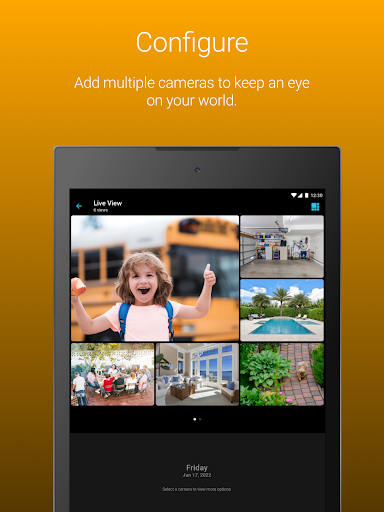
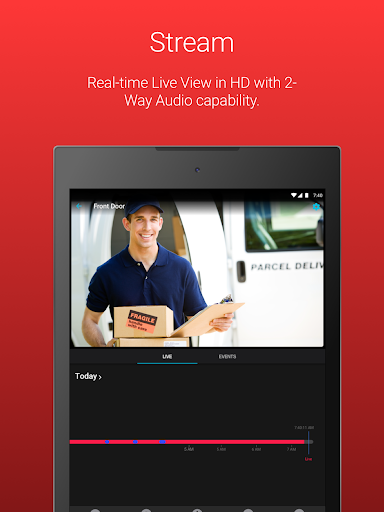
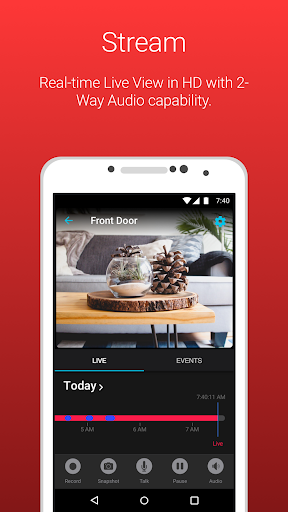
Night Owl Protect packs a punch with a suite of powerful features tailored to meet the needs of both homeowners and business owners. One of its standout features is the ability to view live footage from your connected cameras, giving you real-time visual access to your property anywhere, anytime. The app also supports • Receive real-time mobile alerts when a human, face, or vehicle is detected, enabling quick response to potential threats.
Communication is seamless with • Use audio features (2-way Audio, Siren, Preset Voice Messages) available on compatible models. You can speak directly to visitors or intruders, send pre-recorded voice messages, or activate an alarm to deter unwanted guests.
Recording and playback functionalities are easy to operate. You can search for and playback recordings using filters, save and share recordings right from your mobile device, or take snapshot images for quick referencing. For added security, recordings can be stored securely in the Night Owl Protect Cloud if your device is linked to a subscription plan.
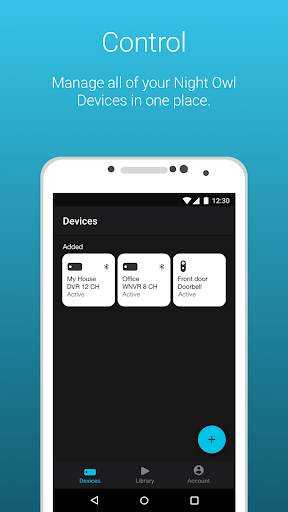
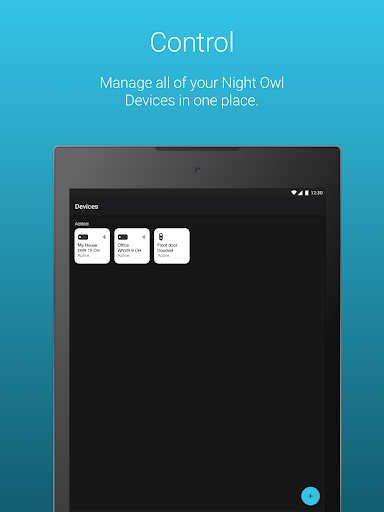
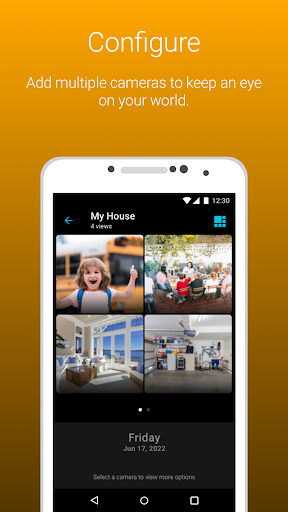
Privacy and security are at the forefront with features like 2-Step Verification, which enhances data protection by requiring two authentication steps for login. You can also securely reset your password from the app and access multiple devices through a single set of credentials with Single Sign-On. Managing your device groups, creating favorites, and sharing access with friends and family help customize your security experience.
Compatibility, Security, and Trust
Night Owl Protect is compatible with a wide range of Night Owl Devices, including DVRs, NVRs, and various cameras, ensuring seamless integration across your security setup. As a • US-based, US-owned company, Night Owl prioritizes privacy and security, proudly designing and engineering all products within the United States. Compliant with regulations like the Section 889 of the NDAA and the FCC Covered List, Night Owl maintains high standards for safety, human rights, and national security.
Why Choose Night Owl Protect?
Beyond its extensive features and ease of use, Night Owl Protect offers peace of mind through its robust security measures and reliable support. Whether for home or business, this app enables users to stay connected, respond swiftly to alerts, and share vital footage with trusted contacts. The ability to monitor multiple devices with one login makes management straightforward and secure. With ongoing support and innovative technology, Night Owl Protect stands out as a leading choice in the security industry. Protect your world today with a solution that combines ease, safety, and peace of mind.
Pros
- User-friendly interface suitable for all age groups
- High-quality video streaming capabilities
- Robust security features
- Customizable alert settings
- Remote access available via mobile application
Cons
- Dependent on a stable internet connection
- Limited features available for free
- App may occasionally crash
- Notifications can sometimes be delayed
- High battery consumption during continuous use











