
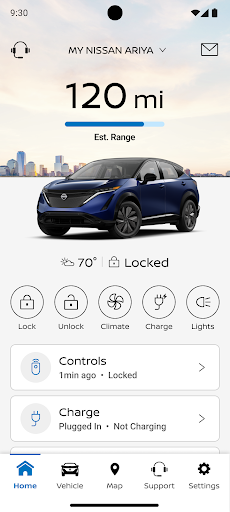
Introduction to the MyNISSAN® App
The MyNISSAN® app is a powerful tool designed to enhance the ownership experience for Nissan drivers. Whether you're interested in remote vehicle control, vehicle security, personalization, or maintenance management, this app brings a suite of features directly to your compatible Android phone or Wear OS device. Available to all Nissan owners, the MyNISSAN App is optimized for vehicles from 2014 and newer, ensuring a seamless connection to your vehicle's smart features. For owners with an active NissanConnect® Services Premium package on select 2018 and newer models, the full experience is even richer. Explore the complete list of features tailored for your specific Nissan vehicle by visiting owners.nissanusa.com. This app truly revolutionizes the way Nissan owners interact with their vehicles, offering unmatched convenience, security, and connectivity.
Core Features for All Nissan Owners
The MyNISSAN® app provides all owners with essential features that make vehicle management straightforward and efficient:
- Manage your Nissan account and preferences to suit your driving lifestyle
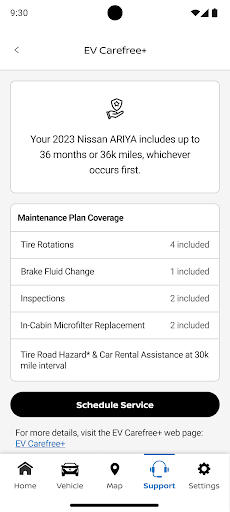
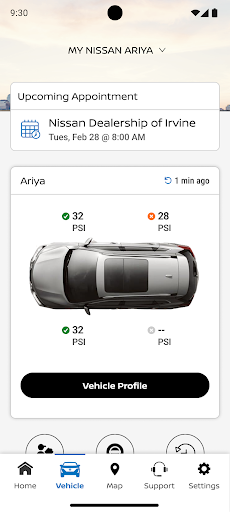
- Make a service appointment with your preferred Nissan dealer easily through the app
- Receive notifications for applicable vehicle recalls or maintenance campaigns, keeping your vehicle safe and up-to-date
- View your vehicle’s service history and maintenance schedule, ensuring you're always informed about upcoming service needs
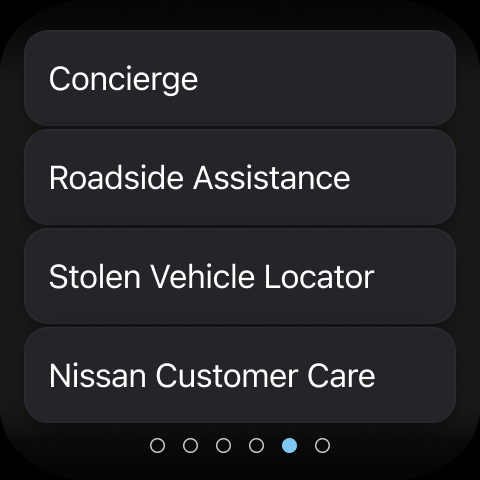
- Connect to Roadside Assistance for peace of mind during any unexpected situations
Remote Control and Vehicle Monitoring
With a compatible Nissan vehicle, the MyNISSAN® app extends control beyond the driveway:
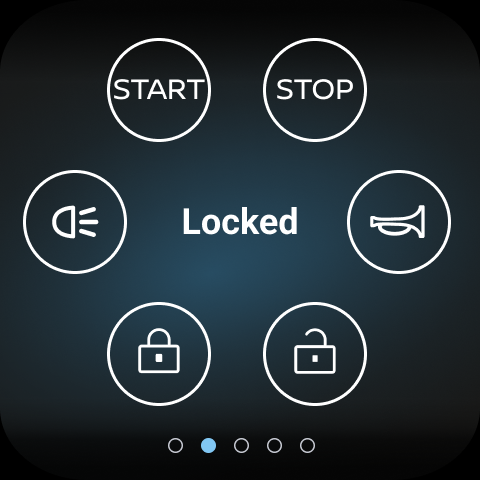
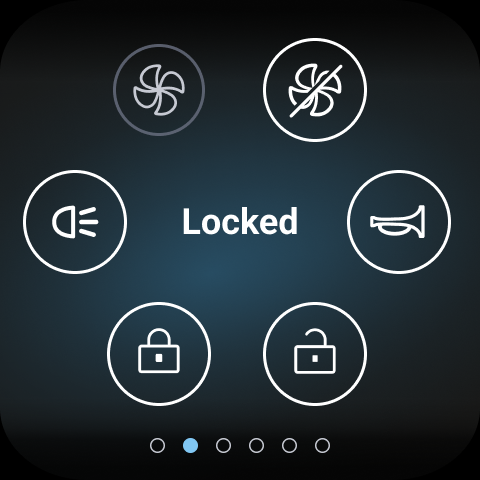
- Remotely start and stop your vehicle (features vary by model)
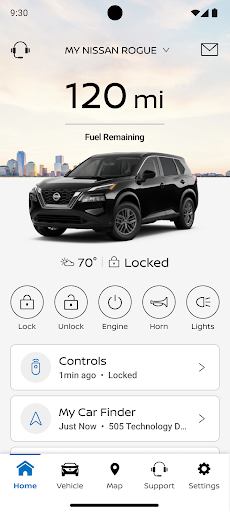
- Lock and unlock vehicle doors to manage security from afar
- Activate horn and lights to locate and alert your vehicle
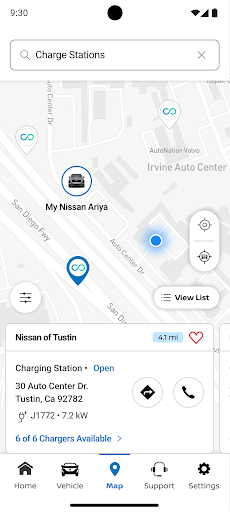
- Search for, save, and send points of interest to your car’s navigation system, making trips more convenient
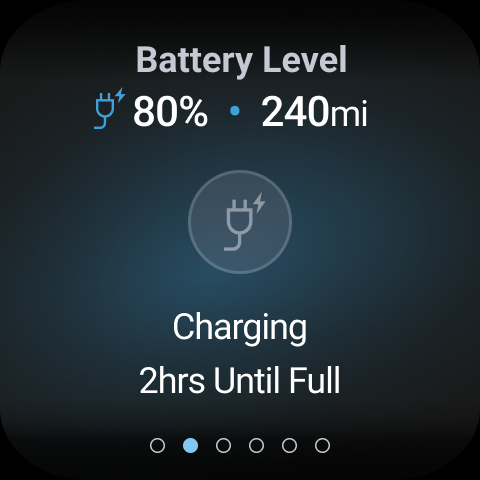
- Check vehicle status including doors, engine, mileage, remaining fuel range, tire pressure, oil pressure, airbags, and brakes
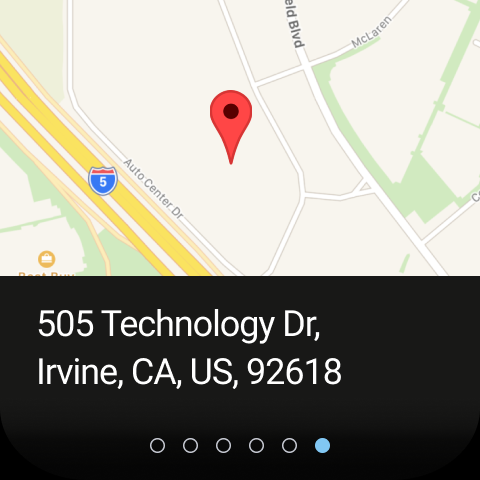
- Locate your vehicle easily if misplaced in a parking lot or unfamiliar area
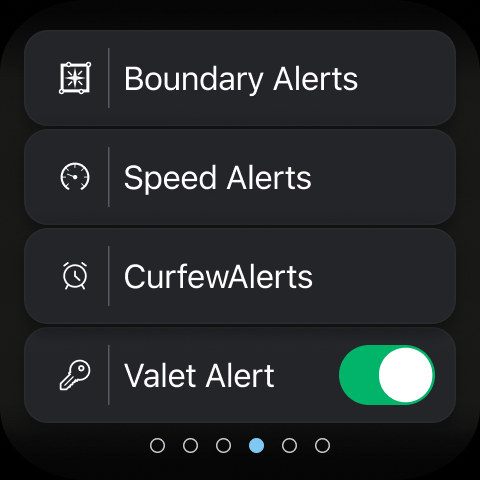
- Customizable boundary, speed, and curfew alerts help keep your vehicle secure and ensure safe driving habits
Additional Features with Google Built-in
Vehicles equipped with Google built-in unlock extra functionalities aimed at simplifying your driving experience:
- Remote vehicle climate adjustment ensures a comfortable cabin when you step in
- Remote engine start allows pre-conditioning or defrosting your car before driving
- Security alerts notify you if your doors are left unlocked, windows are cracked, or other security concerns arise
- Connect with your automotive repair shop to receive real-time updates on vehicle health and repairs
- Data-based route planning delivers optimized trip routes to save time and fuel
- Maintenance alerts notify you when service is due, helping you stay proactive with vehicle upkeep
- Multiple driver management allows adding up to four drivers on a single Nissan ID account, perfect for families or fleet vehicles
Important Safety and Compatibility Information
It’s vital to review the safety information and system limitations before using the app. Some features depend on the NissanConnect® telematics service, which has been affected by AT&T’s discontinuation of the 3G cellular network. As of February 22, 2022, vehicles with 3G hardware are unable to connect to the NissanConnect Services, impacting access to certain features unless previously enrolled. Activation of the NissanConnect Services SELECT package is required, which may include trial periods. Users are advised to ensure their vehicle qualifies for these features by checking compatibility.
Conclusion: A Must-Have for Nissan Owners
Overall, the MyNISSAN® app is an essential companion for any Nissan driver looking to elevate their vehicle ownership experience. Its intuitive design and comprehensive suite of remote and monitoring features provide convenience, safety, and peace of mind. From remotely starting your vehicle on a cold morning to receiving timely maintenance alerts, the app covers all bases. Whether you're tech-savvy or just starting to explore automotive apps, MyNISSAN makes managing your Nissan straightforward and enjoyable. If you own a Nissan, taking advantage of this innovative app is highly recommended—you'll wonder how you ever drove without it!
Pros
- User-friendly interface for easy navigation.
- Real-time updates on vehicle status.
- Remote start, lock, and unlock features.
- Maintenance alerts and reminders.
- Compatibility with smart home devices.
Cons
- Limited functionality for older vehicle models.
- Dependence on a stable internet connection.
- Some features require a subscription.
- Occasional app crashes have been reported.
- Limited availability of customer support.











