
MyCard - Contactless Payment
Experience the future of digital payments with MyCard - Contactless Payment, a cutting-edge NFC mobile payment app designed to simplify your transaction process. Whether you're shopping in-store or grabbing a coffee, this app allows you to make quick and secure contactless payments directly from your smartphone, eliminating the need for physical cards or cash. By integrating innovative features and emphasizing security, MyCard transforms your mobile device into a versatile digital wallet.
Key Features of MyCard - Contactless Payment
Effortless Contactless Payments
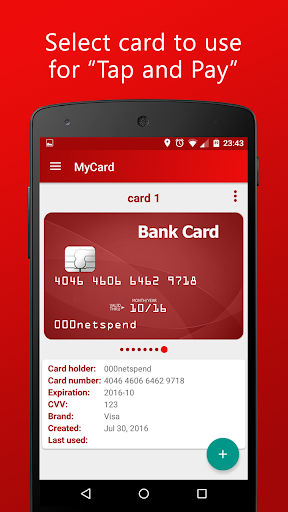
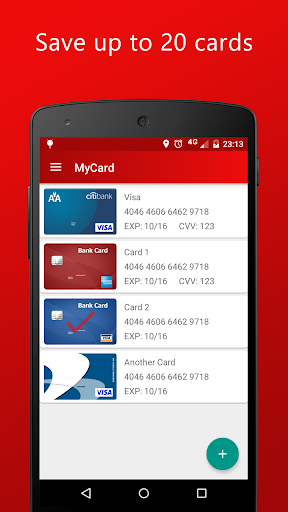
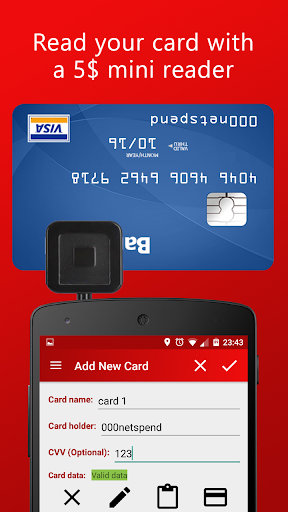
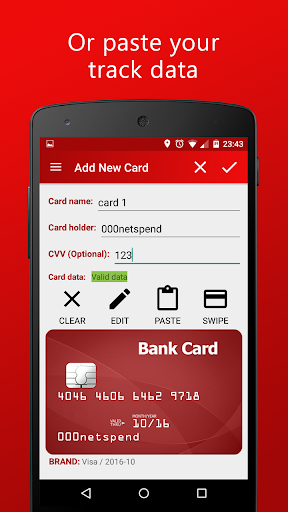
With MyCard, you can easily save your card track data and pay at shops equipped with contactless card readers. The app leverages NFC technology to enable seamless transactions, making payments as simple as a tap on your smartphone. To add cards, you have two options: use a •mini magnetic stripe reader connected to your phone or manually paste the track data from your card. This flexibility ensures compatibility with various cards and devices, giving you more control over your digital wallet.
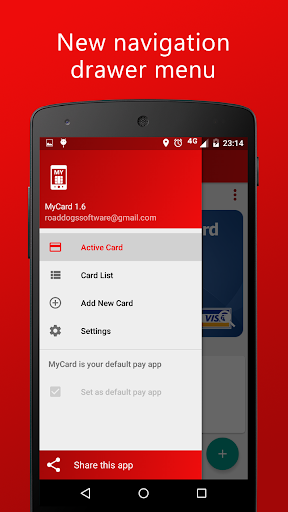
The app can store up to 20 cards, allowing you to select which card to use during checkout. Remember, for security reasons, your device must be unlocked when using the mobile payment feature. Additionally, the app does not require internet access and maintains strict privacy policies, ensuring your personal information remains protected.
Easy Card Addition and Compatibility
Adding your cards is straightforward. If you prefer traditional methods, you can retrieve •track2 magnetic stripe data with a USB reader. Alternatively, a popular method involves using an audio jack card reader, both of which are affordable and widely available on platforms like eBay or Amazon for $5-15. Compatible with Android 4.4 or higher, the app requires NFC functionality to operate. This makes MyCard a versatile option for Android users seeking contactless payment solutions.
Security and User Privacy
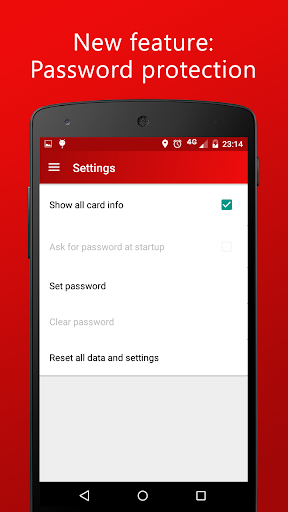
Security is a top priority with MyCard. The app employs robust encryption protocols to keep your card information safe. Additionally, biometric authentication methods such as fingerprint or face recognition offer an extra layer of security, ensuring that only you can authorize transactions. Rest assured, your data is secure and not shared with other applications, making it a reliable choice for privacy-conscious users.
Platform Compatibility and Convenience
This app works seamlessly across various devices and operating systems, making it a highly accessible digital wallet solution for Android and iOS users alike. It also allows you to store loyalty cards, coupons, and tickets, consolidating all your essential passes into one organized digital space. Whether you're running errands or planning your trips, MyCard keeps everything in your pocket, ready to use wherever contactless payment is accepted.
The Future of Payments with MyCard
If you're looking to modernize your payment habits, MyCard - Contactless Payment offers a smart, secure, and convenient way to pay without cash or physical cards. Its innovative features and focus on privacy make it a standout choice for digital wallet enthusiasts. As it continues to evolve with new updates and functionalities, this mobile app is positioning itself as a vital tool in the future of contactless transactions. Say goodbye to cluttered wallets and hello to effortless, secure mobile payments with MyCard.
Embrace the shift towards contactless technology today and enjoy a streamlined, efficient, and safer way to manage your payments — anytime, anywhere.
Pros
- Easy to set up and use for quick payments.
- Supports multiple cards for convenience.
- Secure with encryption and biometric login.
- Works offline for most transactions.
- No extra fees for international payments.
Cons
- Limited bank partnerships reduce usability.
- Occasional app crashes reported by users.
- Not compatible with all older phone models.
- Some users find the UI cluttered.
- Customer support response can be slow.











