

Overview of My Budget Book
Key Features of My Budget Book
Effortless Expense Recording and Categorization
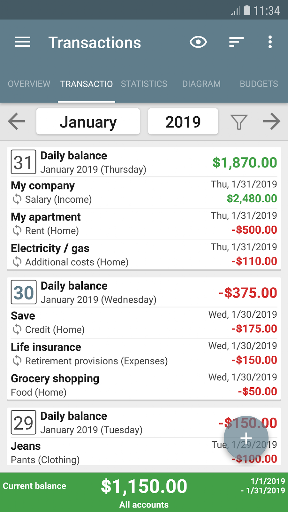
Tracking expenses is at the core of My Budget Book. The app supports quick recording of both individual and recurring transactions, enabling you to maintain a real-time overview of your spending habits. You can customize categories and subcategories to reflect your unique financial situation, making each record meaningful and easy to analyze later. The app also allows attaching photos or receipts to transactions, helping you remember details or reduce paper clutter.
Budget Planning and Goal Setting
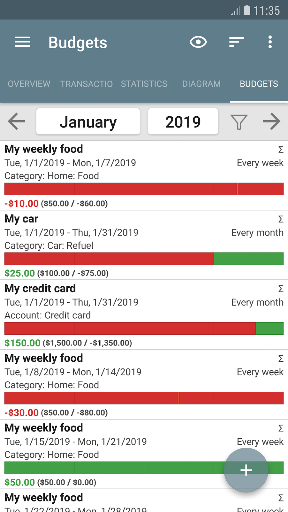
Set • Budget limits and • Savings goals across customizable periods—weekly, monthly, or any preferred timeframe. Whether it’s a cap on clothing expenses or a savings target for your dream vacation, My Budget Book makes it easy to stay on track with personalized limits. Features like toggling • rollover budgets ensure you account for unspent funds or overspending, promoting flexible and realistic financial goals.
Data Visualization and Reporting
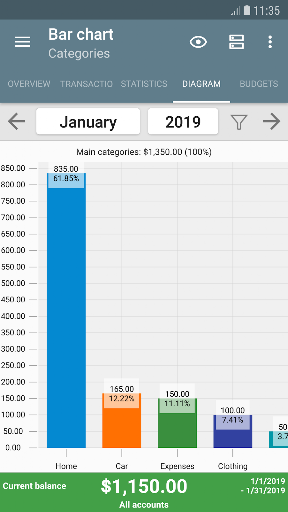
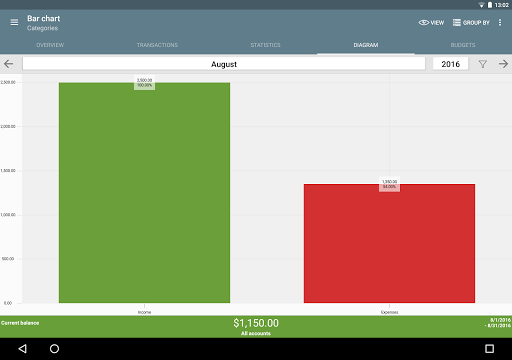
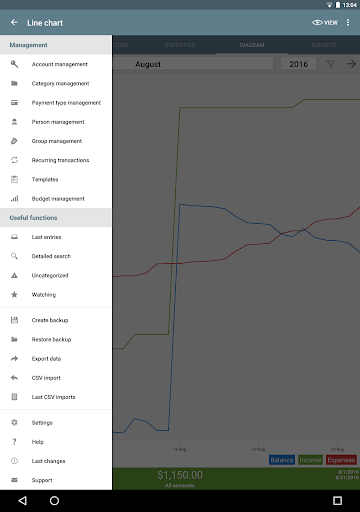
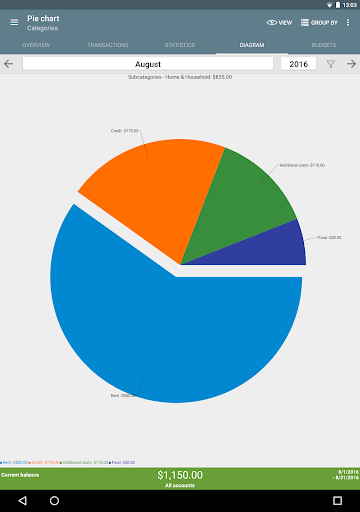
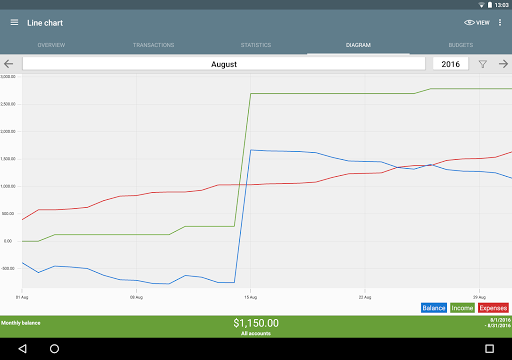
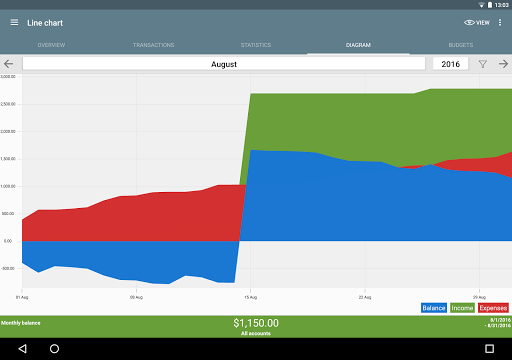
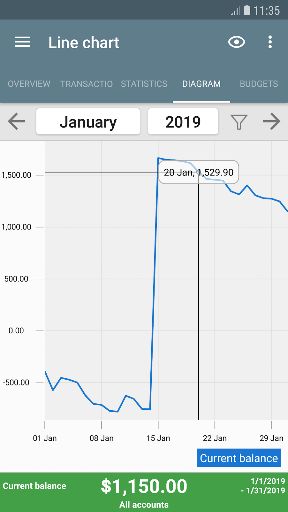
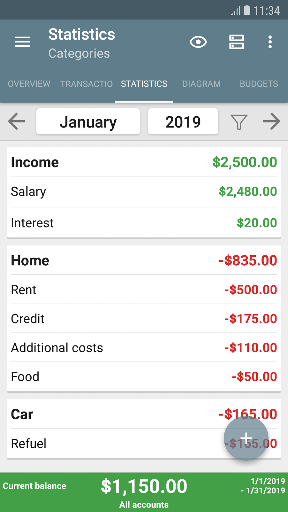
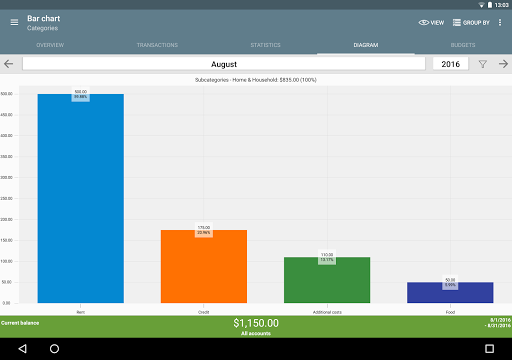
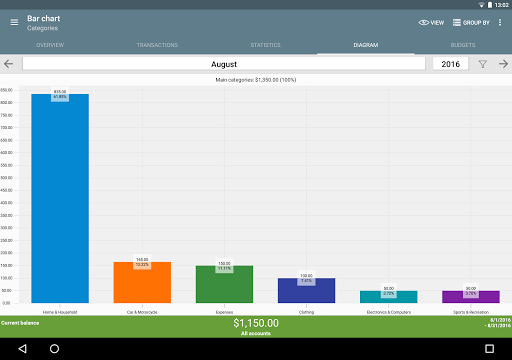
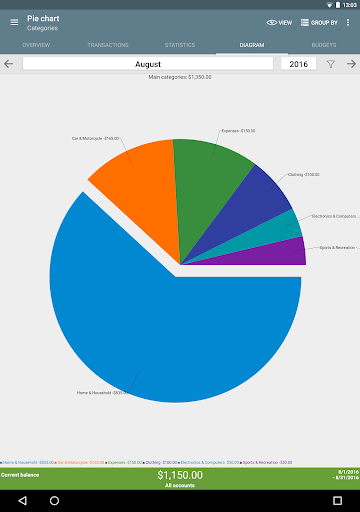
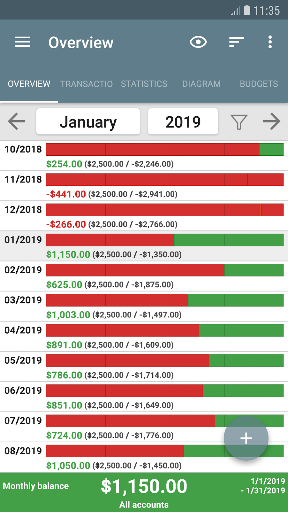
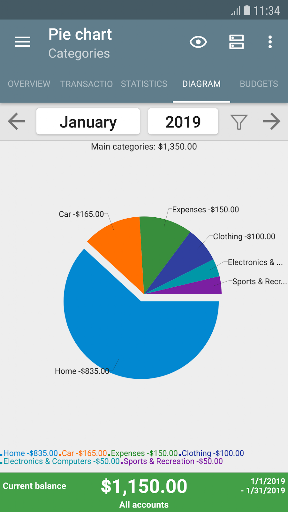
The app shines in its ability to generate dynamic charts and graphs, offering visually engaging insights into your income, expenses, and savings over time. You can view data in table formats or visual dashboards, helping you better understand spending patterns and identify areas for improvement. These visual tools make budgeting more engaging and less daunting.
Multi-Account Management and Transfers
If you handle multiple financial accounts, My Budget Book supports managing them simultaneously. Easily make transfers between accounts to keep your records accurate. Additionally, you can customize your account types, set limits, and reconcile expenses with bank statements, ensuring your financial picture remains precise and up-to-date.
Enhanced Customization and Privacy
The app allows extensive personalization—from interface themes, including configurable dark mode, to sorting options that distinguish categories, payment types, or groups. Privacy is a priority: • Offline operation means no Internet permission is required, protecting your data without sacrificing functionality. For extra security, you can lock sensitive information with a password or fingerprint.
Data Import, Export, and Backup
Seamlessly import existing data or bank statements using CSV formats, and export data as HTML, Excel, or CSV files for analysis or printing. My Budget Book also offers automatic local backups, so your data remains safe even if your device is lost or damaged. Optional cloud sharing is available, with dedicated features for synchronization across multiple devices, ensuring your records are always up-to-date.
Additional Utilities
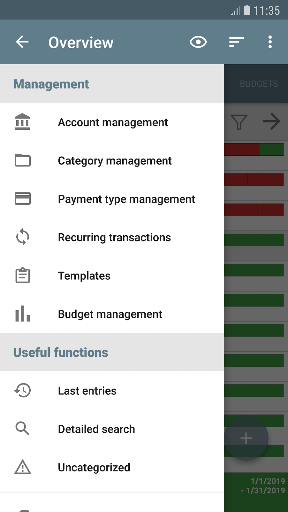
Boost your budgeting convenience with four home screen widgets and handy reminders for pending payments. The app supports creating custom templates, facilitating quick data entry, and managing multiple budgets with varying goals. Support is easily accessible through the integrated manual and e-mail contact options.
Why Choose My Budget Book?
This app stands out because of its commitment to privacy, simplicity, and customization. Unlike many finance apps, it doesn’t require internet access, safeguarding your sensitive information. Its straightforward, intuitive design ensures that even beginners can start budgeting effortlessly, while its advanced features and detailed visualization tools satisfy more experienced users. The absence of intrusive ads or hidden costs fosters a trustworthy environment for managing personal finances.
By maintaining active development and encouraging user feedback, My Budget Book continually improves to meet evolving financial management needs. Whether you're tracking daily expenses, planning savings, or analyzing long-term financial trends, this app offers the tools and flexibility to make money management less stressful and more engaging. Give My Budget Book a try and transform your approach to personal finance—turning budgeting from a chore into a rewarding challenge.
Pros
- User-friendly interface improves overall experience.
- Provides a full range of budgeting features.
- Allows management of multiple accounts.
- Offers customizable categories and labels.
- Has strong community support for troubleshooting.
Cons
- Setup process may take a significant amount of time.
- Free version has limited features.
- Navigation can be confusing for some users.
- Occasional application bugs occur.
- Does not integrate with certain banks.











