
Introduction to Moon+ Reader
Are you passionate about reading and looking for the perfect digital book companion? Look no further than Moon+ Reader, a versatile and feature-rich eBook reader app designed to enhance your reading experience. Whether you enjoy novels, comics, or technical documents, Moon+ Reader supports a broad range of formats and offers extensive customization options to tailor your reading environment. With its sleek interface and powerful functionalities, this app is quickly becoming a favorite among book enthusiasts worldwide.
Special Anniversary Offer
To celebrate the 15th anniversary of Moon+ Reader, the developers have launched a special promotion. From August 1 to August 8, the Pro version is available at a 50% discount—reduced from $10.99 to $5.49. This limited-time offer provides access to all premium features without ads, personalized themes, and advanced tools to optimize your reading experience. Plus, the app comes with a 30-day money-back guarantee, ensuring customer satisfaction and risk-free purchase.
Powerful Features That Elevate Your Reading Experience
Moon+ Reader is renowned for its innovative controls and comprehensive functionality. It supports thousands of free eBooks and integrates seamlessly with online ebook libraries. You can also read local books with smooth scrolling and numerous innovative features designed to make your reading more enjoyable.
Format Compatibility and Customization Options
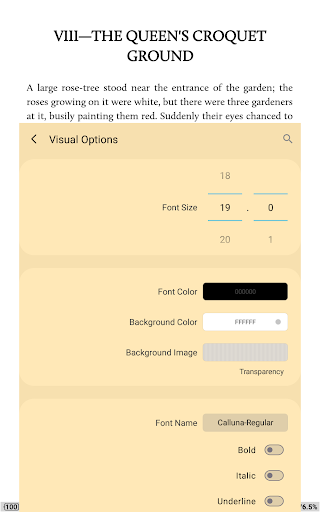
The app supports an extensive list of formats including EPUB, PDF, DJVU, AZW3, MOBI, FB2, PRC, CHM, CBZ, CBR, UMD, DOCX, ODT, RTF, TXT, HTML, MHT/MHTML, MD (Markdown), WEBP, RAR, ZIP and OPDS. It offers full visual customization, such as adjusting line spacing, font size, bold and italic styles, shadow effects, justified alignment, and color modifications with alpha transparency and fading edges. Choose from over 10 themes, including Day & Night modes for comfortable reading at any time.
Reading Controls and Interaction
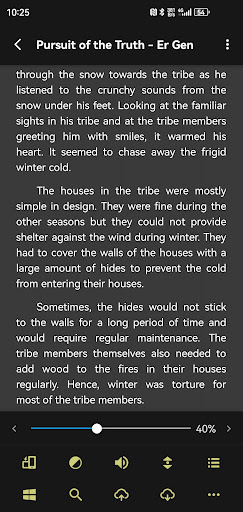
Reading is made effortless with multiple paging options—touchscreen, volume keys, or even hardware buttons. Users get to customize up to 24 operations (like searching, bookmarking, theme switching, and font adjustments) across 15 customizable events. The app includes auto-scroll modes such as rolling, by pixel, line, or page, along with real-time speed control. Brightness adjustment is intuitive, using a slide gesture along the left screen edge, complemented by gesture commands.
Enhanced Reading Features
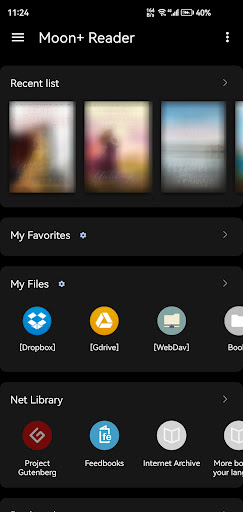
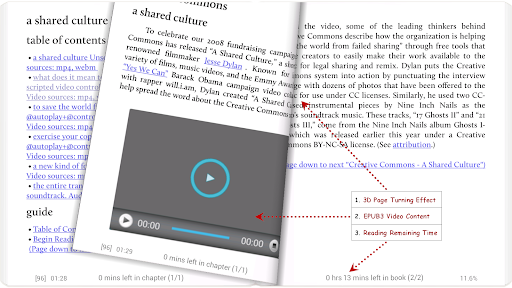
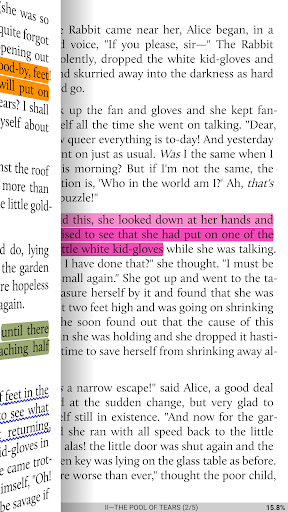
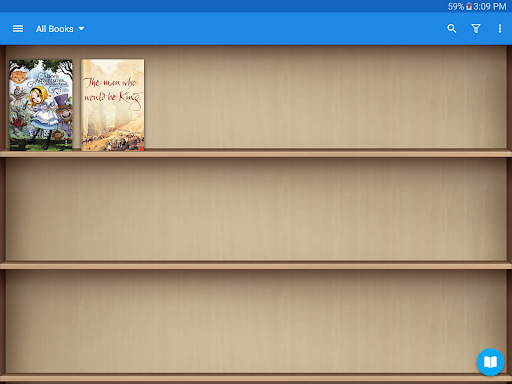
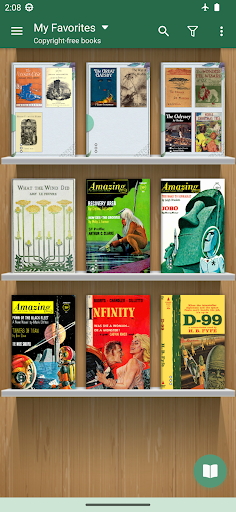
Additional tools like intelligent paragraph indentation, options to trim blank spaces, and features supporting eye health ensure comfortable long-term reading. The page turning effect can be customized with various animations and colors. The My Bookshelf section allows you to organize favorites, downloads, authors, and tags, with support for custom covers, search, and import. Other niceties include justified text, hyphenation modes, dual-page layouts in landscape, and support for all four screen orientations.
Advanced Multimedia and Cloud Integration
Supporting EPUB3 multimedia content (video and audio) enriches your reading material. The app also offers backup and restore options via DropBox and WebDav to synchronize your reading positions across devices like phones and tablets.
Note-taking and Custom Features
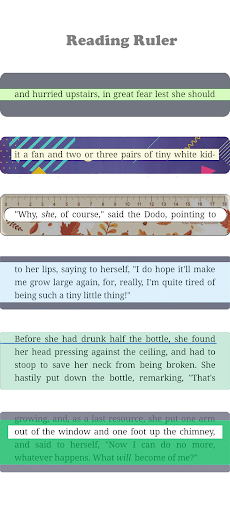
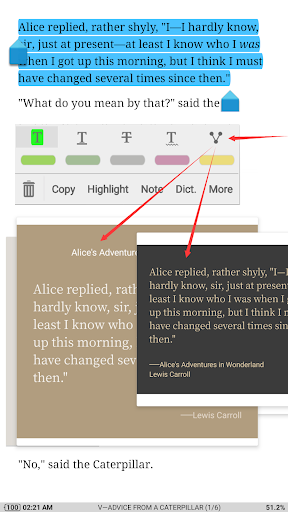
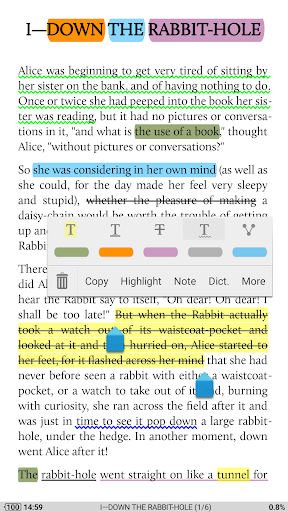
A suite of annotation tools such as highlighting, note-taking, dictionaries, translation, and sharing functions makes your reading more interactive. The Reading Ruler feature, available in six styles and localized in 40 languages, helps maintain focus during reading sessions.
Pro Version Benefits
The pro version unlocks additional features: ad-free experience, shake-to-speak (TTS), expand themes and fonts, view reading statistics, customize the reader bar, integrate with headset & Bluetooth buttons, and enable password protection. It also offers widgets for quick access, sharing annotations and bookmarks, and dedicated customer support.
User Experience and Personalization
The user interface of Moon+ Reader is designed for simplicity and elegance. It’s highly intuitive, so even users new to digital reading will find it easy to navigate. The app's customization options—ranging from font choices, themes, layout styles, to gesture controls—allow readers to create a personalized environment that suits their preferences. The variety of features makes this app ideal for both casual readers and enthusiasts who desire advanced control over their digital library.
Compatibility and File Management
Thanks to the All Files Access permission, Moon+ Reader can read and manage all ebook files stored across your device, including from cloud services and network libraries. Its built-in full-featured file management system helps users organize, import, and back up their collections effortlessly.
Conclusion
If you're searching for a robust, customizable, and user-friendly ebook reader, Moon+ Reader is an excellent choice. Its comprehensive feature set, support for diverse formats, and seamless cloud syncing make it stand out among other digital reading apps. Whether you're a casual reader or a dedicated bibliophile, Moon+ Reader will transform your digital reading experience into something truly exceptional. Don't miss out on the anniversary sale, and unlock the full potential of your ebooks today!
Pros
- Highly customizable reading options.
- Supports various eBook formats.
- Syncs books across devices.
- Offline reading available.
- Integrated dictionary and translator.
Cons
- Occasional ads in free version.
- Some features require premium upgrade.
- Complex interface for new users.
- Limited cloud storage options.
- Syncing can be slow at times.