
Overview of Money Tracker: Smart Budget
Take control of your finances and start saving smarter today! Money Tracker is a powerful and simple expense tracker and budgeting app designed to help you manage your money effortlessly. Whether you're tracking daily expenses, planning monthly budgets, or saving for future goals, this all-in-one finance app keeps everything organized in one secure place.
Manage personal and business transactions with ease, generate detailed spending reports, and gain clear insights into your financial habits. Money Tracker helps you make smarter financial decisions every day, empowering you to take charge of your monetary goals and achieve financial confidence.
Key Features of Money Tracker
Smart Budget
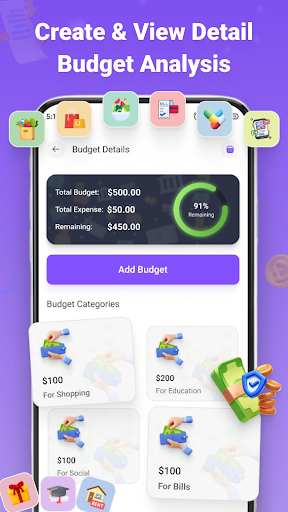
🔑 •Smart Budget provides advanced budget planning tools that enable you to set, monitor, and control your monthly spending. This feature is perfect for those aiming to optimize their expenses and save efficiently.
- Plan monthly budgets: Create tailored budgets that align with your financial goals.
- Monitor spending progress: Keep track of your expenses in real-time to stay within your budget.
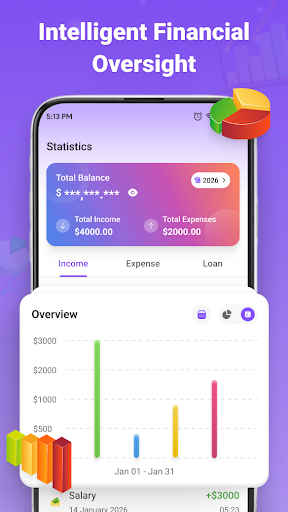
- Visualize data: Use pie charts and bar graphs to understand your financial distribution visually.
- Identify overspending: Spot and address spending issues instantly to stay on track.
Detailed Reports & Financial Insights
Understand your financial behavior through comprehensive analytics. Money Tracker offers:
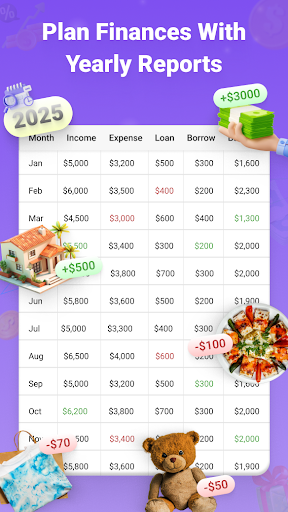
- Daily, weekly, and monthly summaries: Get quick overviews of your financial activity.
- Graphical spending analysis: Visualize where your money goes over time.
- Clear income vs. expense overview: Easily compare earnings and expenditures.
- Strategy improvement: Use insights to refine your budgeting techniques and save more effectively.
Smart Expense & Income Tracking
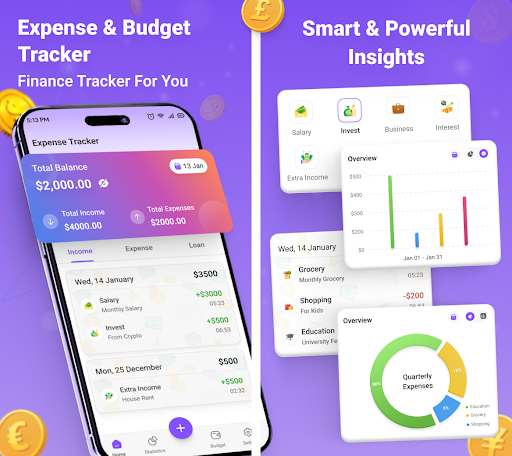
Keep tabs on your finances by recording income and expenses effortlessly. Key features include:
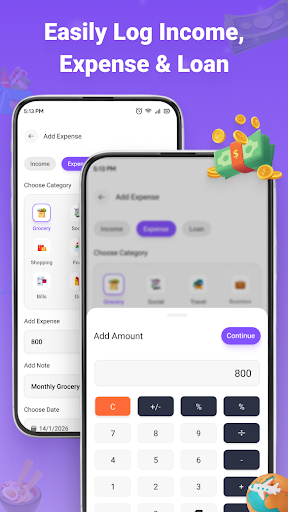
- Quick transaction logging: Record transactions in seconds to keep your data up-to-date.
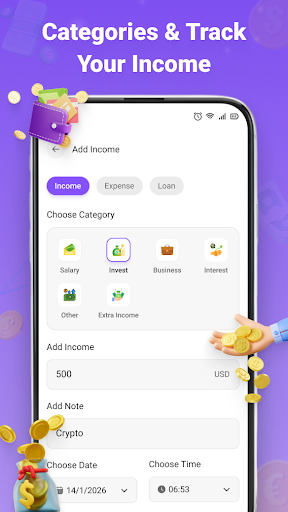
- Category categorization: Organize your expenses and income for better clarity.
- Real-time cash flow tracking: Monitor your financial movement instantly.
Why Choose Money Tracker?
- All-in-one solution: Combines money tracking, expense management, and budget planning in one app.
- User-friendly interface: Designed for easy navigation and quick transactions.
- Fast transaction entry: Save time with simple logging processes.
- Versatile use: Suitable for both personal finances and business management.
- Effective money management: Tools and features aimed at improving financial health.
Simple. Powerful. Reliable. Money Tracker aims to make your financial management stress-free and efficient. Whether your goal is to save more, control your expenses, or organize your finances, this app provides everything you need to stay ahead financially.
Start managing your money the smart way — Download Money Tracker - Smart Budget today and take the first step toward financial independence.
Pros
- User-friendly interface that simplifies navigation
- Convenient features enhancing user experience
- Efficient performance ensuring smooth operation
Cons
- Limited customization options available
- Occasional stability issues during extended use
- Features may lack advanced functionalities for power users











