Introduction to Librera PRO - Book Reader
Librera PRO - Book reader is a versatile and highly customizable reading application designed to enhance your digital reading experience. Whether you're a casual reader or a voracious bookworm, this app offers a comprehensive solution for managing and enjoying a wide variety of document formats. Its user-friendly interface combined with powerful features makes reading on your mobile device a truly pleasurable activity.
Main Features of Librera PRO
Librera PRO supports an extensive range of popular document formats including PDF, EPUB, EPUB3, MOBI, DjVu, FB2, FB2.zip, DOC, DOCX, TXT, RTF, AZW, AZW3, CBR, CBZ, HTML, XPS, MHT, and more. This extensive format support makes Librera PRO an all-in-one reading solution for your device.
User-Friendly Interface and Navigation
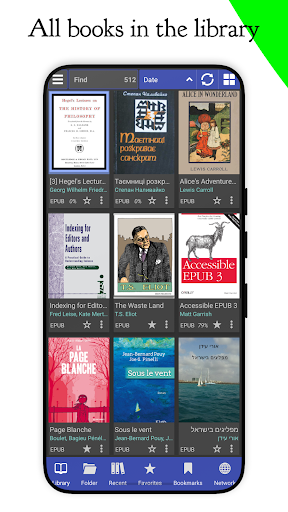
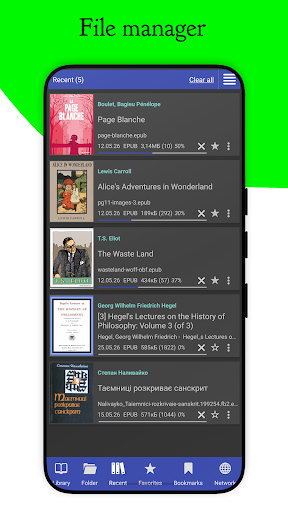
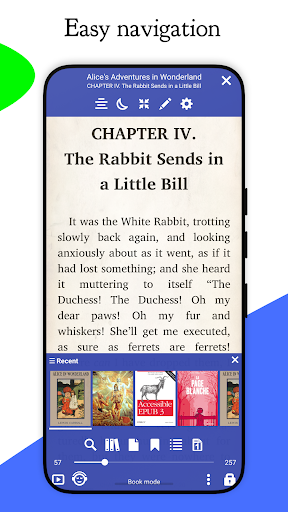
The app boasts an intuitive and clean interface that simplifies document discovery and management. Features include auto-scanning specified folders, browsing catalogs, disks, and folders via an in-app file explorer, and quick access to recent and favorite books. Thumbnails and detailed descriptions help you easily identify your books, while configurable list or grid views allow for personalized library arrangements.
Personalized Reading Experience
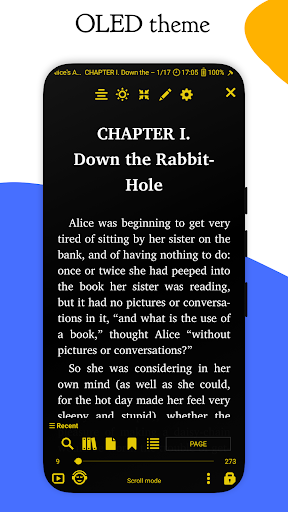
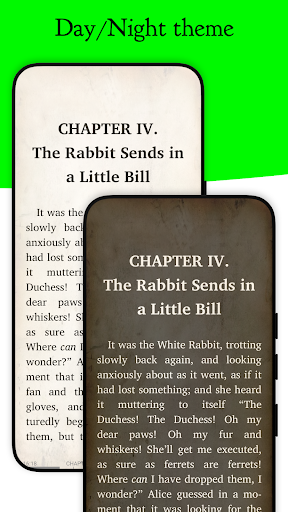
Customize your reading environment with configurable Day and Night modes. You can adjust text size, font styles, and even support for right-to-left languages such as Arabic, Hebrew, and Persian. An auto-centering feature for zoomed pages along with the ability to lock vertical scrolling enhances readability. For those who prefer a specific reading style, features like single-page view or dual-page display are available.
Advanced Reading and Accessibility Features
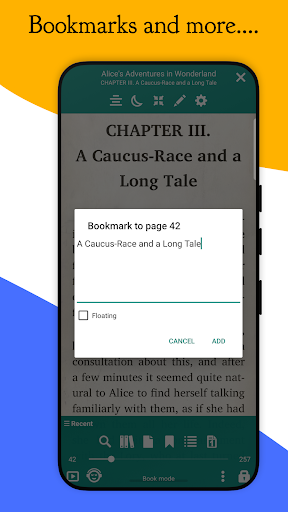
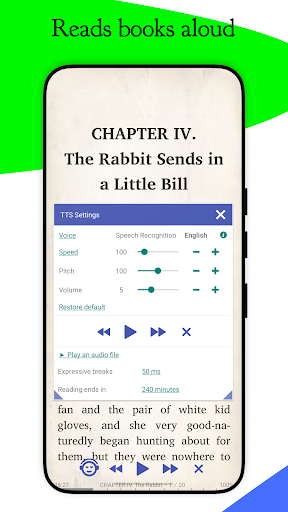
Librera PRO includes a variety of advanced features such as bookmarking, annotations, and text reflow in PDF documents for annotative reading. Its read-aloud capability, powered by your preferred TTS engine, offers a hands-free experience, especially useful when multitasking. Additionally, the app supports RSVP reading, which displays words one at a time in a rapid sequence to facilitate quick, efficient reading.
Search, Translation, and Format Conversion
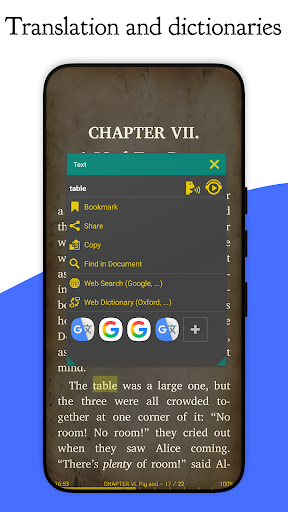
Quickly locate specific words or phrases across multiple documents using the fast search and multi-document search features. For language learners and multilingual users, Librera PRO integrates with online translators, allowing on-the-fly translation of selected text. Its ability to perform offline dictionary lookups and support custom CSS coding provides a customizable and enhanced reading experience.
Library Management and Cloud Sync
Create and maintain your personal library by specifying formats and folders to scan. Organized displays with thumbnail covers and detailed descriptions make browsing seamless. You can filter your library by name, path, size, or date. The app also offers syncing of reading progress and settings across multiple devices, ensuring a consistent experience whether you're on a phone or a tablet.
Additional Functionalities
Other notable features include support for archived books (.zip), manual or auto-centering of zoomed pages, support for more than just basic formats, and extensive customization options such as configurable volume key behavior and textured or solid background themes. Shared content from other apps can be directly read aloud or searched on the internet, further enriching your reading experience.
Why Choose Librera PRO?
Librera PRO essentially consolidates various reading needs into one intuitive application. Its support for multiple formats, advanced customization, and robust library management make it stand out among ebook reader apps. Whether you're reading for leisure, learning a new language, or managing a digital library, Librera PRO offers a comprehensive toolkit to make every reading session engaging and effortless.
Conclusion
If you're looking for a powerful, flexible, and easy-to-use ebook reader, Librera PRO is an excellent choice. Its vast feature set, coupled with its support for numerous document formats, ensures that your digital library is always accessible and enjoyable. Give it a try — start with the free version and experience the difference. Once you're convinced, upgrading to Librera PRO will unlock even more capabilities, helping you elevate your mobile reading adventures to new heights.
Pros
- Supports multiple file formats.
- Allows customizable reading modes.
- Enables offline reading.
- Features an intuitive user interface.
- Ad-free experience in the paid version.
Cons
- Limited integration with cloud services.
- PDF rendering may occasionally have bugs.
- Advanced features require payment.
- User interface appears outdated.
- Few annotation tools available.