
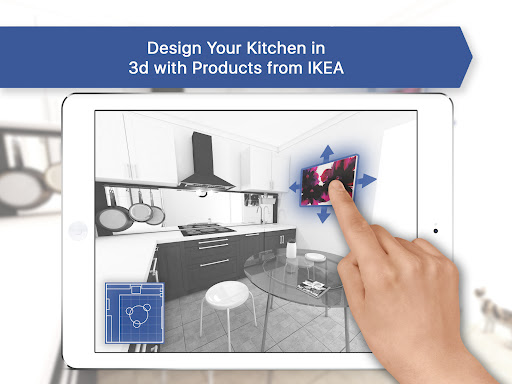
Kitchen Design: 3D Planner
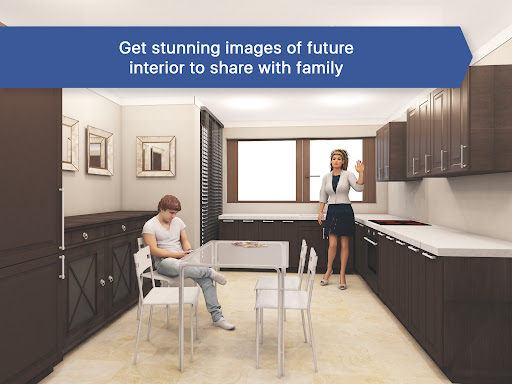
Ever find yourself daydreaming about the perfect kitchen layout while binge-watching home makeover shows? Kitchen Design: 3D Planner is like having a personal interior designer in your pocket, ready to turn those ideas into stunning, photorealistic visuals.
Getting Started
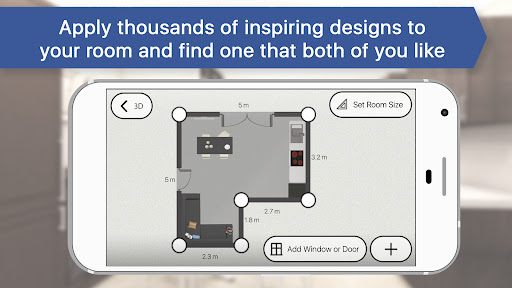
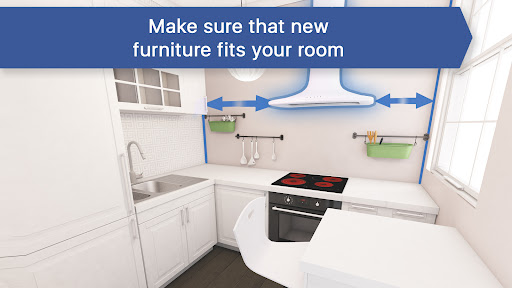
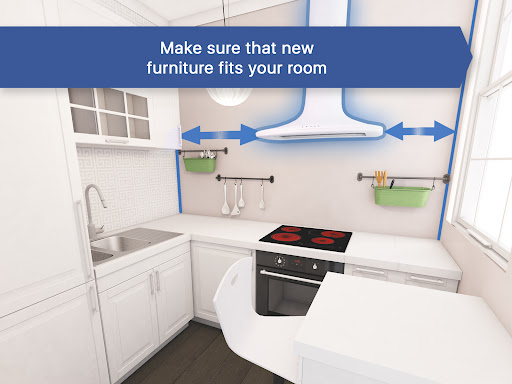
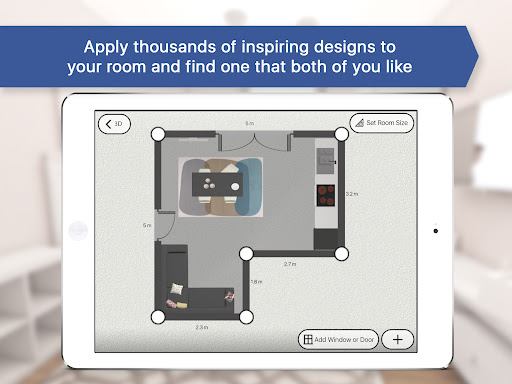
Opening the app greets you with an intuitive, welcoming interface. You’ll be guided through a quick setup that asks for the dimensions of your kitchen space, so you can begin planning right away—no steep learning curve required.
Features Galore
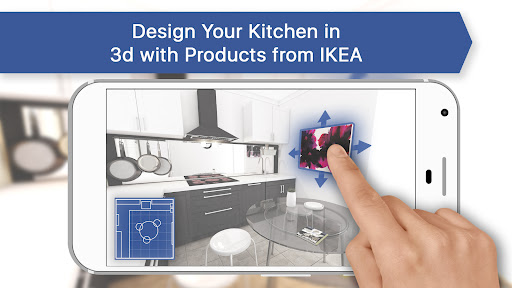
The standout feature is the 3D visualization that delivers realistic renderings of your kitchen. You can tweak every detail—from cabinet colors to flooring—and see instant results in a user-friendly sandbox. Drag-and-drop functionality keeps the process smooth, letting you experiment freely without committing to real-life changes. The app also includes a comprehensive library of furniture and appliances, so you can try modern fridges, farmhouse sinks, or any style you love and visualize how each piece fits into your space.
Personal Touch
Customization is at the heart of Kitchen Design: 3D Planner. Try different backsplashes against countertops, experiment with various layouts, and adjust nearly every element to find the perfect setup. The flexible tools empower endless creativity as you refine your design.
Sharing Your Vision
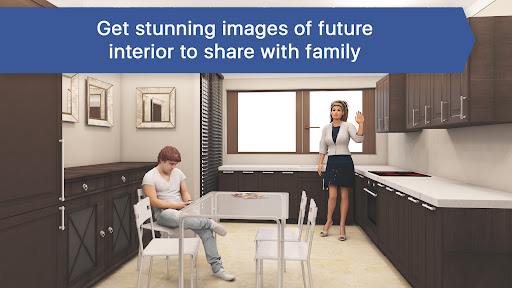
When your dream kitchen comes together, sharing it is effortless. Export your designs and send them via email or social media, or show them to friends, family, or contractors to gather feedback and keep everyone on the same page.
Design Library and Inspiration
You can start from one of the handcrafted kitchen designs in loft, traditional, or modern styles created by industry professionals, or begin with an empty room. Change furniture, add decor, and view your space from different angles to create photorealistic snapshots as your concepts evolve into reality.
Versions and Pricing
In the FREE version, you can lay out and design your room using about 100 furniture pieces from online stores and generate three realistic room photos. There are hundreds of designer-made ideas for inspiration. Upgrading to BASIC or PRO versions unlocks more precise room sizing, a larger library of furniture from top luxury brands, and the ability to create any number of realistic pictures. The PRO version also offers faster rendering, higher-resolution imagery, cost estimation for finishing and furniture, and export options to formats like 3ds Max for professional use.
Conclusion
Kitchen Design: 3D Planner is a user-friendly, feature-packed tool for reimagining your kitchen. Visualize ideas, experiment with styles, and collaborate with others to bring your dream kitchen to life—without lifting a hammer. If you’re ready to unleash your inner designer, give this app a try and you might end up with the kitchen of your dreams.
Pros
- Intuitive user interface for easy navigation
- High-quality 3D rendering of designs
- Extensive library of kitchen elements
- Customizable design options
- Fast performance with minimal lag
Cons
- Limited free features without subscription
- Occasional bugs in rendering
- Requires high-end devices for best performance
- No offline mode available
- Limited customer support response time











