
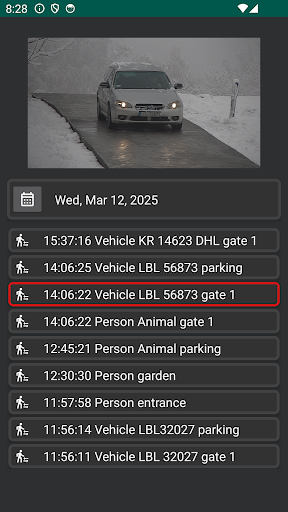
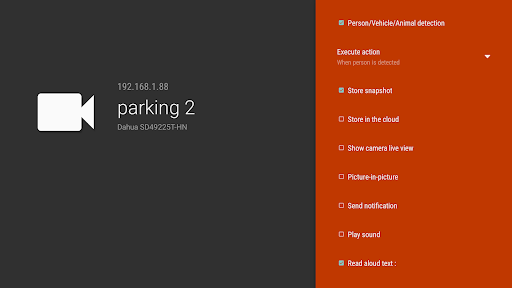
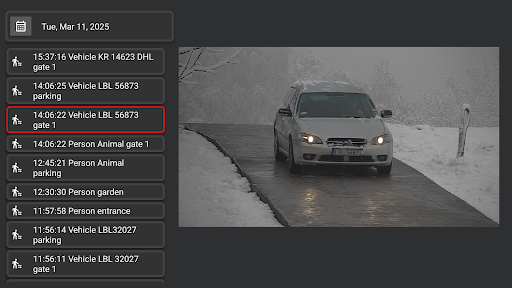

IP Camera Viewer icon

IP Camera Viewer

8.18K
3.8
Installs
1.00M
Version
10.8.7
Advertisement
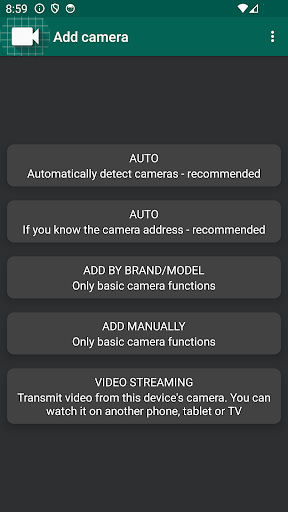
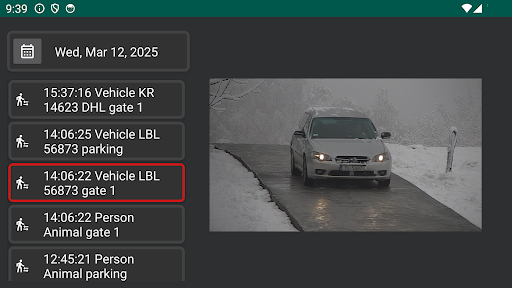
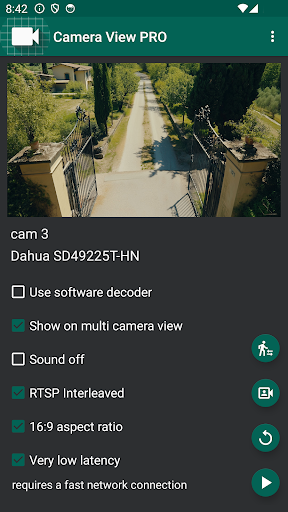
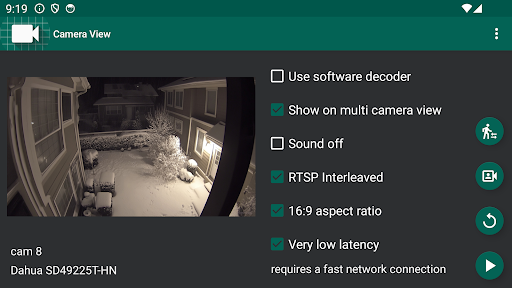
IP Camera Viewer screenshot
Advertisement

IP Camera Viewer – Feature Spotlight and Overview

Overview

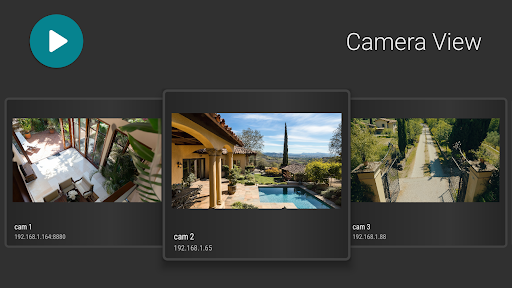
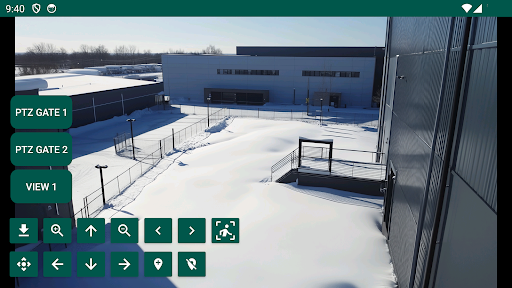
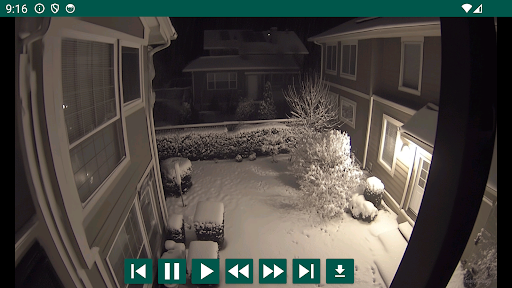
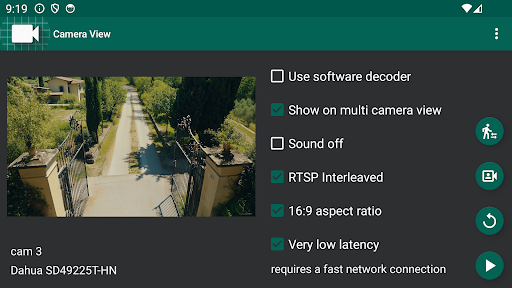
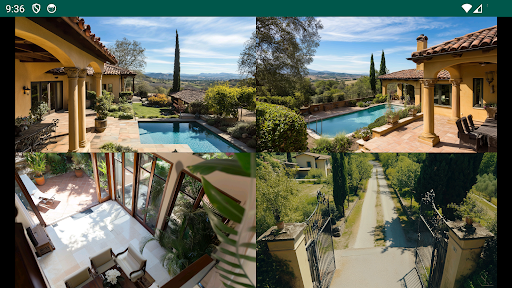
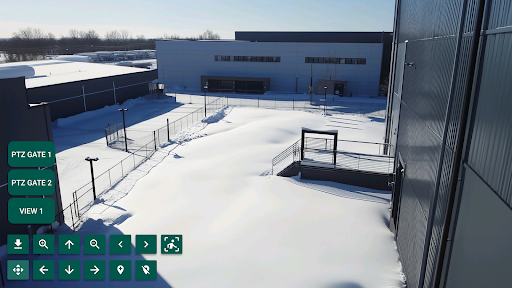
Watch the live view from network IP cameras on a big TV screen, or on your phone or tablet. The app lets you playback video recordings and receive events from cameras or a connected NVR recorder. It works with most IP cameras, including WiFi cameras and entire home security CCTV systems, and integrates especially well with Hikvision and Dahua devices. Designed for both home and professional use, the application is optimized for phones, tablets, televisions, and Android TV boxes.

Remote Monitoring Made Easy

Ever wondered if there’s a way to keep an eye on your home while you’re out and about? IP Camera Viewer puts security in your pocket, ready to alert you whenever something’s up. Setting up your surveillance is quick and straightforward—just download it from your app store and you’re ready to go. The app supports a wide range of IP cameras, so there’s a good chance your existing setup will work seamlessly with it.

Core Features

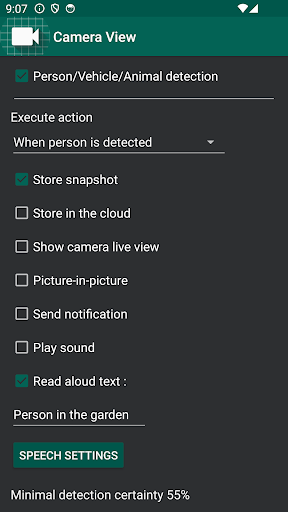
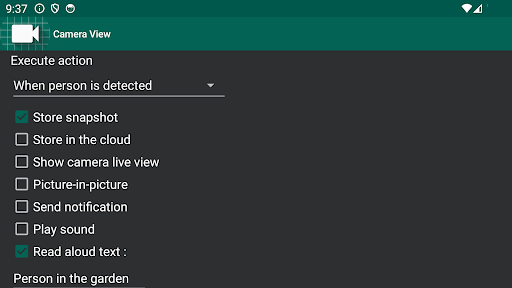
The interface is clean and intuitive. The live feed sits on the main screen, which is handy because you don’t want to dig through menus when you hear a suspicious noise at night. The customizable alert system lets you set notifications for specific movements or noises, reducing false alarms and increasing peace of mind. Notifications arrive promptly, often almost instantly when you pass by a camera.
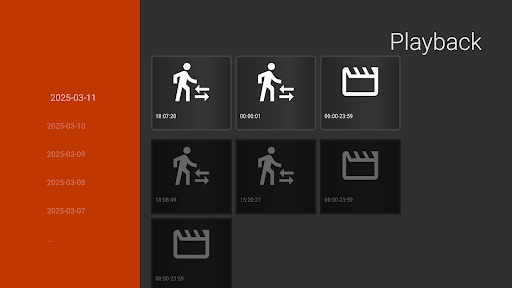
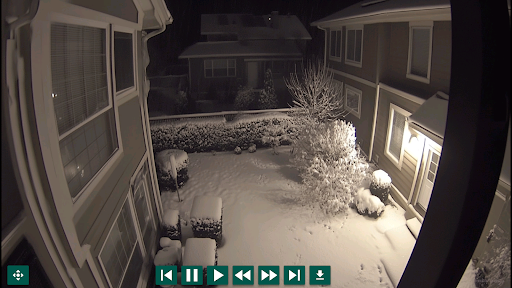
Playback and recording are another handy feature. Save clips for later review, and enjoy smooth playback with clear video quality even when zooming in on events.
Security and privacy are prioritized with strong data encryption, giving you confidence that your footage remains for your eyes only.

Why It’s a Solid Choice

Whether you want to keep an eye on pets, check who’s at the door, or ensure your home is safe while you’re away, IP Camera Viewer stands out as a reliable option. It functions like an extra set of trusted eyes you can rely on, accessible from your smartphone or tablet, and it adapts well across devices, including TVs and Android-based TV boxes.

Pros

  • Easy setup and user-friendly interface.
  • Supports multiple camera brands and models.
  • High-quality video streaming capabilities.
  • Remote access through mobile apps.
  • Customizable alerts and notifications.

Cons

  • Limited free version features.
  • Occasional connectivity issues.
  • No cloud storage for recordings.
  • Requires stable internet connection.
  • Interface can be cluttered at times.

Download From Google Play Download From App Store
Advertisement

Frequently Asked Questions

What is IP Camera Viewer used for?

IP Camera Viewer is an application that lets you monitor and control IP cameras remotely. It targets both personal and professional use, offering features like real-time video streaming, camera control, and recording. It is especially helpful for home security, business surveillance, and monitoring pets or children, providing convenience and peace of mind.

Is IP Camera Viewer compatible with all types of cameras?

IP Camera Viewer supports a wide range of IP cameras from many manufacturers. However, you should check the compatibility list provided by the app to confirm that your specific camera model is supported. The app aims for broad compatibility, but it's best to verify before downloading to avoid problems.

How secure is the IP Camera Viewer app?

Security is a key aspect of IP Camera Viewer. The app uses encryption to protect video feeds and user data from unauthorized access. It is recommended to use strong, unique passwords for both the app and your cameras. Keeping the app up to date with the latest updates helps maintain security.

Does IP Camera Viewer provide cloud storage for video recordings?

IP Camera Viewer does not include built-in cloud storage for video recordings. You can save videos locally on your device. If you need cloud storage, you can integrate with third-party cloud services, depending on your IP cameras and the cloud service's capabilities.

What are the system requirements for running IP Camera Viewer?

To run IP Camera Viewer effectively, your device should meet certain requirements. For Android, version 5.0 or higher is needed; for iOS, iOS 10 or later. Sufficient storage space and a stable internet connection are also important for smooth video streaming and recording.

You May Like










