


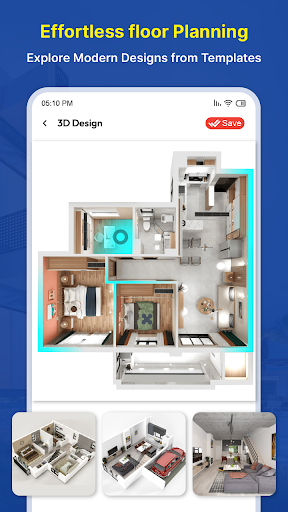
Discover House Design 3D - Home Planner: The Ultimate Home Design App
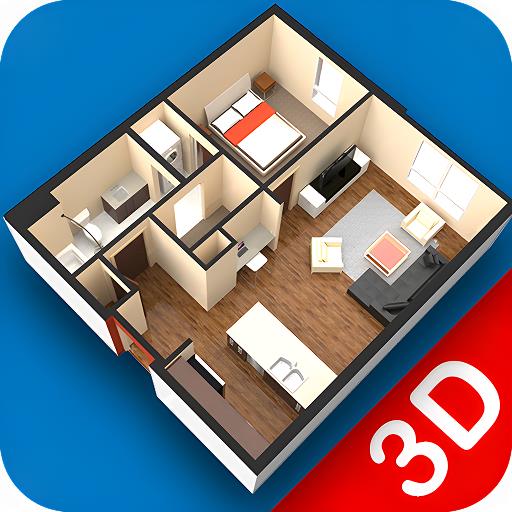
Are you passionate about creating the perfect living space? Do you dream of designing your ideal home with ease and precision? House Design 3D - Home Planner is the comprehensive 3D home design app that transforms your ideas into stunning visualizations. Whether you're an aspiring architect, interior decorator, or simply a homeowner looking to remodel, this innovative home design free app empowers you to craft detailed layouts, explore architecture trends, and visualize your dream house in realistic 3D. As one of the most advanced house design apps of 2023, it offers a perfect blend of 3D modeling, interior design, and architecture tools in an intuitive platform that caters to users of all experience levels.
Key Features of House Design 3D - Home Planner
Stunning 3D Apartment Views & Walkthroughs
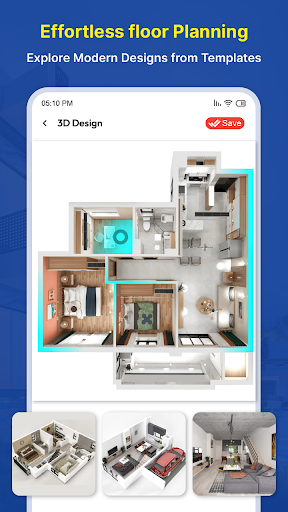
Experience your future living spaces with breathtaking 3D apartment view features and immersive 3D walkthrough capabilities. Visualize every corner of your home before making any physical changes, helping you make confident design decisions.
Advanced 3D Home Building & Construction Tools
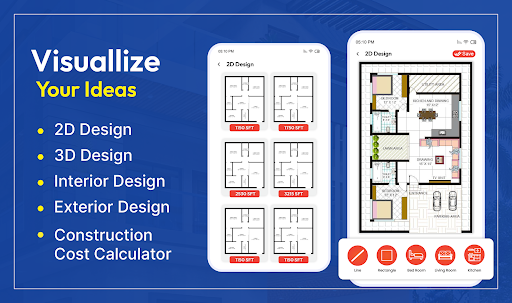
Create detailed layout designs, floor plans, and room plans effortlessly using powerful 3D construction tools. These features allow you to experiment with different configurations, ensuring your home’s architecture is both functional and aesthetically pleasing.
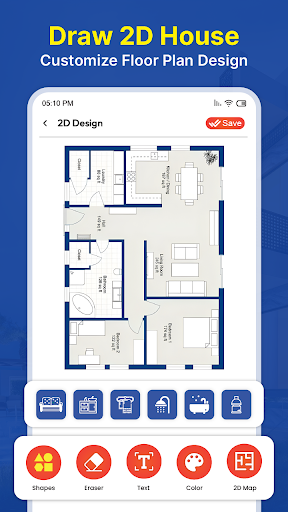
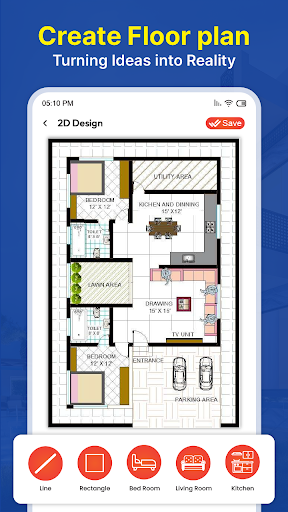
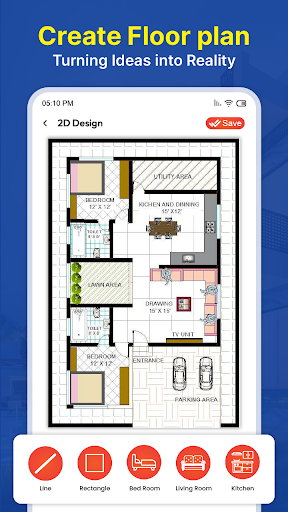
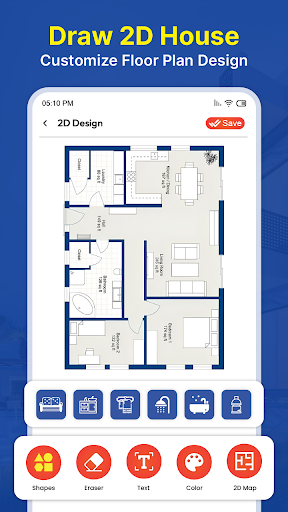
Blueprint and Floor Plan Creation
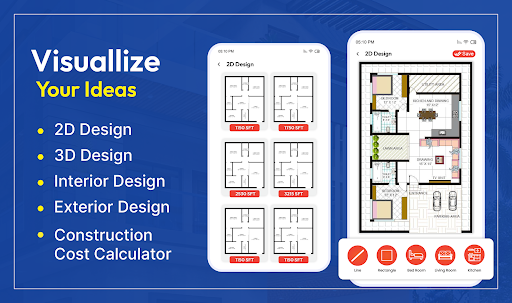
Draft precise architectural blueprints and customize your floor plans with just a few clicks. This feature makes it easy for both beginners and professionals to develop accurate building concepts, facilitating smooth communication with contractors and designers.
Interior Design & Decoration
Unleash your creativity by decorating your virtual space with an extensive library of furniture, decor items, and styles. Adjust colors, textures, and layouts to match your personal aesthetic and bring your envisioned interior to life.
3D Home Viewer & Virtual Tours
Bring your designs to life with the 3D home viewer and virtual 3D house tours. Walk through your virtual home as if you’re there, gaining a realistic perspective on space, flow, and design harmony.
Eco-Friendly & Renovation Features
Design green 3D homes that emphasize energy efficiency and sustainability. Use the app's guidance to plan renovation projects, revamp existing spaces, or experiment with modern upgrades seamlessly.
Collaborate, Share & Inspirational Ideas
Easily share your projects with friends or professionals for feedback through export options. Stay inspired with the latest architecture and interior design trends, and leverage the app to brainstorm and plan your perfect home.
Why Choose House Design 3D - Home Planner?
If you're searching for a user-friendly yet powerful home design app that combines functionality with creativity, House Design 3D - Home Planner is your ideal choice. Its intuitive interface ensures that even beginners can navigate effortlessly, while its robust feature set appeals to experienced designers. Create multi-floor homes, customize every aspect of your project, and visualize your concepts in stunning 3D — all within one platform. Whether you're planning a small renovation or designing an entire house from scratch, this app provides all the tools you need to succeed.
Start Designing Your Dream Home Today
Take the first step towards making your home design visions a reality with House Design 3D - Home Planner. Download now and explore the limitless possibilities of virtual house planning, interior decorating, and architectural visualization. With features like 3D walkthroughs, floor plan creation, and eco-friendly design, this innovative app ensures your home design journey is seamless, enjoyable, and transformational. Embrace the future of home design — start building your dream house today!
Pros
- User-friendly interface suitable for beginners
- Extensive selection of design elements
- Immersive 3D visualization experience
- Ability to use offline
- Regular updates introducing new features
Cons
- Limited free access
- Certain features require in-app purchases
- Performance issues on older devices
- Occasional app crashes
- High battery drain











