

Discover the Features of Home Design 3D
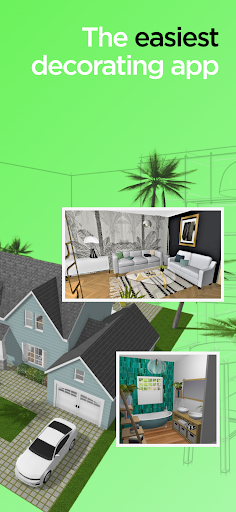
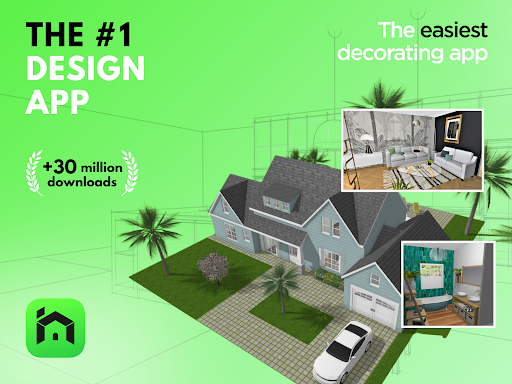
Home Design 3D is an innovative application that empowers users to create and remodel their homes effortlessly in three dimensions. The latest update introduces exciting new features such as •dormer windows and over 600 new textures, enhancing the realism and diversity of your designs. Additionally, you can now explore your home projects in immersive virtual reality through VR export, bringing your virtual homes to life like never before.
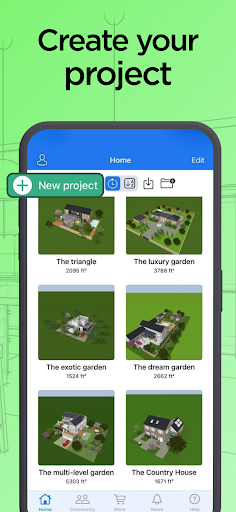
This app combines speed and intuitiveness, making it accessible for everyone—from novices to seasoned professionals. With the ability to build multi-story houses (up to an unlimited number of floors in the GOLD PLUS version, depending on device capacity), Home Design 3D stands out as a top interior and exterior design solution at your fingertips. Share your creations with a vibrant community of over 90 million users worldwide.
Core Functionalities
Design Your Floorplan
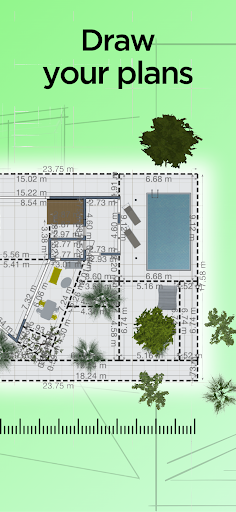
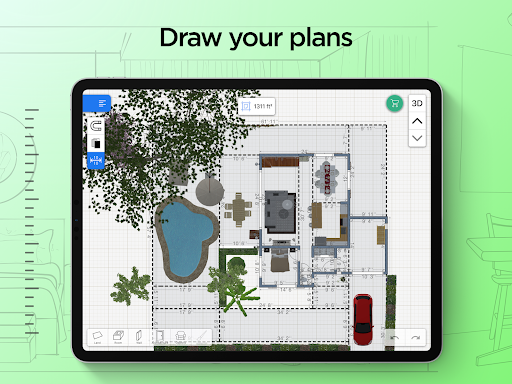
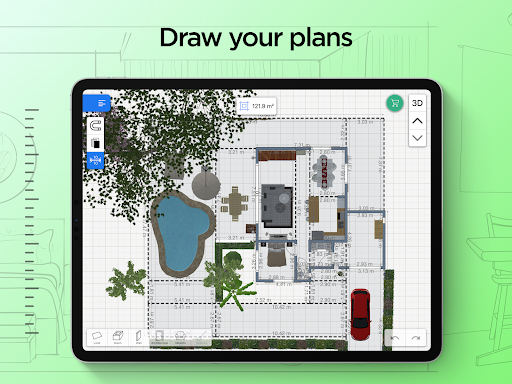
Start your interior design journey by drawing your floorplan in both 2D and 3D. You can easily outline your plot, define rooms, add dividers, and modify wall attributes such as height and thickness. The app provides fully-resizable doors and windows, allowing you to customize the elements that define your space perfectly.
Furnish and Decorate
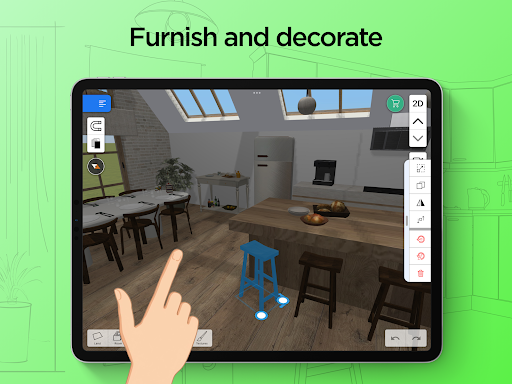
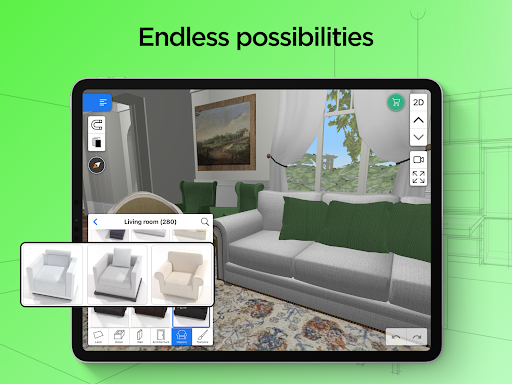
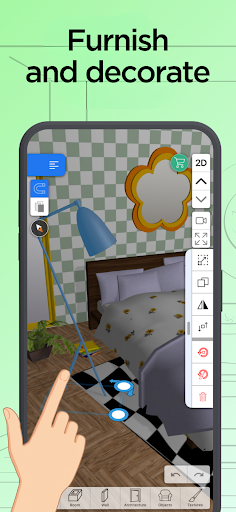
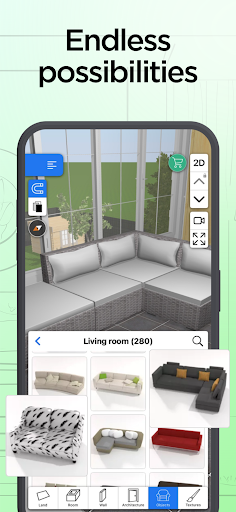
Bring your home to life with an extensive library of furniture and accessories—over a thousand pieces! You can style both interior and exterior environments, expressing your personality from classic to trendy designs. The app allows you to edit each object by changing its size, color, position, and altitude on walls. The duplicate and undo/redo features facilitate seamless edits. Also, the eyedropper tool helps you pick existing colors from your plans, or import custom textures and images to personalize your decor further.
Visualize and Explore
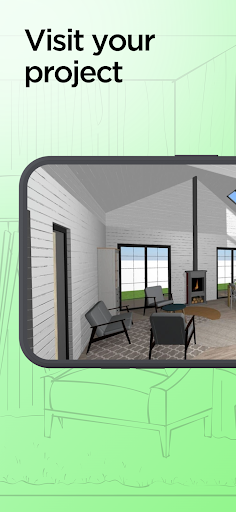
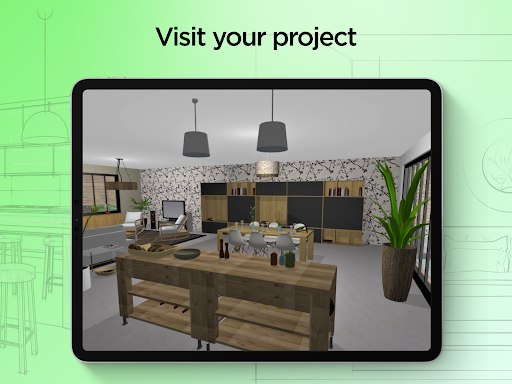
Experience your design in a real-time 3D walkthrough that mimics walking through your completed space. The app’s photo-realistic rendering showcases your home during day and night, enabling you to see how natural light interacts with your environment. The compass function provides accurate sunlight and shadow placement, helping you optimize lighting conditions at different times of the day.
Import, Export, and Share
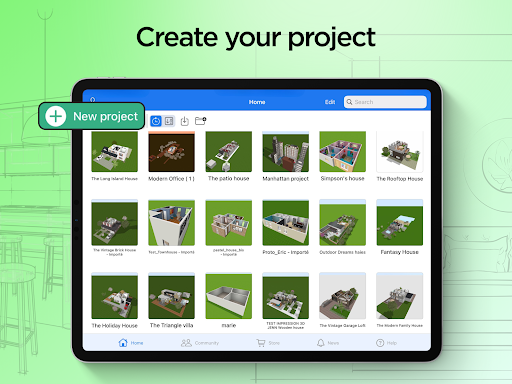
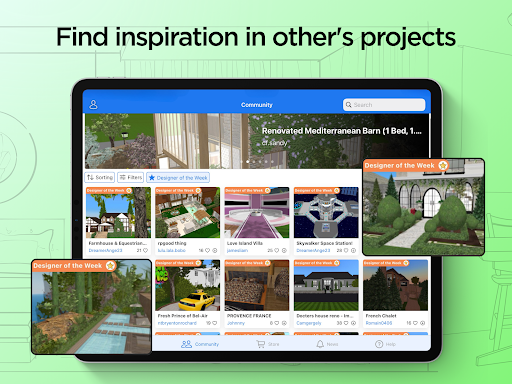
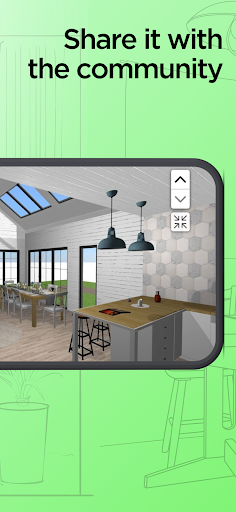
Seamlessly import existing plans or use background images to guide your design process. The app supports cross-platform compatibility, so you can continue your projects across multiple devices. Sharing your creations is easy via email, Dropbox, OneDrive, or other file sharing services. Plus, you can showcase your best work to the community on Home Design 3D. An illustrated tutorial is available to help you get started.
Designed for Professionals and Enthusiasts
For professionals, Home Design 3D offers tailored options to showcase your products or develop custom versions of the app. Interested designers or architects can contact pro@anuman-interactive.com for more details. With a user-friendly interface and advanced features, the app is also a perfect tool for hobbyists eager to experiment with their interior and exterior home designs.
Why Choose Home Design 3D?
If you desire a professional result without the need for extensive training, Home Design 3D is your ideal partner. Its comprehensive toolkit makes interior and exterior design accessible and enjoyable—whether you're drawing a simple plan or creating a luxurious multi-story home. The app’s intuitive controls, innovative features like VR export, and vast library of textures and furniture make it stand out among design apps. Use it to refine your vision, visualize your project at every stage, and share your ultimate home design with a community of passionate creators worldwide.
Pros
- User-friendly interface for easy navigation.
- Real-time 3D visualization of designs.
- Offline functionality for designing anywhere.
- Regular updates with new features.
- In-app tutorial for beginners.
Cons
- Limited features in the free version.
- Occasional reports of app crashes.
- High battery consumption on older devices.
- In-app purchases can be expensive.
- Advertisements present in the free version.











