

Overview
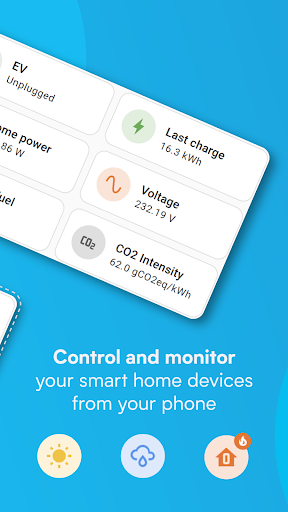
The Home Assistant Companion app brings your smart home into your pocket. It lets you access your Home Assistant instance on the go, with privacy-first, local control at its core. It runs locally in your home on hardware like Home Assistant Green or a Raspberry Pi, so data stays in your house while you stay in control. This app connects to thousands of devices and services, giving you a single place to monitor, automate, and control your home from anywhere.
Centralized Control for a Connected Home
Think of it as a universal remote for your smart devices. From lights and climate to coffee makers, everything can be managed from one, intuitive interface. The app plays nicely with a broad ecosystem, so you won’t be left behind by quirky brands. New devices are discovered automatically and configured quickly, including popular names like Philips Hue, Google Cast, Sonos, IKEA Tradfri, and a growing list of HomeKit-compatible devices.
Universal Remote for Everything
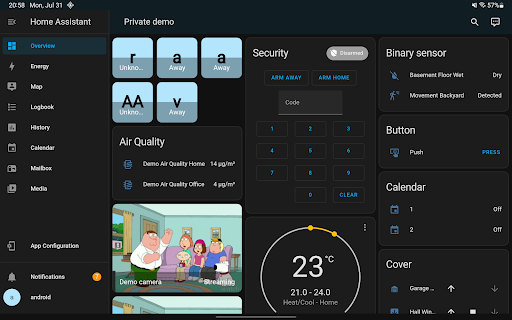
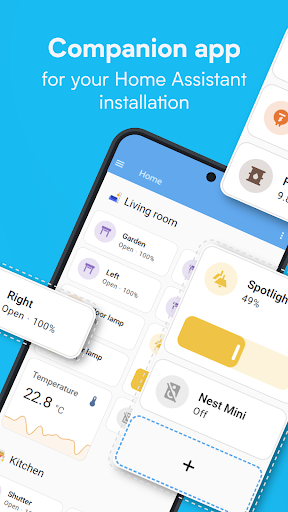
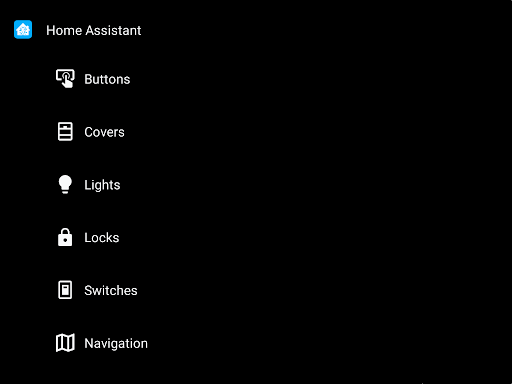
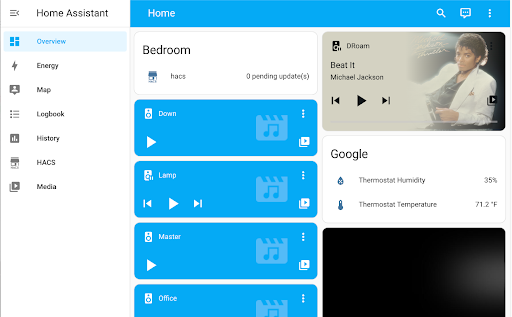
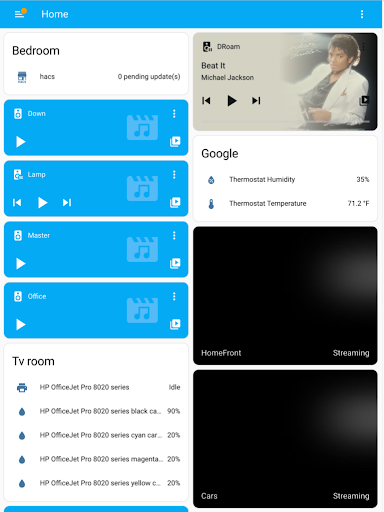
With a single tap you can switch between rooms, set up scenes, and tune automations that make your home feel alive. The interface is designed to be practical and responsive, so you can control what matters most without fuss.
Personalized Dashboards
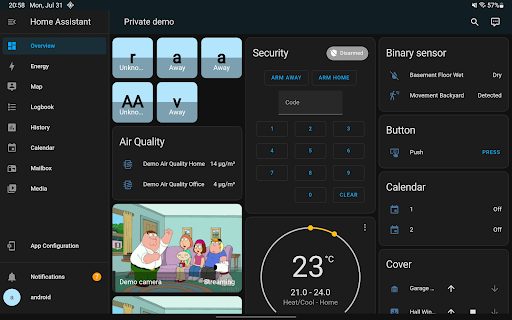
The dashboard is customizable, letting you prioritize the rooms and devices you care about. This personalization makes daily control straightforward and efficient, turning your smart home into a tailored experience.
Automation That Just Works
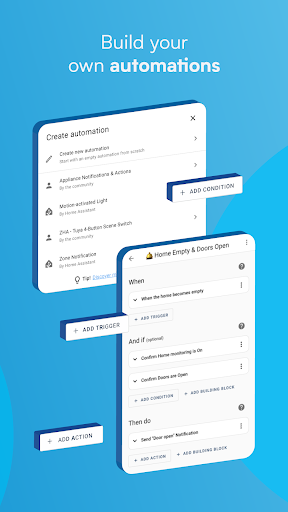
Automation is at the heart of Home Assistant. Create rules that let your home cooperate—have lights dim when you start a movie, adjust the thermostat when you’re away, or trigger a secure routine when someone arrives. The system is designed to be reliable and responsive, so automations run smoothly in the background and make your life easier.
Scenes and Triggers
Scenes bring devices together to create a mood or routine, while triggers respond to presence, time, or sensor data to update your home automatically. This flexible setup helps you craft a truly proactive living space.
Privacy, Local Data, and Open Standards
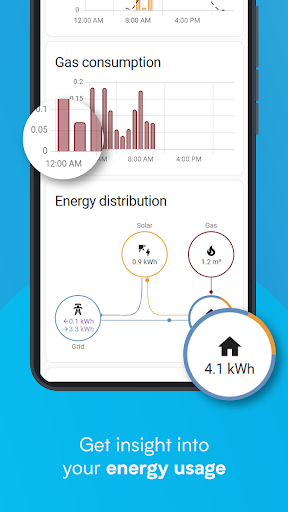
Your data stays in your home, enabling private analysis of trends and averages without sending sensitive information to the cloud. You can connect to open standards with hardware add-ons like Z-Wave, Zigbee, Matter, Thread, and Bluetooth, enabling a broad and future-ready array of devices to work together in harmony.
Hardware Compatibility and Standards
The platform embraces a wide range of ecosystems and standards, making it easy to bring together different brands. This openness ensures you’re not locked into a single vendor and can evolve your setup as new devices and protocols emerge.
Remote Access and Mobile Experience
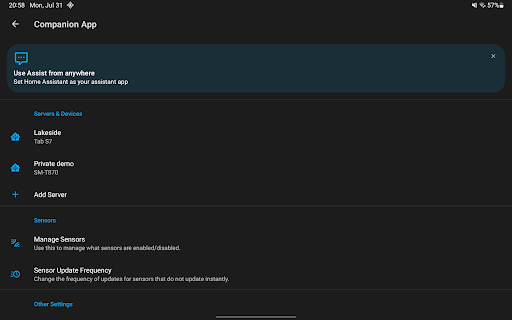
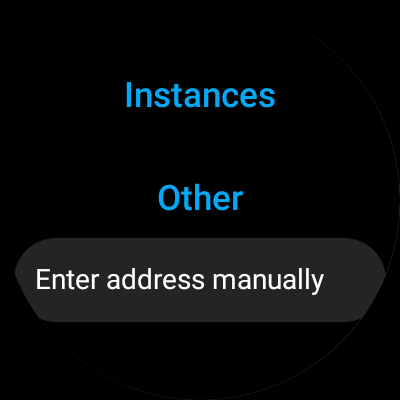
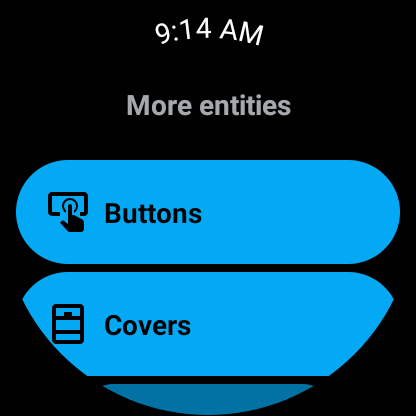
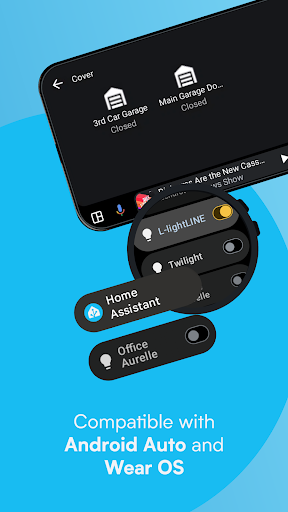
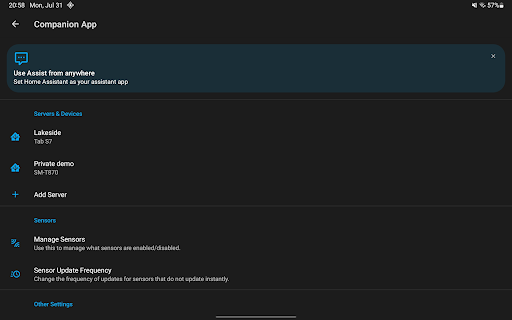
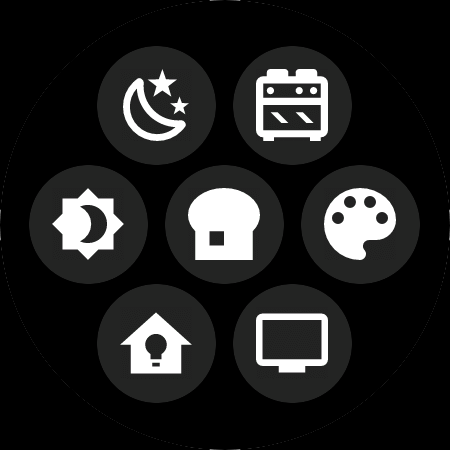
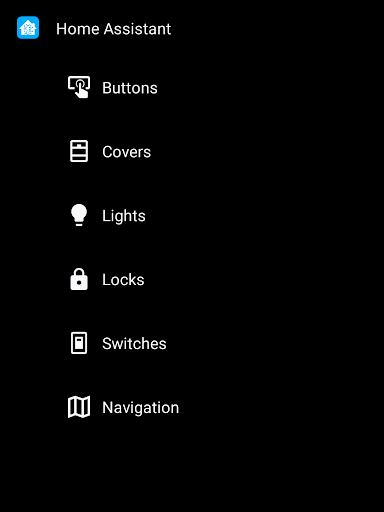
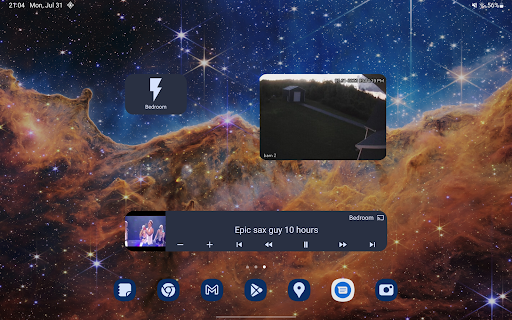
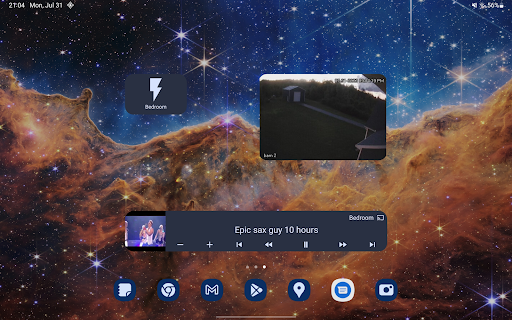
For remote access, Home Assistant Cloud provides a secure and straightforward setup to reach your home from anywhere. It can securely share your location to power automations such as heating and security, and you can expose your phone’s sensors for automations like steps taken, battery level, connectivity, next alarm, and more. You’ll receive notifications on leaks, doors left open, and other events, with full control over what you’re told. Android Auto lets you control your home from the car dashboard, and you can build widgets to manage devices with a tap. The app also supports a local voice assistant and Wear OS for notifications, sensors, tiles, and watchface complications.
Compatibility and Ecosystem
Home Assistant is compatible with a wide array of brands and services, enabling integrations across platforms such as Airthings, Google Assistant, Philips Hue, Sonos, IKEA Tradfri, Matter, Thread, Z-Wave, Zigbee, Bluetooth, and many more. This expansive compatibility ensures you can unify disparate devices under one cohesive, privacy-first smart home experience.
Getting Started and Community
Joining over a million users, Home Assistant emphasizes privacy, choice, and sustainability. The onboarding guides walk you through connecting devices, setting up automations, and personalizing your dashboard. Because it’s open source, a thriving community continually contributes enhancements, add-ons, and new features, making the app a living, evolving platform for smart-home enthusiasts and casual users alike.
Pros
- Highly customizable for various smart devices
- Open-source with a supportive community
- Local control for enhanced privacy
- Regular updates and new features
- Compatible with most smart home platforms
Cons
- Setup can be complex for beginners
- Requires technical knowledge for advanced features
- Limited official support
- Interface may feel overwhelming
- Dependent on a stable local network











