
Discover the Ultimate Hisense TV Remote App
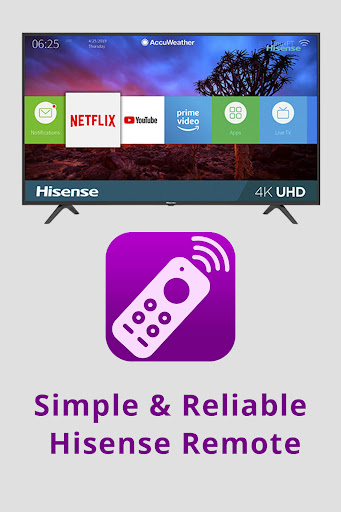
Are you tired of constantly losing your TV remote or struggling with complex control setups? The Hisense TV Remote app is designed to transform your smartphone into a powerful, all-in-one remote control for your Hisense television. Whether you own an Android TV, Roku TV, or IR-enabled Hisense model, this app provides seamless compatibility, bringing professional remote control features directly to your phone for unmatched convenience.
Why Choose the Hisense TV Remote App?
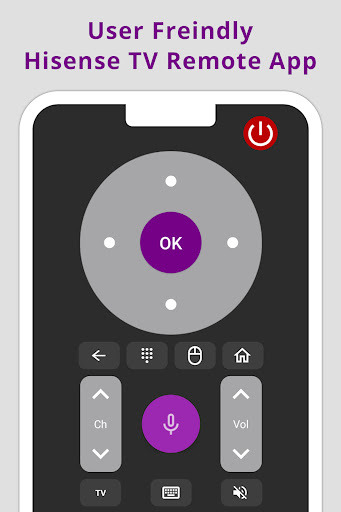
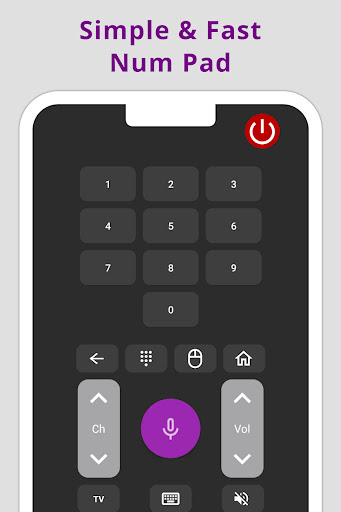
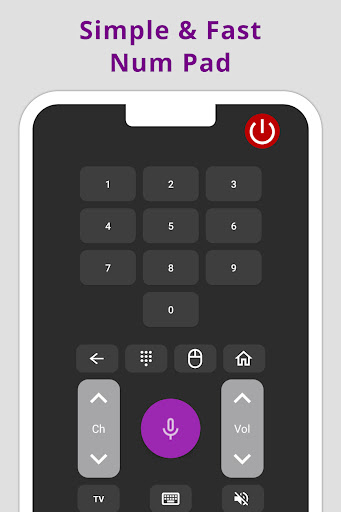
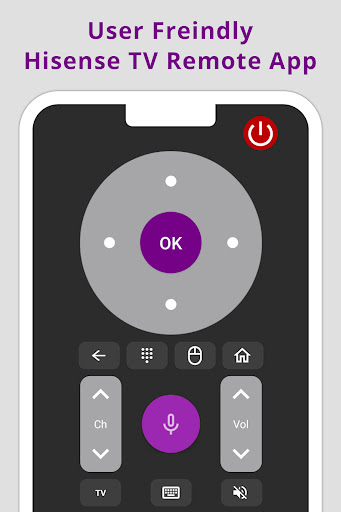
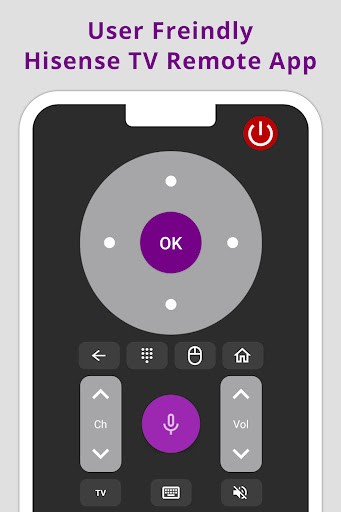
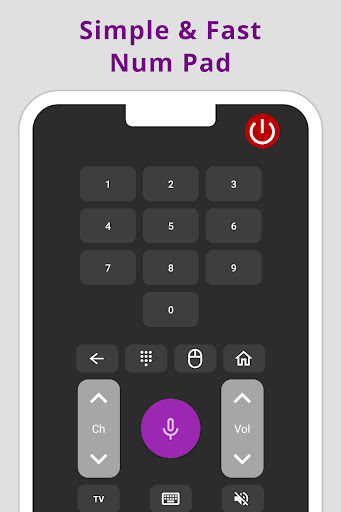
Imagine effortlessly navigating channels, adjusting volume, and accessing all the features you need—all from your smartphone. This app replaces your traditional remote, offering full functionality in a sleek, user-friendly interface. With the simple tap of a button, enjoy features like easy channel surfing, quick volume adjustments, and even power control—eliminating the frustration of misplaced remotes or complicated controls.
Key Features for a Better Viewing Experience
Universal Compatibility
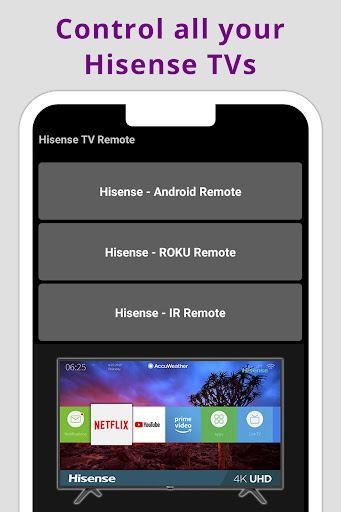
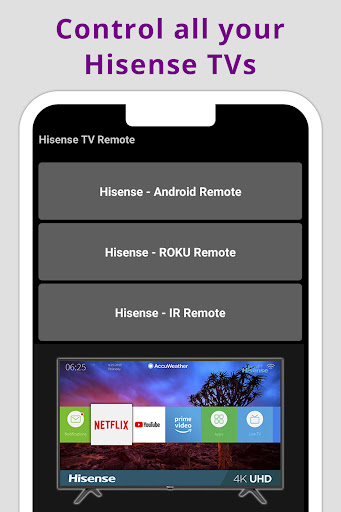
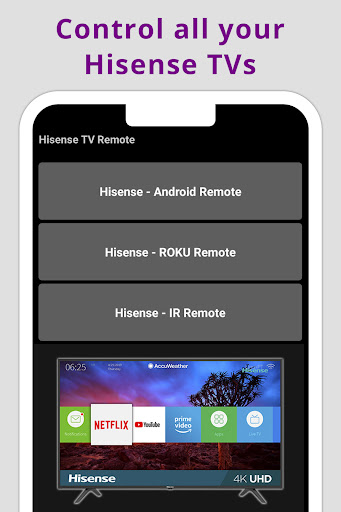
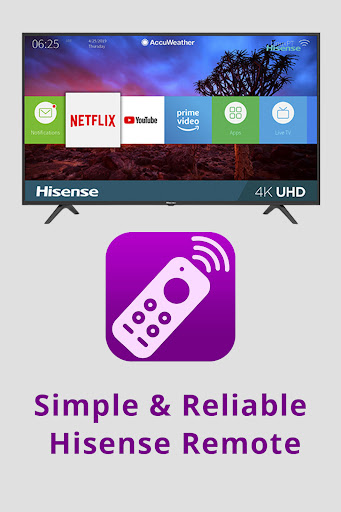
The Hisense TV Remote app supports all Hisense Android TVs, Roku TVs, and IR-compatible models. As a truly universally compatible remote app, it ensures a consistent interface and dependable performance across different models and generations of Hisense televisions. This means no matter which Hisense TV you own, you can enjoy a seamless control experience.
Advanced Voice Control
Take control to the next level with the voice command feature. Easily change channels, search for content, or adjust settings just by speaking—no need to reach for the remote or tap on your screen. This smart voice functionality makes managing your TV quick and effortless, especially when you're busy or have your hands full.
Intuitive Trackpad & Easy Navigation
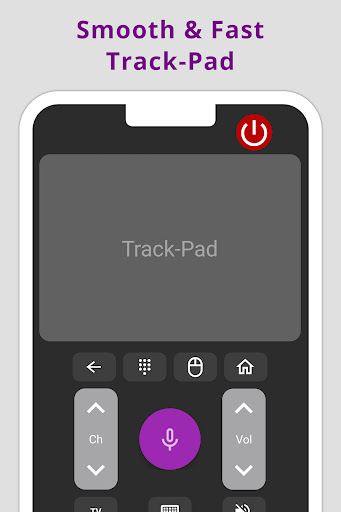
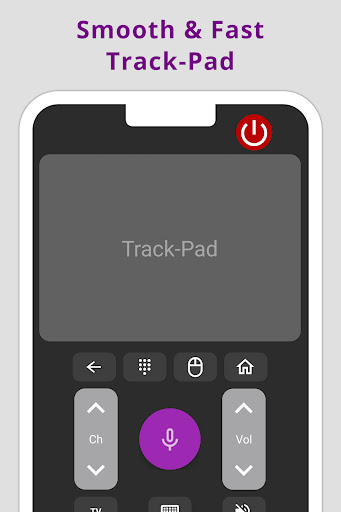
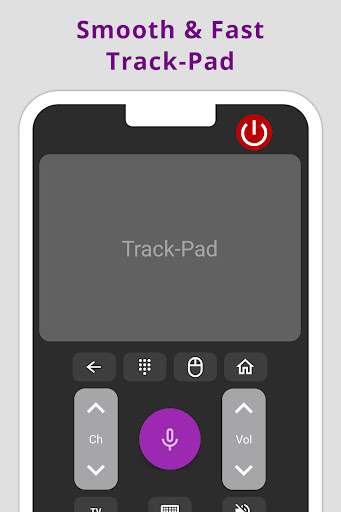
The built-in trackpad allows for smooth and intuitive browsing through menus and apps. Navigating through smart TV interfaces has never been easier—just swipe and tap, directly from your phone. This feature enhances the user experience, providing a more natural way to interact with your TV’s content and settings.
Wireless & IR Connectivity Options
This remote app offers flexible connection methods—either via Wi-Fi or using your phone's infrared (IR) blaster if supported. Simply connect both your smartphone and Hisense TV to the same Wi-Fi network, or point your phone’s IR sensor toward the TV, and you're ready to control your device effortlessly.
Simple Setup and Use
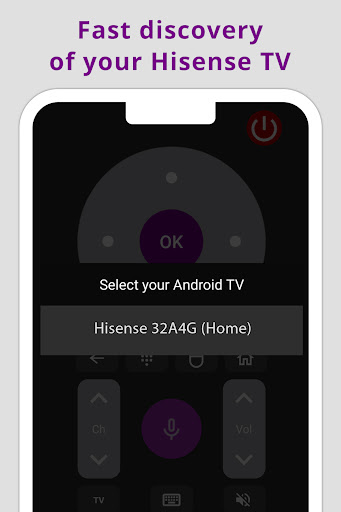
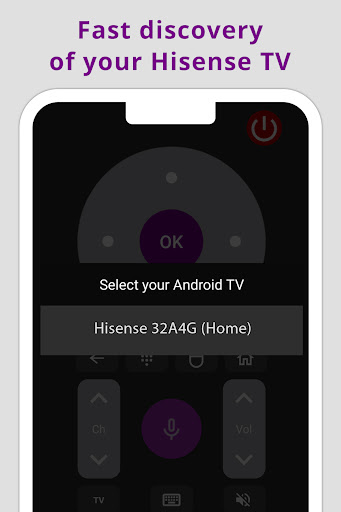
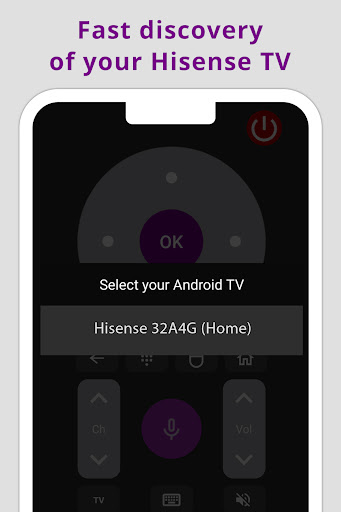
Getting started with Hisense TV Remote is straightforward. Download the app from the Google Play Store or Apple App Store, install it on your smartphone, and complete the pairing process. Ensure your phone and TV are on the same Wi-Fi network for smooth connectivity. Within minutes, you'll have a fully functional remote in the palm of your hand, making your TV watching more convenient and enjoyable.
Enhance Your TV Experience
Beyond basic control, this app enhances your entertainment setup. Typing search queries with a virtual keyboard saves time and effort, while the app’s regular updates bring new features and improvements, ensuring it remains compatible with the latest TV firmware. Whether hosting guests, managing kids’ entertainment, or replacing a lost remote, The Hisense TV Remote app is a practical tool that simplifies your life.
Final Thoughts: Is It Worth It?
In today’s tech-driven world, convenience and ease of use are paramount. The Hisense TV Remote app offers a smart, efficient, and enjoyable way to control your TV. It’s more than just a replacement for your physical remote—it's a modern remote control solution designed to elevate your viewing experience. With features like voice commands, a user-friendly interface, and universal compatibility, this app truly is a game-changer. So, if you're seeking a simple and effective way to manage your Hisense TV, give this remote app a try. It’s a small download that can make a big difference in your daily entertainment routine.
Pros
- User-friendly interface for easy navigation
- Seamless connectivity with Hisense TVs
- Customizable remote buttons
- Supports voice commands for convenience
- Quick setup and installation process
Cons
- Limited to Hisense brand TVs only
- Occasional connectivity issues
- Ads can be intrusive
- Requires stable internet connection
- No support for older TV models











