
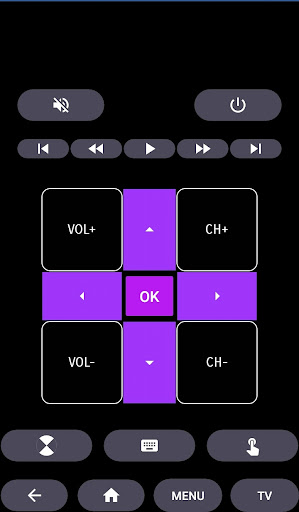
HiSense Smart TV Remote: Your Ultimate Smartphone Control for Smarter Entertainment
Are you tired of constantly searching for your traditional remote control or worried about draining batteries from frequent use? The HiSense Smart TV Remote app offers an innovative and convenient solution to transform your smartphone into a fully functional remote, giving you seamless control over your HiSense Smart TV. This versatile app not only simplifies your entertainment experience but also enhances the functionality of your TV with features like voice commands, custom shortcuts, and easy navigation—all from the palm of your hand.
Easy Setup and Compatibility
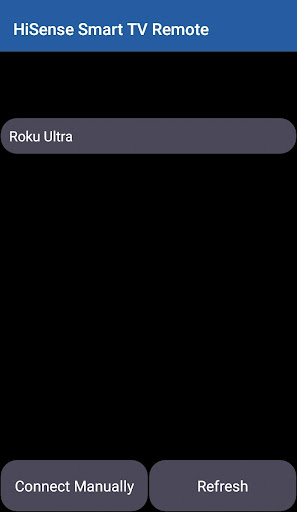
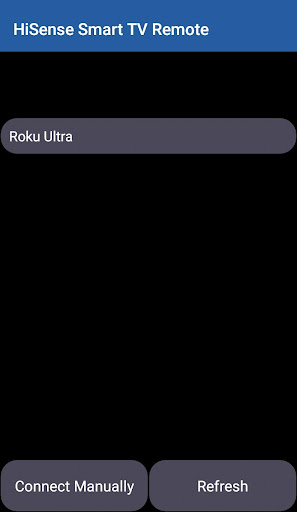
Getting started with the HiSense Smart TV Remote app is a breeze. All you need is a compatible Android device, a HiSense Smart TV connected to the same Wi-Fi network, and a stable internet connection. The app automatically detects your TV model once installed, eliminating the need to enter complicated codes or configure extensive settings. Simply connect your device to the same Wi-Fi, confirm the PIN displayed on your TV screen, and you're ready to operate your TV remotely.
Supported Devices and Operating Systems
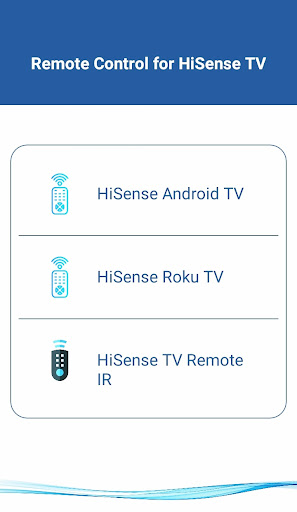
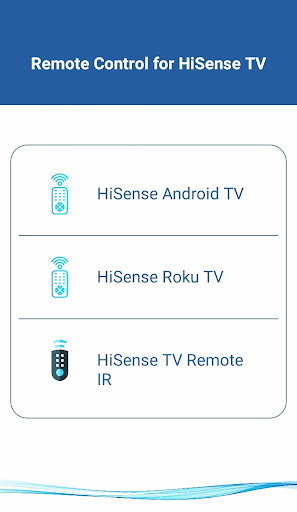
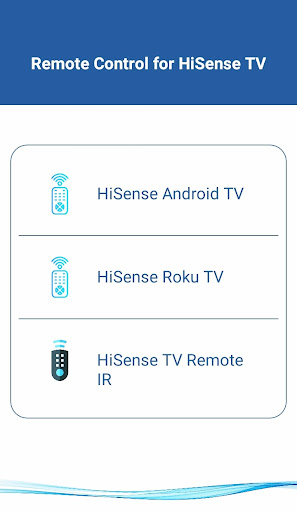
This remote control app supports a broad range of devices and operating systems, including:
Android OS / Android TV
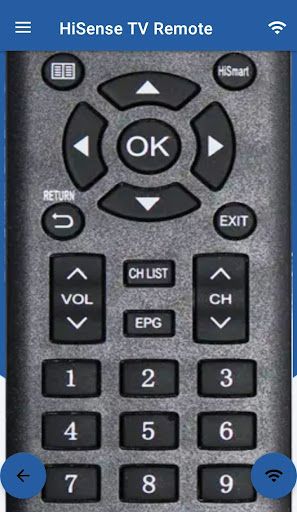
The app is fully compatible with all HiSense Smart TVs running Android OS or Android TV Remote, offering an intuitive remote experience with comprehensive control features.
Roku OS
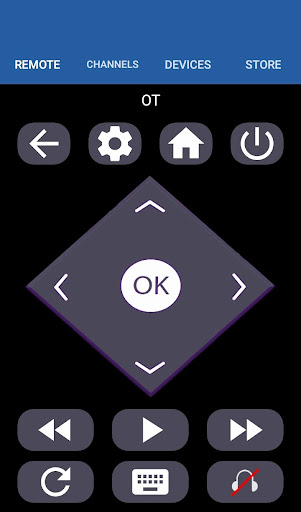
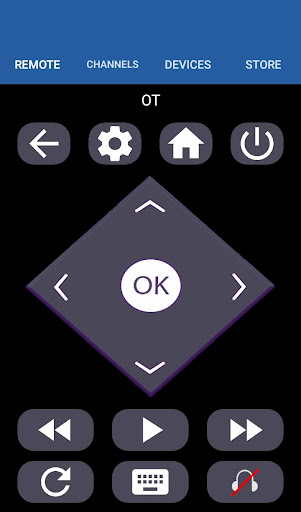
It also supports HiSense Roku TVs, allowing you to easily switch channels, control volume, and navigate through Roku's interface directly from your smartphone.
Traditional IR Devices
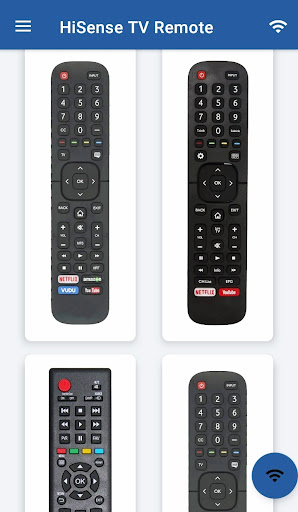
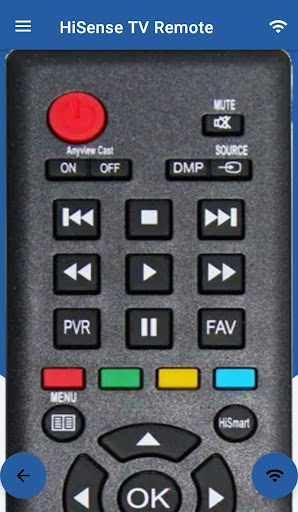
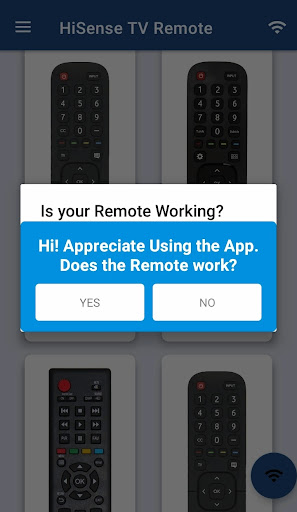
For TVs supporting infrared (IR) remote control, your smartphone must be equipped with an IR blaster. The app can then emulate traditional IR remotes, supporting all functions like power, volume, channels, mute, navigation, and multimedia controls for Philips and HiSense TVs.
Robust Features for Enhanced Control
The HiSense Smart TV Remote app offers a multitude of features designed to make your TV viewing experience effortless:
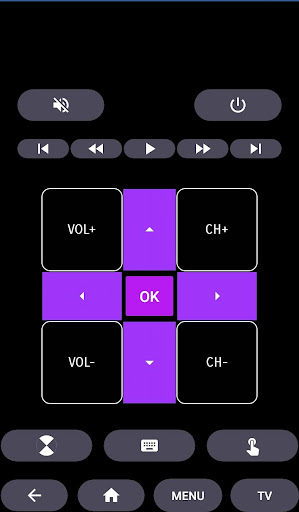
- Power Control: Easily turn your TV on or off with a tap.
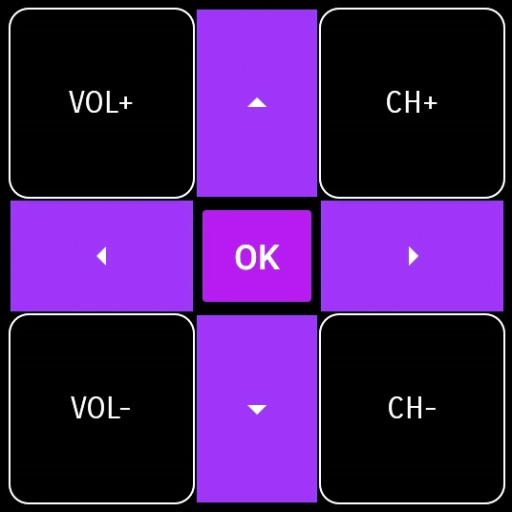
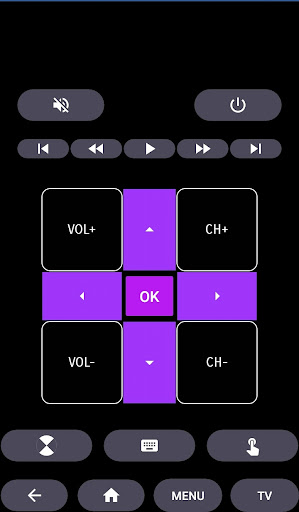
- Volume & Channel Management: Adjust volume, mute audio, and switch channels smoothly.
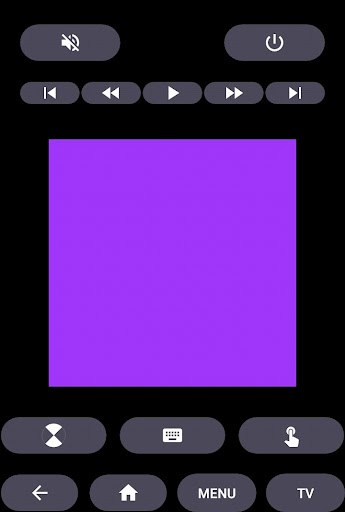
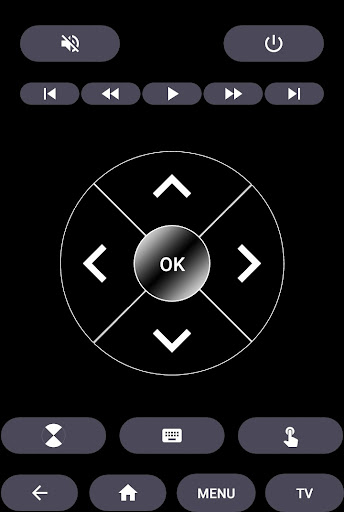
- Navigation & Media Control: Navigate menus, browse streaming apps, and control multimedia playback without reaching for the physical remote.
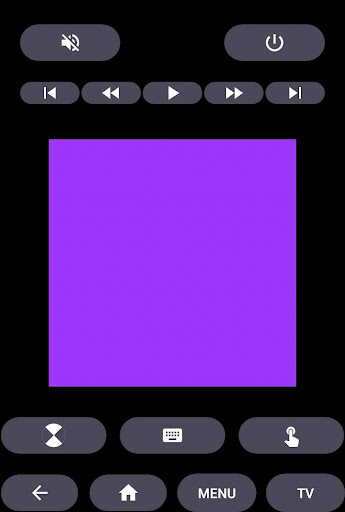
- Home Button & Touchpad: Quickly return to the home screen or use the touchpad for precise control.
- Voice Commands: Command your TV using voice recognition for hands-free operation.
- Custom Shortcuts: Create personalized shortcuts for your favorite channels or apps to access them instantly.
Performance and Reliability
This remote app promises smooth performance with minimal lag, providing a reliable connection between your smartphone and TV. The interface is designed for quick responsiveness, so changing channels or adjusting volume feels instantaneous. Despite extensive functionality, the app maintains efficient battery usage, ensuring your device lasts longer without sacrificing performance.
Why Choose the HiSense Smart TV Remote App?
Whether you're looking to eliminate the clutter of multiple remotes, replace a broken traditional remote, or add smart features to your existing TV setup, the HiSense Smart TV Remote app is an excellent choice. Its user-friendly interface, broad device support, and rich feature set make it a must-have companion for your entertainment setup. Plus, the ability to use your smartphone as a universal remote offers unmatched convenience and control, transforming your TV experience into a smarter, more connected home environment.
Final Thoughts
If you're seeking an easy-to-use, versatile remote solution for your HiSense Smart TV, this app is definitely worth exploring. Its simplicity in setup combined with comprehensive controls ensures you spend less time fumbling for remotes and more time enjoying your favorite shows and movies. Make your home entertainment smarter—download the HiSense Smart TV Remote app today and experience the convenience of remote control at your fingertips.
Pros
- User-friendly interface
- Quick and reliable connection
- Adjustable settings for personalization
- Compatible with multiple devices
- Includes voice command functionality
Cons
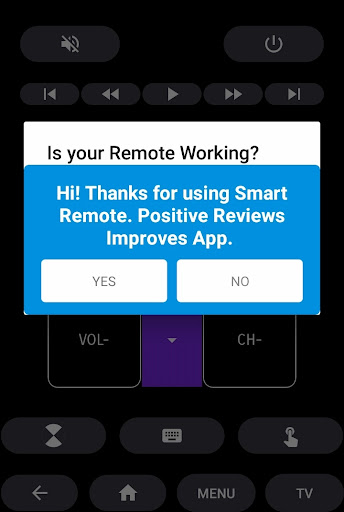
- Advertisements may be disruptive
- Limited support for older device models
- Connections can occasionally drop
- Requires a stable Wi-Fi connection
- Certain features require in-app purchases











