

Discover the Features of the HealthEquity Mobile App
The HealthEquity Mobile app is a convenient and powerful tool designed to give you seamless access to your health accounts anytime and anywhere. Whether you're managing an HSA (Health Savings Account) or tracking your health-related expenses, this app simplifies every step of your financial wellness journey. With an array of features tailored for easy usage, the HealthEquity Mobile app makes health savings management effortless and secure.
Easy On-the-Go Account Management
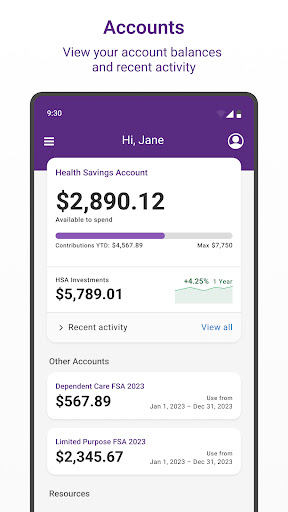
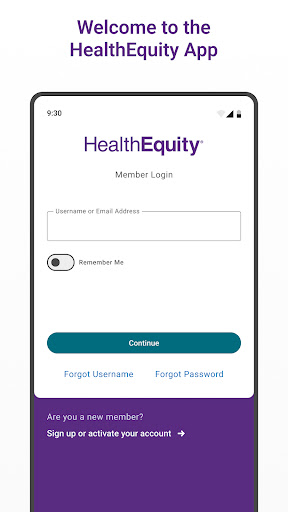
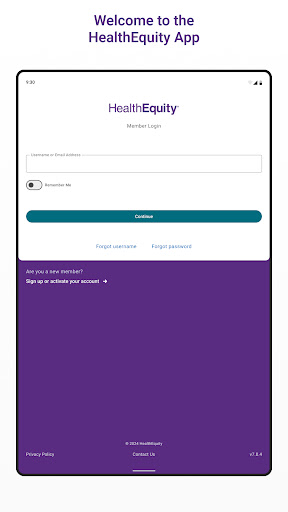
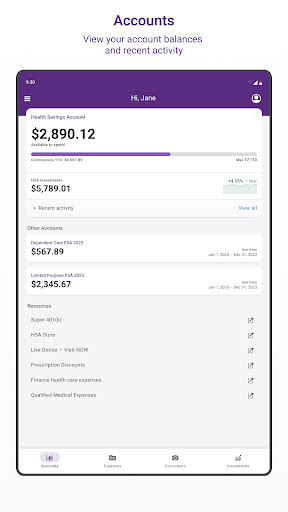
The app offers an intuitive interface, making it feel like having a personal accountant in your pocket. You can quickly sign up as a new member or activate your existing account directly within the app. Once logged in, you can view all account balances and transaction history in real time. Managing your contributions and finances has never been easier—just a few taps, and you're all set. The transaction history feature allows you to track every expense, helping you stay organized and in control of your health savings.
Smooth Claims Submission & Document Management
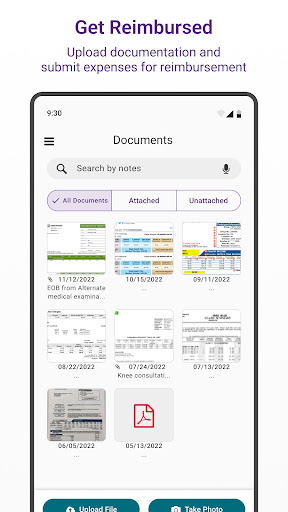
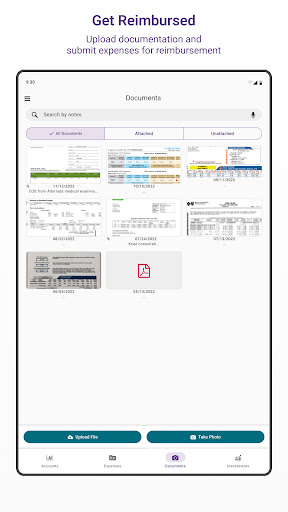
Submitting claims is notoriously complicated, but the HealthEquity Mobile app transforms it into a simple task. Capture photos of receipts with your device, upload images from your gallery, or add PDFs and other documents to initiate payments. The app consolidates all your receipts and supporting documents in one secure location, eliminating the risk of misplaced paperwork. This streamlined claims process saves time and reduces frustration, making managing reimbursements more straightforward than ever.
Sending Payments & Managing Debit Cards Easily
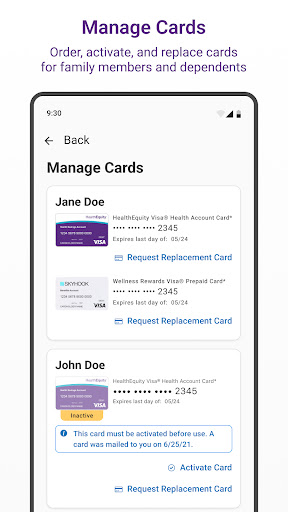
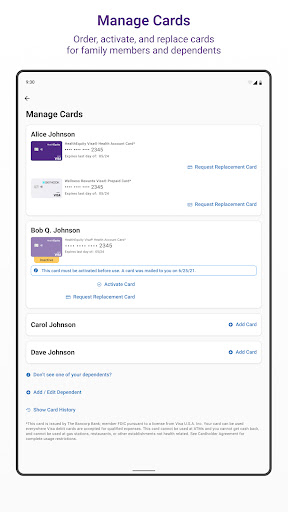
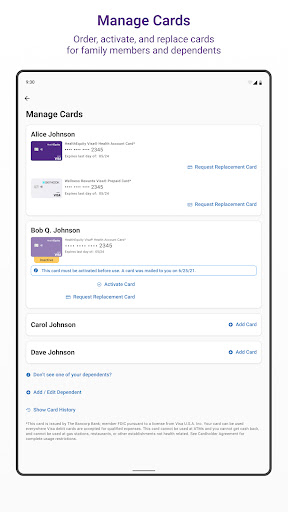
Need to send a payment to your healthcare provider or reimburse yourself for out-of-pocket expenses? The app facilitates sending payments and reimbursements directly from your account with just a few taps. Additionally, you can manage your debit cards, linking transactions to claims and documentation, or order, activate, and replace cards for yourself or dependents—all within the app, offering full control over your payment methods.
Investments & Portfolio Management
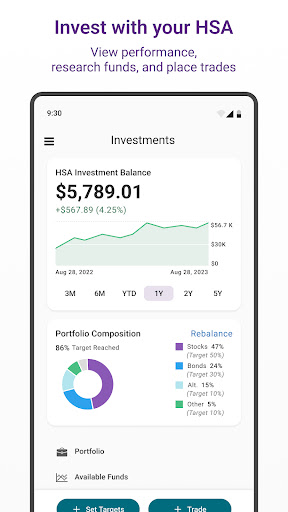
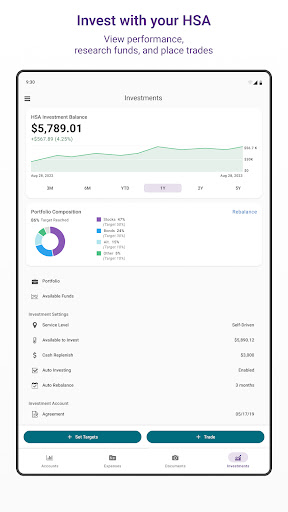
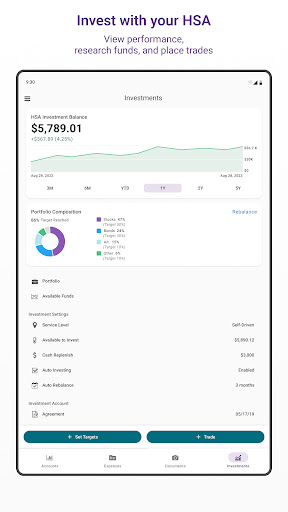
For users who wish to maximize their HSA investments, the app provides tools to view investment performance, research various funds, and execute trades conveniently. This feature makes it easy to grow your health savings while staying informed about your investment options.
Real-Time Notifications & Support
Maintain security with instant alerts whenever your HealthEquity card is used, giving you peace of mind. Plus, if you have questions, the app offers personalized support via chat and live help. You get quick answers to your queries, helping you navigate your health savings options confidently and comfortably.
Prioritizing Security & Privacy
Your financial data and personal information are protected through advanced encryption and security protocols. The HealthEquity Mobile app emphasizes trust and privacy, ensuring that your sensitive information is safe from unauthorized access while providing you with a hassle-free management experience.
Conclusion
The HealthEquity Mobile app is a game-changer for anyone managing their health finances. From effortless account oversight and seamless claims submission to real-time support and secure transaction management, it covers all your needs. Its intuitive design and comprehensive features empower you to take full control of your HSA and health savings, making the process more efficient and less stressful. If you’re looking to simplify your health savings management, download the HealthEquity Mobile app today and experience the future of health account management firsthand.
Pros
- User-friendly interface for easy navigation.
- Comprehensive management of health savings accounts.
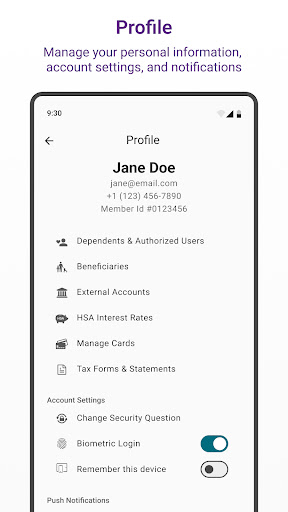
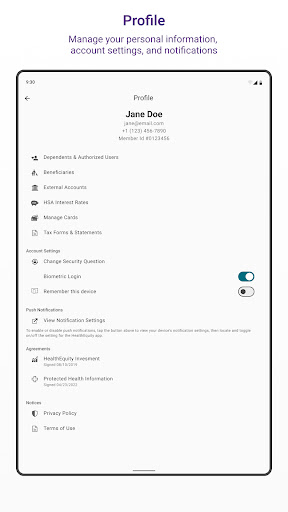
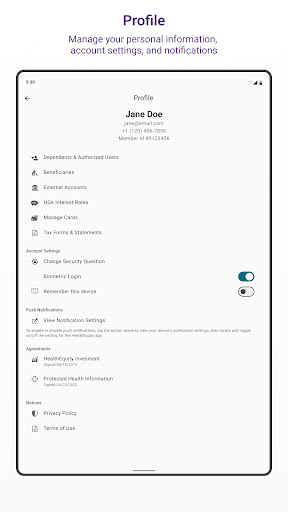
- Secure login using biometric authentication.
- Real-time updates of account balances.
- Access to detailed transaction history.
Cons
- Limited options for customer support.
- Occasional app crashes have been reported.
- Some features depend on a stable internet connection.
- Dark mode is not available.
- Not optimized for tablet devices.











