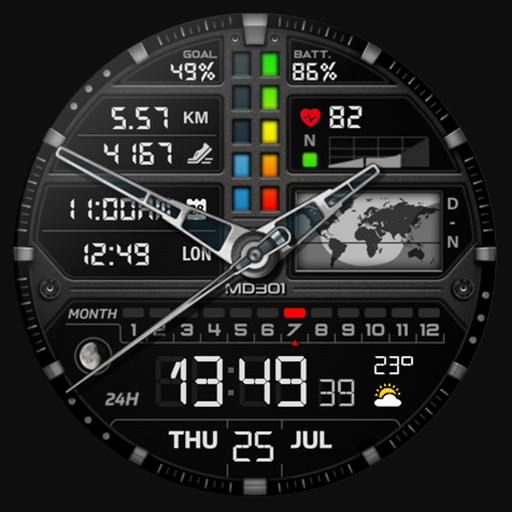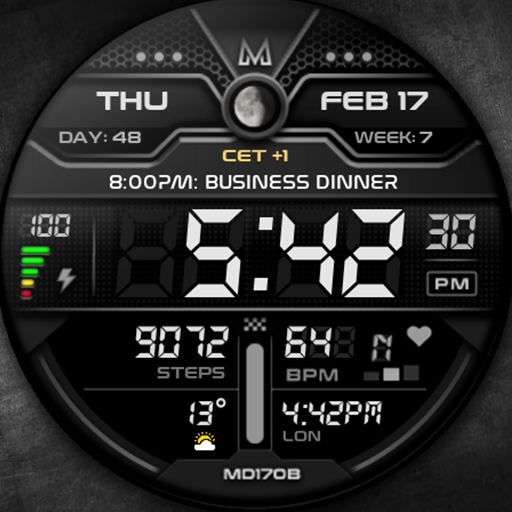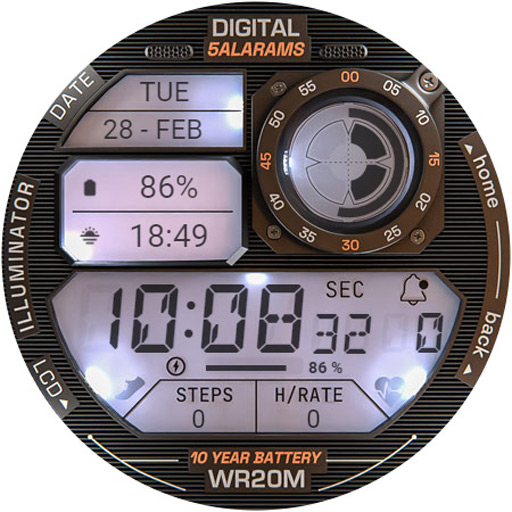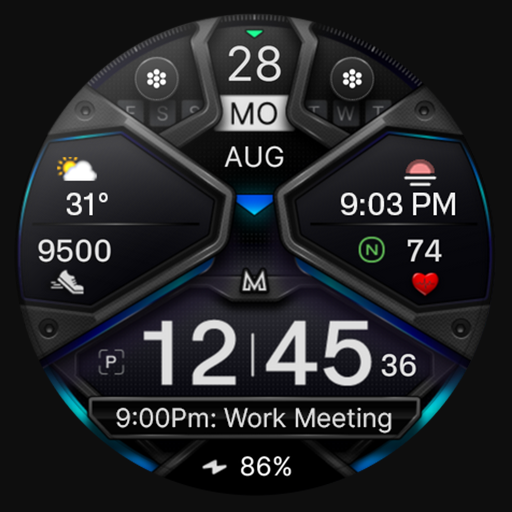
Introducing Galaxy Widgets: One UI
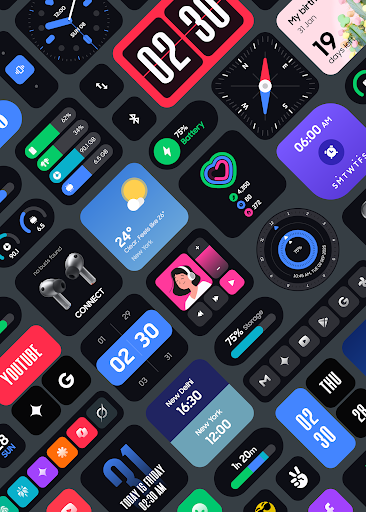
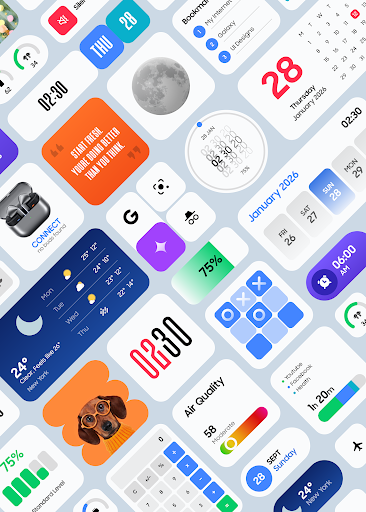
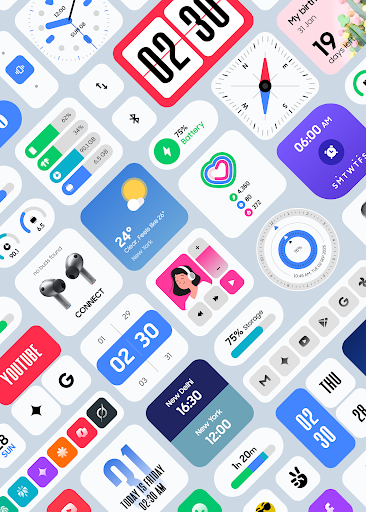
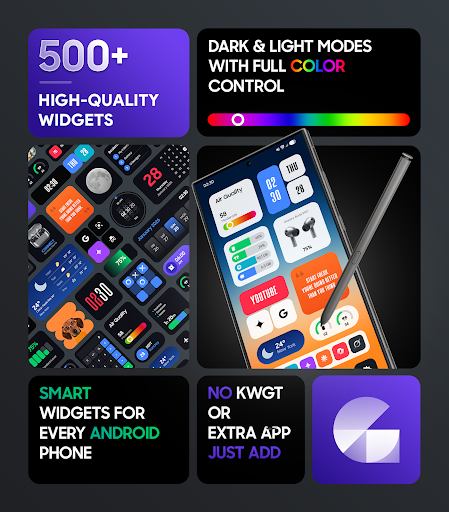
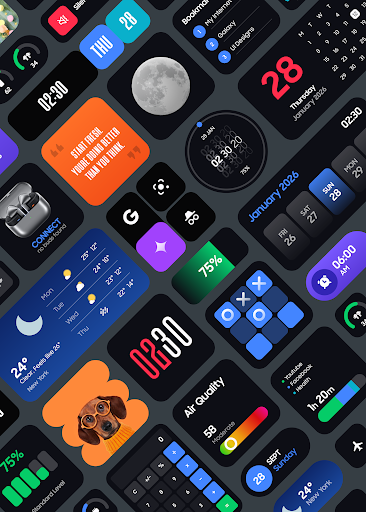
Discover a stunning collection of 500+ beautiful (•Widgets•) designed to transform your Android home screen into a clean, modern, and elegant interface inspired by the popular One UI style. Whether you prefer minimalistic aesthetics or highly customizable layouts, Galaxy Widgets: One UI provides everything you need to elevate your device’s home screen experience. This app is perfect for users who want a clutter-free, sleek appearance combined with practical functionality. Try out a diverse selection of widgets that seamlessly blend with your Android device, ensuring both style and performance.
Why Choose Galaxy Widgets: One UI?
When selecting a widget app, you want a solution that is reliable, customizable, and visually appealing. Galaxy Widgets: One UI ticks all these boxes with its thoughtfully designed features:
- One UI–Inspired Design Language: The entire collection is crafted to emulate the clean, modern look of Samsung’s One UI, offering a consistent and aesthetically pleasing interface.
- 500+ Ready-to-Use Widgets: A vast library that covers all your needs, from productivity to entertainment.
- No Third-Party Dependencies: Unlike other solutions, this app works independently without additional apps like KWGT.
- Highly Customizable: Adjust colors, styles, and layouts to match your personal taste and home screen theme.
- Smooth Performance & Battery Efficiency: Optimized to deliver fast, responsive widgets that won’t drain your battery.
- Easy Setup and Use: Hassle-free installation with a straightforward interface, making customization a breeze.
Extensive Widget Collection
Galaxy Widgets: One UI offers a huge variety of widget types, each designed for specific functionalities:
Widgets Includes:
- Clock, World Clock & Digital Time
- Weather Widgets
- Calendar & Events
- Battery & Device Info
- Step Counter & Fitness
- Quotes & Facts
- Compass & Calculator
- Quick Settings & Shortcuts
- App Launchers & Custom Apps
- Music & Media
- Notes, Lists & Tasks
- Photos & Memories
- Screen Time & Usage
- AI Shortcuts
- Tap Counter & Games Widgets
Design and Performance Highlights
The app is built with a minimal, clean, and modern design philosophy, making it ideal for users who favor an uncluttered layout. These widgets are optimized specifically for smooth performance, ensuring your device operates efficiently and uses minimal battery power. Furthermore, Galaxy Widgets: One UI is regularly updated with new widgets and improvements, keeping your home screen fresh and feature-rich over time.
Technical Features and Permissions
To provide timely and accurate updates, the app employs a foreground service that keeps widgets refreshed throughout the day. It also uses the USE_EXACT_ALARM permission to ensure updates happen precisely when needed—for weather changes, photo updates, calendar events, and more. These permissions are only used when necessary, maintaining privacy and efficiency.If you’re not completely satisfied, the app offers a straightforward refund policy through Google Play, and support is available within 24 hours of your purchase.
Ease of Use and Customization
Getting started with Galaxy Widgets: One UI is simple. After installation, choose from the extensive widget library, adjust colors, sizes, and styles, and drag your favorite widgets onto your home screen. This highly customizable experience allows you to craft a personalized and elegant user interface without complex setup procedures.
Connect and Support
For assistance or updates, follow and contact the developers:
- X (Twitter): https://x.com/AppsLab_Co
- Telegram: https://t.me/AppsLab_Co
- Email: help.appslab@gmail.com
Final Thoughts
Galaxy Widgets: One UI offers an exceptional way to enhance your Android device with stylish and functional widgets aligned with the sleek One UI design language. Whether you want a simple clock, weather updates, fitness tracking, or personalized shortcuts, this app provides a comprehensive solution with a focus on customization, performance, and user satisfaction. Embrace a modern, clutter-free home screen experience today and enjoy the elegance and practicality it brings to your mobile device.
Pros
- User-friendly interface that is easy to navigate
- Offers a wide range of features suitable for various needs
- Reliable performance with minimal bugs
- Strong customer support that addresses issues promptly
- Regular updates improve functionality and security
Cons
- Premium features require additional payment
- Occasional crashes reported under heavy load
- Some features are limited in the free version
- Learning curve for advanced functionalities
- Limited customization options compared to competitors