

Introducing the FNBT & FCB Mobile App
The FNBT & FCB Mobile app is a comprehensive digital banking solution designed to bring the bank to your fingertips. Whether you're at home, at work, or on the go, this app allows you to conveniently access your accounts, perform a wide range of banking transactions, and manage your finances securely and efficiently. Designed with user-friendliness and speed in mind, the app offers a seamless experience for both tech-savvy users and those new to mobile banking.
Key Features of the FNBT & FCB Mobile App
Accessibility and Convenience
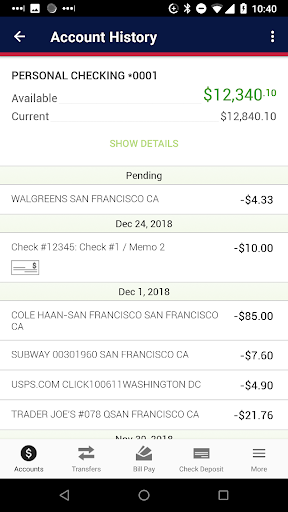
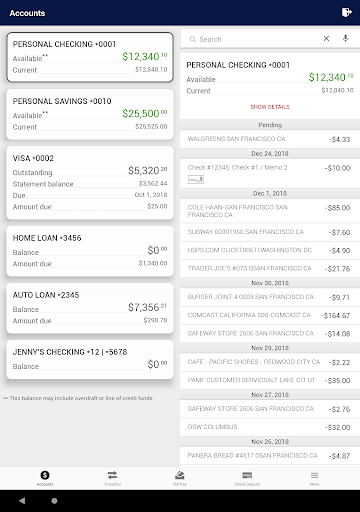
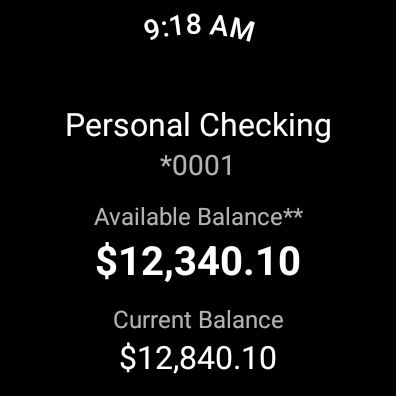
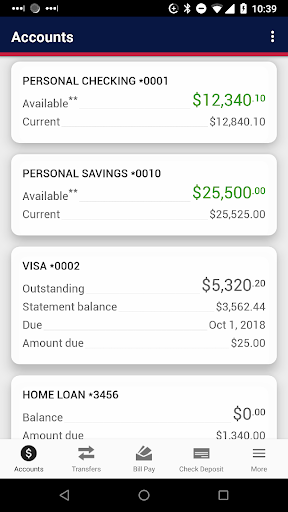
Our Digital Banking app is built to empower you with 24/7 access to your accounts. With real-time features like Touch ID and Face ID, logging in is both quick and secure. The app allows you to view your account balances instantly with Quick Balance, eliminating the need for multiple logins or navigating through complex menus.
Secure Transactions
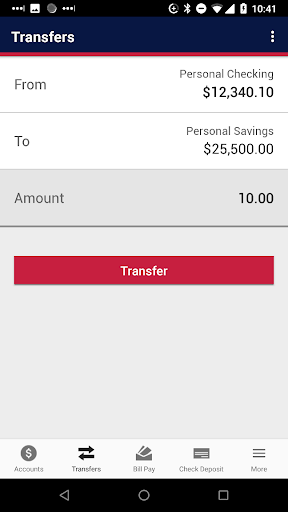
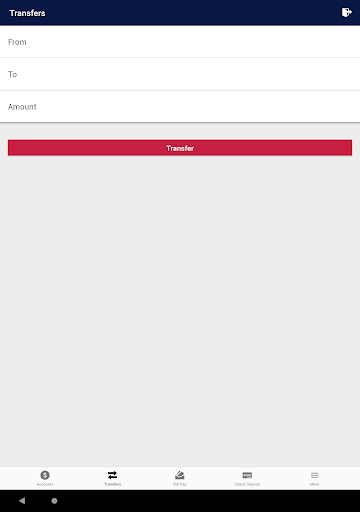
Security is a top priority with features such as biometric login and advanced authentication methods, ensuring your financial information remains protected. You can effortlessly transfer funds between your FNBT and FCB accounts, giving you full control over your money.
Financial Management Tools
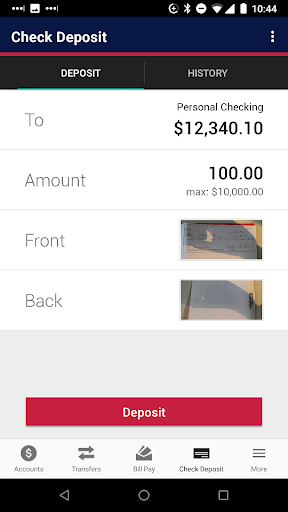
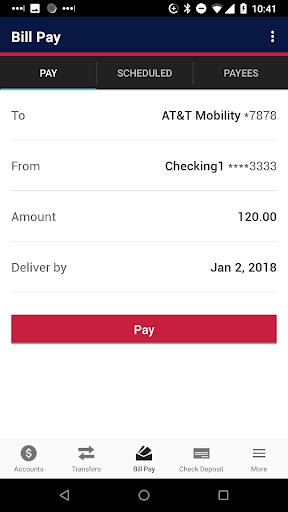
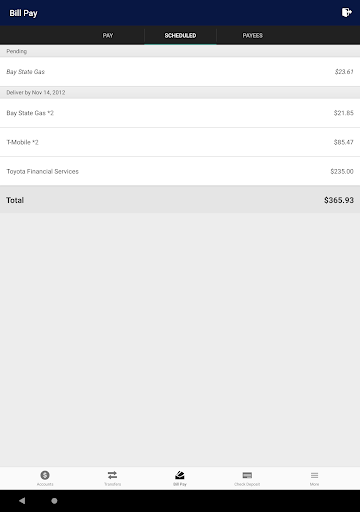
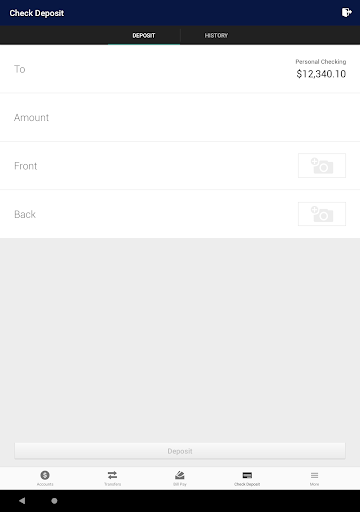
Manage your money seamlessly with tools that include Bill Pay, Mobile Check Deposit, and access to outside accounts for comprehensive budgeting. The app offers useful widgets and budgeting tools to help you plan and track your expenses effectively.
Additional Features
Other valuable features include viewing your Routing Number and Account Number, managing and editing Alerts, opening new accounts, applying for Loans, viewing E-Statements, sending Secure Messages, and live chat support with customer service. You can also locate nearby branches and ATMs with ease, making banking even more accessible.
Ease of Use and Benefits
Getting started with the FNBT & FCB Mobile app is straightforward. After downloading from your app store, a simple registration process guides you through setting up your account. The intuitive interface ensures you can navigate through features effortlessly, saving you time and effort.
The app's broad range of features simplifies everyday banking activities. Whether it's checking your balance, transferring funds, or paying bills, everything is just a few taps away. The Mobile Check Deposit feature especially stands out, allowing you to deposit checks instantly by snapping photos with your phone — no more rushing to the bank or ATM during busy hours.
Security measures like biometric authentication and multi-factor verification ensure your data and funds are well-protected. This peace of mind lets you focus on your daily activities while handling your finances securely on your device.
Customer support is always available to assist you with any issues, whether technical or account related. The responsive support team ensures you’re never left stranded, making your banking experience smooth and reliable.
In summary, the FNBT & FCB Mobile app is more than just a banking tool — it’s a full-fledged financial companion that adapts to your lifestyle. With its rich features, ease of use, and top-notch security, it’s an essential app for anyone looking to streamline their banking and stay on top of their finances. If you value convenience, safety, and comprehensive financial management at your fingertips, this app is definitely worth a try.
Pros
- User-friendly interface with intuitive navigation.
- Strong security features ensuring safe transactions.
- Fast and straightforward bill payments.
- Smooth integration with other bank accounts.
- Round-the-clock customer support.
Cons
- Occasional app crashes and glitches.
- Limited options for customizing alerts.
- Some features need high-speed internet connection.
- Transaction notifications may experience delays.
- Support for different languages is limited.











