

Introduction to Fifth Third: 53 Mobile Banking
The Fifth Third 53 Mobile Banking app is like having a mini bank right in your pocket. Designed for users who value convenience and quick access to their finances, this mobile application offers a comprehensive suite of banking features optimized for on-the-go management. Whether you're depositing checks, transferring funds, paying bills, or simply keeping track of your account activity, the app provides a user-friendly and secure platform to handle your banking needs seamlessly.
Key Features of Fifth Third: 53 Mobile Banking
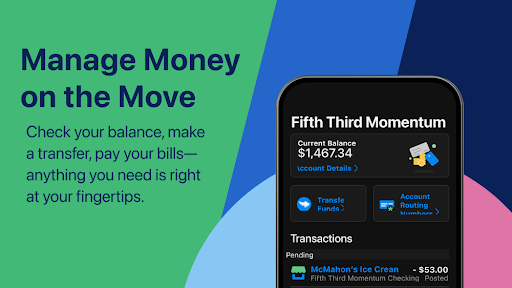
Account Management & Viewing
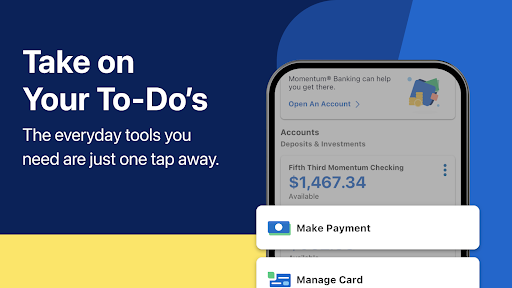
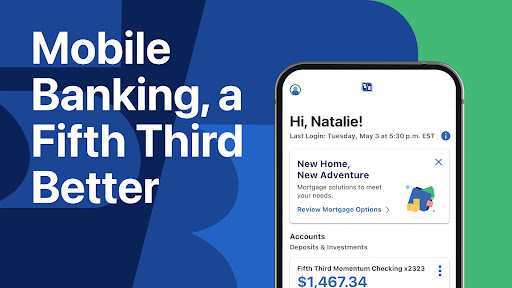
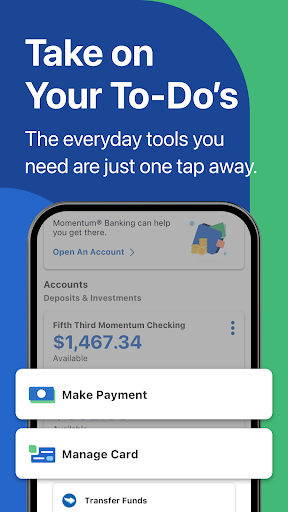
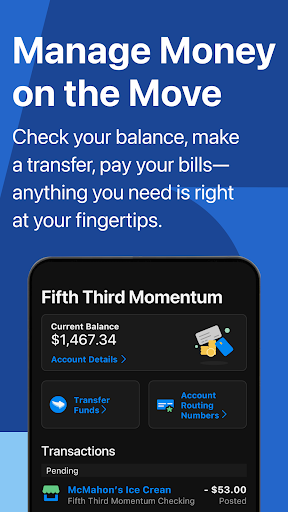
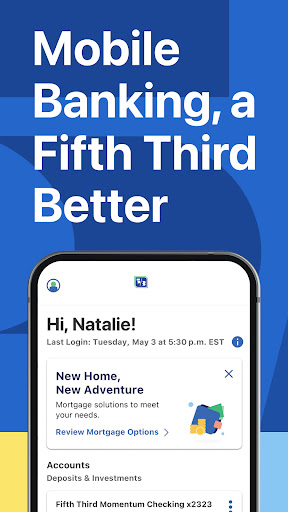
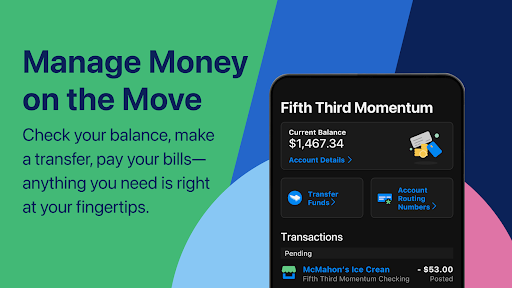
With the Fifth Third Mobile Banking app, you can securely access your accounts, view recent transactions, and see over six months of account history and details. The app also allows you to view total pending credit card transactions and access up to 24 months of statements. First-time users can get started easily by following the link on the login page, making onboarding simple and quick.
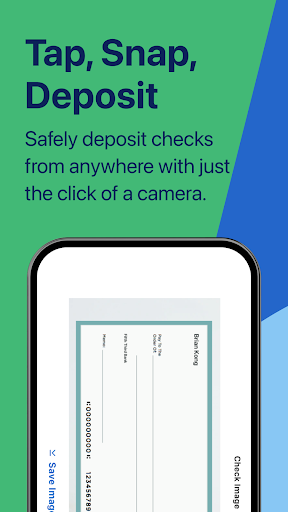
Deposit Checks Quickly and Safely
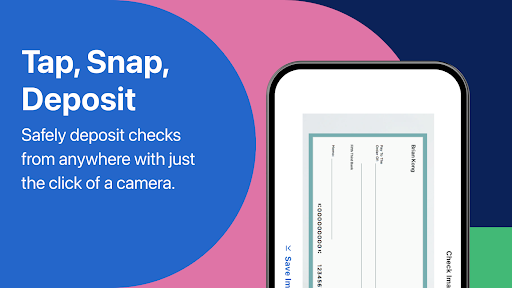
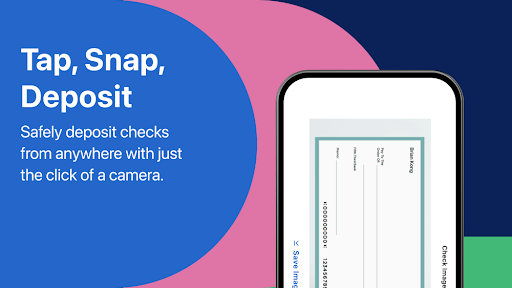
One of the highlights of the app is the ability to deposit checks from anywhere—saving you a trip to the bank. You can deposit checks up until 8 PM ET to process them on the same business day. The Mobile Deposit with Immediate Funds feature enables you to access the full amount of your check immediately, with some transaction fees applying based on the deposit amount. Please note that access to mobile deposit is not available for certain accounts, such as Access 360 and Basic Checking, and checks are subject to review by Fifth Third.
Transfers & Bill Payments Made Easy
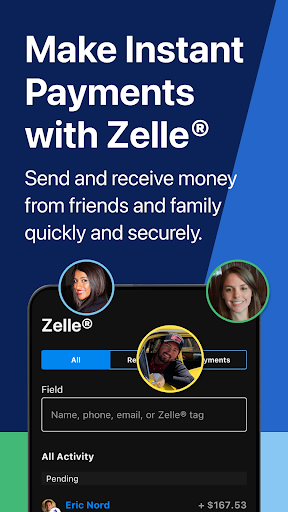
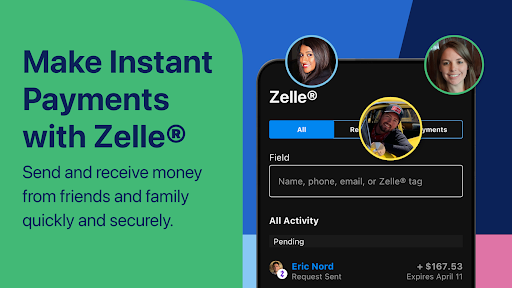
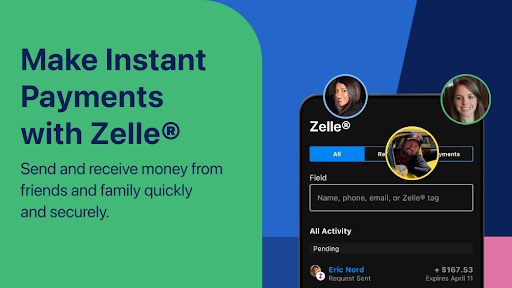
The app simplifies transferring money and paying bills. Users can add new payees and make payments directly from their phone. Transfers from credit cards are considered cash advances, so it’s important to review your credit card’s terms. The app supports fast, secure Zelle® person-to-person payments, allowing users to send money to virtually anyone using just an email or mobile number, with funds typically available within minutes.
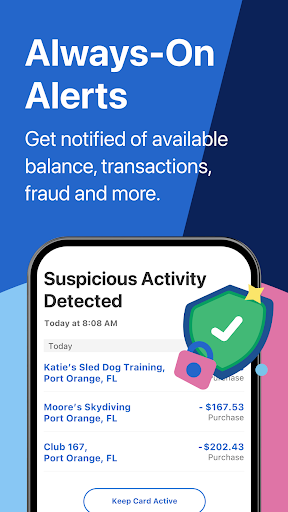
Instant Alerts & Notifications
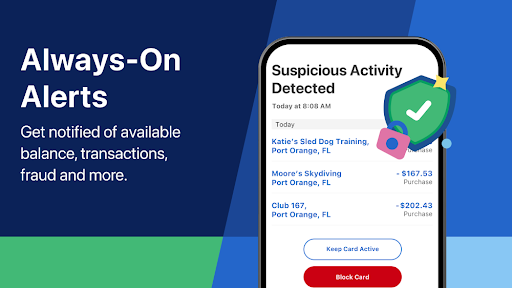
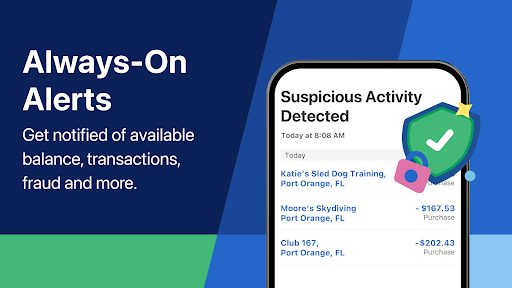
Fifth Third Instant Alerts® keep you informed about your debit, credit, and ATM transactions. You can receive notifications via text or email and act quickly with swipe or click options in the app. You can customize and manage your alert preferences effortlessly through the app’s interface, helping you stay on top of your finances.
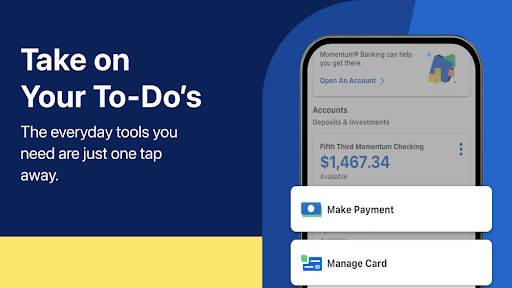
Account Customization & Self-Help
The app allows you to update account information, activate or lock/unlock your cards, change PINs, manage your user ID, and opt for electronic statements—all without calling customer service. This self-service approach offers convenience and control, letting you handle your banking preferences anytime.
Locating Branches & ATMs
Need to visit a branch or ATM? The app provides mapping features to help find nearby locations, view branch hours, or contact support with just one click.
Security & Privacy
Security is a top priority with the Fifth Third Mobile Banking app. All information is encrypted to prevent unauthorized access, and multi-factor authentication adds an extra layer of protection. Users can immediately lock and unlock their debit or credit cards if they suspect theft or loss, providing peace of mind. The app adheres to strict privacy policies, ensuring your financial data remains confidential.
Why Choose the Fifth Third Mobile Banking App?
If you value simplicity combined with powerful features, this app fits the bill. It’s designed to make managing your finances intuitive and efficient—whether you’re checking your account balances, depositing checks with a photo, or sending money securely via Zelle. The mobile platform emphasizes security and user control, giving you confidence while managing your finances from anywhere.
In today’s fast-paced world, Fifth Third: 53 Mobile Banking helps you save time and reduces the hassle of traditional banking. With its sleek design, comprehensive features, and strict security measures, it’s a reliable digital banking solution whether you're at home, at work, or on the move. Give it a try to experience a new level of convenience for your everyday banking needs.
Pros
- User-friendly interface for easy navigation.
- Secure login with biometric authentication such as fingerprint and facial recognition.
- Real-time alerts for account activities.
- All-in-one financial management features.
- Customer support available 24/7.
Cons
- Features are limited for users not holding Fifth Third accounts.
- Occasional performance issues causing slow app responsiveness.
- Some functionalities are nested within sub-menus, reducing accessibility.
- Frequent app updates are necessary.
- Limited options for international transactions.











