


Discover the Fidelity Investments Mobile App
The Fidelity Investments app stands out as a comprehensive, secure, and user-friendly tool designed to empower investors of all levels. Whether you're an experienced trader or just starting your financial journey, this award-winning application provides a broad array of investment options, insightful research, and powerful tools—all conveniently accessible from your smartphone. Its seamless interface and robust security make it an essential companion for managing your finances effectively on the go.
Key Features
Secure and User-Friendly Interface
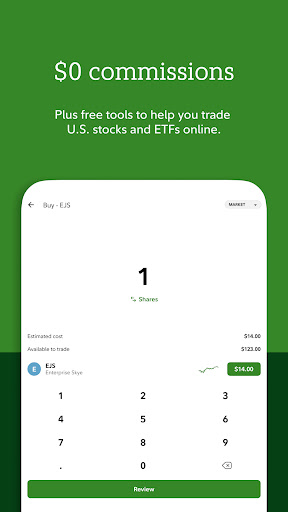
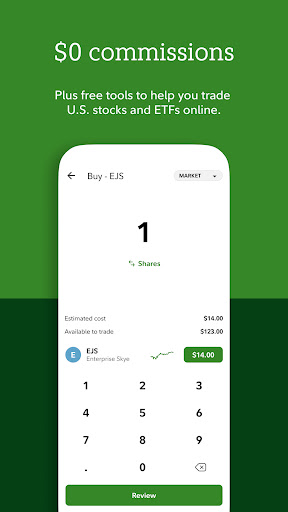
The Fidelity Investments app is committed to safeguarding your personal and financial data. Employing advanced security measures such as 2-factor authentication, voice biometrics, security text alerts, and money transfer lockdowns, the app ensures your investments remain protected. Despite its high-security standards, the app remains easy to navigate—allowing you to create an account without any account fees or minimums. It offers commission-free trades for US stocks, ETFs, and fractional shares starting at just $1, making investing accessible and affordable.
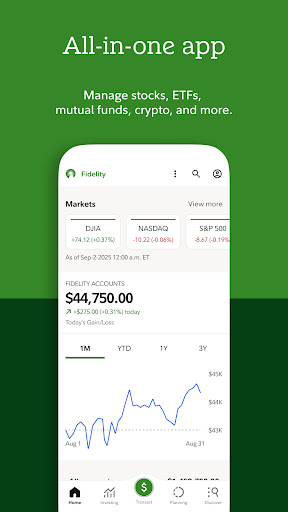
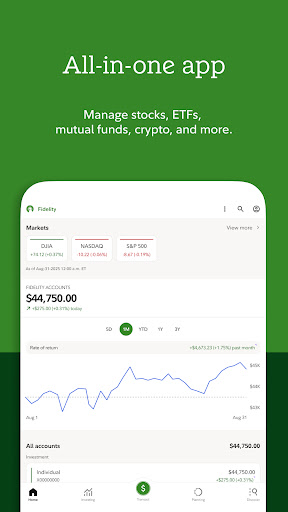
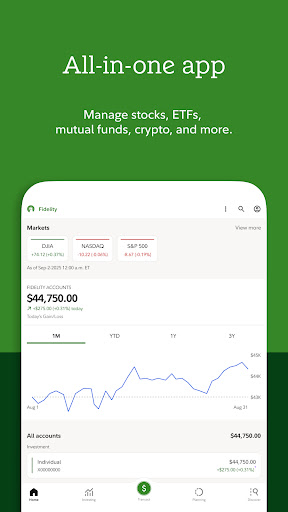
From deposit checks to bill payments, tracking your expenses, and trading stocks, the app consolidates multiple financial activities into an all-in-one platform. Backed by over 75 years of Fidelity’s expertise, it simplifies your financial management with a straightforward onboarding process that guides you through creating an account, adding funds, and making your initial investment.
Advanced Trading Tools
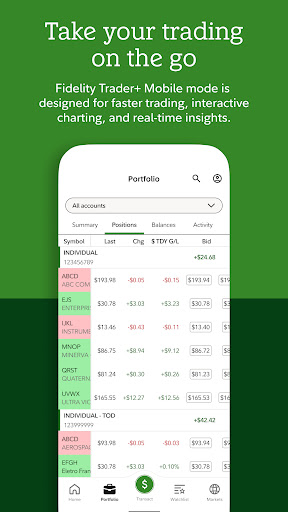
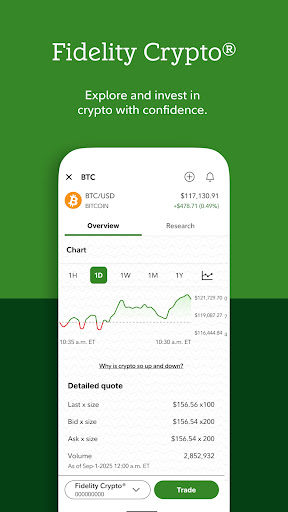
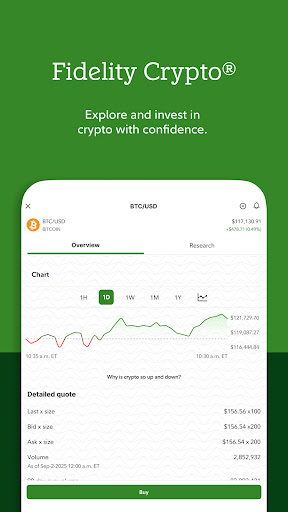
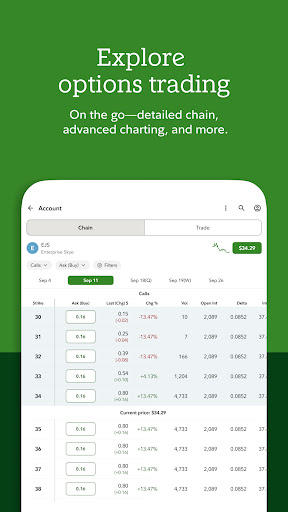
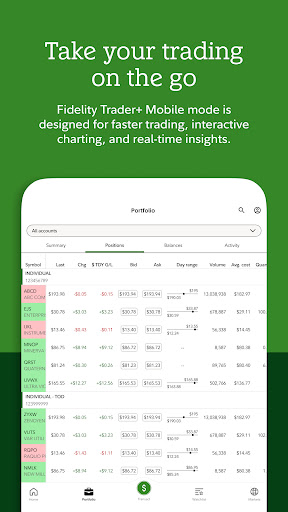
The app provides powerful trading features, including the ability to trade stocks, ETFs, and mutual funds, supported by industry-leading research and market analysis. Utilize advanced charts and technical analysis tools while on the move to make smarter trading decisions. Monitor markets effortlessly with real-time quotes and stay ahead in your investment game.
Cash Management and Automated Investing
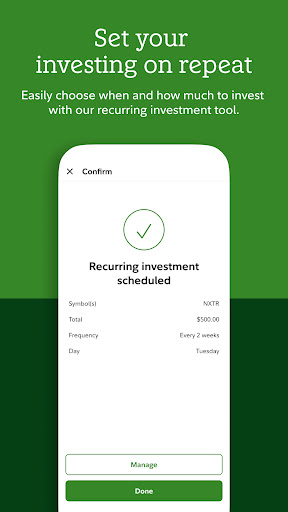
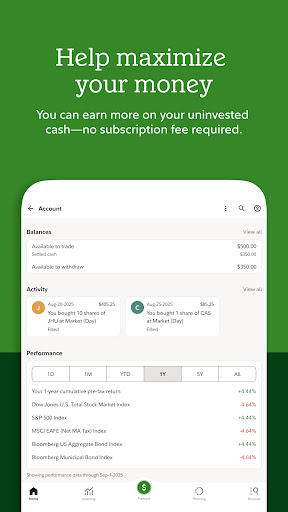
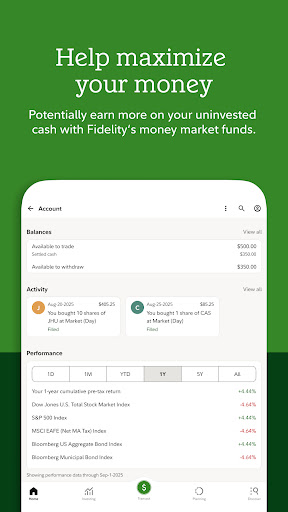
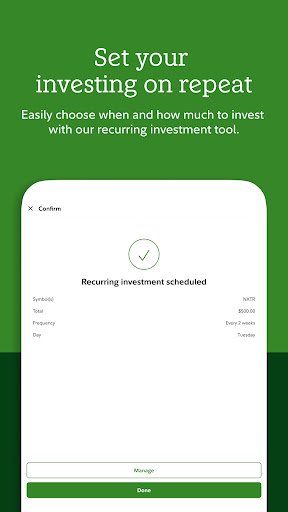
Managing cash is simple with options to transfer funds, deposit checks, and pay bills directly through the app. You can also schedule transfers and automate investments to maintain consistent growth in your portfolio. This feature ensures your money works harder for you, with minimal effort.
Educational Resources and Financial Learning
The app fosters financial literacy by providing podcasts, articles, videos, and more to help build your confidence in investing. For those seeking more in-depth knowledge, Fidelity offers small classes, coaching sessions, and webinars designed to elevate your understanding of investing concepts and strategies.
Real-Time Alerts and Notifications
Stay informed with customizable alerts that notify you about market changes and stock price movements. Set price triggers to ensure you never miss a critical entry or exit point, allowing you to manage your investments proactively and efficiently.
24/7 Customer Support and Accessibility
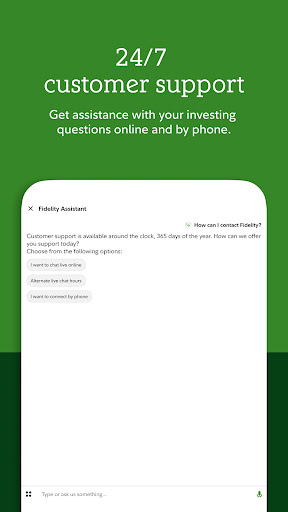
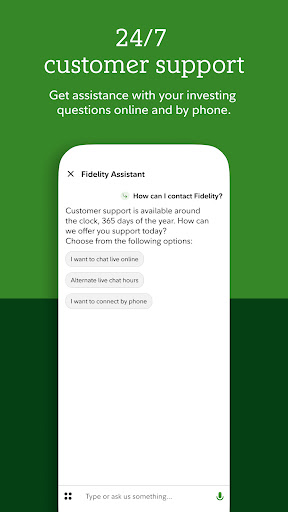
Fidelity prioritizes your security with innovative features like voice biometrics and state-of-the-art authentication. The app also offers a virtual assistant that’s available around the clock to answer your questions. Designed with accessibility in mind, it includes enhanced voiceover and dynamic type options for users requiring assistive technology.
Additional Fidelity Investment Tools
If you manage workplace benefits such as 401(k) or HSA accounts, consider downloading the NetBenefits® app in the “More by Fidelity Investments” section. This offers dedicated tools for overseeing your workplace retirement and health accounts, further expanding your financial management capabilities.
Pros
- Intuitive user interface
- Comprehensive financial tools
- Real-time market updates
- Advanced research resources
- Secure transactions
Cons
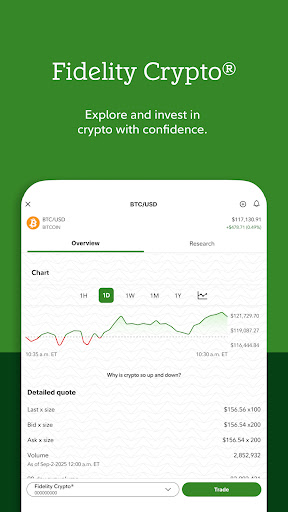
- Limited cryptocurrency options
- Occasional app crashes
- Complex navigation for beginners
- High account minimums
- Limited customer support hours











