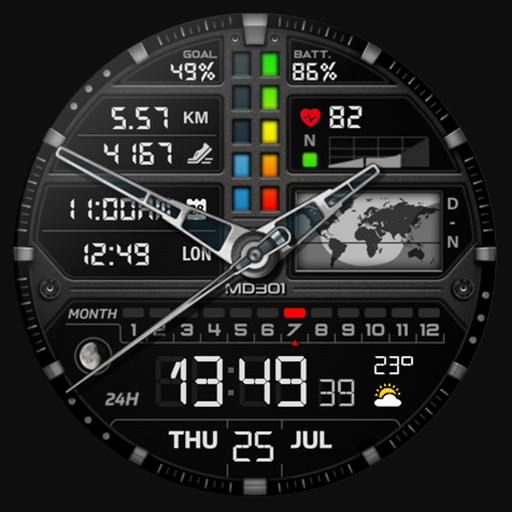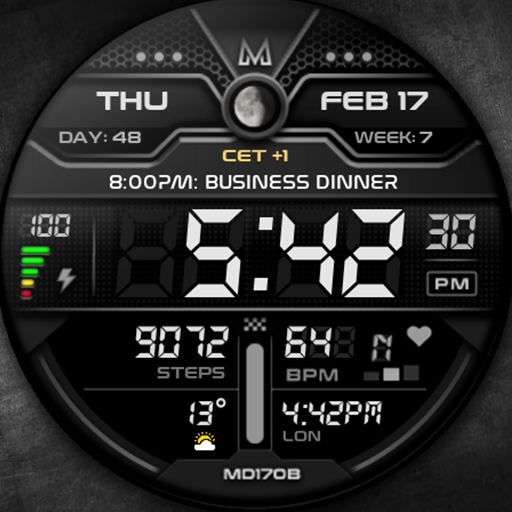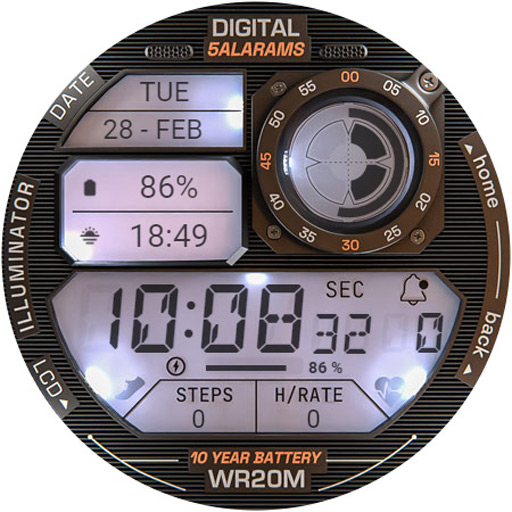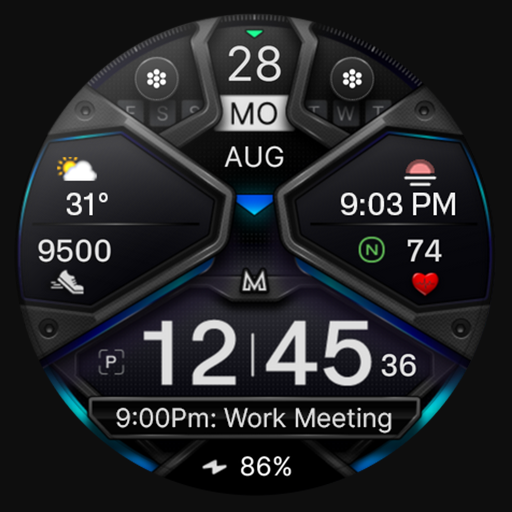
Discover the Power of Everything Widgets: Elevate Your Android Home Screen
Transform your Android device with Everything Widgets, an innovative app designed to bring over 500+ stunning One UI–style widgets directly to your home screen. Whether you're seeking minimalism, elegance, or functionality, this app offers a comprehensive collection of customizable widgets that seamlessly blend with a clean, modern interface. Boost your user experience, enhance productivity, and personalize your device effortlessly with this all-in-one widget suite.
Key Features of Everything Widgets
Extensive Collection of One UI–Inspired Widgets
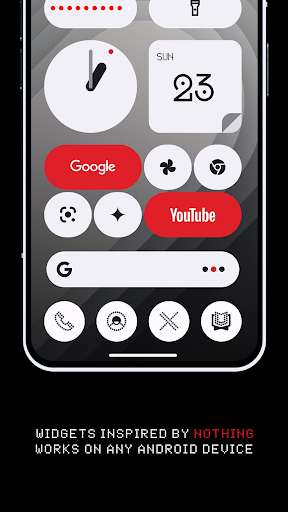
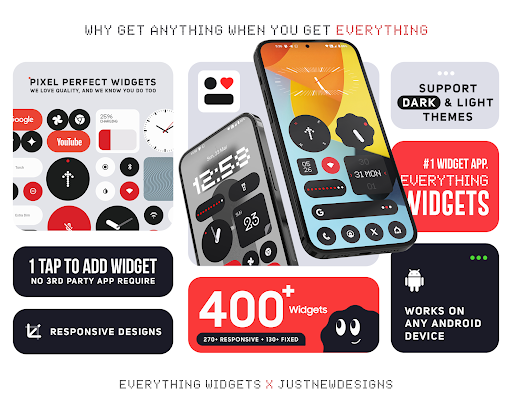
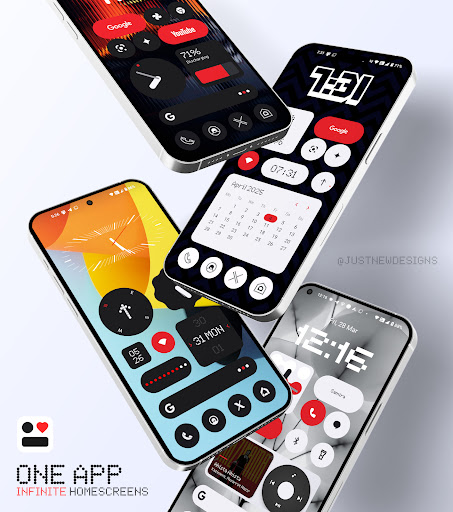
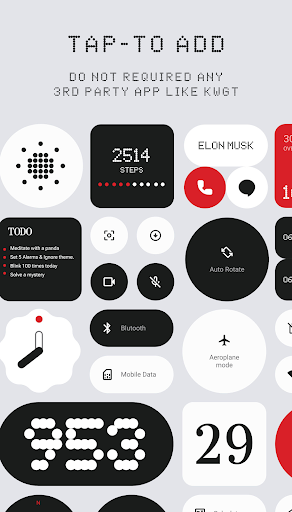
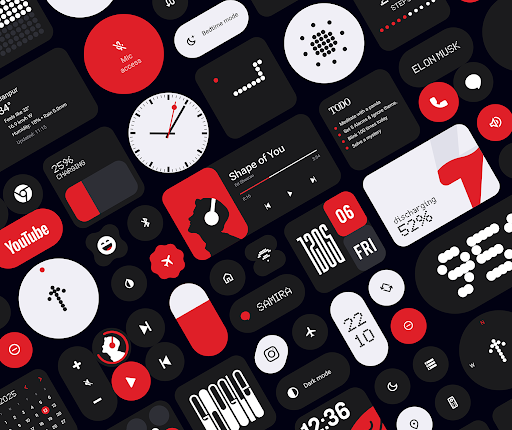
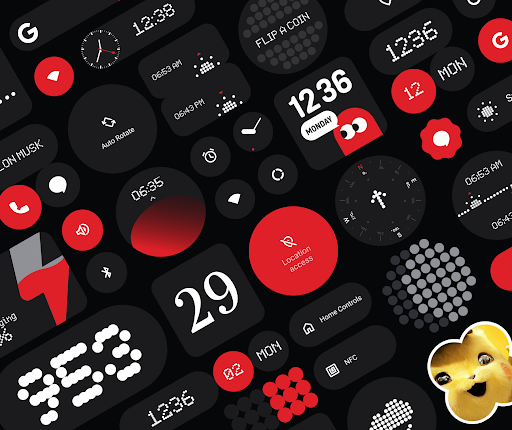
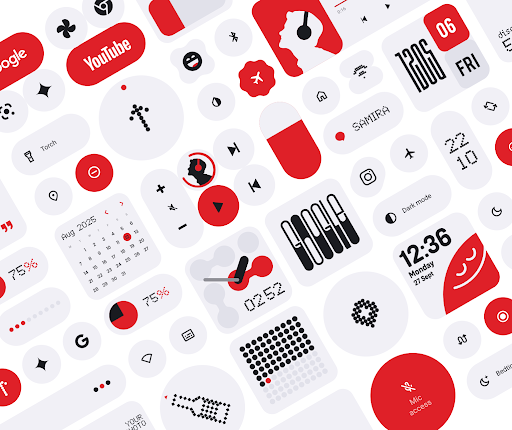
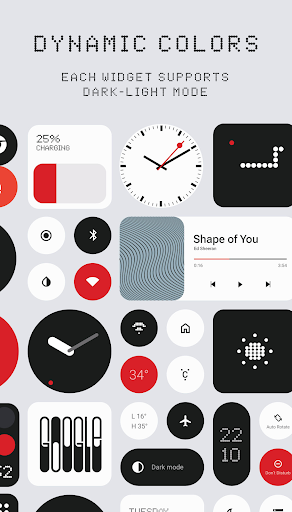
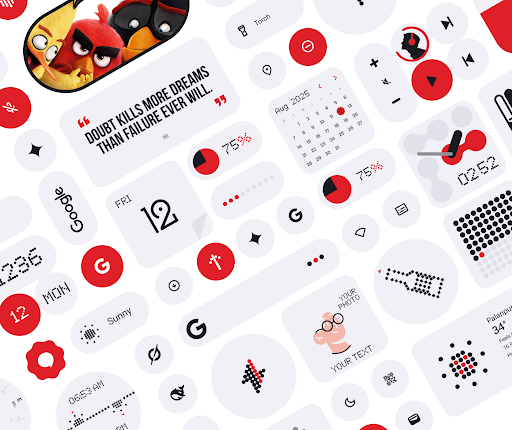
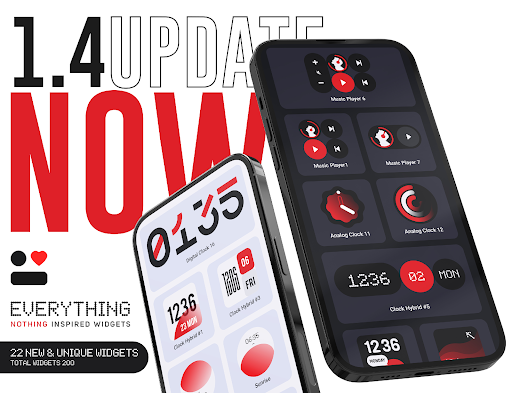
Enjoy access to a carefully curated library of more than 500 fully designed widgets inspired by the popular One UI style. These widgets are thoughtfully crafted to provide both aesthetic appeal and practical usability, ensuring a sleek and clutter-free home screen. From stylish clocks to productivity tools, the variety caters to every need.
Effortless Setup — No Extra Apps Needed
Get started instantly without requiring any third-party apps like KWGT. Just install Everything Widgets and begin customizing your home screen immediately, making the process simple and hassle-free.
Full Customization for Your Unique Style
You can easily adjust widget colors, sizes, and design elements to match your personal aesthetic. This flexibility allows for a truly personalized experience that aligns perfectly with your device’s theme and your preferences.
Optimized for Performance & Battery Efficiency
Designed for smooth operation, these widgets not only look great but also perform efficiently, consuming minimal battery power while maintaining responsiveness and visual quality.
Wide Range of Widget Types
The diverse widget categories include:
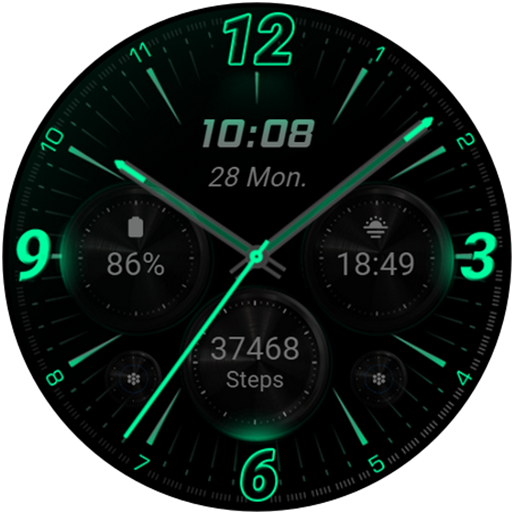
- Clocks (including world clocks and digital time)
- Weather updates
- Calendar & Events
- Battery & Device Info
- Fitness steps and activity trackers
- Quotes & Facts
- Compass & Calculator
- Quick Settings & Shortcuts
- App Launchers & Custom App Widgets
- Music & Media
- Notes, Tasks & Lists
- Photos & Memories
- Screen Time & Usage
- AI Shortcuts
- Tap Counters
- Games Widgets
Design & User Experience
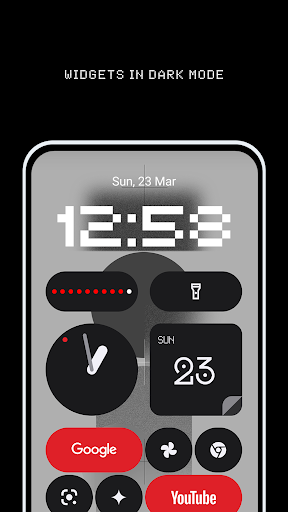
The widgets feature minimalist, clean, and modern designs perfect for users who prefer an elegant, clutter-free home screen. The layouts are crafted to enhance usability and provide a consistent visual style, creating a harmonious look across your device.
Regular Updates & Continuous Improvements
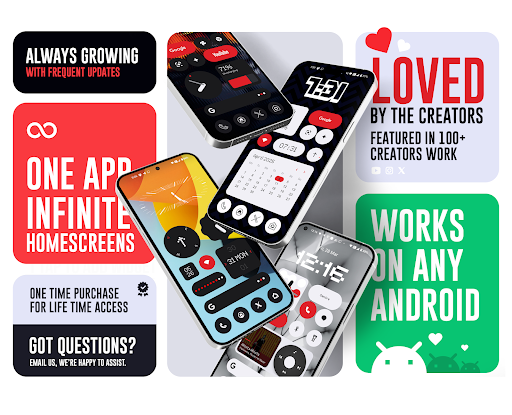
The developers frequently add new widget types and enhancements, ensuring your device stays up-to-date with the latest features and styles. You can always expect fresh content and performance tweaks to optimize your experience.
Why Choose Galaxy Widgets: One UI?
Seamless Design & Functionality
Inspired by the One UI design language, this app provides a clean, modern, and consistent UI that elevates your home screen aesthetics without sacrificing performance.
Highly Customizable & User-Friendly
Adjust colors, widget sizes, and styles with ease. Setup is straightforward, making it accessible for both casual users and tech enthusiasts.
Reliable & Efficient Performance
Widgets are optimized for speed, responsiveness, and low battery consumption, ensuring a smooth and enjoyable user experience.
No Dependencies & Hassle-Free Experience
Unlike other widget apps, Galaxy Widgets doesn’t rely on third-party dependencies, guaranteeing stability and ease of use.
Reliable Update System & Real-Time Data
The app employs a foreground service and exact alarms to ensure widgets display current and accurate information. This is essential for time-sensitive data like weather, calendar, and screen time updates.
Customer Support & Refund Policy
If you’re not satisfied, support is available within 24 hours of purchase, and refunds can be requested via Google Play’s policy. Your satisfaction and seamless user experience are priorities.
Technical & Permission Details
Foreground Service for Real-Time Updates
This feature is essential to keep your widgets consistently updated and responsive throughout the day.
Exact Alarms for Accurate Information
The app requests the USE_EXACT_ALARM permission to update weather, photos, usage stats, calendar events, and other time-critical widgets exactly when needed, ensuring a reliable home screen experience.
Connect & Support
Follow us on X (Twitter): https://x.com/AppsLab_Co
Join our Telegram: https://t.me/AppsLab_Co
For support and inquiries, contact us at help.appslab@gmail.com
Refund Policy
We adhere to Google Play Store’s official refund policy:
- Within 48 hours: Request a refund directly via Google Play.
- After 48 hours: Contact us with your order details for further assistance.
Pros
- User-friendly interface that is easy to navigate
- Provides a wide range of useful features
- Reliable performance with minimal bugs
- Excellent customer support and assistance
Cons
- Limited customization options available
- Requires a stable internet connection for optimal use
- Some features may be complex for new users
- Periodic updates can be disruptive