
Introducing the EOBD Facile: OBD 2 Car Scanner App
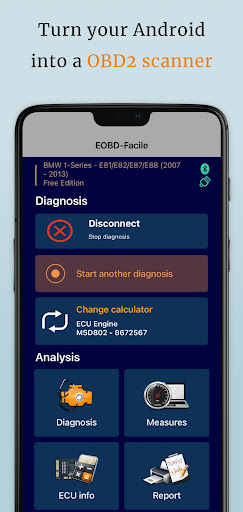
The EOBD Facile app is the ultimate tool for car owners and enthusiasts who want to take control of their vehicle diagnostics without visiting a mechanic. Designed for both Android and iOS devices, this innovative OBD2 Bluetooth car scanner app transforms your smartphone into a professional diagnostic tool. Whether you're troubleshooting a Check Engine Light or monitoring your vehicle’s health, EOBD Facile offers a comprehensive suite of features that make car maintenance accessible and straightforward.
How It Works and Compatibility
Getting started with EOBD Facile is simple. All you need is an ELM327 adapter, which connects wirelessly via Bluetooth or WiFi to your smartphone. This adapter acts as the bridge between your device and your vehicle’s OBD (On-Board Diagnostics) port. Once connected, the app guides you through the setup process, ensuring even beginners can get up and running quickly. It’s compatible with a wide range of vehicles, especially petrol models since 2001 and diesel cars from 2004 onwards from brands such as BMW, Nissan, Ford, Kia, Audi, Subaru, and Volvo.
Key Features of EOBD Facile
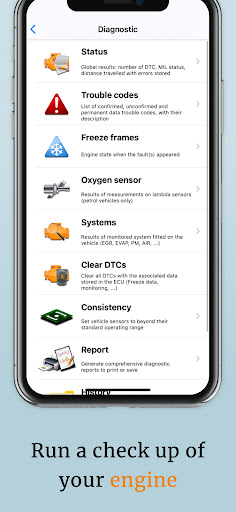
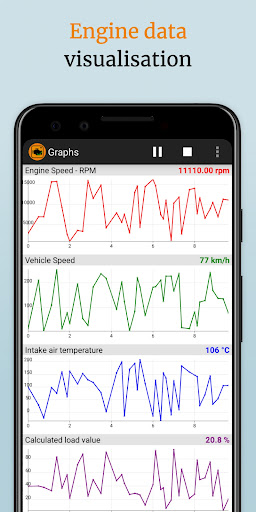
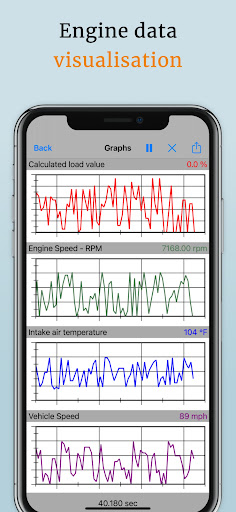
Real-time Diagnostic Readings: The app provides instant data from your vehicle’s sensors, including engine speed, temperature, air intake, and more. This real-time information helps you understand what's happening under your hood without needing a mechanic.
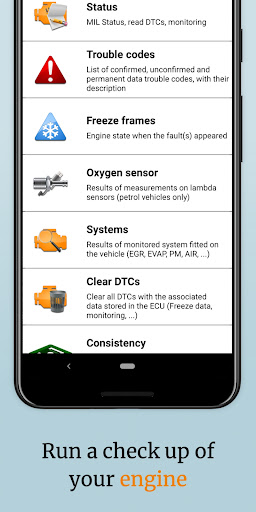
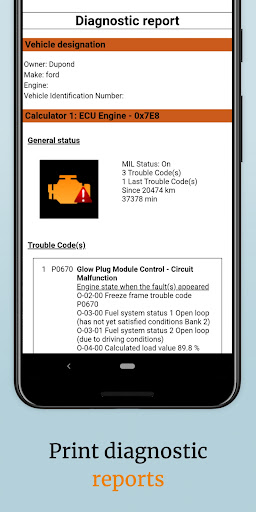
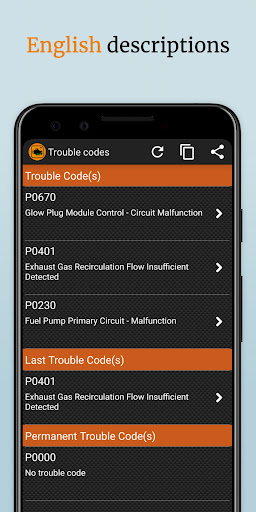
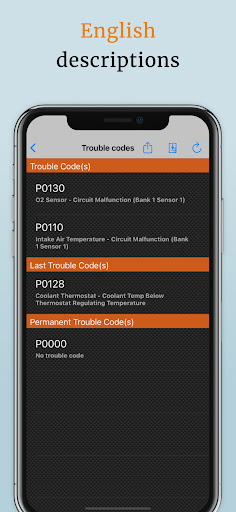
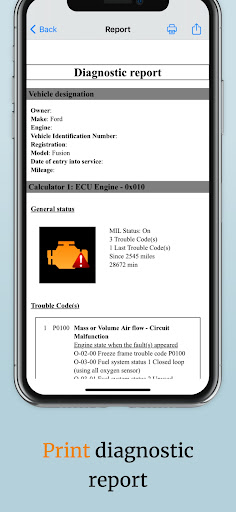
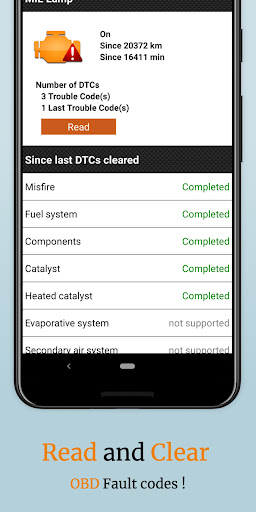
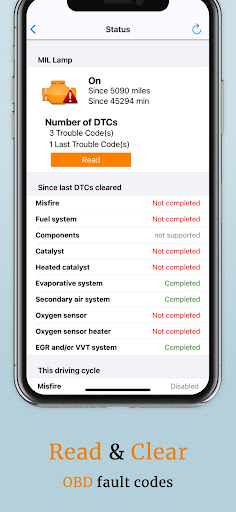
Fault Code Reading and Clearing: Easily scan for engine and transmission fault codes (also known as DTCs - Data Trouble Codes). With an extensive database containing over 15,000 definitions, the app doesn’t just tell you a problem exists; it explains what each code means and possible causes. If needed, you can also clear error codes and reset dashboard warning lights, such as the Malfunction Indicator Light.
manufacturer-specific Error Codes: The app supports error codes tailored to specific vehicle brands, including BMW, Lexus, Subaru, and others, providing extra insights for detailed diagnostics.
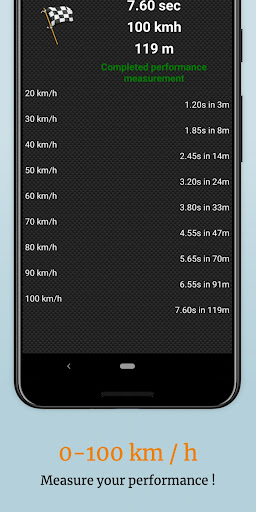
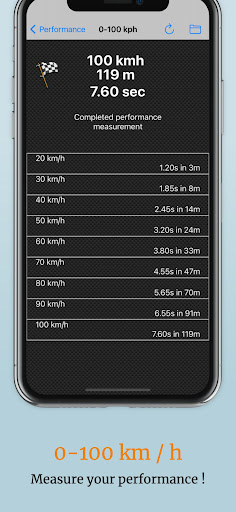
Performance Monitoring: For car enthusiasts, EOBD Facile offers tools to track vehicle performance metrics like acceleration (e.g., 0-100 km/h), engine torque, and fuel consumption, giving you a detailed overview of your driving habits and vehicle efficiency.
Data Logging & Trip Records: Record and store trip data directly on your computer, making maintenance schedules and performance tracking more manageable.
Offline Functionality: Access stored diagnostics and reports even when offline. Perfect for road trips or remote areas with limited internet connectivity.
Additional Capabilities and Vehicle Compatibility
A notable advantage of EOBD Facile is its support for manufacturer-specific error codes from brands like Audi, Nissan, and Kia, offering deeper diagnostics beyond standard codes. To ensure your vehicle is compatible, you can consult the free vehicle list available on their official website. Generally, most petrol vehicles since 2001 and diesel models from 2004 are fully compatible.
Not sure where your OBD2 adapter is located? Download their FREE app, "Where is my OBD2 scanner?", to help you find the device easily. Remember, only genuine ELM327 adapters ensure optimal performance; counterfeit versions may cause connection issues or incomplete diagnostics.
Why Choose EOBD Facile?
Compared to other diagnostic tools, EOBD Facile stands out with its user-friendly interface, comprehensive diagnostics, and compatibility with various adapters and vehicle brands. The app’s intuitive design ensures that users of all skill levels can quickly interpret fault codes and understand necessary repairs. Plus, the ability to run advanced tests, record data, and even analyze vehicle acceleration makes it a versatile choice for hobbyists and everyday drivers alike.
Ultimately, EOBD Facile empowers you to perform professional-level diagnostics, save money on repairs, and maintain your car with confidence. Whether you want to diagnose a pesky check engine light or just keep an eye on your vehicle’s health, this app is a reliable companion that puts the mechanics right in your pocket.
Pros
- User-friendly interface enabling quick diagnostics
- Supports a broad spectrum of car brands
- Provides real-time data tracking and analysis
- Compatible with most OBD2 interfaces
- Offers regular updates introducing new features
Cons
- Limited free functionalities; premium version needed
- Occasional connectivity problems
- Interface can sometimes appear cluttered
- Certain data may require technical expertise
- Advertisements can be intrusive in the free version











