EdgeAura: Transform Your Device's Visual Experience
Discover EdgeAura, the innovative mobile application designed to elevate your device's aesthetic appeal with captivating edge glow effects and dynamic live wallpapers. This app allows you to personalize your smartphone's look with a stunning, customizable aura of light that elegantly outlines your screen's edges, making your device truly stand out in any setting.
Key Features of EdgeAura
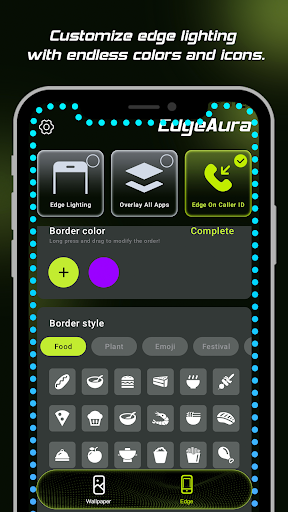
Dynamic Edge Glow
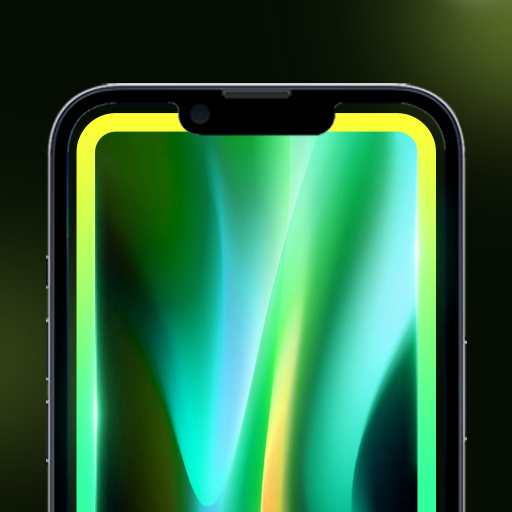
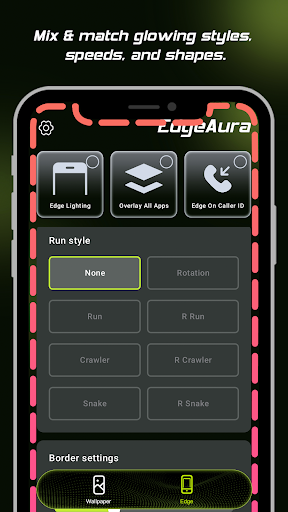
Experience a smooth and vibrant colorful glow that frames your entire screen. You can personalize the color, width, and intensity of the glow effect to match your style and wallpaper preferences, providing a truly customized visual experience.
Floating Overlay Effect
The glow effect effortlessly overlays your other applications, creating an immersive, continuous visual enhancement without disrupting your regular phone usage. This *floating overlay* ensures your device maintains a sleek and modern look at all times.
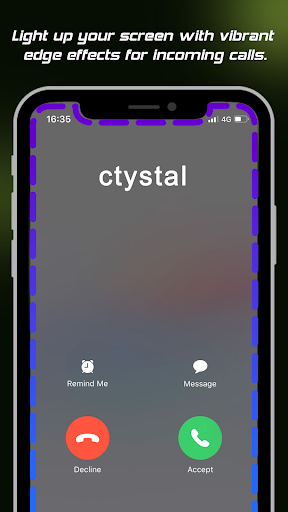
Incoming Call Alert
Never miss an important call! When you receive an incoming call, the edges of your screen light up with your chosen color, offering a modern and aesthetically pleasing notification method that combines functionality with style.
Extensive Live Wallpaper Collection
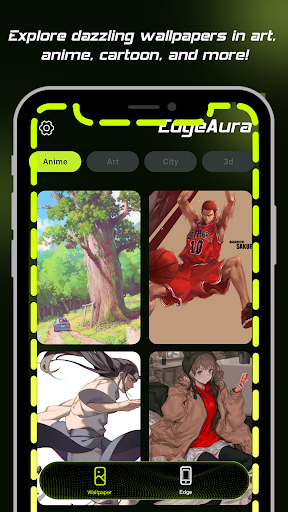
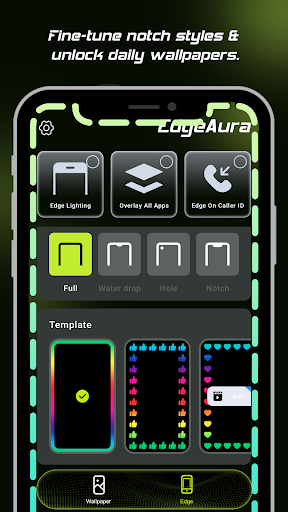
Refresh your home and lock screens instantly with a wide array of high-quality, animated live wallpapers. The library is regularly updated, providing fresh options to keep your device looking lively and personalized.
Privacy and Permissions
To enable features like the floating edge glow and incoming call detection, EdgeAura utilizes the Android Accessibility Service (AccessibilityService API). We want to assure users that this permission is used SOLELY for enhancing the visual functionalities of the app. It performs the following specific tasks:
- Detects screen content and application windows to accurately draw the glow effect around the edges.
- Identifies incoming call events to trigger the alert around the screen edges.
Importantly, EdgeAura does NOT:
- Collect, transmit, or store any personal data, text, or passwords.
- Perform remote audio recording.
- Change system settings without explicit user consent.
- Prevent app uninstallation or disablement.
- Interact with or manipulate other apps in any deceptive or unauthorized manner.
Maintaining your privacy and device security remains our top priority. We use the Accessibility Service responsibly and transparently, solely to deliver an immersive and beautiful visual experience.
Enhance Your Mobile Experience Now
Download EdgeAura today and give your phone a brilliant, glowing personality that matches your unique style. Whether you want a dynamic glow around your screen or eye-catching live wallpapers, EdgeAura offers a seamless way to customize and elevate your device's visual appeal with stunning effects and modern notifications.
Pros
- User-friendly interface that simplifies navigation
- Fast performance with minimal loading times
- Extensive features that cater to diverse needs
- Regular updates enhancing functionality and security
- Strong community support and active developer engagement
Cons
- Limited customization options for advanced users
- Occasional bugs and stability issues
- Steep learning curve for beginners
- Free version has restricted features compared to premium
- Requires consistent internet connection for optimal performance