
Droid Dashcam - Video Recorder
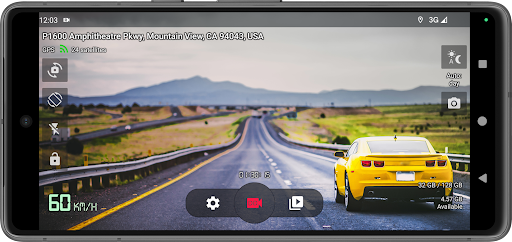
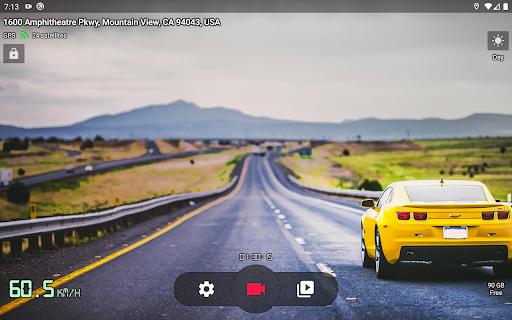
Droid Dashcam is a great driving video recorder (dashboard camera, BlackBox) app for car/vehicle drivers which can continuously record videos in loop mode, add subtitles with needed information directly on those videos (read below) and record in background, autostart recording and much more.
Features
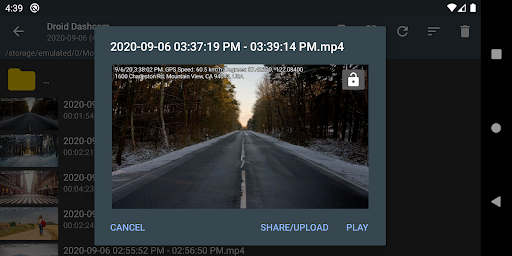
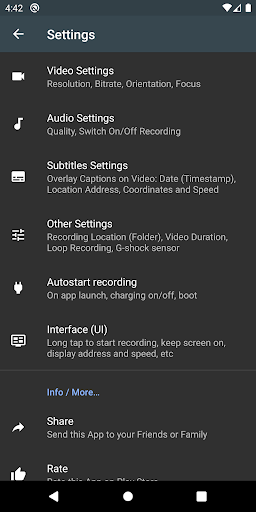
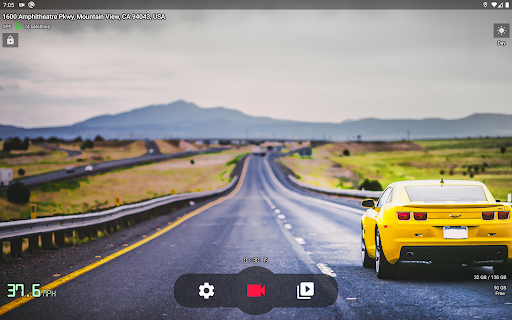
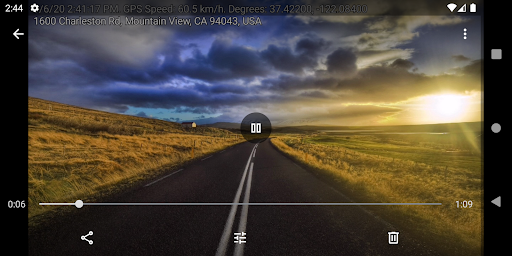
- Hardcoded (embedded) Subtitles - Overlay Captions directly on Recording Video file:
- Timestamp (Date)
- Location Address
- GPS Coordinates
- Speed (based on GPS data)
- Vehicle registration plate (car number)
- Background Video Recording - you can continue recording in background and use other apps which doesn't use camera. You can also use notification panel to start/stop recording while this app is running in background.
- Loop Recording - auto deleting old video files when there is not enough space for new videos (you can set max space usage for all videos)
- Options for autostarting recording on charging on/off, on system boot, on Bluetooth device connection/disconnection, AUX-cable connection, or on app launch
- Small (Lightweight) app size
- Automatic day and night video recording mode
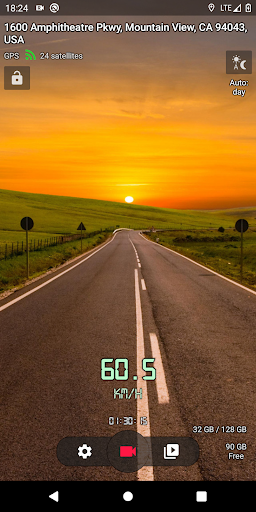
- Landscape and Portrait Orientations for video recording
- Share or upload a selected video to various services
- Recording in Shared Movies folder or App owned folders (phone and external SDcard storages) - can be set in the settings
- Lock videos from overwriting (G-shock sensor) on impact detection
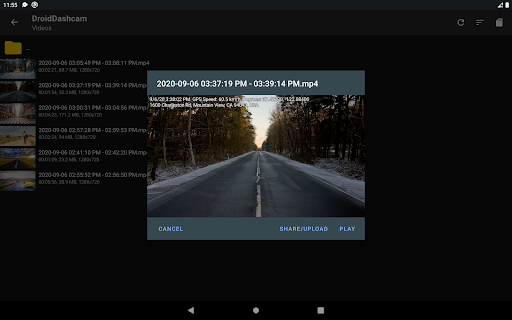
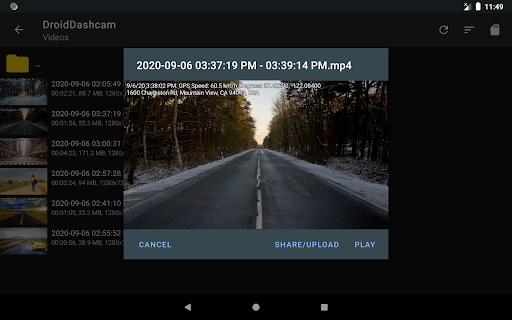
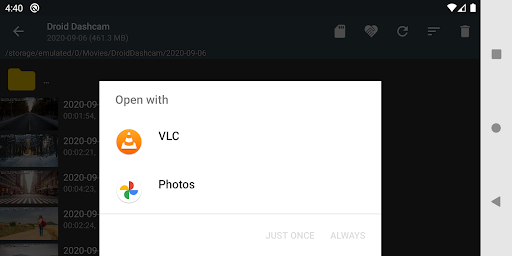
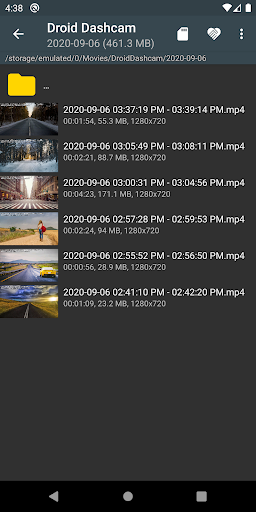
- Videos Screen which allows selecting video you want and playing it using any video player app you have, deleting selected videos
- Easy to use, simple UI, the configuration of the buttons displayed on the screen, etc.
- Camera selection - you can use any camera for recording (rear/front) but only some devices allows to choose camera with wide-angle lens
- Taking photos
- Floating window with control buttons on top of all applications
Privacy
All your recorded videos will be saved only on your local device. We never make backup copies of your videos (the application doesn't have and doesn't connect to the servers)
FAQ
FAQ - answers to frequent questions or feature requests like - Video Stabilization (EIS, Electronic stabilization) is not available in the app - Multiple cameras / wide lens camera not available in the app - Battery usage is high, battery drains fast, device becomes hot
Language of app
If you wish to help translate the app to your language, then you can find existing languages at GitHub languages. Use whatever language you know to translate into your language content.
Feature Spotlight & Review
Ever found yourself in one of those "what just happened?" moments on the road and wished you had a video recording? Droid Dashcam - Video Recorder is one of those apps you didn’t know you needed until you actually start using it. Installation is a breeze, and the interface is sleek and intuitive—perfect when you’re focused on driving. The large, easy-to-tap controls shine for on-the-go use, and the setup process generally takes under five minutes from download to hitting the record button.
Video quality is standout, with crisp HD recordings that stay clear in low-light conditions. Night recording is notably reliable, a big win for drivers who want dependable footage when streetlights are scarce. The loop recording feature keeps your storage in check by overwriting older footage as new clips come in, with an auto-delete option to prevent clutter. GPS tagging adds valuable context to each video, making it easier to review trips or provide a factual record in the event of an incident.
The app is easy to navigate: start/stop recording, adjust video resolution and bitrate, and even capture still photos while recording. Autostart options on charging, boot, Bluetooth connection/disconnection, AUX cabling, or app launch make hands-free operation practical. You can choose between front and rear cameras (where supported) and even opt for a wide-angle view on compatible devices. A floating window keeps essential controls within reach while you use other apps, which is a small but meaningful usability win for drivers.
There’s room to grow—cloud storage integration for uploading clips would add a helpful safety net beyond local storage, and some older devices may experience slight lag when many apps run simultaneously. Still, Droid Dashcam remains a dependable co-pilot for daily commutes or road trips, delivering privacy-conscious, on-device video capture that prioritizes user control and simplicity. For drivers seeking a robust, lightweight dashcam solution with automatic subtitle overlays and precise GPS data, this app stands out as a strong contender in the dashcam and car video recorder space.
Pros
- High-quality video recording
- User-friendly interface
- Supports multiple video formats
- GPS feature for location tracking
- Loop recording to save space
Cons
- Consumes a lot of battery
- Ads can be intrusive
- Some features require in-app purchases
- Occasional app crashes
- Limited cloud storage options











