

Color Portfolio
Are you looking to add a splash of creativity to your photos and transform your space with stunning colors? The Color Portfolio app by Benjamin Moore is your ultimate digital tool for exploring, visualizing, and applying paint hues with ease and fun. Whether you're an interior design enthusiast, a DIY decorator, or someone who simply loves experimenting with vibrant visuals, this app offers a comprehensive suite of features to bring your color ideas to life.
Key Features of the Color Portfolio App
Apply Paint Colors to Your Photos
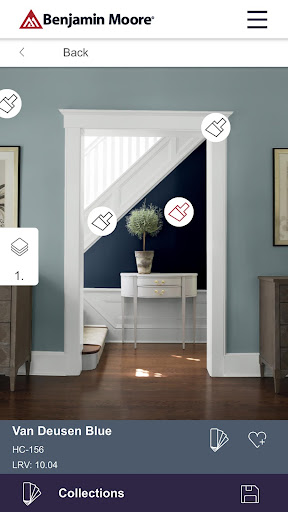
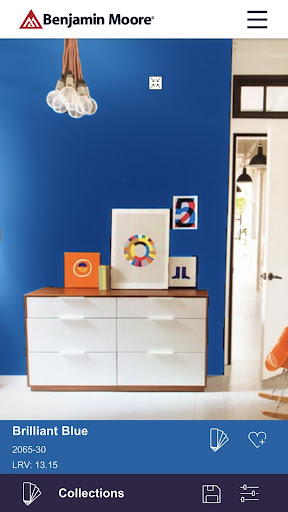
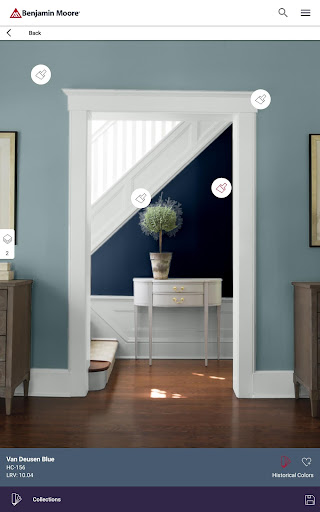
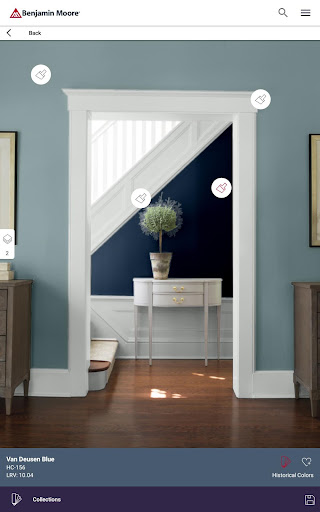
With the Color Portfolio app, you can effortlessly apply paint colors directly to photos of your space. Want to see how a new shade will look on your living room wall? Simply upload a photo and tap on the surface to instantly see the color applied. This visualization capability helps you make informed decisions before committing to a new paint job, saving time and avoiding costly mistakes.
Access Fan Decks and Trusted Color Collections
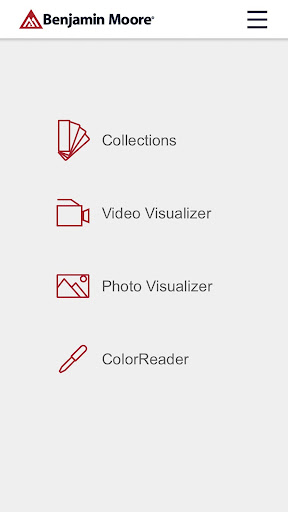
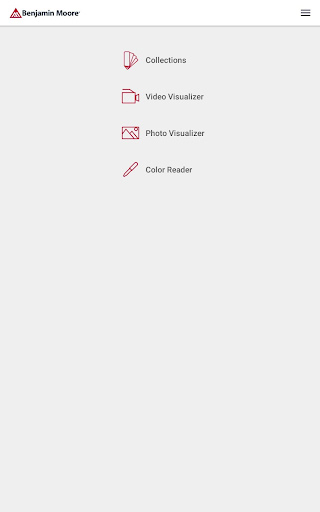
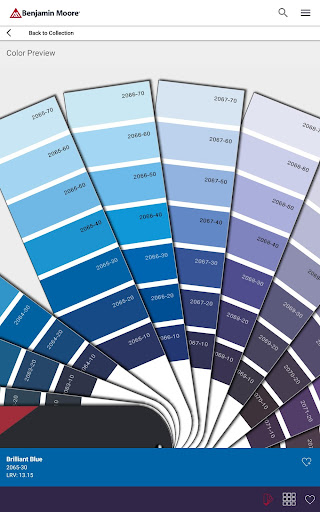
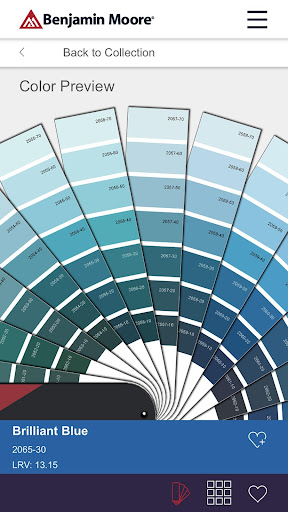
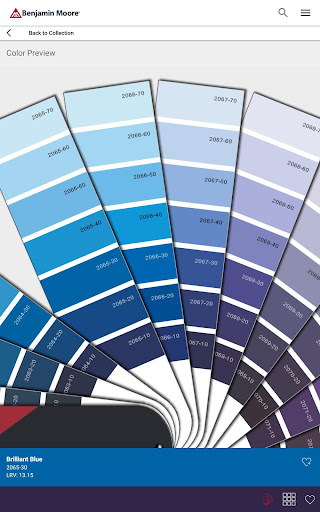
The app provides seamless access to Benjamin Moore's extensive library of trusted colors, including Color Preview®, Benjamin Moore Classics®, Affinity®, Historical Collection, Off-Whites, and Designer Classics. Browse through these virtual fan decks to discover the perfect hue that matches your style and project needs. The intuitive interface makes it easy to scroll through the colors, enabling effortless exploration of a broad spectrum of shades.
Photo Visualizer and AR Tools
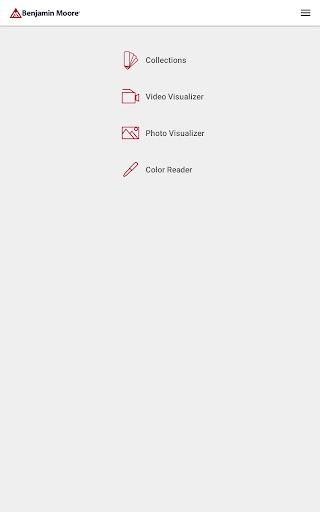
Want to see how a color would look in your actual environment? Use the Photo Visualizer feature by taking a photo of your room and tapping on surfaces to instantly mask and try different colors. For a more immersive experience, the Video Visualizer uses augmented reality technology to apply Benjamin Moore paint colors to your surfaces in real time. This innovative feature helps you make confident color choices by visualizing how new paints will transform your space without any physical samples.
Precision Color Matching
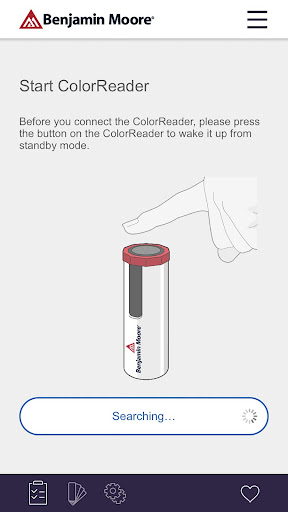
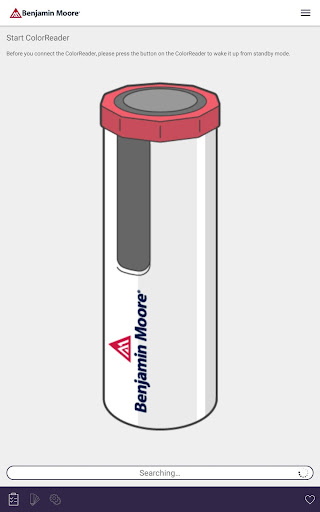
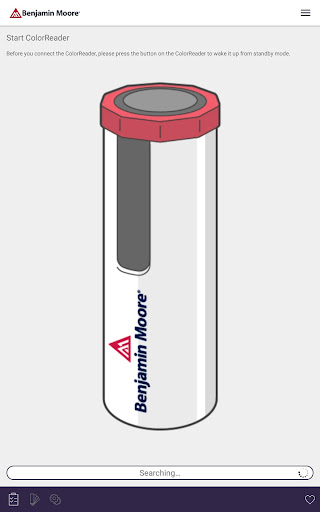
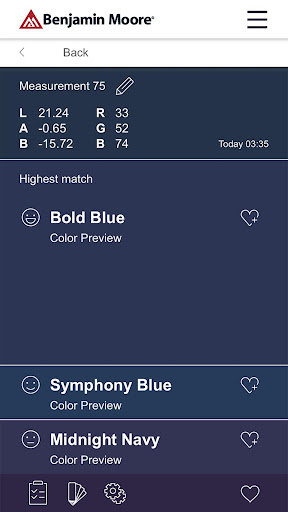
If you're serious about matching colors perfectly, the Color Portfolio app integrates with the Benjamin Moore ColorReader or ColorReader Pro devices by Datacolor. These tools enable you to capture colors in real life and precisely match them from Benjamin Moore’s extensive palette. To order a device, visit datacolor.com/bmorders, and take the guesswork out of color matching for your painting projects.
Enhance Your Creativity with Color Portfolio
Color Portfolio isn't just about choosing colors—it’s about unleashing your creative potential. The app’s user-friendly interface makes it accessible for everyone, from beginners exploring new ideas to seasoned photographers and interior designers looking for fresh inspiration. Its intuitive design removes complexity, ensuring you can focus on experimenting with color without frustration.
One of the standout aspects of the app is its extensive color palette. Whether you're aiming for a subtle shift or a bold statement, you'll find a vast array of hues to suit your mood and style. The comprehensive color wheel allows effortless experimentation, enabling you to discover new color combinations and perfect those visual accents.
Beyond color application, the app offers a range of filters and effects to elevate your photos. From vintage vibes to modern aesthetics, these editing tools help you craft captivating images that reflect your unique taste. Once you’re happy with your masterpiece, sharing it is seamless—simply upload your creation to social media platforms directly from the app, sharing your colorful journey with friends and followers instantaneously.
Ultimately, Color Portfolio serves as a dynamic platform that combines practicality with creative expression. It helps you visualize, match, and apply colors confidently—whether for home decorating, personal projects, or artistic endeavors. Explore the power of color today and turn your ordinary photos into vibrant stories that speak your style.
Pros
- Intuitive interface that simplifies navigation.
- A broad selection of color palettes available.
- Exports images in high quality.
- Offline mode allows continuous use without internet.
- Options for customizing color palettes.
Cons
- Limited features in the free version.
- Occasional crashes reported by users.
- In-app purchases can be expensive.
- Lacks support for animated color palettes.
- Requires frequent updates to maintain functionality.











