
Introducing the CL theme V1: A Stylish and Customizable Android Theme
Are you searching for a visually appealing and highly customizable theme to enhance your Android smartphone? Look no further than the CL theme V1. This innovative app has gained popularity among users who want to personalize their devices with a sleek, modern look combined with functional features that elevate user experience. Let’s explore what makes the CL theme V1 stand out and why it might be the perfect choice for your device.
Main Features of the CL theme V1
Beautiful Design and User-Friendly Interface
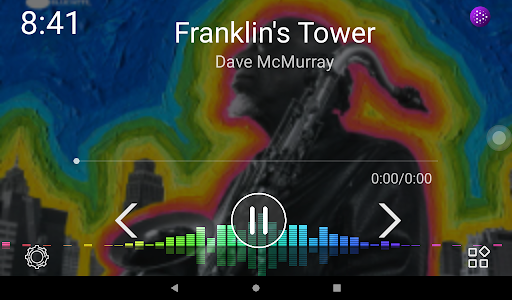
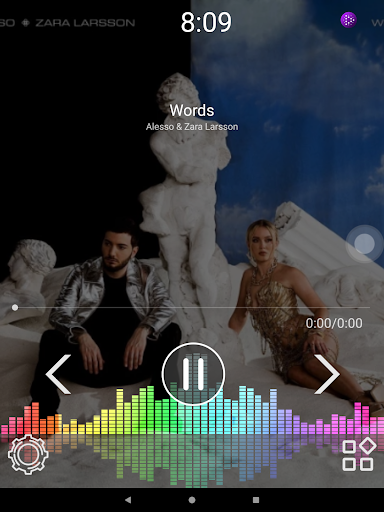
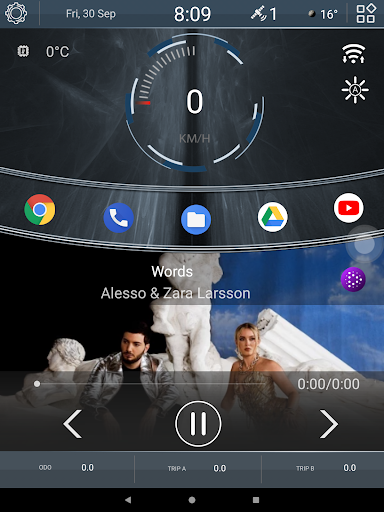
From the moment you install the CL theme V1, you'll notice its clean and contemporary design. The interface is intuitive and easy to navigate, making customization accessible even for those new to personalization apps. The setup process is straightforward, guiding you step-by-step to tailor your phone’s appearance and functions effortlessly. The minimalist aesthetic combined with thoughtful layout ensures that your device not only looks good but is also simple to operate.
Extensive Customization Options
This theme app excels in allowing you to change wallpapers, icon packs, and various UI elements to reflect your personal style. Spend some time tweaking settings, and you'll find yourself able to create a truly unique look for your device. The flexibility offered by CL theme V1 empowers you to make your smartphone feel like an extension of your personality, enhancing your overall user experience.
Innovative Features for Enhanced Functionality
One notable feature is the compatibility with numerous Android launchers. Whether you use Nova Launcher, Apex, or any other popular launcher, CL theme V1 integrates seamlessly, offering a cohesive look across your device. Regular updates from the development team ensure new features and bug fixes, keeping the theme fresh and reliable.
Dynamic Widgets and Interactive Elements
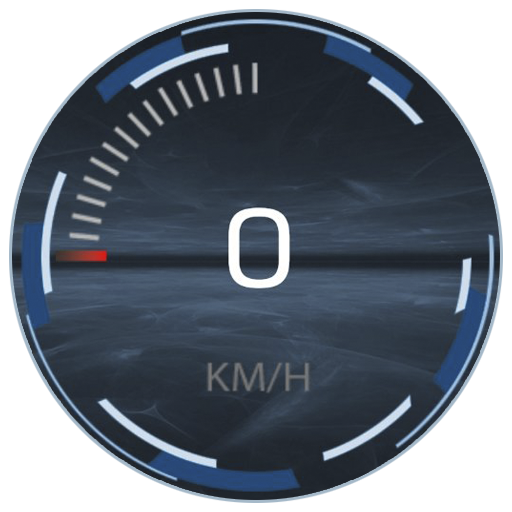
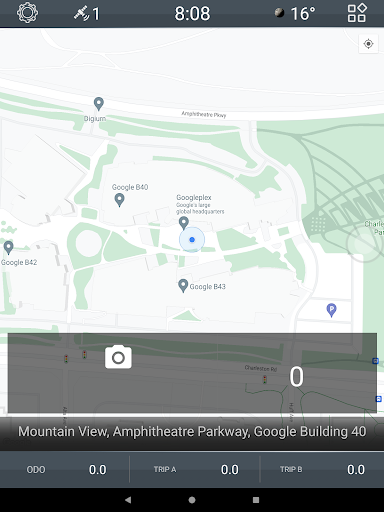
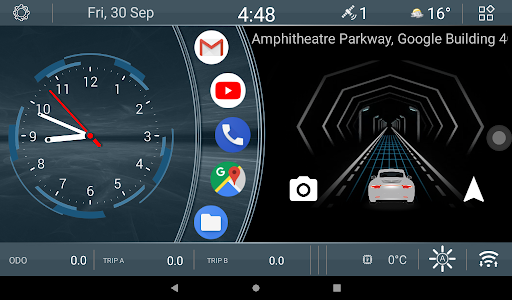
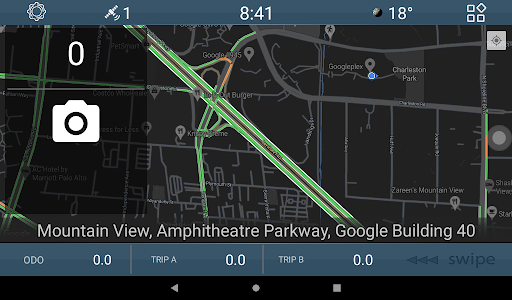
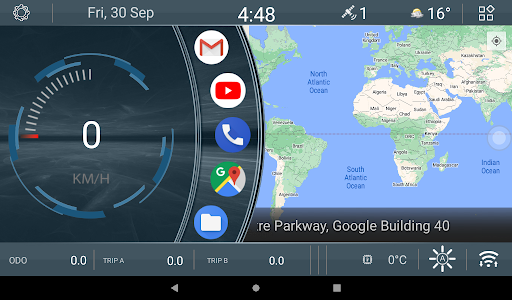
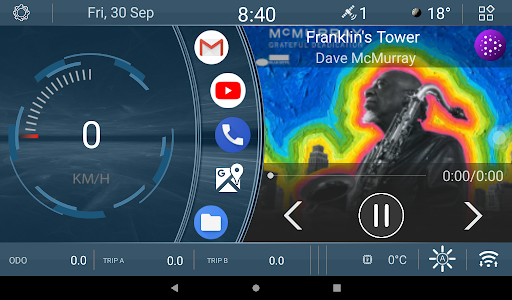
The theme includes a range of functional and animated widgets. For instance, it offers a car movement widget that animates a car moving faster as your speed increases, adding a fun, dynamic element to your home screen. Additionally, there are three odometer widgets that display speeds tailored to different time frames—constant, monthly, and daily. You can easily change these by a simple long-press on the widget, offering ongoing customization to fit your tracking needs.
Enhanced Calendar and Speed Indicators
The app features a dynamic calendar display when you open the full-screen map, showing the current date directly on the icon. Such small but useful touches add to the overall functionality, making your device both stylish and efficient.
Why Choose the CL theme V1?
If you’re passionate about personalization and want to give your Android device a fresh, modern look, CL theme V1 is an excellent option. Its ease of use, combined with a vast array of customization features, makes it ideal for both casual users and theme enthusiasts. The seamless integration with popular launchers means you don’t have to compromise on your existing setup, and the ongoing updates ensure you always have something new to explore.
In summary, CL theme V1 is more than just a visual upgrade; it’s a tool to make your entire smartphone experience more personalized, interactive, and enjoyable. If you're looking to elevate your device’s aesthetics and functionality effortlessly, this theme should be on your radar. Experience the difference a well-designed theme can make—make your phone truly yours with CL theme V1.
Pros
- User-friendly interface boosts creativity
- Wide selection of customizable themes
- Smooth integration with other applications
- Frequent updates introducing new features
- Affordable premium options
Cons
- Limited free templates available
- Occasional crashes reported
- Requires a stable internet connection
- Some features need further enhancement
- Ads can be intrusive in the free version











