
Chevron App: A Seamless Fuel Experience with Rewards
Pay at the pump from your driver’s seat
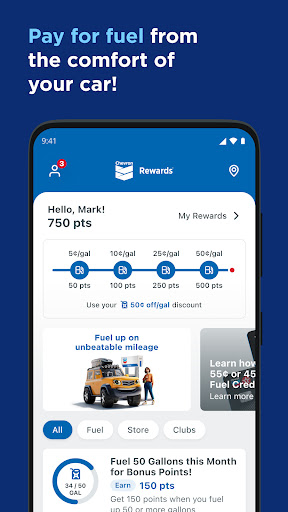
Use the Chevron app to pay for gas or diesel from the comfort of your driver’s seat for a seamless and simple experience at the pump!
Using the Chevron Texaco Rewards program, you can earn points on fuel and select in-store purchases for fuel discounts at participating stations. Where available, the ExtraMile Rewards® program is included with new benefits and greater convenience.
Must be 16 years or older to join. Chevron, Texaco, and ExtraMile apps all have the same features and functions, all accessing the same points and rewards balances. Get exclusive offers, track Club Program card punches, earn points for rewards on Chevron and Texaco fuel and enjoy mobile pay. PLUS, receive an EXTRA special Welcome offer!
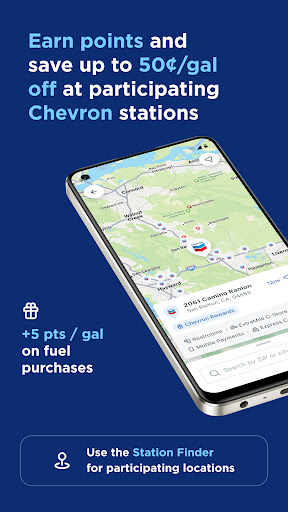
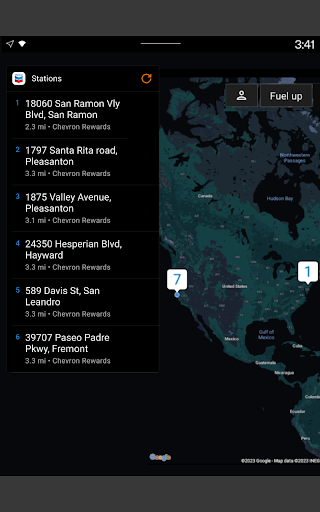
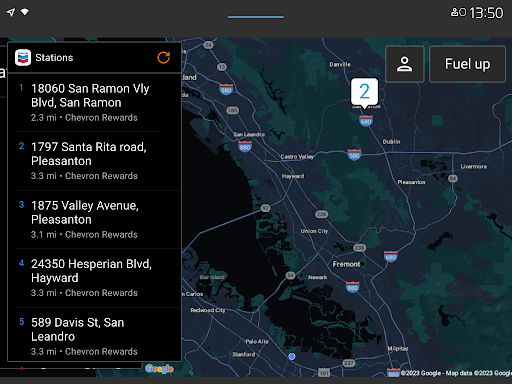
Use the station finder to locate a participating station near you by filtering for Rewards Program.
How to save on gas or diesel with the Chevron app
Sign up and complete your enrollment in the app.
Earn points on fuel and select in-store purchases.
Redeem rewards for up to 50¢ off per gallon on qualifying fuel purchases at participating locations.
How to Fuel Up via the Chevron app
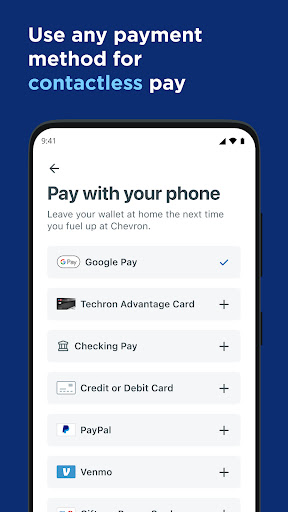
Before heading to the location, link an accepted payment method to your User Account.
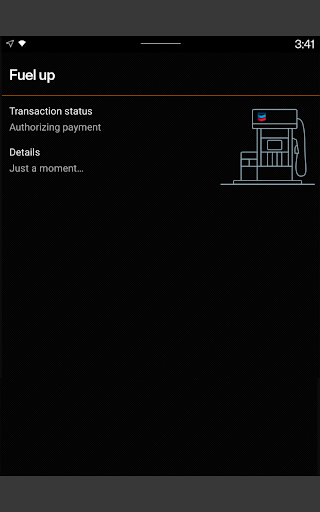
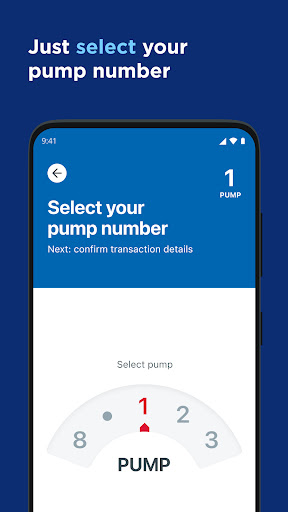
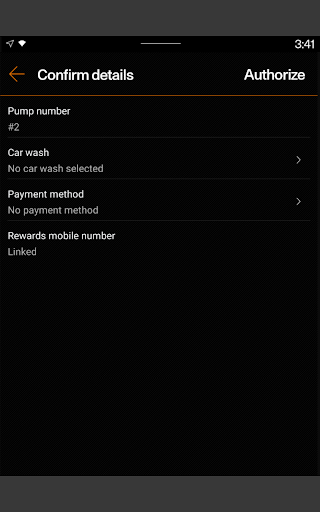
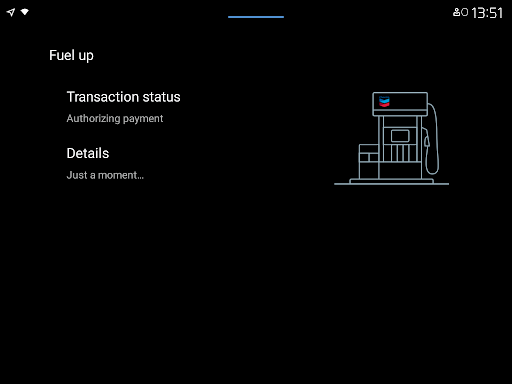
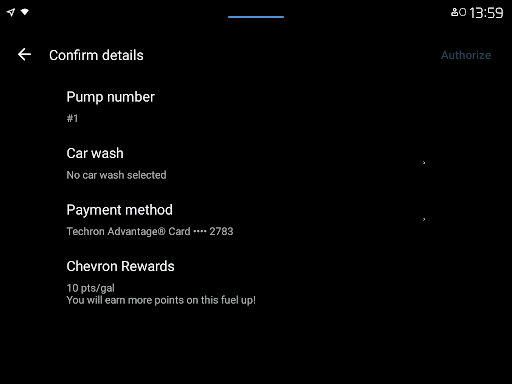
At the location, use the app to reserve your pump and select the payment method from your driver’s seat.
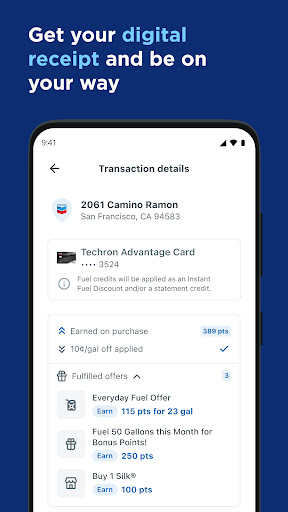
When prompted, fill up at the pump and go. Your receipt will be waiting for you in the app.
Easy ways to stay connected
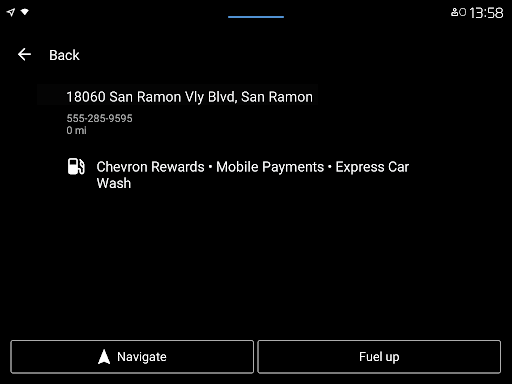
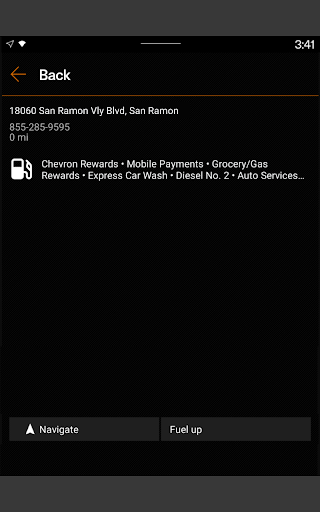
Connect your mobile phone to the car’s dashboard and open the app to find locations, redeem rewards, add a car wash, and pay for fuel.
This feature is available for Android Auto users.
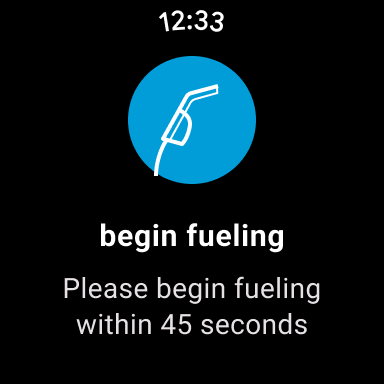
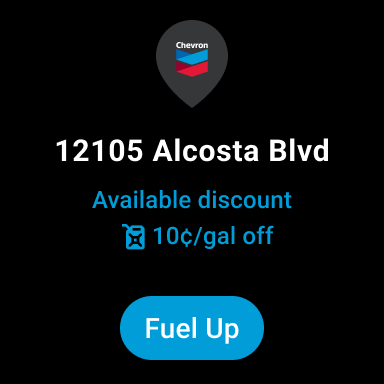
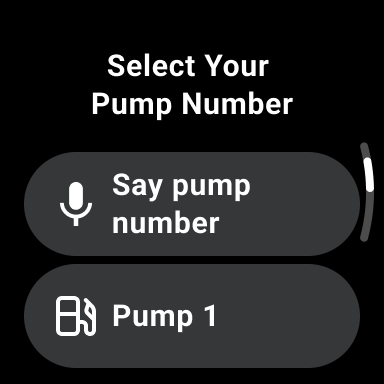
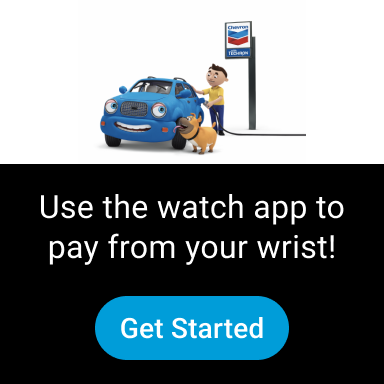
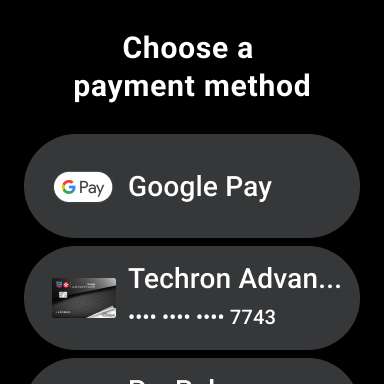
Use your Wear OS device to fuel up and redeem your rewards at participating locations that accept mobile payments.
Additional features to help keep you going
View your available rewards and information under My Rewards.
Find lower-carbon-intensity products like renewable diesel blends and compressed natural gas.
Filter through amenities such as Convenience Store, Restrooms, Full-Service Car Wash, Amazon Pickup, EV Charging, and more.
View in-app receipts for mobile payments.
Get answers to frequently asked questions anytime and anywhere in the app with our Mobi digital chatbot.
Chevron App: A personal take on fuel management
Getting Started
Getting started with Chevron is a breeze. Available on both Android and iOS, it’s just a quick search away on your app store. Once installed, the interface welcomes you with a clean and intuitive design that feels welcoming.
Fuel Management Made Easy
One standout feature is how it simplifies fuel management. Whether you’re tracking daily commutes or planning a long road trip, Chevron provides detailed insights into your fuel usage. The app calculates your fuel expenses based on the current fuel prices, which it updates regularly, ensuring you’re always in the loop. It’s like having a personal assistant that handles the number crunching for you!
User-Friendly Features
Chevron doesn’t skimp on features either. The app allows you to log each fuel purchase, monitor your vehicle’s fuel efficiency, and even set reminders for your next fill-up. All this data is presented in easy-to-read graphs and charts, which makes the process engaging. You can export your data if you like backups. The GPS helps locate nearby Chevron stations, handy when you’re in unfamiliar territory.
My Take
In my view, Chevron is a must-have for drivers who spend time on the road. It’s practical, user-friendly, and packed with features that genuinely make life easier. Tracking and managing fuel expenses with precision is a game-changer, and the experience reflects thoughtful design. If you’re weighing whether to try it, I’d say go for it—you might find it’s exactly what you’ve been looking for.
Pros
- User-friendly interface for easy navigation
- Comprehensive fuel tracking features
- Access to exclusive Chevron discounts
- Real-time fuel price updates
- Secure payment options
Cons
- Limited to Chevron stations only
- Requires constant internet connection
- Occasional app crashes reported
- Not compatible with some older devices
- Limited customer support availability











