

Introducing CarLink: MirrorLink & Car Play – Your Ultimate Driving Companion
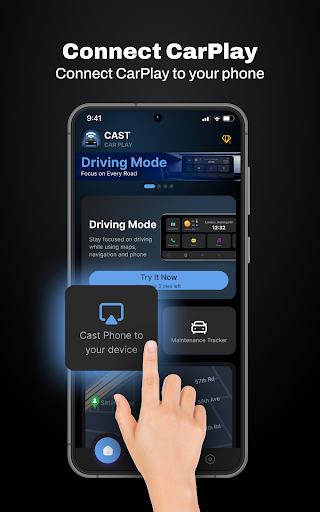
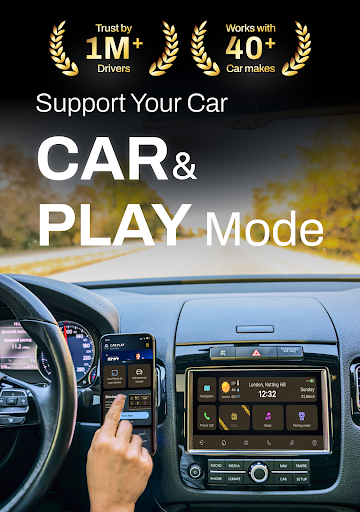
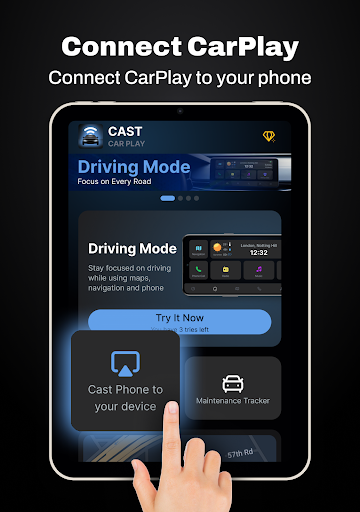
Are you seeking a way to seamlessly connect your Android smartphone with your car’s infotainment system? Look no further than CarLink: MirrorLink & Car Play. This innovative app transforms the way you interact with your vehicle, providing a smarter, safer, and more connected driving experience. Designed to support a wide range of car models and infotainment systems, CarLink combines features like screen mirror, hands-free control, and vehicle maintenance tracking — all accessible from your dashboard.
Key Features of CarLink: MirrorLink & Car Play
✅ Screen Mirror
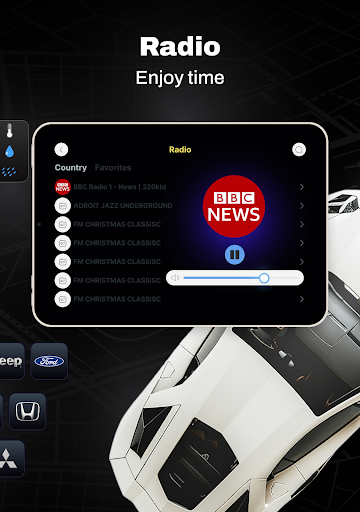
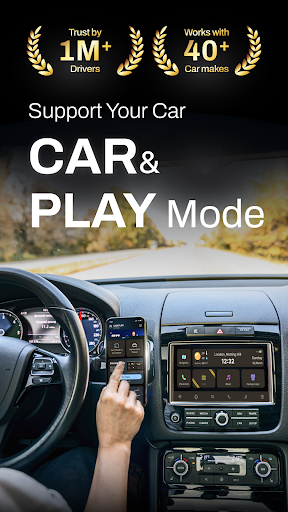
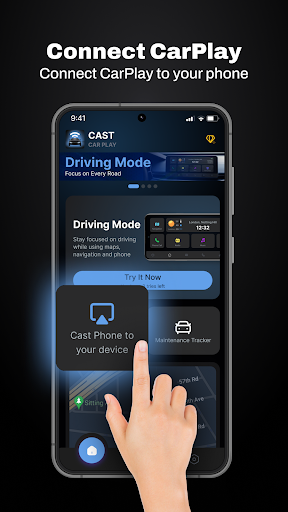
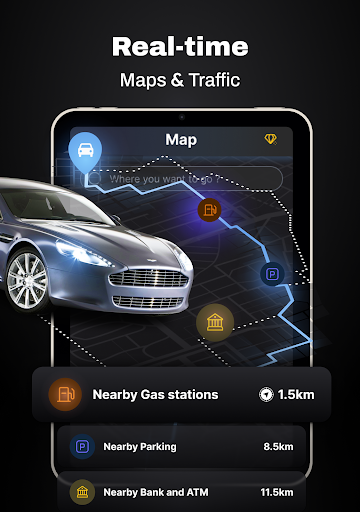
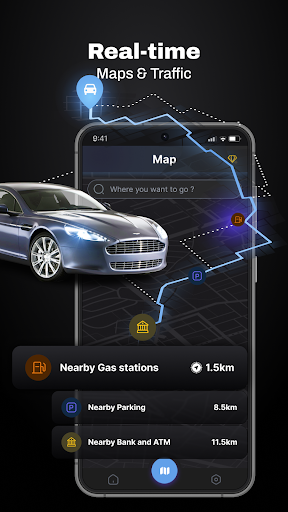
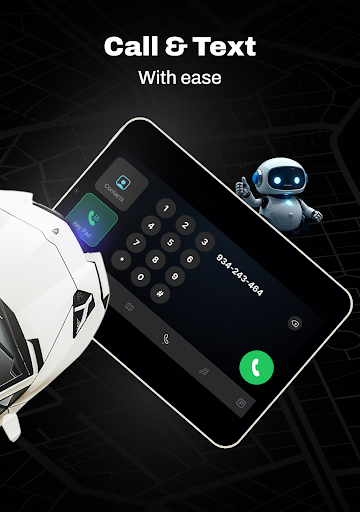
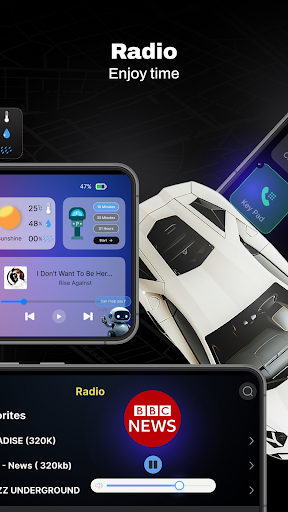
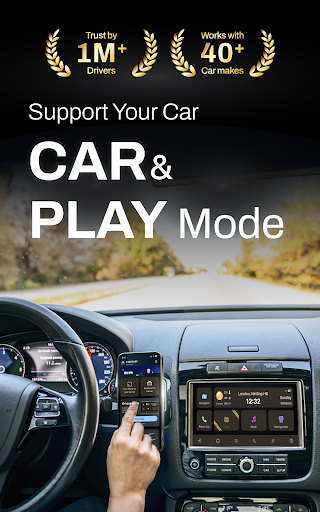
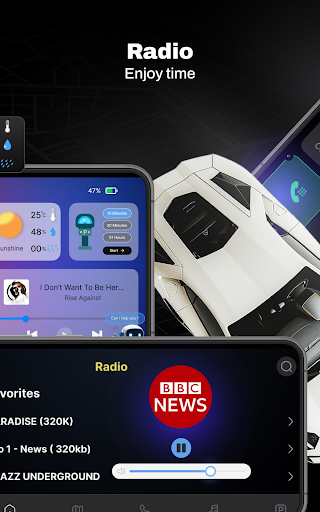
Experience the convenience of superimposing your Android phone's display onto your car’s screen. This mirror feature allows you to easily access navigation, music apps, radio, weather, parking meters, and more—making your driving environment more intuitive. Whether you're searching for directions with Google Maps or controlling your favorite music playlist, everything is at your fingertips with a clear and larger display.
✅ Hands-Free Control
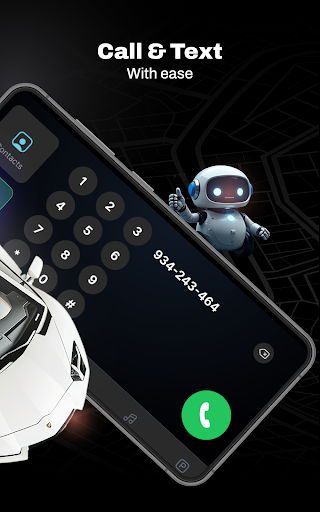
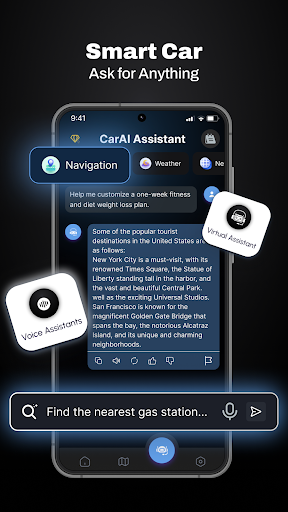
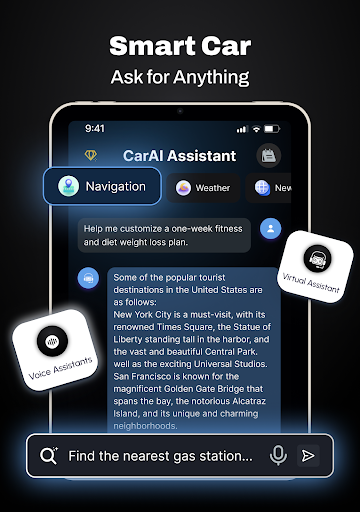
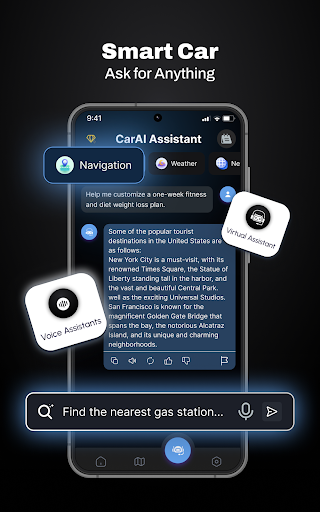
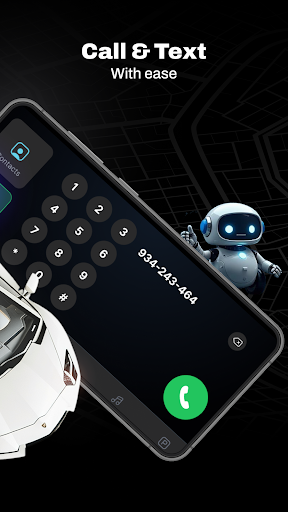
Focus on the road while maintaining full control over your phone through voice commands. The app's hands-free interface enables you to make calls, send messages, and control media without distraction, significantly improving safety during your drives.
✅ Safety & Maintenance Tracking
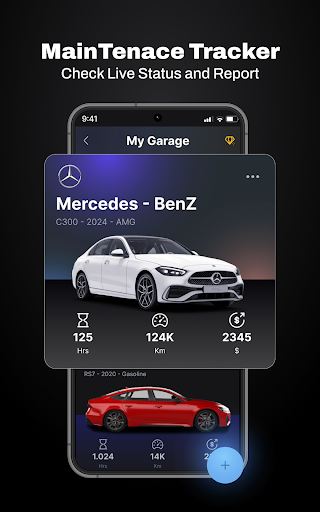
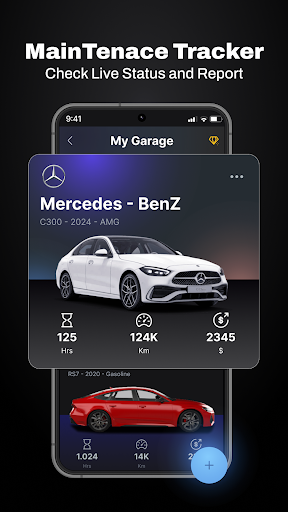
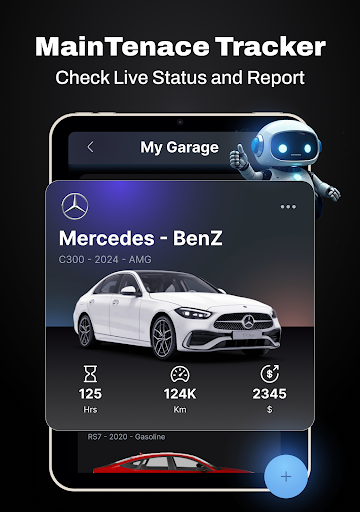
Keep your vehicle in peak condition with automated safety and maintenance tracking. The app provides reminders for oil changes, tire rotations, brake checks, and offers notifications on your car’s health status. By monitoring factors like tire pressure and battery performance, CarLink helps prevent unexpected breakdowns and extends your vehicle’s lifespan.
✅ Detailed Performance Reports
Stay informed about your vehicle's performance with detailed insights. The app supplies reports on fuel efficiency, engine oil life, mileage, and other vital stats, all sourced from real-time GPS data. This feature empowers drivers to optimize their driving habits and maintain safety on the road.
✅ Enhanced Driving Experience
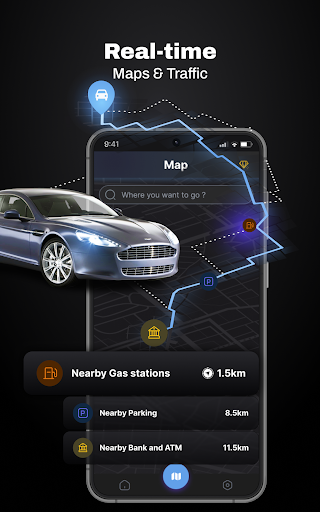
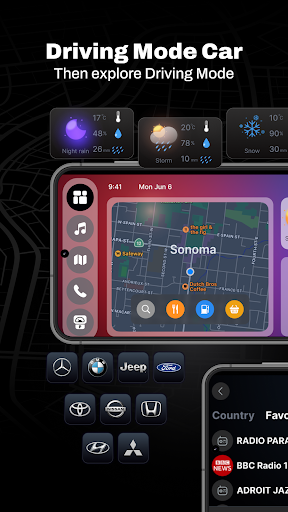
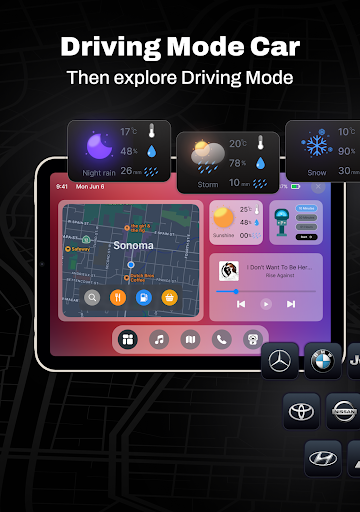
Customizable and intelligent, CarLink elevates your driving by granting quick access to navigation tools, road maps, and entertainment options. Stabilizing your digital connection through Android Auto support, the app ensures smooth performance and high-definition visuals, providing a fully immersive in-car entertainment experience. The real-time updates and reminders ensure you're always informed while on the move.
✅ Wide Compatibility & Stability
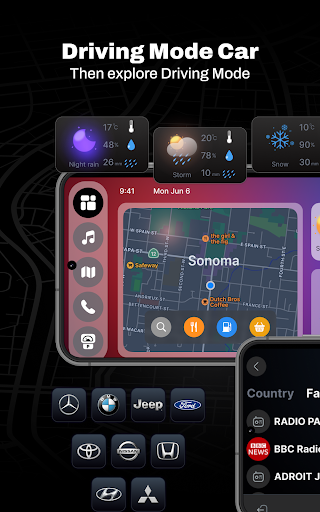
The app supports various car brands—including Tesla, Toyota, BMW, and many others—making it widely accessible. Its reliable connection and stable performance prevent lag or glitches, even during extended drives. Managing multiple vehicles with Digital Garage simplifies vehicle organization—perfect for owners of more than one car.
Why Choose CarLink: MirrorLink & Car Play?
This app is an excellent choice for drivers who want a seamless integration between their Android phone and their vehicle. With intuitive setup, user-friendly interface, and robust functionality, CarLink enhances safety, entertainment, and vehicle management—all in one package. Utilizing features like car navigation, music streaming, and performance reports, it offers a comprehensive solution for smarter driving. Whether you’re commuting daily or embarking on long road trips, CarLink helps you stay connected, entertained, and safe on every journey.
Download CarLink: MirrorLink & Car Play today and redefine your driving experience with the power of advanced connectivity and smarter vehicle management.
Pros
- Seamless connection between phone and car
- Compatible with both Android and iOS devices
- Intuitive and easy-to-use interface
- Improves driving safety
- Supports a wide variety of apps
Cons
- May quickly deplete phone battery
- Requires a stable internet connection
- Limited functionalities available for free
- Compatibility depends on the car model
- Can be distracting if used improperly











