

Carista OBD2: A Practical DIY Car Companion
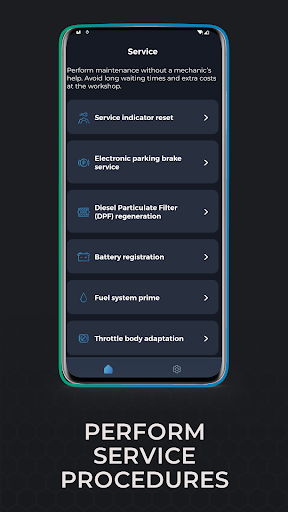
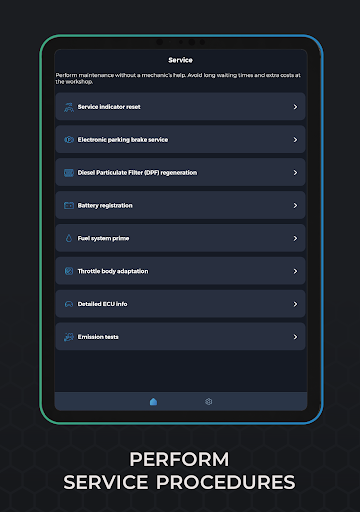
Carista OBD2 is a versatile app designed for both car enthusiasts and everyday drivers, offering diagnostic and customization capabilities for a wide range of vehicles. Available on Android and iOS, Carista OBD2 puts a capable toolkit in your pocket, letting you access and modify settings that are often hidden or require a trip to the dealership. Whether you’re a DIY mechanic or simply curious about your car, this mobile app turns your smartphone into a compact workshop, helping you save time and money on routine maintenance.
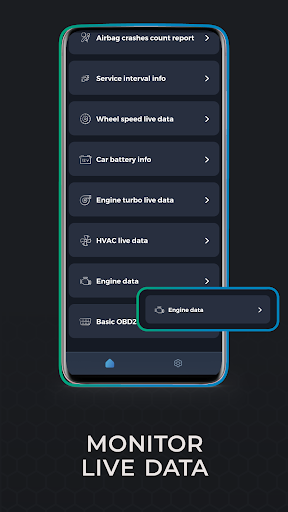
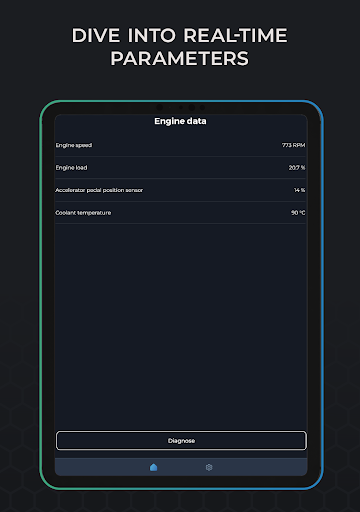
With a clean, user-friendly interface, the app guides you through connecting to your vehicle via an OBD2 adapter and starting your journey toward a more personalized and well-maintained ride. The value isn’t just convenience—it's the ability to preview how changes affect daily driving, monitor your car’s health in real time, and perform simple upkeep from home. This description highlights how Carista OBD2 helps you tune your car and monitor its health, all without stepping into a workshop.
Diagnostic Capabilities
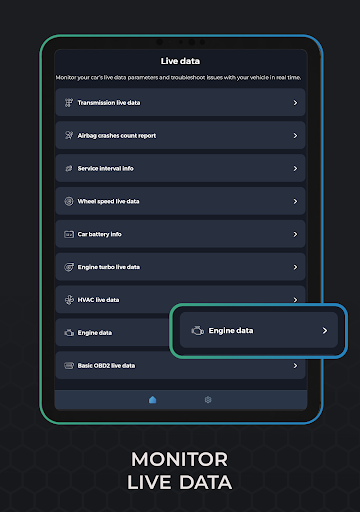
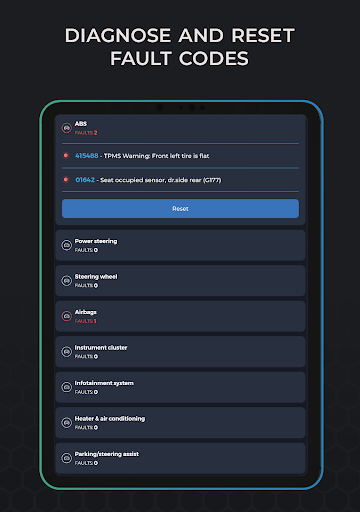
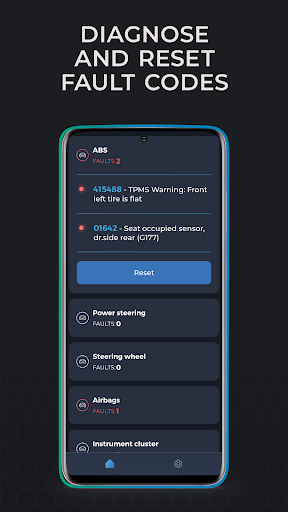
One standout feature is the ability to run comprehensive scans that identify issues before they become costly problems. Carista OBD2 performs diagnostics across multiple modules, including common systems like ABS and airbags, and presents fault codes along with plain-language explanations. This makes it easier to understand what’s happening under the hood, plan fixes, and reset warning lights once problems are addressed, potentially saving you from unnecessary repairs.
Customization and Tweaks
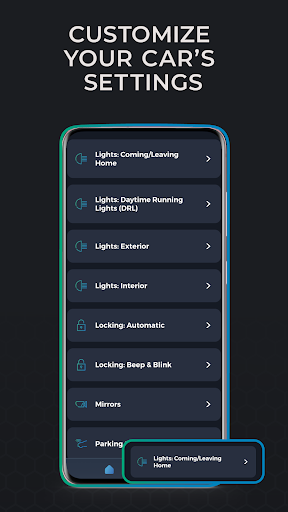
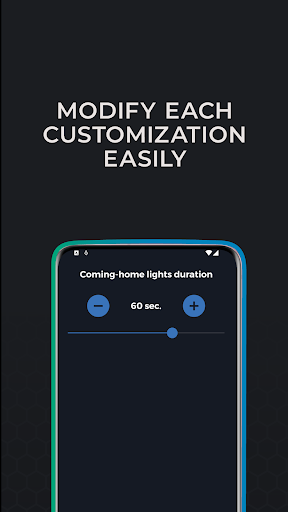
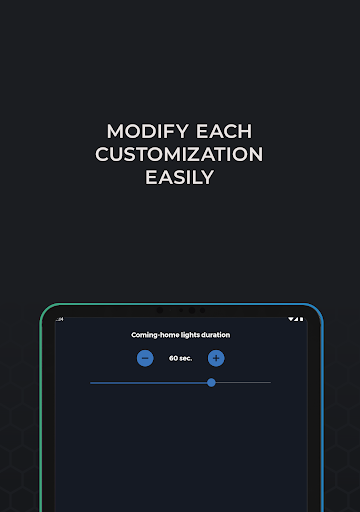
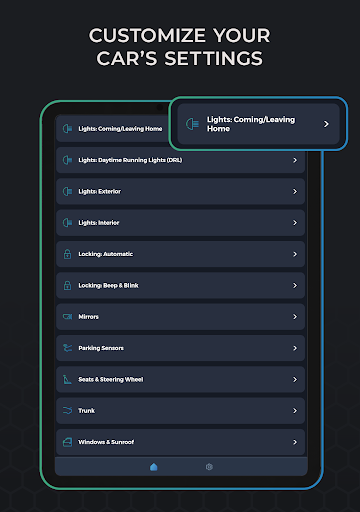
Carista OBD2 shines in its customization options. You can tweak a wide range of comfort and convenience features to suit your preferences, from lighting and door-lock behavior to dashboard display choices. A notable enhancement is the Lights DRL and other lighting settings for a personalized driving experience. The app walks you through each step, so you don’t need to be a tech expert to unlock hidden features that refresh your car’s character.
Ease of Use and Compatibility
Setting up Carista OBD2 is straightforward: connect an OBD2 adapter, enable Bluetooth, and tap Connect. The app supports a broad lineup of brands and models, making compatibility rarely an issue. It’s designed with everyday users in mind, and frequent updates continually add new features and broaden vehicle coverage, ensuring you stay current with evolving car technology.
Hardware and Compatibility
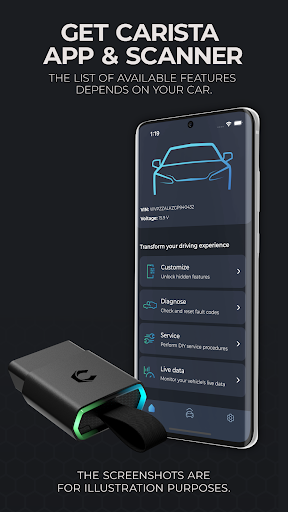
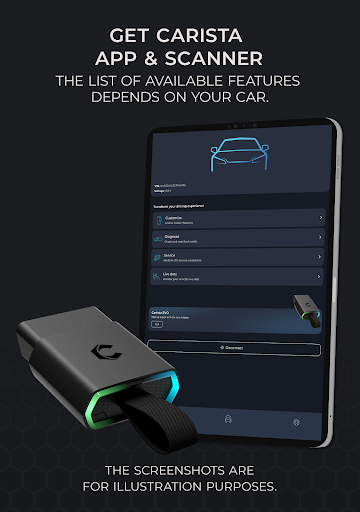
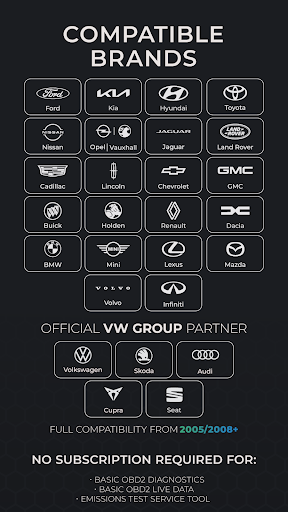
For maximum potential, pair Carista OBD2 with the Carista EVO Scanner. It also works with a range of other OBD2 adapters such as OBDLink MX+, CX, MX Bluetooth, LX, Kiwi3, or a genuine Bluetooth ELM327 v1.4 (provided it’s reliable). Note that some brands and configurations have limitations, including Ford-brand vehicles and certain SFD‑protected 2020+ VAG cars that may not be fully supported.
Supported Vehicles and Brands
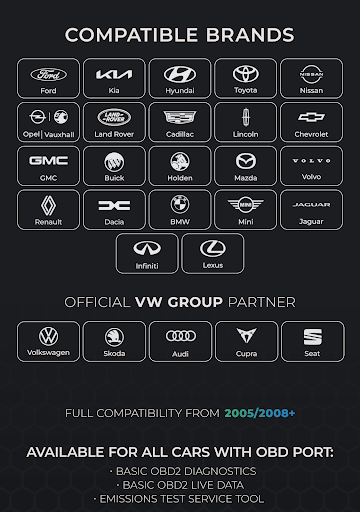
Carista OBD2 supports several major brands, including Audi, BMW, Ford, Infiniti, Jaguar, Land Rover, Lexus, Lincoln, Mazda, MINI, Nissan, Scion, SEAT, Škoda, Toyota, Volkswagen, and Volvo, among others. The app’s compatibility is continually expanding, driven by ongoing updates that bring more models into reach and improve reliability across different vehicle lines.
Pricing and Subscriptions
While a free version offers essential features, unlocking the full potential requires a Pro subscription. The pricing is structured as an auto-renewable plan at $59.99 USD per year, or $29.99 USD for 3 months, or $14.99 USD per month. Prices may vary by currency and region, but many drivers find the investment worthwhile for the breadth of diagnostics, customization options, and ongoing updates.
Pros
- Intuitive and easy-to-use interface
- Rapid diagnostics
- Flexible, customizable settings
- Broad compatibility with numerous car models
- Regular software updates
Cons
- Some features are only available in the paid tier
- Requires an external OBD2 adapter
- Full access requires a subscription
- Occasional connectivity problems
- Might not support older vehicles











