
Car Play / Android Auto Sync
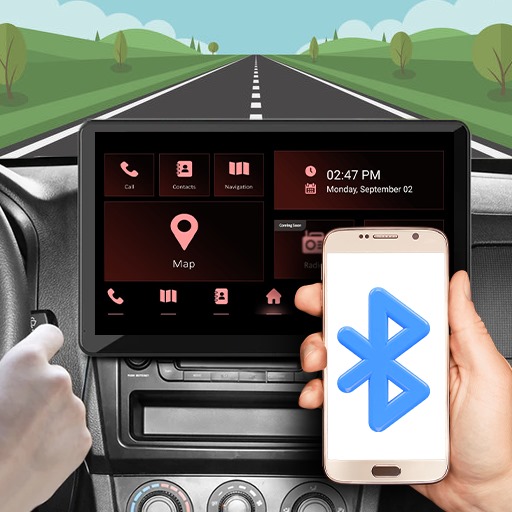
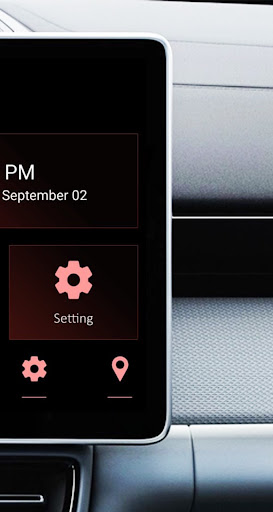
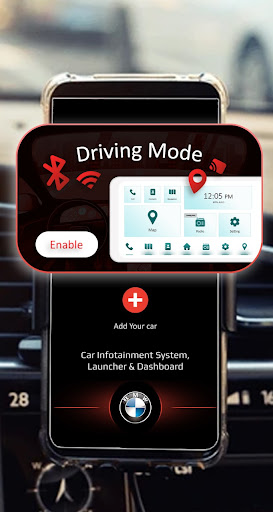
Experience seamless integration between your smartphone and your vehicle with the Car Play / Android Auto Sync app. This innovative application transforms your driving experience by connecting your device to your car’s infotainment system through multiple connectivity options such as Bluetooth, Wi-Fi, and Cast. Whether you're navigating, listening to music, or managing calls, this app ensures all essential features are accessible directly from your car's display, making every journey safer, more connected, and more enjoyable.
Key Features of Car Play / Android Auto Sync
Seamless Connectivity
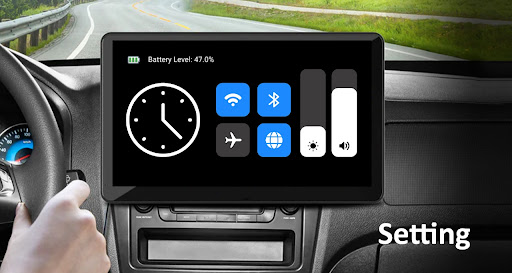
Connect your Android or iPhone device effortlessly via Bluetooth, Wi-Fi, or Cast. Enjoy smooth, reliable access to your favorite apps and functions on your car’s dashboard without interruptions.
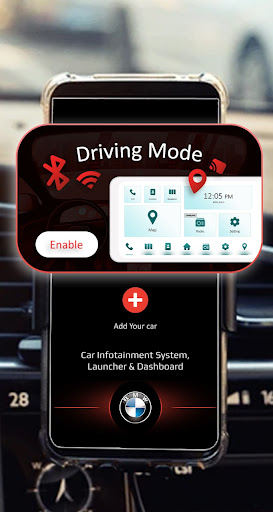
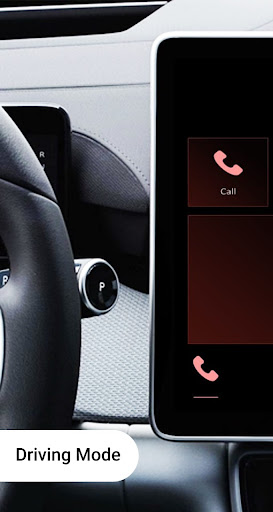
Driving Mode with Smart Features
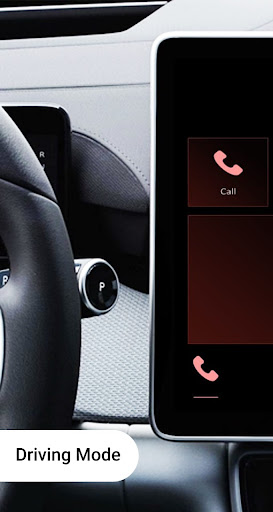
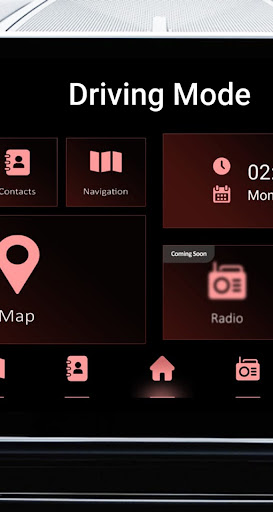
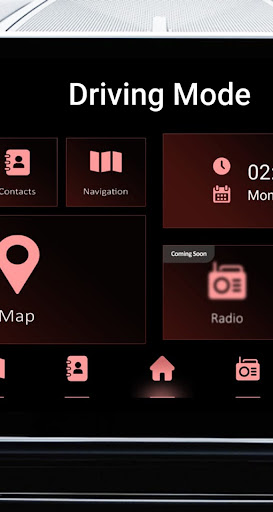
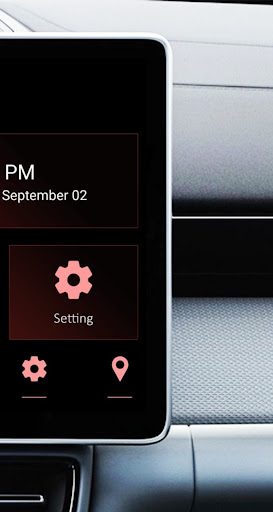
Activate the Driving Mode to access a distraction-free interface. This mode provides quick access to important features such as Contacts, Calls, Music, and Navigation, helping you stay focused on the road while staying connected.
Speedometer & Safety
The app includes a built-in Speedometer that displays your current speed in real time, helping you drive safely and within legal limits.
Emergency & Contact Management
Instantly access your emergency contacts to make quick calls when needed, ensuring safety during unexpected situations. Manage your contacts easily without taking your eyes off the road.
Navigation & Real-Time Directions
Get reliable Maps and Navigation support, with real-time traffic updates, route suggestions, and turn-by-turn directions, all displayed conveniently on your car’s screen.
Hands-Free Calls & Music Control
Make and receive calls hands-free, and control your preferred music apps or playlists directly from your car’s interface. Whether you use Spotify, Apple Music, or other streaming services, managing your entertainment is made simple and safe.
Car Customization & Maintenance
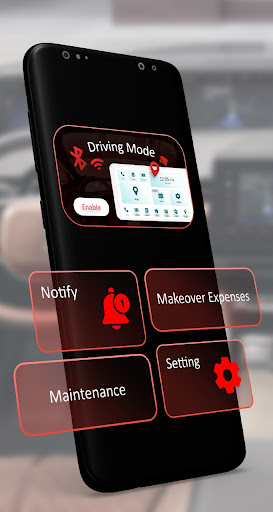
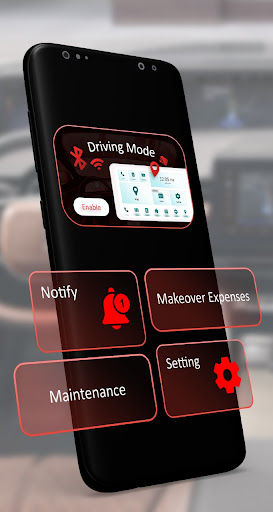
Personalize your digital garage by adding and customizing multiple vehicles, complete with details like car name and model. Keep track of car expenses and log maintenance history, schedules, and reminders for proper vehicle upkeep.
Getting Started with Car Play / Android Auto Sync
Setting up CarPlay or Android Auto is straightforward. For Apple users, ensure you have an iPhone 5 or later running iOS 7.1 or above. Android users need devices running Android 5.0 (Lollipop) or newer. Most modern vehicles and aftermarket stereos support these standards, making installation easy.
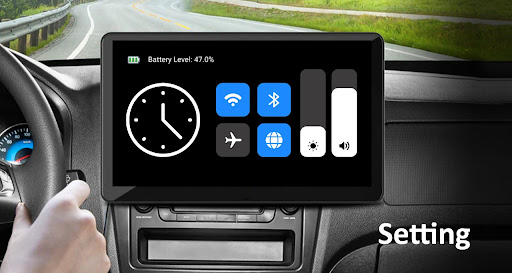
Simple connection steps include plugging your phone into the car’s USB port or establishing a wireless connection if supported. Once connected, your car’s display will mirror your phone’s interface — streamlined, simplified, and designed for minimal distraction, with large icons and essential apps only.
Features You Will Love
Both CarPlay and Android Auto allow you to make calls, send texts, and control music seamlessly using voice commands like “Hey Siri” or “Okay Google.” Popular mapping services like Google Maps and Apple Maps provide real-time traffic updates and route options, enhancing your driving experience.
Compatibility is essential; only apps optimized for CarPlay and Android Auto will display on your vehicle’s screen. These include messaging apps such as WhatsApp, audiobook services, and podcasts — all designed to keep your focus on the road.
One of the standout benefits is the streamlined interface that removes unnecessary distractions, offering only what you need now — like your favorite music or directions — much like a dedicated virtual co-pilot.
Conclusion
In summary, Car Play / Android Auto Sync brings modern connectivity straight to your vehicle’s dashboard. By providing quick access to essential features like navigation, calls, music, and vehicle management, it enhances safety, convenience, and driving enjoyment. Whether you're commuting or embarking on a road trip, this smart system ensures your journey is smooth, connected, and fully in control. Don't miss out — upgrade your driving experience today with the power of smartphone integration and take your vehicle’s infotainment system to the next level!
Pros
- Seamless integration with vehicle systems.
- Intuitive interface for straightforward navigation.
- Compatible with a broad selection of applications.
- Enhances driving safety through hands-free functionalities.
- Regular updates improve overall features.
Cons
- Limited compatibility with certain apps.
- Dependence on a reliable internet connection.
- May not be compatible with older vehicle models.
- Occasional connectivity interruptions.
- Inconsistent performance of voice recognition.











