


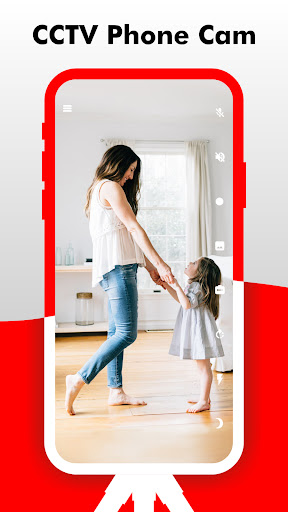
Camy — Live Video CCTV Overview
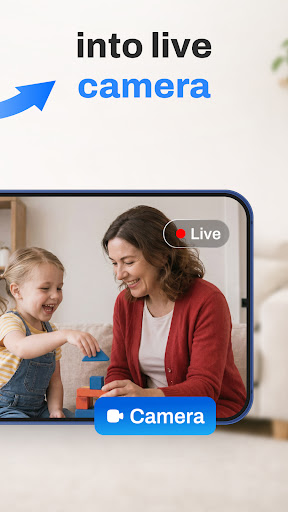
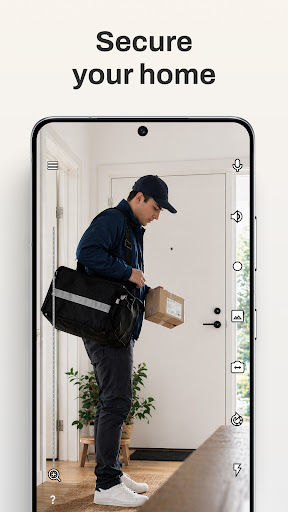
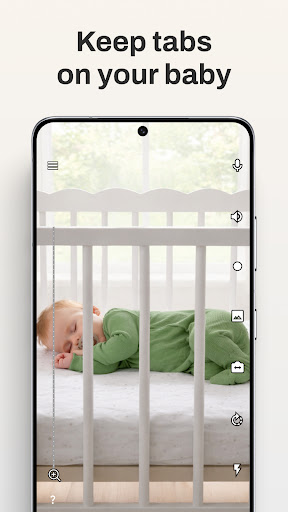
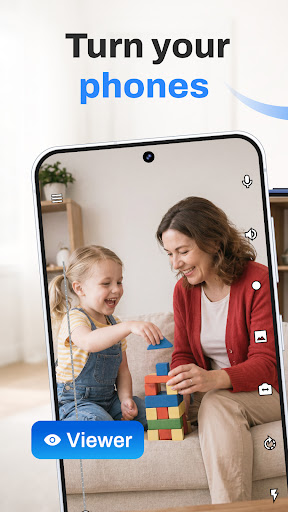
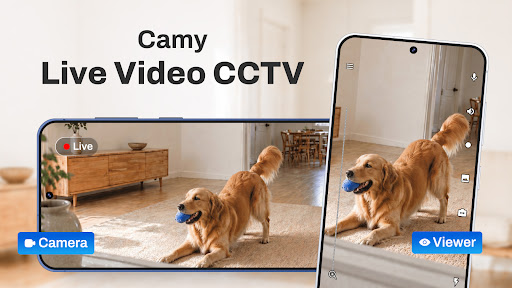
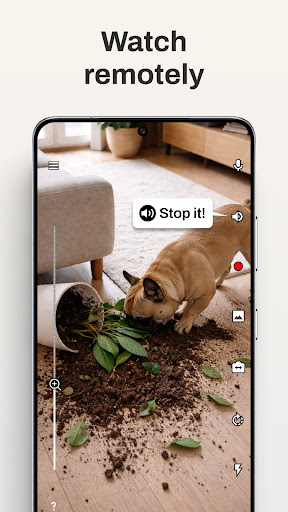
Camy turns your phones and tablets into a live stream video surveillance system. You can connect to another phone from anywhere with Internet access. Camy makes it possible to monitor your home or office without purchasing special equipment. It can help you watch your child, check on your cat or dog, or simply see who is at home. The built-in motion detector helps safeguard your space by sending instant alerts when activity is detected. You can turn any smartphone into a remote video surveillance camera or viewing device, and you can also watch the live stream on your PC by visiting the web version at the address below.
Visit the web version to watch live video: https://web.camy.cam.
Key Features and Capabilities
Functional:
Stream high-quality video from your cameras.
Connect multiple cameras (phones) — available in the Premium version.
Simultaneously connect with multiple viewers.
Video recording for later review.
Option to turn off the phone screen to save energy.
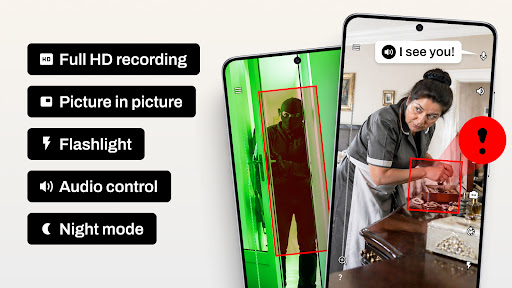
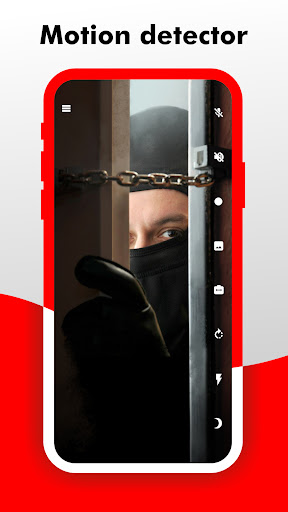
Motion detector and notifications, plus the ability to automatically record video to the cloud (Premium).
Info about the stream, including frame rate, bit rate, and image size.
Switch between front and rear cameras.
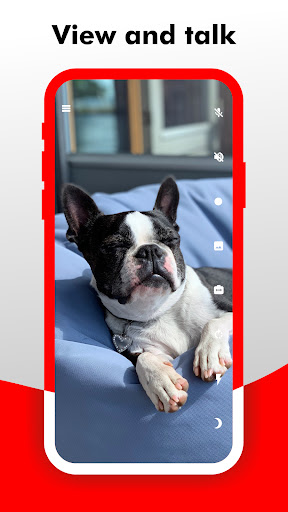
View and talk: answer the camera using speakerphone.
Rotate the image.
Remote flashlight on.
Take screenshots.
Zoom in capability.
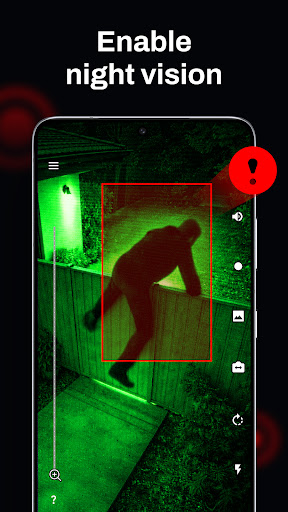
Night mode for low-light environments.
Picture-in-picture mode.
Android TV support.
Web version support.
Ability to connect a webcam.
In the process: IP-camera connectivity is supported (IP-camera compatibility).
Camy is built using Flutter.
Setup and Everyday Use
Ever wished you could keep an eye on things at home while you’re away? Camy — Live Video CCTV turns your smartphone into a powerful surveillance tool you can access from anywhere with an Internet connection. The setup is straightforward: install the app on both your current device and an older phone you want to repurpose, and follow the guided prompts to pair them. This approach lets you breathe new life into older devices and deploy a scalable security solution without buying new hardware.
What Camy is all about? It’s a user-friendly surveillance app that lets you convert your spare smartphones into security cameras. With reliable internet access, you gain remote visibility and control over your property. It’s an ideal solution for budget-conscious users who want an effective security setup without a traditional CCTV system.
Setting up is a breeze: download Camy on both devices, follow the prompts, and place the spare phone anywhere you need coverage. The process is designed to be simple enough that even non-tech-savvy users can follow along. Once configured, you can monitor multiple areas around your home or office, switch between cameras, and receive timely alerts when motion is detected.
Features that pack a punch include motion detection alerts and night vision, which ensure you aren’t left in the dark about activity on your property. You can add multiple cameras around the house and switch between them with ease. If you’re away, Camy records events for later review, giving you a clear timeline of what happened. The performance is solid, with video quality that holds up well given a stable Internet connection, and notifications that arrive promptly to keep you in the loop. While the exact quality of the live stream depends on your network, Camy remains a reliable and practical security companion for travelers, busy parents, and security-conscious individuals alike.
Is Camy for you? If you’re weighing a traditional CCTV system against a flexible, affordable mobile solution, Camy offers a compelling option. It’s intuitive, efficient, and doesn’t require expensive equipment—just your old phone and a curiosity to stay connected. For anyone who wants peace of mind while on the go, Camy can be a smart ally in home security, pet monitoring, or remote property surveillance.
400–600 Word Blog-Style Feature Description (SEO-Boosting Overview)
Camy — Live Video CCTV reimagines home security by turning everyday smartphones into a network of wireless cameras. Picture this: you have a reliable Internet connection, and your old phone becomes a discreet security camera, while your current device acts as a powerful viewing hub. No bulky hardware, no hefty installation—just a clever app that brings real-time surveillance right to your palm. This approach makes security accessible on a budget, without sacrificing control or clarity. The app supports live streaming, giving you a near-instant view of what’s happening in and around your property. For those who want to monitor multiple zones, Camy accommodates several phones, each acting as a separate vantage point. In practice, you can monitor doors, windows, or living spaces across different rooms or even across different buildings, all from one interface. When motion is detected, you’ll receive a notification immediately, and you can review the event later with built-in video recording. Night vision extends your monitoring capabilities after dark, and the option to enable picture-in-picture ensures you never miss a moment while you navigate other tasks on your device. The convenience doesn’t stop there—Camy supports turning off the phone screen to conserve battery, rotating the camera view for better framing, and even a remote flashlight for low-light situations. For many users, the web version at the Camy web address provides a familiar desktop experience, while Android TV compatibility expands your viewing options to bigger screens. Setting up is quick on both new and old devices, making it easy to repurpose phones you already own into a cohesive security system. The result is a flexible, scalable, and cost-effective surveillance solution that works well for travelers who want to check in from abroad, busy parents who need to keep an eye on kids and pets, or small households seeking simple peace of mind. While the quality of the stream depends on your Internet speed, Camy’s ability to record, notify, and switch between multiple cameras creates a dependable security workflow. This app is ideal for anyone looking to enhance security without the complexity or expense of traditional CCTV systems, delivering practical features like motion alerts, cloud recording, and remote access from anywhere with a connection. If you’re exploring a smarter, more affordable way to monitor your home, Camy offers a compelling blend of usability, reliability, and flexibility that aligns with modern security needs.
Pros
- Easy setup and user-friendly interface.
- Real-time monitoring with high-quality video.
- Cross-platform compatibility for access.
- Supports multiple cameras simultaneously.
- Motion detection alerts enhance security.
Cons
- Requires constant internet connection.
- Limited free features
- Subscription needed.
- Some features drain battery quickly.
- Occasional lag in video playback.
- No integration with smart home devices.











