Calibre Sync
Are you tired of juggling multiple devices, formats, and messy eBook collections? Calibre Sync is the ultimate solution designed to streamline your digital library management and enhance your reading experience. With its comprehensive features, lifetime support, and ability to connect effortlessly with numerous cloud storage providers, Calibre Sync helps you access your entire Calibre library anytime, anywhere.
What is Calibre Sync?
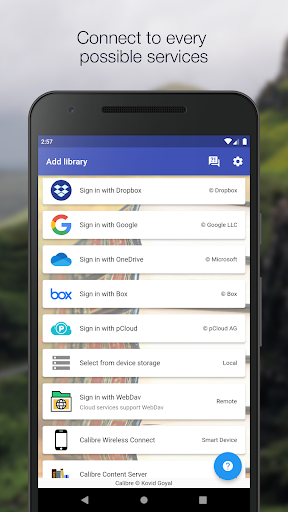
Calibre Sync is a powerful tool that acts as your personal library assistant, enabling seamless synchronization of your Calibre eBook library with the most popular personal cloud services such as Google Drive, Dropbox, Microsoft OneDrive, Box, pCloud, MEGA, WebDav, Nextcloud, and OwnCloud. It transforms your devices into smart eBook management hubs, allowing you to browse, search, and read your books without the need to carry your bulky collection physically.
Core Features of Calibre Sync
Unlimited Libraries and Multi-Account Support
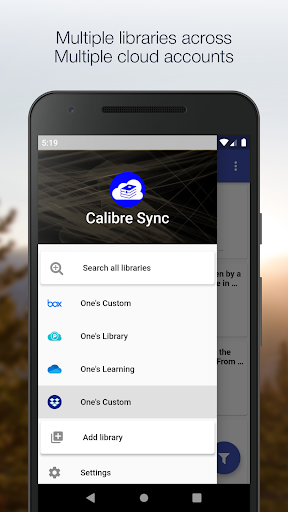
Manage unlimited Calibre libraries across multiple cloud accounts simultaneously. Whether you have several genres, series, or custom collections, Calibre Sync keeps everything organized and accessible across all your devices.
Wireless Connectivity and Device Emulation
Transform your device into a smart device emulator that connects wirelessly to Calibre, supporting external storage and content servers with impressive performance. This feature ensures a smooth, hassle-free experience when managing large libraries or multiple devices.
Intuitive Library Management
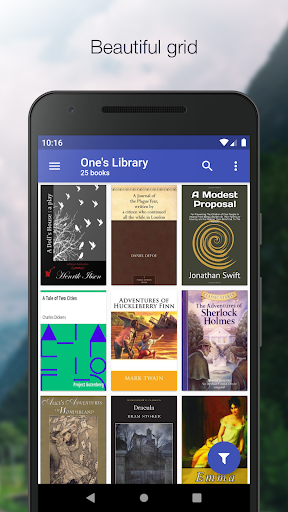
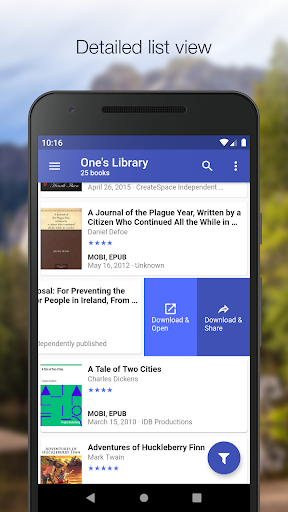
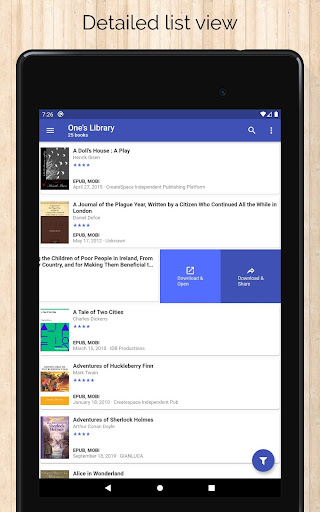
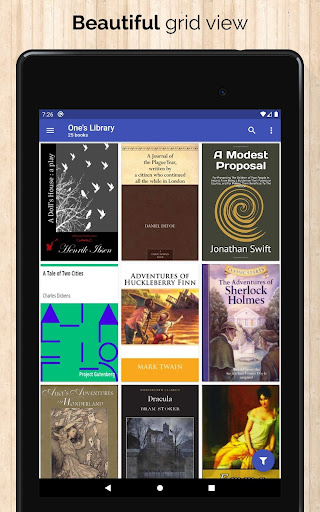
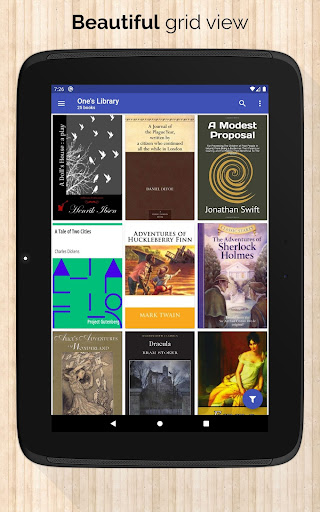
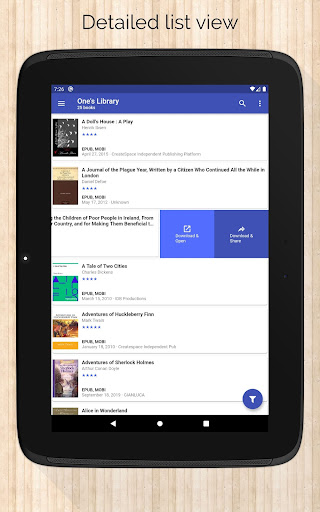
Effortlessly switch between multiple libraries, monitor updates, and perform actions like pull, refresh, or remove libraries. The app also supports various list layouts such as list, grid, and carousel to suit your browsing preferences.
Advanced Search and Filtering
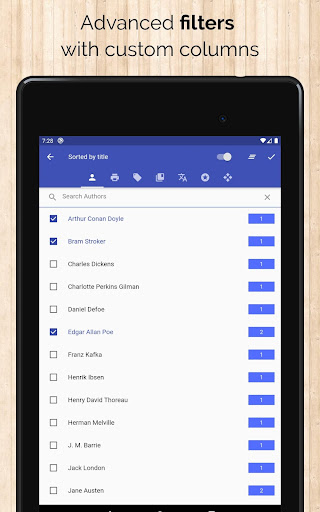
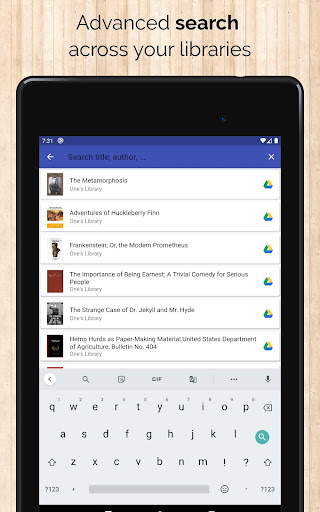
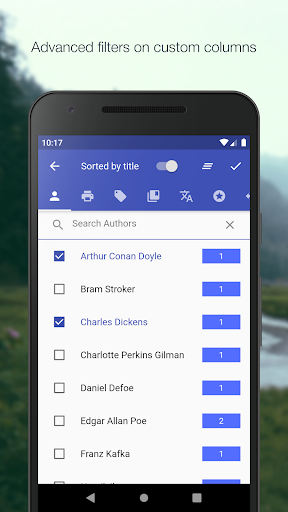
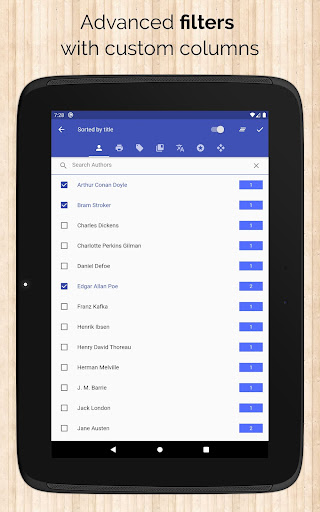
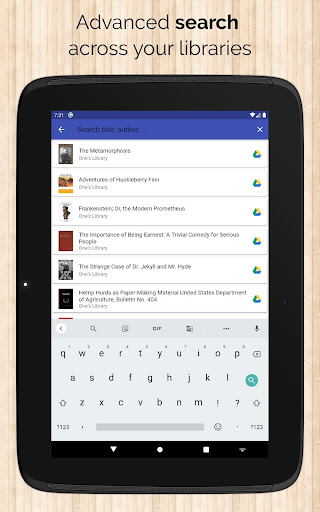
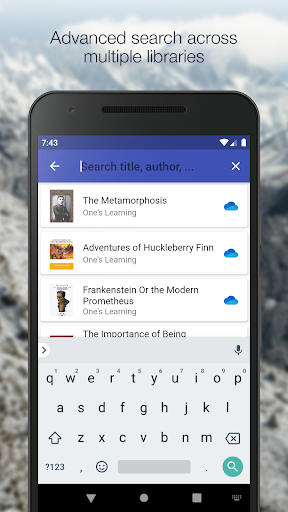
Find your favorite books easily by searching across titles, authors, comments, and custom columns. Use filters based on authors, series, tags, language, publishers, and formats. Sort your library by different criteria, including ratings and date.
Reading Experience Customization
Adjust font size, enable night mode, zoom book covers, and swipe between books for a personalized reading setup. Download books directly to your device, share them via email, or open with your preferred reader app for a seamless experience.
Detailed Book Information
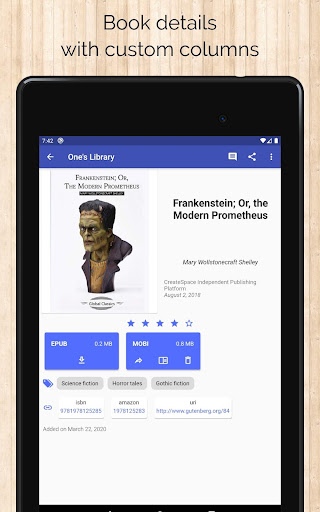
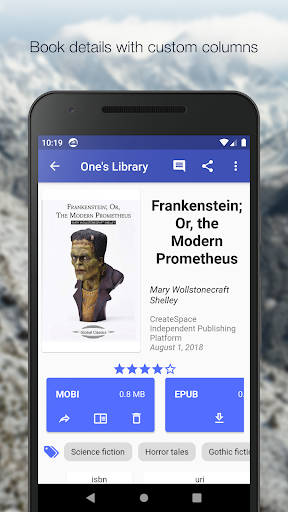
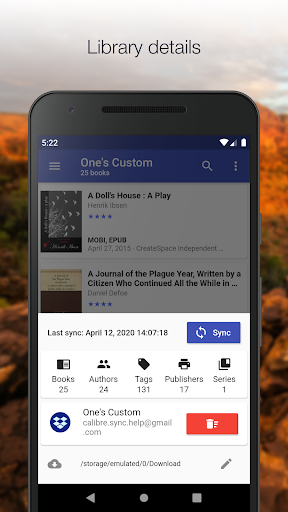
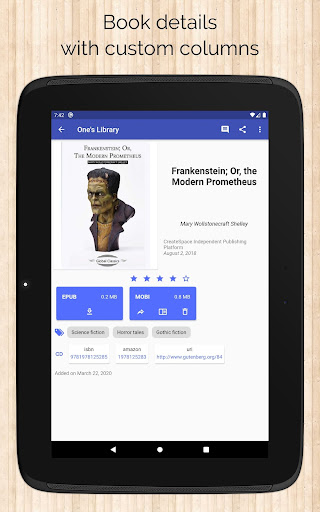
View essential details like file size, book identifiers (ISBN, Amazon, Google Books, Goodreads links), and support for custom columns. Access your library statistics and manage your books efficiently.
Synchronization and Updates
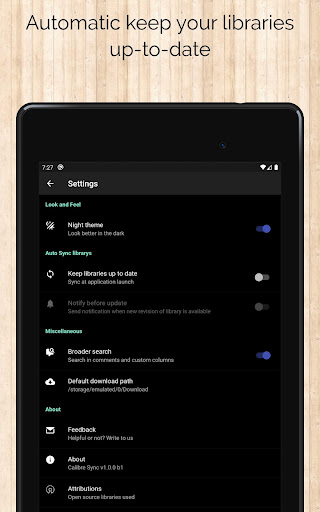
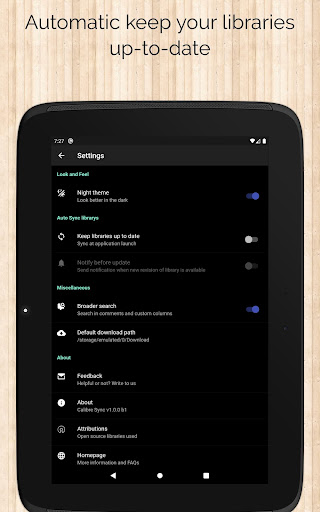
Automatically check and update your libraries on app launch, ensuring your collection stays current. Support for custom download locations and synchronization across multiple accounts makes managing your library effortless.
Easy Migration and Cloud Integration
Moving your Calibre library to the cloud is straightforward:
- Open Calibre on your desktop or laptop.
- Select "Switch/create library..." from the menu.
- Choose an empty folder within your preferred cloud service in the "New Location" dropdown.
- Click "Move current library to new location" and wait for syncing to complete.
- Once finished, your library is accessible via Calibre Sync on any device.
Important Notes and Compatibility
Calibre Sync is not a book reader app. You’ll need to install a dedicated eBook reader to enjoy your books. The app supports Microsoft OneDrive (Personal shared accounts) and utilizes WebDav API for Nextcloud and OwnCloud, requiring a case-sensitive file system (Linux, recent macOS, Windows NTFS with case sensitivity).
The app only needs storage permission to store downloaded files, making it a safe and efficient tool for managing your eBook library. For devices with external SD cards, ensure that the external storage is available for download purposes.
Support and Feedback
Calibre Sync offers lifetime support without any additional charges or subscription fees. Your feedback and reviews help us improve the app further, ensuring a better experience for all users.
Conclusion
If you're looking for a reliable, feature-rich solution to sync and manage your Calibre eBook library across multiple cloud platforms, Calibre Sync is your go-to app. Its extensive support for various cloud services, seamless synchronization features, and user-friendly interface make it an indispensable tool for both casual readers and avid collectors. Take control of your digital library today and enjoy reading without boundaries!
Pros
- Seamless integration with Calibre library
- Compatible with multiple devices and platforms
- Effective cloud synchronization features
- Intuitive and user-friendly interface
- Options for customizable synchronization
Cons
- Limited offline capabilities
- Occasional delays in synchronization
- Requires initial Calibre configuration
- Some functionalities are behind a premium paywall
- Initial setup process may be complicated