
Discover the Power of the Blue Letter Bible App
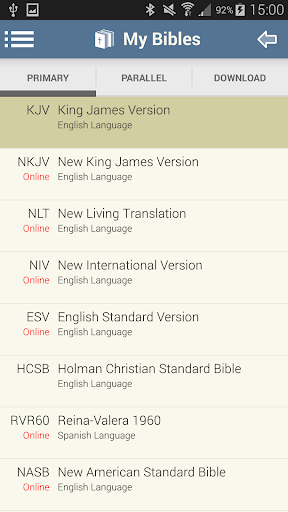
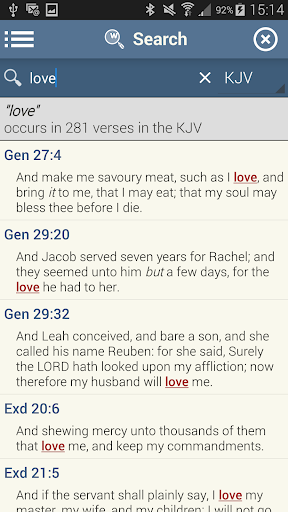
Are you looking to deepen your understanding of God’s Word? The Blue Letter Bible app is a comprehensive digital tool designed to enhance your Bible study experience. With an extensive library of resources—including over 15 available Bibles, text commentaries, Hebrew and Greek lexicons, interlinear texts, dictionaries, and word search tools—this app empowers both casual readers and serious scholars to explore Scripture more thoroughly.
Rich Features for In-Depth Study
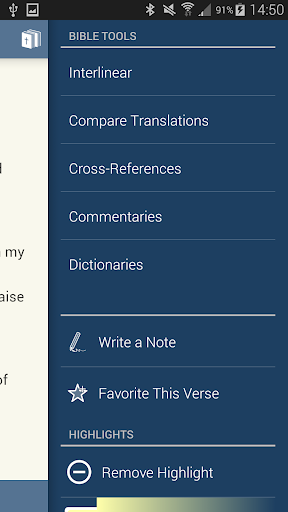
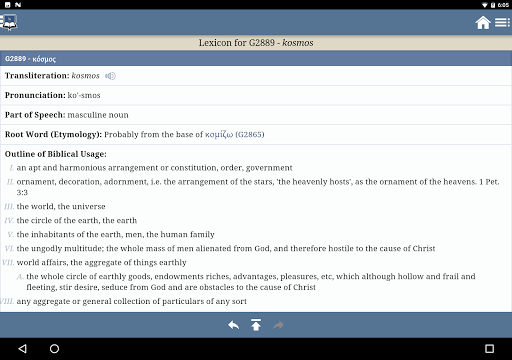
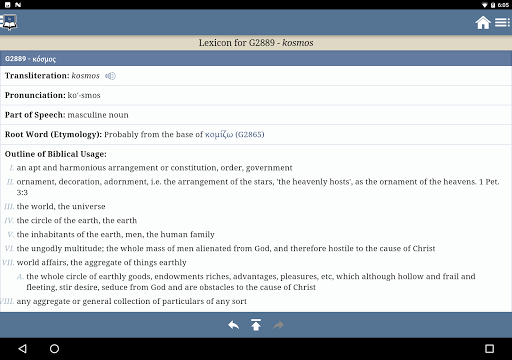
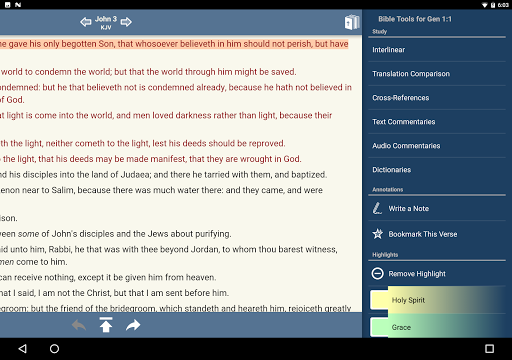
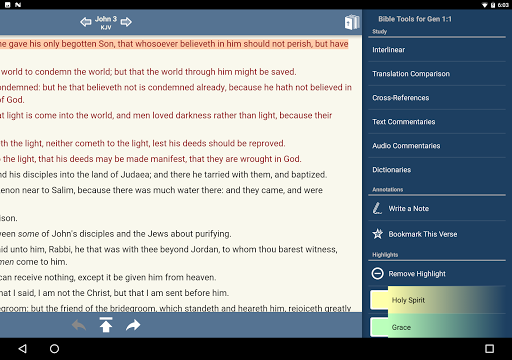
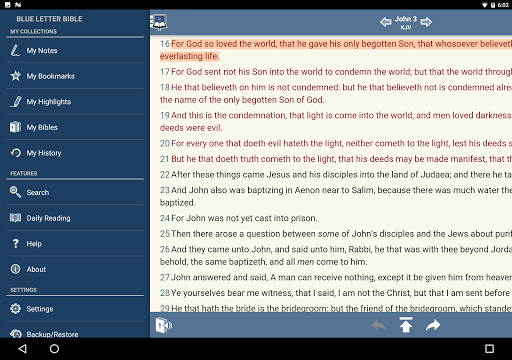
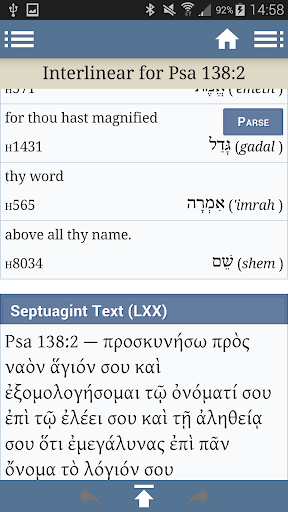
One of the most impressive aspects of the Blue Letter Bible app is its powerful study tools. You can delve into the original languages by accessing Hebrew and Greek lexicons, allowing you to perform detailed word study searches using a variety of dictionaries and encyclopedias. The Treasury of Scripture Knowledge offers extensive cross-referencing options for a deeper exploration of Scripture passages. Additionally, the app includes over 8,000 text commentaries penned by more than 40 different authors, providing rich insights and historical perspectives on biblical texts.
Personalized and Flexible Bible Study Experience
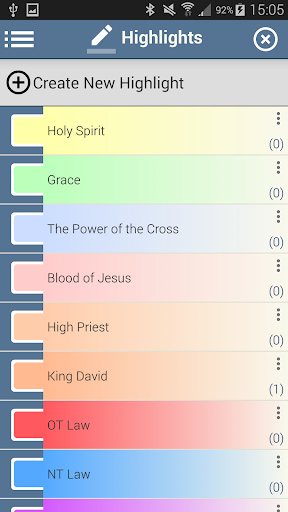
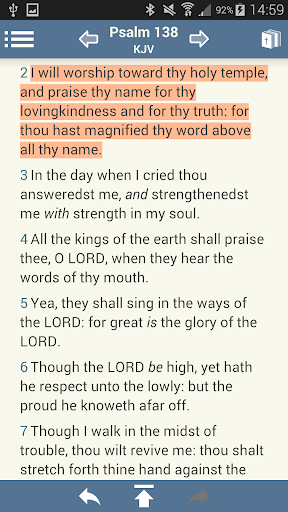
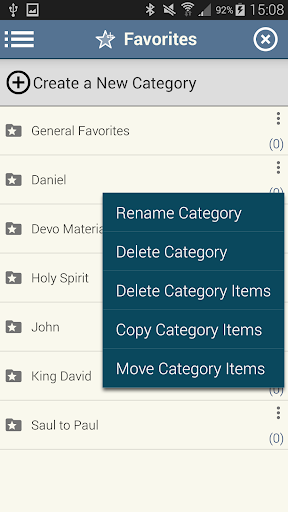
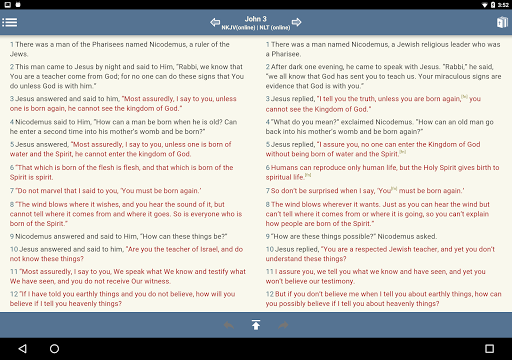
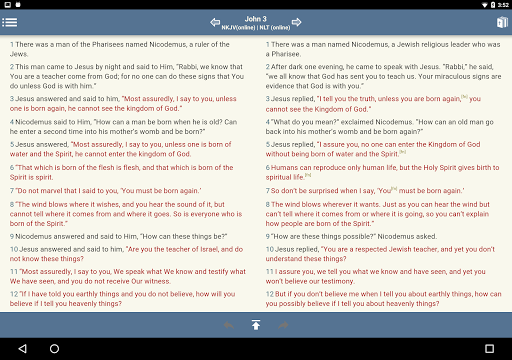
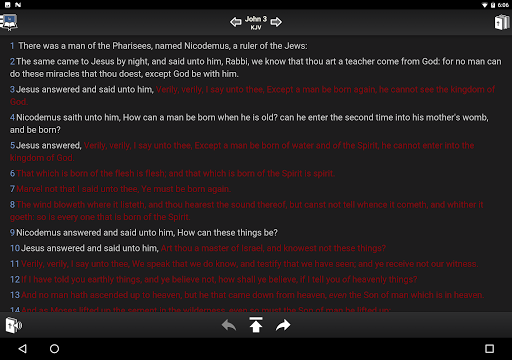
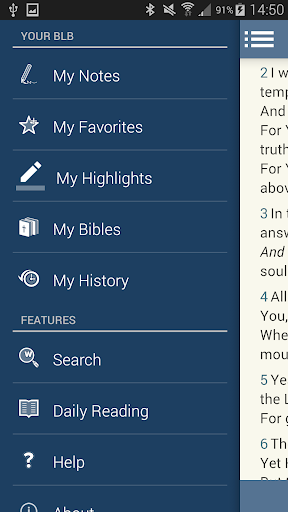
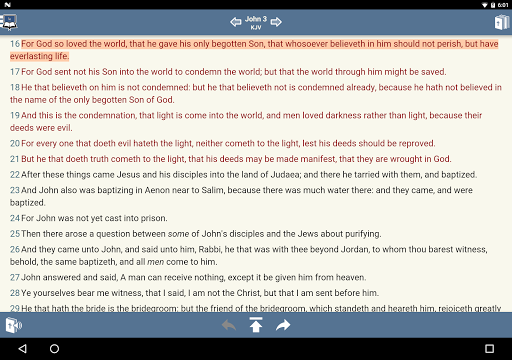
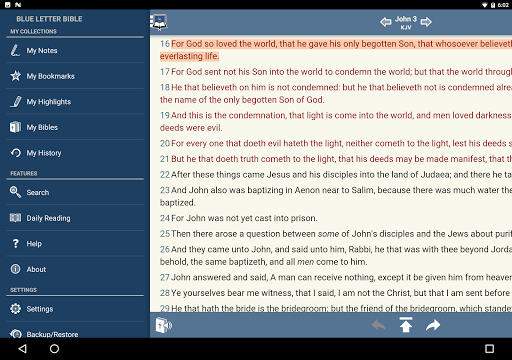
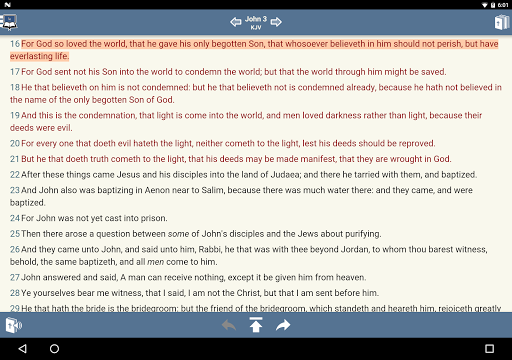
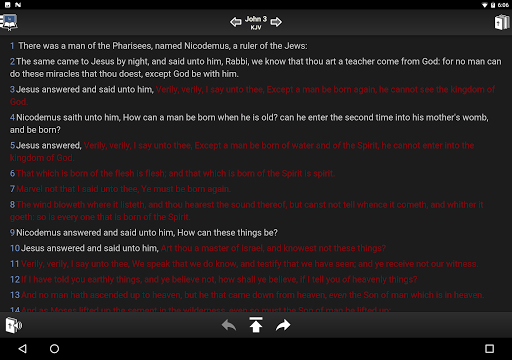
The app is designed with personalization in mind. Take notes directly within the app and organize them into custom notebooks to keep your insights handy. Tag your favorite verses and compile them into folders for quick access. Highlight verses using an unlimited palette of customized colors, helping you visually categorize and remember key passages. You can also show or hide footnotes, verse markers, and the words of Christ (in red), tailoring your reading experience to your preferences. Adjust font sizes and line heights effortlessly to make your reading more comfortable. For parallel study, the app offers side-by-side, parallel Bibles—perfect for comparing translations or studying a verse across different versions.
Engaging Tools for Interactive Bible Study
Beyond traditional study features, the Blue Letter Bible app offers interactive elements to enrich your spiritual journey. The ability to switch between multiple Bible translations makes comparative study straightforward. Tap on any word within the text to access its original Greek or Hebrew meaning—ideal for detailed analysis and understanding the nuances of Scripture.
Audio and Community Resources
If you prefer listening, the app provides audio versions of the Bible. Whether during a morning jog or a commute, you can enjoy clear narration that brings the text to life. The app also fosters a sense of community through its integration of commentaries and study guides. Access insights from renowned theologians and pastors, and develop personalized study plans with scheduled readings and progress tracking. Share insights and coordinate with your church community or study group, making digital Bible study more interactive than ever.
Seamless Support and User-Friendly Interface
The developers of Blue Letter Bible prioritize user experience and support. Their support pages (https://blb.org/android/) and contact options are available to assist with any questions or issues. The app’s clean, intuitive interface ensures effortless navigation—so you can spend more time studying and less time figuring out how to access features.
Conclusion: A Must-Have Tool for Bible Enthusiasts
Whether you’re exploring Scripture for personal growth, preparing sermons, or engaging in academic study, the Blue Letter Bible app offers an all-in-one platform tailored to meet your needs. Its extensive resources, customizable features, and interactive tools make it a standout choice among digital Bible study apps. Best of all, it’s free—making high-quality biblical resources accessible to everyone. Download the Blue Letter Bible app today and transform your Bible study experience into a richer, more meaningful journey into God's Word.
Pros
- Comprehensive scripture study tool.
- Multiple Bible translations available.
- Offline access to resources.
- User-friendly interface.
- Regular updates and improvements.
Cons
- Some features require in-app purchases.
- Large app size may affect storage.
- Occasional minor bugs.
- Limited customer support.
- No dark mode option.