

AlfaOBD: A Comprehensive Vehicle Diagnostics and Configuration Tool
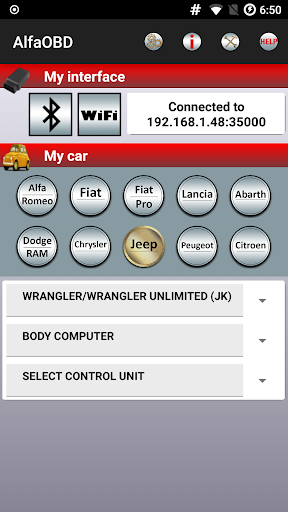
If you're a passionate car enthusiast or a DIY mechanic, you'll appreciate the capabilities of AlfaOBD. This innovative application serves as a powerful diagnosis and configuration platform specifically designed for vehicles produced by Stellantis (formerly FCA), including brands such as Alfa Romeo, Fiat, Lancia, Dodge, RAM, Chrysler, and Jeep. Additionally, Peugeot Boxer and Citroen Jumper are also supported. While primarily targeted toward car owners seeking a cost-effective alternative to dealership services, AlfaOBD provides features akin to professional scanners, making it a versatile tool for vehicle diagnostics and ECU configuration.
Key Features of AlfaOBD
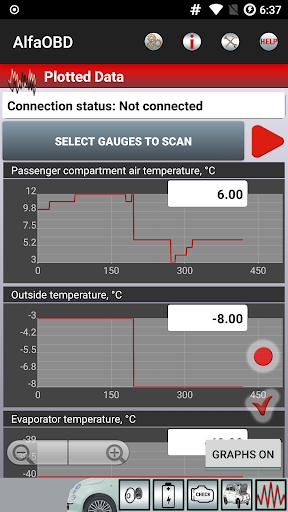
AlfaOBD distinguishes itself with native support for the Electronic Control Units (ECUs) used in Fiat group cars. Unlike generic OBDII scanners, AlfaOBD offers full access to manufacturer-specific protocols, enabling detailed diagnostics that include engine, transmission, ABS, climate control, and more. The app offers dynamic monitoring of various parameters such as engine temperature, transmission status, and ABS activity, often displayed through informative graphical plots.
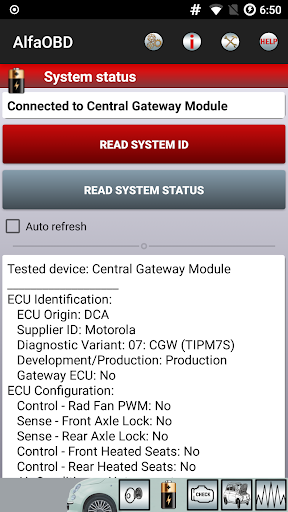
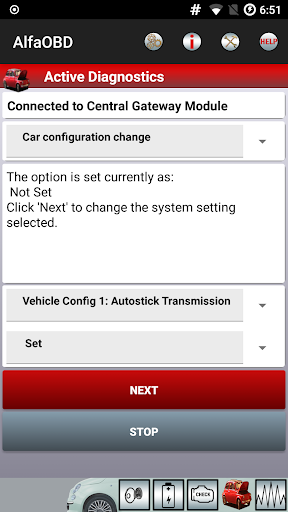
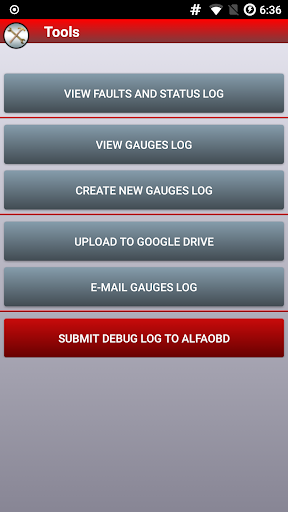
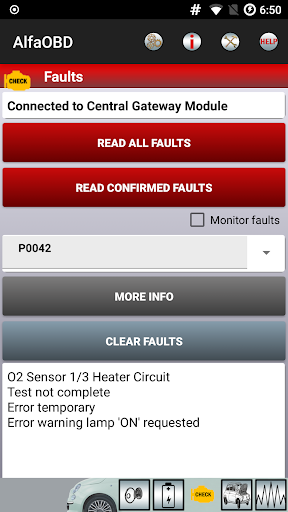
In addition, AlfaOBD supports reading static data like ECU identification, system health status, and fault codes. The ability to clear fault codes is essential for maintenance, and the app excels in that regard. For advanced users, AlfaOBD allows the execution of active diagnostics and configuration procedures across multiple vehicle systems, empowering users to perform tasks typically reserved for dealership technicians. It also supports electronic key and RF remote control programming, further expanding its functionality.
Compatibility and Usage Notes
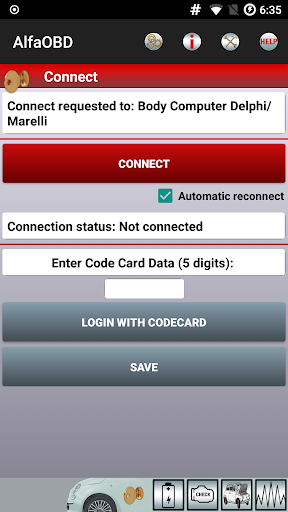
AlfaOBD is compatible with numerous devices running Android, but users must ensure their device is listed as supported on Google Play. For those encountering installation issues, it is advised to contact info@alfaobd.com. Valid OBD interfaces are crucial for successful diagnostics; a list of supported interfaces can be found at www.alfaobd.com. If AlfaOBD reports errors like "NO DATA" or "CAN ERROR", it typically indicates a compatibility or hardware issue, necessitating a review of your interface or connection setup.
Special note should be made for newer FCA vehicles, especially since MY2018 models employ the security gateway module (SGW), which can block third-party diagnostics. To regain full functionality, an SGW bypass is recommended. For Fiat 500X, Jeep Renegade, and Compass (MP) owners, compatibility with the support of the second high-speed CAN bus (connected to pins 12 & 13 of the OBD port) is also essential.
For detailed guidance on connection setup and configuration, users are encouraged to consult the application help document available at AlfaOBD Android Help.
Supported Languages and User Experience
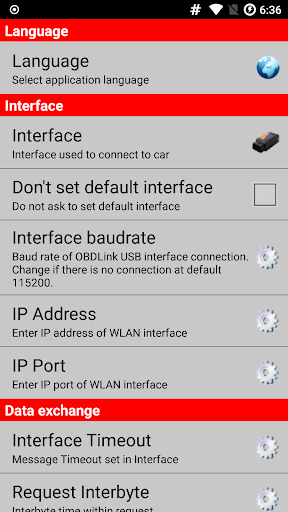
AlfaOBD is accessible in multiple languages, including Czech, English, French, German, Hungarian, Italian, Polish, Portuguese, Russian, Turkish, and Spanish. Users can easily switch languages via the Settings menu, making it user-friendly across diverse regions.
Regarding usability, the application's intuitive interface ensures that both novices and experienced users can navigate features with ease. If graphical plots of dynamic parameters are not updating, it’s advised to disable "Force GPU rendering" under Developer Options, ensuring smooth data visualization.
Why Choose AlfaOBD?
For anyone looking to gain control over their vehicle’s diagnostics, ECU configuration, or customization, AlfaOBD stands out as an accessible yet powerful solution. It bridges the gap between professional-grade diagnostic tools and user-friendly mobile applications, making vehicle maintenance more accessible and cost-effective. Whether you want to monitor real-time engine data, reprogram electronic modules, or troubleshoot dashboard warning lights, AlfaOBD provides the necessary tools.
Investing in AlfaOBD means embracing a more hands-on approach to vehicle health and performance. It’s ideal not only for car enthusiasts eager to learn more about their vehicles’ electronics but also for those seeking practical solutions for everyday diagnostics and configuration tasks. With its robust features, compatibility, and ease of use, AlfaOBD is an indispensable app for modern automotive care.
Pros
- Comprehensive diagnostics for OBD systems.
- Supports a broad selection of vehicle brands.
- Easy-to-use interface.
- Provides real-time data monitoring.
- Regular updates and support.
Cons
- Restricted to Alfa Romeo vehicles.
- Requires extra hardware components.
- May be complicated for new users.
- No free trial option available.
- Limited availability of customer support.











