
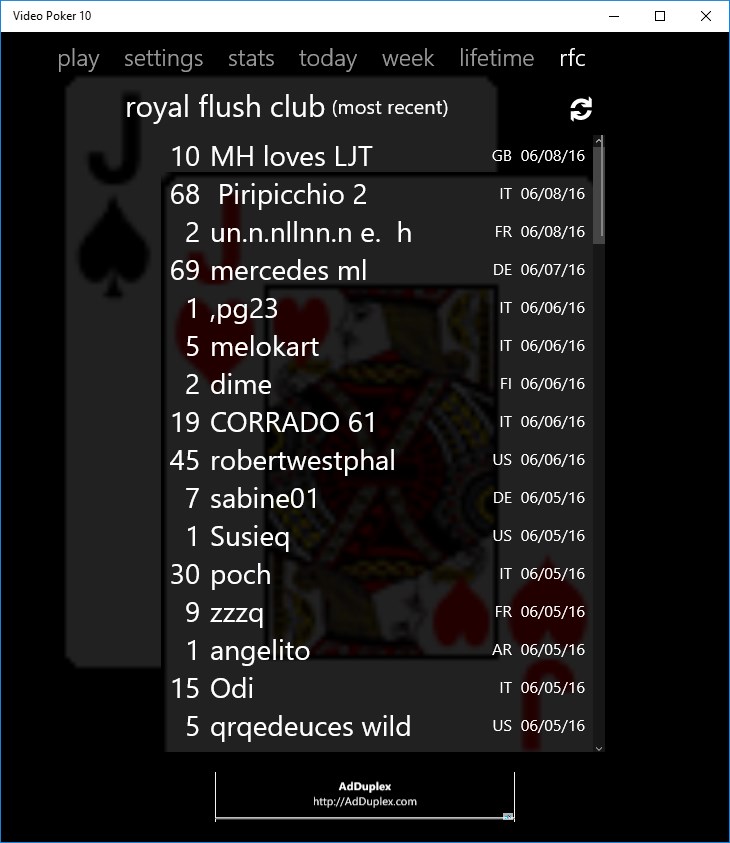
- Name Video Poker 10
- Category Casino
- Developer Rick Keeney
- Available on PC, Mobile, Surface Hub
- OS Windows 10 version 10240.0 or higher
- languages English (United States)
Video Poker 10 for Windows: A Crisp Take on Classic Poker
Video Poker 10 for Windows, developed and published by Rick Keeney, offers a streamlined and engaging rendition of the traditional video poker game, tailored for fans looking for accessibility and authenticity in their casual gaming experience. It aims to blend simplicity with a touch of strategic depth, making it a compelling choice for both newcomers and seasoned players alike.
Essential Info at a Glance
Designed to bring the classic allure of video poker to your Windows device, this app offers straightforward gameplay with an emphasis on strategic decision-making. Rick Keeney, the dedicated developer behind the app, ensures a clean and user-friendly experience with a focus on core poker mechanics.
- Main Features: Authentic poker hands, intuitive interface, adjustable difficulty levels, and game statistics tracking.
- Target Audience: Casual gamers, poker enthusiasts, and those seeking a quick, offline gaming option for honing their card skills.
Engaging and Informative Gameplay
Imagine sitting in a cozy casino lounge, the softly glowing screen your personal dealer—you're about to experience a game that combines the thrill of chance with a pinch of skill. Video Poker 10 for Windows manages to keep the traditional charm alive while offering a modern and polished interface, making every round feel both familiar and fresh.
Intuitive Interface and Seamless Interactions
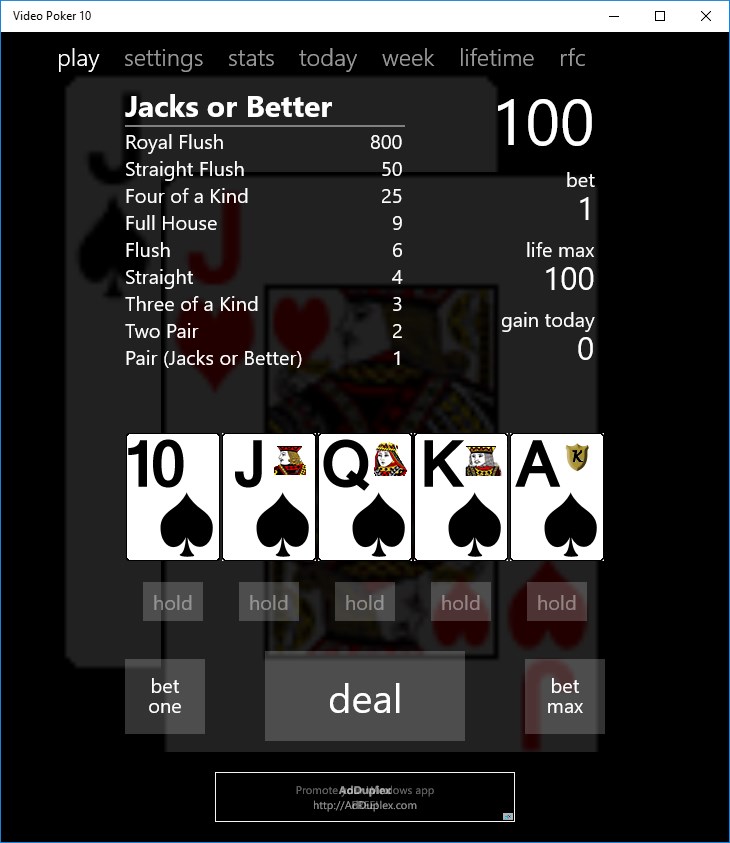
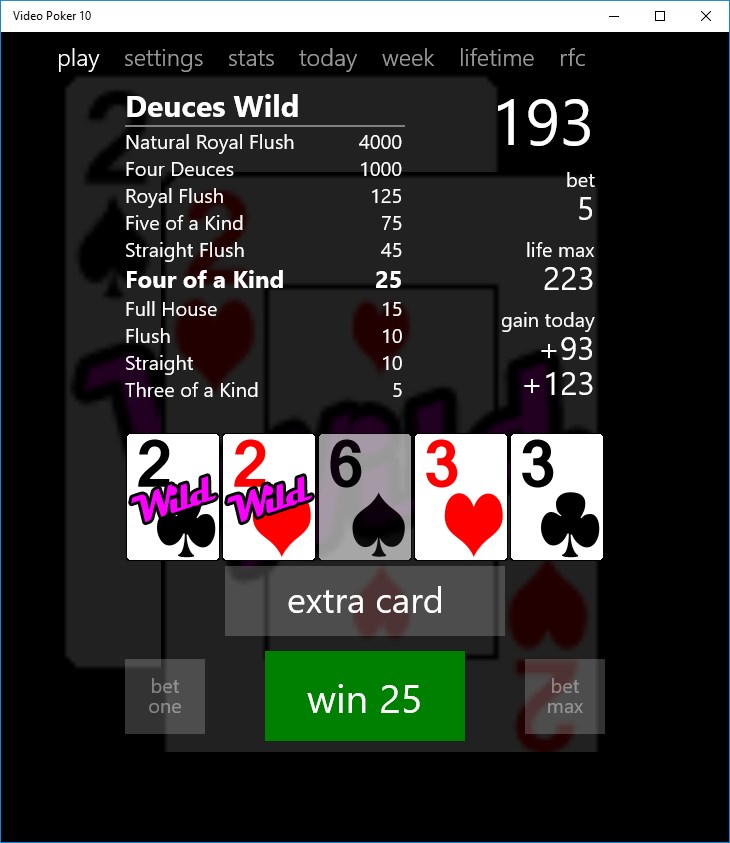
The first impression is the app's clean and organized layout. Playing feels like flipping through a well-structured deck—buttons are logically placed for easy navigation, and the game flow is smooth without lag or confusing menus. Even beginners can pick it up within minutes thanks to clear instructions and straightforward controls. The app supports keyboard and mouse input, allowing for quick card deals and holds, much like a real casino experience condensed into your desktop or tablet.
Deep Dive into Core Features
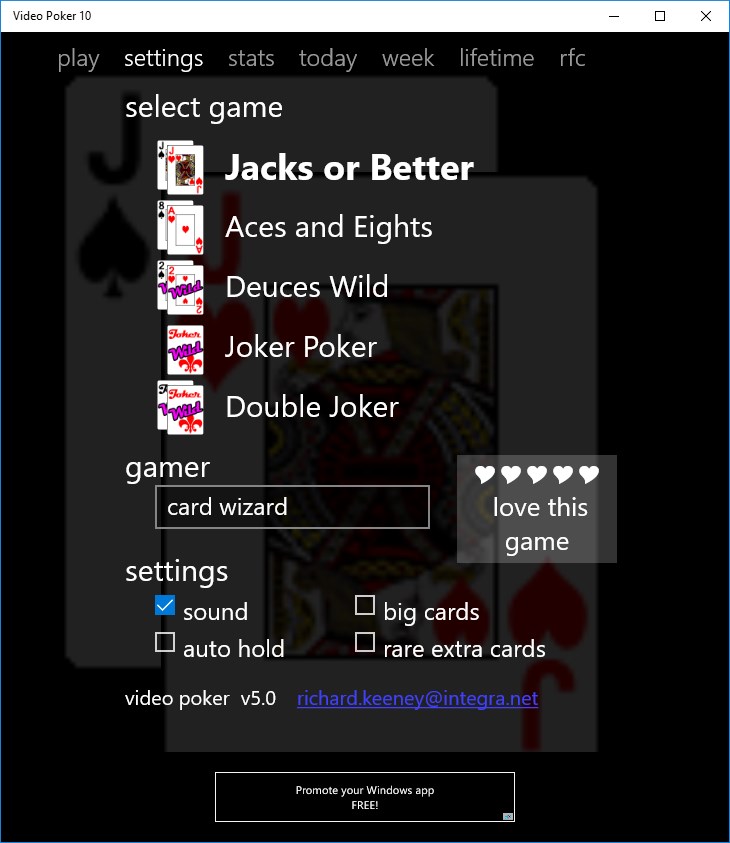
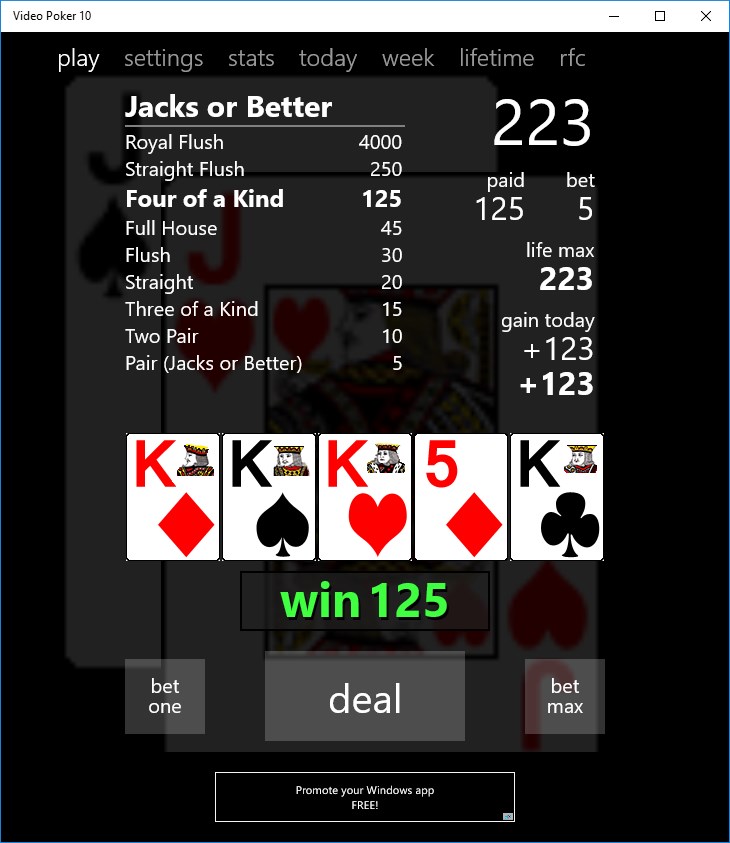
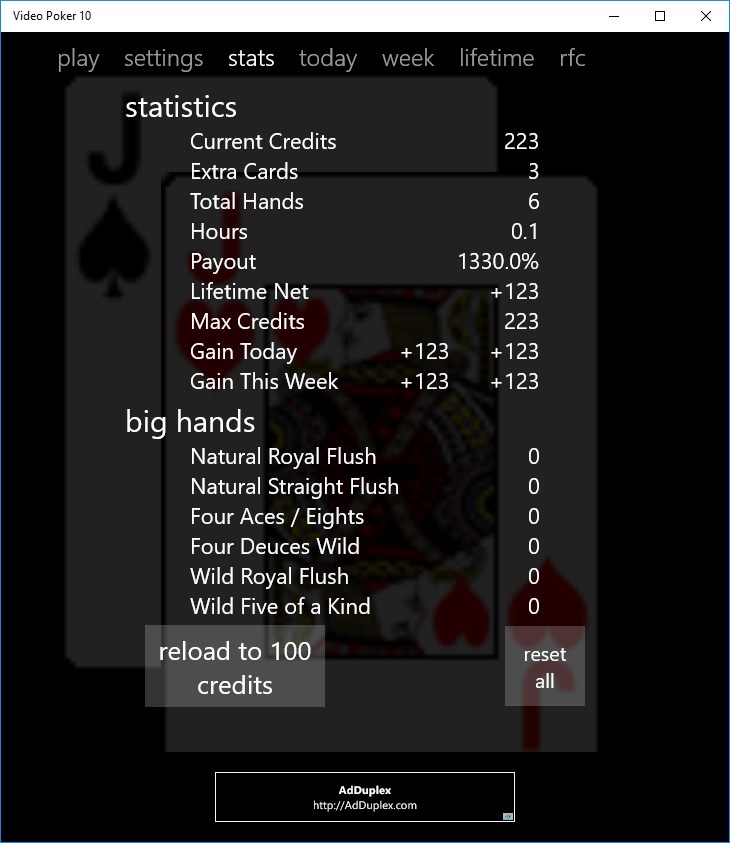
One of the application's standout features is its focus on realistic poker hands simulation, replicating (to a commendable degree) the experience of physical video poker machines. The deck shuffles genuinely, and the payout table is transparent and customizable, allowing users to tweak settings for a more relaxed or challenging game. Additionally, the app offers statistical tracking—so you can analyze your performance over multiple sessions, much like a seasoned poker player studying their play in preparation for the next big tournament.
Learning Curve and User Experience
For newcomers, the game strikes a gentle balance—offering enough information to grasp the mechanics quickly, while also providing strategic tips. The learning curve is mild; players can learn optimal strategies through practice mode or by reviewing detailed results post-play. The overall experience feels polished and frustration-free, allowing users to focus on the fun of the game without technical distractions. The app's minimalistic aesthetic contributes to a calming environment—think of it as the equivalent of a well-worn leather armchair in a quiet poker room, inviting you to sit and stay awhile.
What Sets It Apart from Other Casino Apps?
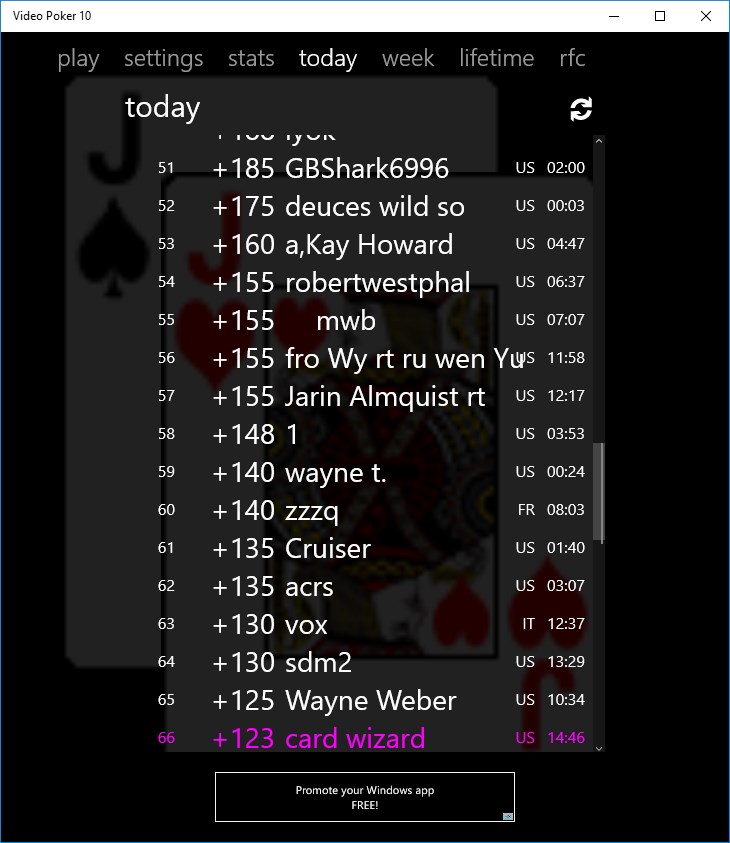
Compared to many mobile or desktop casino applications that often emphasize high-stakes gambling or social features, Video Poker 10 keeps the focus tightly on the game mechanics. Its unique selling point is the authentic simulation of classic video poker, combined with an accessible interface and customizable settings that suit both casual players and dedicated card strategists. The inclusion of detailed statistics is particularly noteworthy—it allows serious players to refine their tactics much like a coach analyzing game footage. Furthermore, unlike some apps that bombard users with ads or in-app purchases, this title maintains a clean experience centered on gameplay and learning.
Final Verdict: A Solid Choice for Poker Enthusiasts
All in all, Video Poker 10 for Windows earns a solid recommendation for anyone interested in exploring or sharpening their video poker skills in a digital environment. Its combination of realism, ease of use, and thoughtful features makes it a worthwhile app to keep handy. Whether you're looking to pass the time during a break or want to study the nuances of poker hands, this app manages to hit the sweet spot without overwhelming the user.
For best results, new players should focus on the demo mode to familiarize themselves with hand rankings and payout structures, gradually moving toward more challenging settings. Seasoned players will appreciate the statistical tools that help fine-tune their strategies over time. Overall, Video Poker 10 is a friendly, reliable companion in the digital poker world—simple enough to enjoy casually, enough depth to make it engaging for the serious strategist. Dive in and see if luck and skill can align in your favor!
Pros
- Intuitive User Interface
- Attractive Graphics and Sound Effects
- Multiple Betting Options
- Free Play Mode
- Daily Rewards and Bonuses
Cons
- Limited Card Variations
- Ads Can Be Frequent
- Limited Customization Features
- No Multiplayer Mode
- Basic Analytics for Players