






- Name Texas Holdem Poker!
- Category Casino
- Developer HytoGame
- Available on PC, Mobile, Surface Hub
- OS Windows 10 version 10240.0 or higher
- languages Chinese (Simplified), Chinese (Traditional), English (United States)
Introducing Texas Holdem Poker! for Windows: A Solid Poker Experience at Your Fingertips
Texas Holdem Poker! for Windows is a digital adaptation of the classic poker game, designed to bring the thrill of the table directly to your desktop with engaging graphics and user-friendly mechanics.
Developed by HytoGame
HytoGame, a dedicated game development team, crafts interactive gaming experiences focused on card and casino-style games, aiming to deliver enjoyable and authentic digital poker environments.
Main Features That Stand Out
- Realistic Gameplay Mechanics: Authentic Texas Hold'em rules with smooth betting interfaces and AI opponents mimicking real-life poker behaviors.
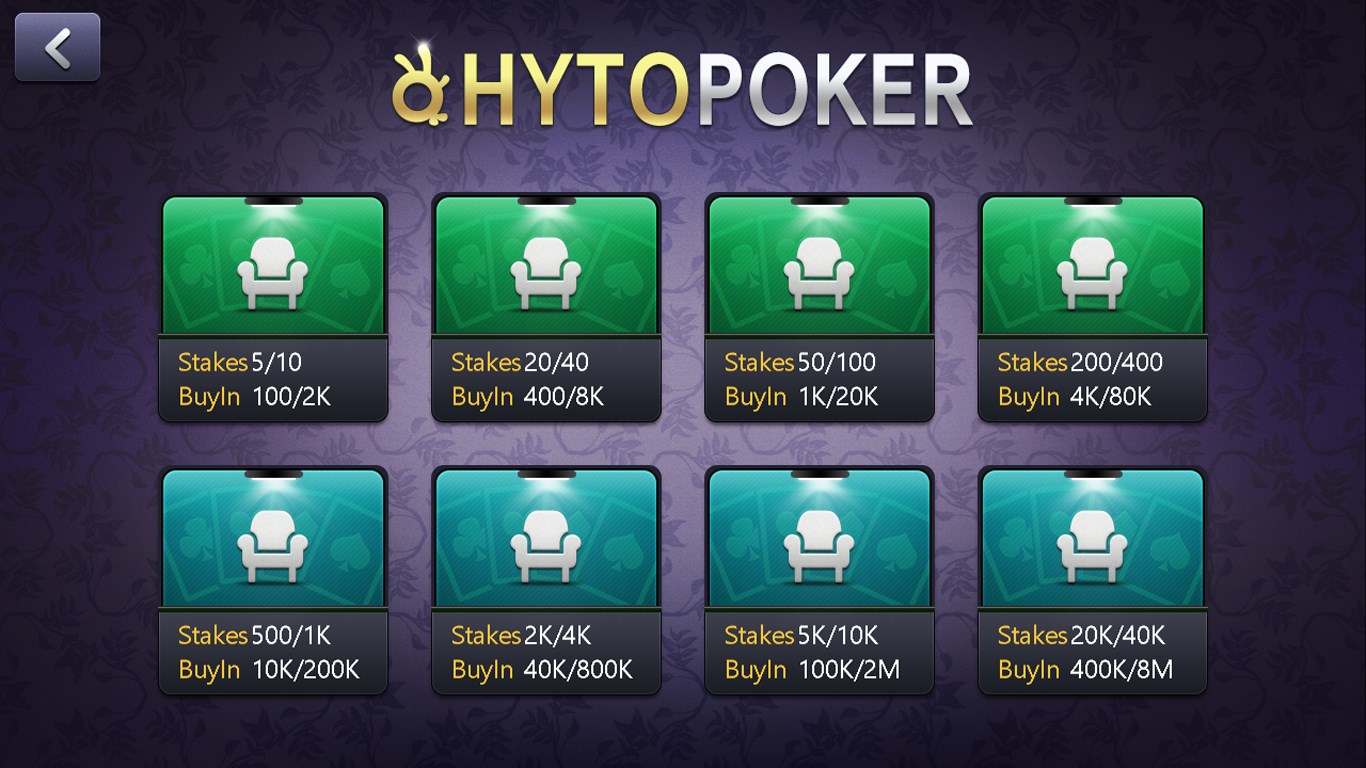
- Multiple Game Modes: Whether you're a beginner wanting to learn or a seasoned pro seeking high-stakes challenges, the app offers various tables and difficulty levels.
- Intuitive Interface & Customization: Clear visual design with easy-to-navigate controls, plus options to customize table appearances and chip sets for a personalized experience.
- Safe and Fair Play Environment: Built-in measures ensure fair play, along with straightforward rules explanation for new players.
The game targets poker enthusiasts, casual gamers wanting to test their skills, and users seeking an entertaining way to pass time or improve their poker strategy.
Immersive and Engaging User Experience
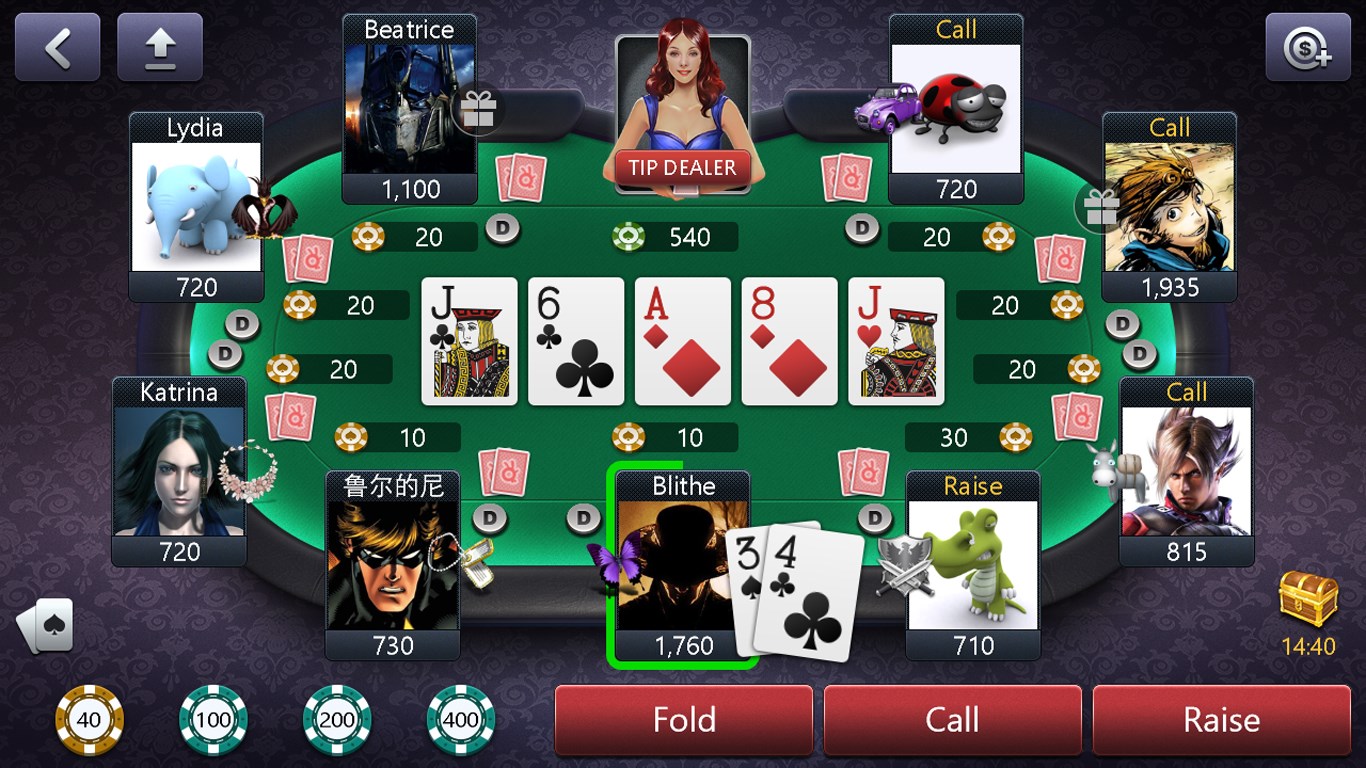
Stepping into Texas Holdem Poker! for Windows feels akin to sitting down at a cozy, well-lit poker room where every chip and card clicks with satisfying precision. From the moment you launch the game, its lively UI instantly immerses you in the world of Texas Hold'em, with vibrant table designs and animated dealing. It's like having a friendly poker night right in your own space, complete with crisp graphics and clear sound effects that enhance the authenticity.
Gameplay Mechanics and User Interaction
The core gameplay mechanics are straightforward yet thoughtfully executed. Cartoony AI opponents bring a touch of personality to each game, making each hand unpredictable and fun. The betting controls are streamlined, allowing quick decisions—great for players who value fast-paced action or prefer a relaxed, strategic approach. The game also incorporates a helpful tutorial mode that gently guides newcomers through the rules, reducing the typical learning curve associated with poker. The interface's layout ensures that players can focus on their game without feeling cluttered or overwhelmed, while the smooth animations and responsive controls add to the overall seamless experience.
Visual Design and Overall Player Experience
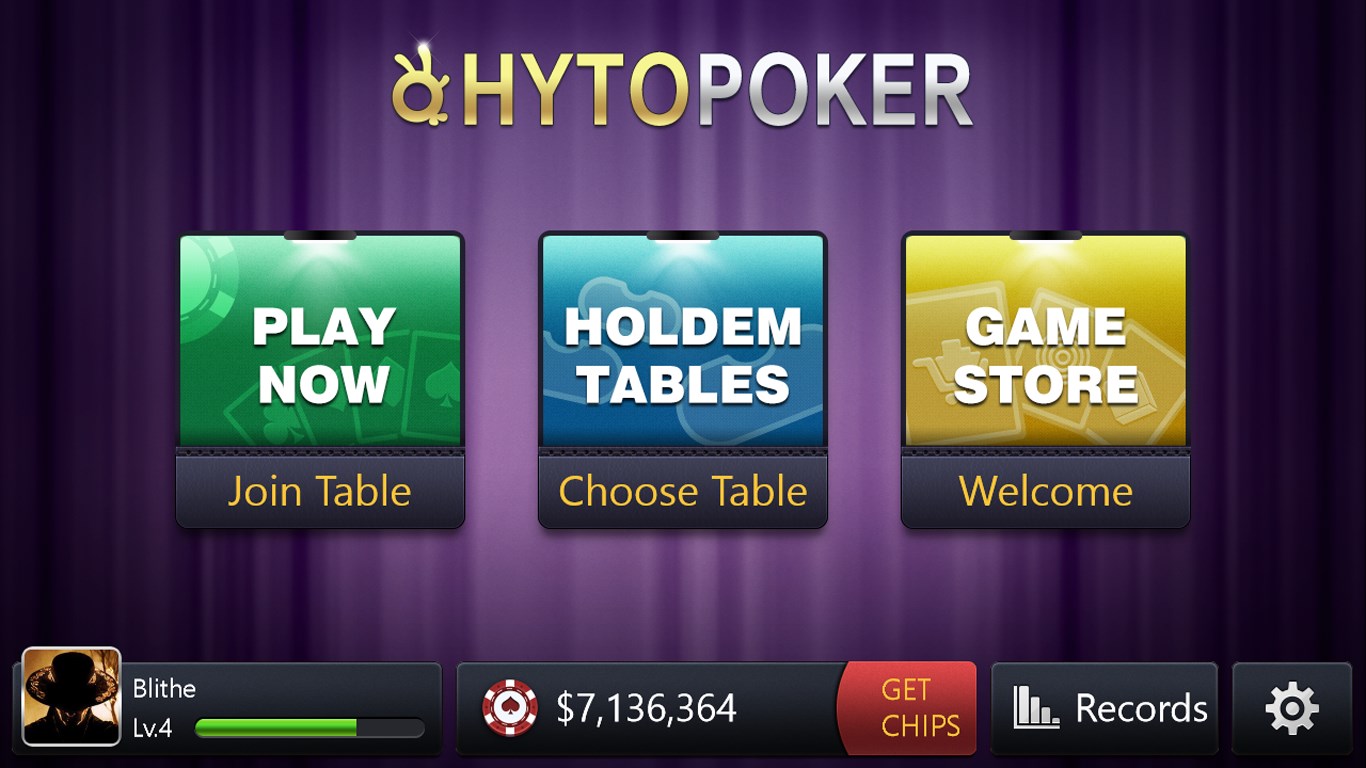
Design-wise, this app adopts a vibrant yet unobtrusive aesthetic, with lively table graphics and animated chips that ripple realistically when bets are placed. Navigation feels intuitive, with menus and settings easily accessible. The app runs smoothly on various Windows systems, highlighting its optimized performance. For those who enjoy customizing their game environment, the variety of skins and themes offers a pleasing touch of personalization. Its user-friendly approach makes both newcomers and experienced players comfortable, allowing for hours of engaging play without frustrating delays or confusing menus.
What Makes It Different from Other Casino Apps?
Unlike many online casino games that prioritize gambling mechanics and sometimes use darker, more serious imagery, Texas Holdem Poker! for Windows emphasizes fun, accessibility, and social interaction. Its most notable feature is the AI-driven opponents that exhibit diverse playing styles, giving each game a fresh strategic challenge. Additionally, the app's layered tutorial system and customization options set it apart, making it an excellent platform for beginners wanting to learn the ropes while also offering depth for seasoned players. This balanced design ensures that the game remains engaging without feeling intimidating or overly complex.
Final Thoughts & Recommendations
I would say that Texas Holdem Poker! for Windows is a trustworthy, well-crafted application that offers a delightful poker experience suitable for casual play and learning alike. Its core strengths—realistic gameplay, user-centric design, and accessible features—make it an inviting choice for anyone interested in digital poker. While it may not replace high-stakes multiplayer competitions or online tournaments, it's perfect for honing your skills and enjoying a relaxing game session.
Overall, I recommend giving this app a try if you're in search of a polished, engaging poker game that respects players' time and intelligence. Whether you're a beginner eager to understand poker's intricacies or an experienced player looking for a fun, distraction-free environment, Texas Holdem Poker! for Windows is a solid choice worthy of your desktop collection.
Pros
- User-friendly interface
- Smooth gameplay experience
- Wide variety of game modes
- Accessible multiplayer options
- Regular updates and improvements
Cons
- Limited tutorial for beginners
- In-app purchase pressure
- Offline mode is limited
- Advertisement frequency
- Matchmaking sometimes takes longer during peak hours