
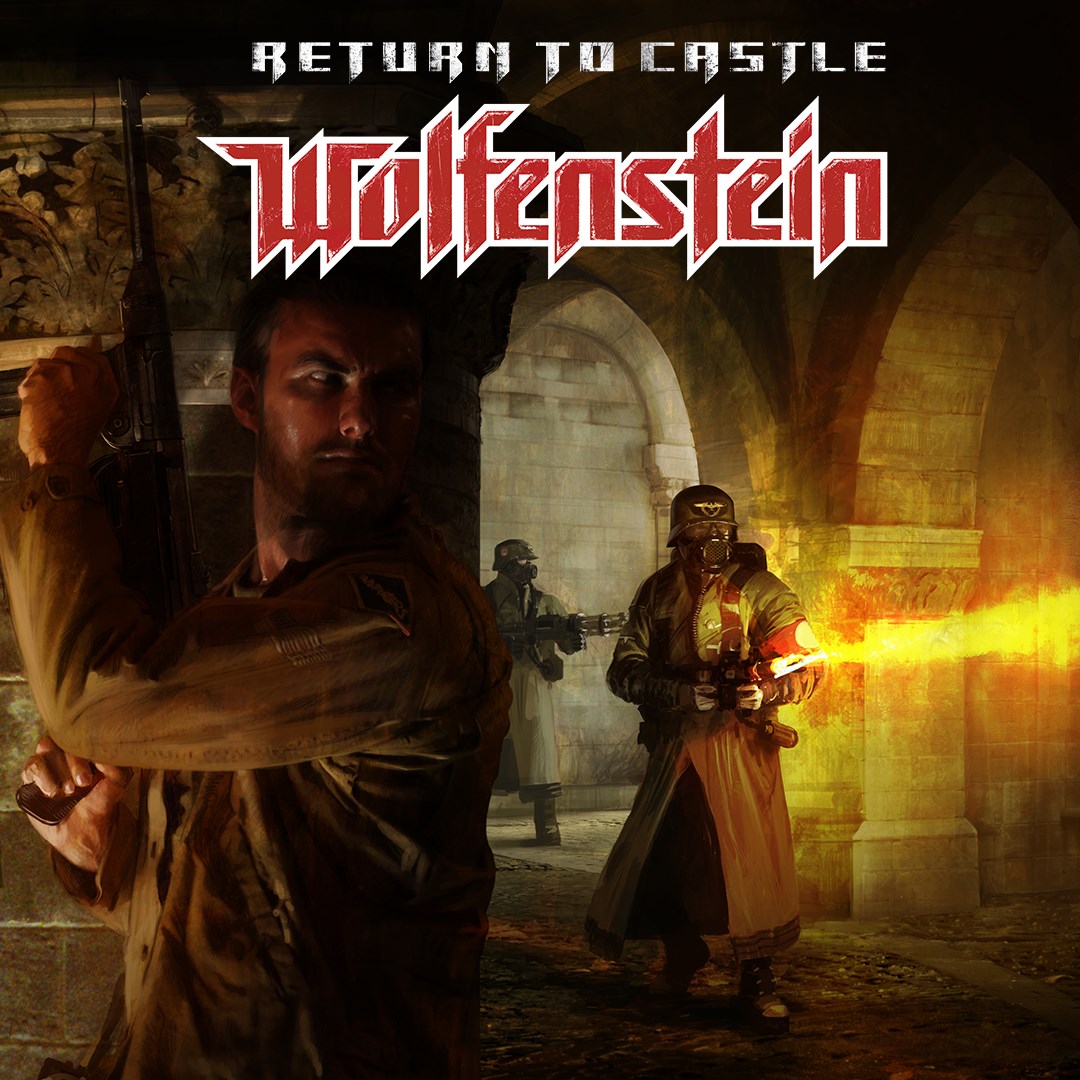
- Name Return to Castle Wolfenstein
- Category Shooter
- Developer Gray Matter Interactive, Nerve Software, Splash Damage
- Available on PC
- OS Windows 10 version 18362.0 or higher
- Keyboard Integrated Keyboard
- Mouse Integrated Mouse
- Memory 300 MB
- languages English (United States)
Introduction: A Nostalgic Dive into Classic FPS Action
Return to Castle Wolfenstein for Windows offers seasoned gamers and newcomers alike a chance to relive the gritty, atmospheric World War II first-person shooter experience that defined an era. Combining robust multiplayer modes with a compelling single-player campaign, it serves as both a nostalgic callback and a fresh challenge for modern hardware.
Developers and Key Highlights
Developed collaboratively by Gray Matter Interactive, Nerve Software, and Splash Damage—names synonymous with quality FPS titles—this game packs notable features such as immersive storytelling, intense combat mechanics, and atmospheric design. Bethesda Softworks, as the publisher, ensures a polished and authentic experience. The main attractions include:
- Authentic WWII-themed environments with detailed level design
- Variety of soldier classes and weapon customization options
- Engaging multiplayer modes fostering cooperation and competition
- Rich, lore-driven single-player storyline filled with suspense
Targeted chiefly at FPS aficionados, history buffs, and fans of nostalgic retro gaming, the app offers a well-rounded shooter experience that doesn't rely solely on modern gimmicks but emphasizes tactical gameplay and atmosphere.
An Immersive Journey Back in Time
From the moment you launch Return to Castle Wolfenstein, you're transported into a war-torn Europe filled with shadows of clandestine operations and shadowy enemies lurking around every corner. The game's storytelling is like peeling back layers of wartime secrets, drawing you into a suspenseful narrative that makes every mission feel like a slice from history itself.
Graphics and User Interface: Authenticity Meets Clarity
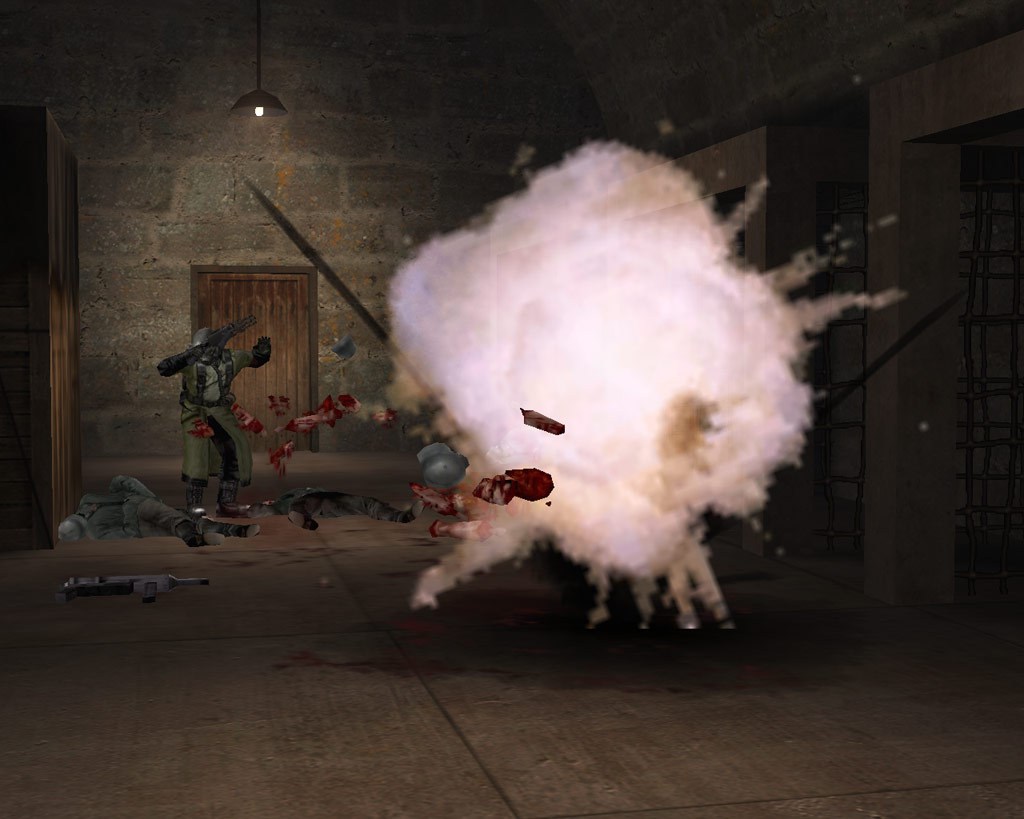
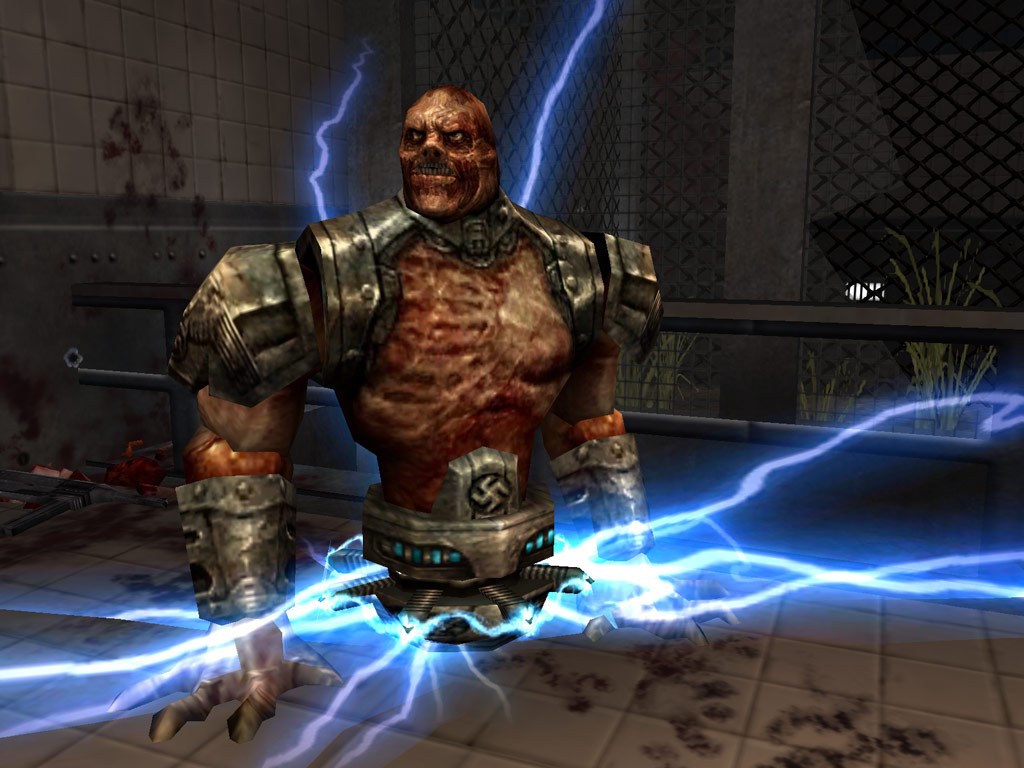
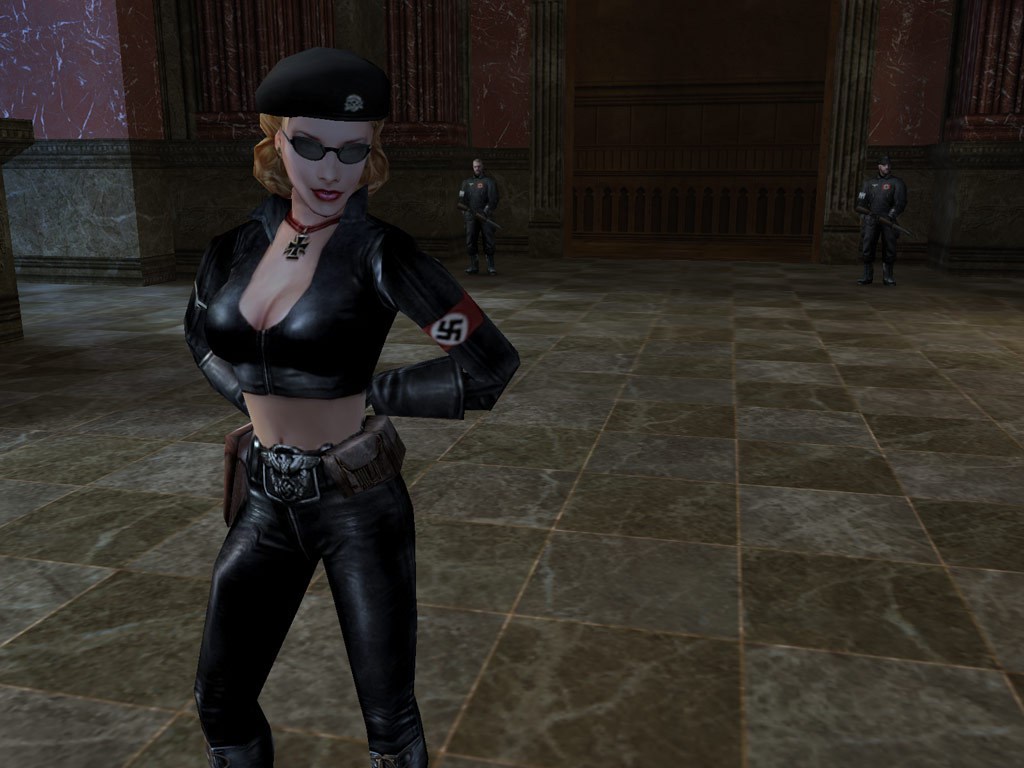
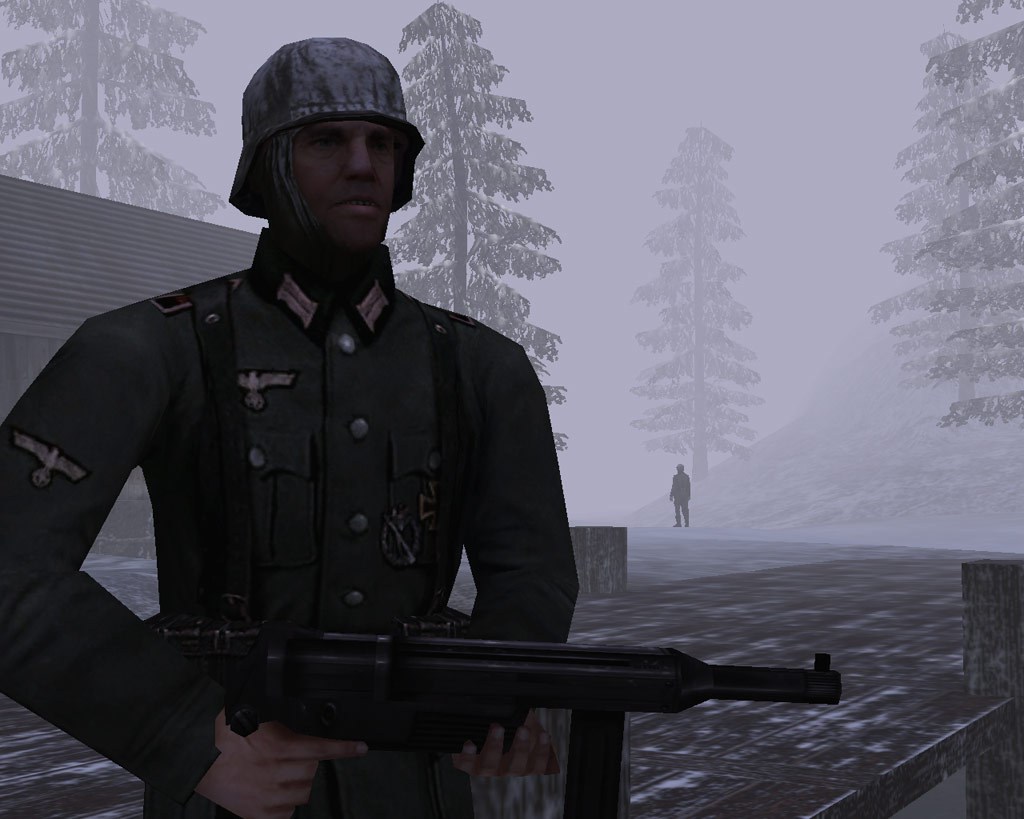
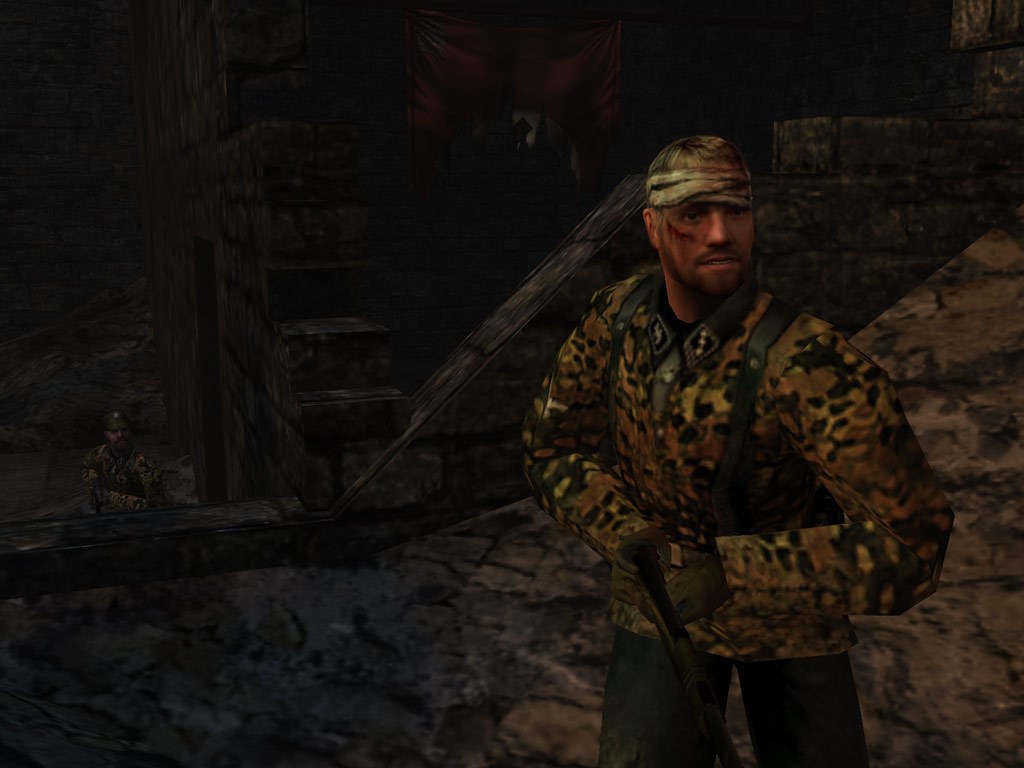
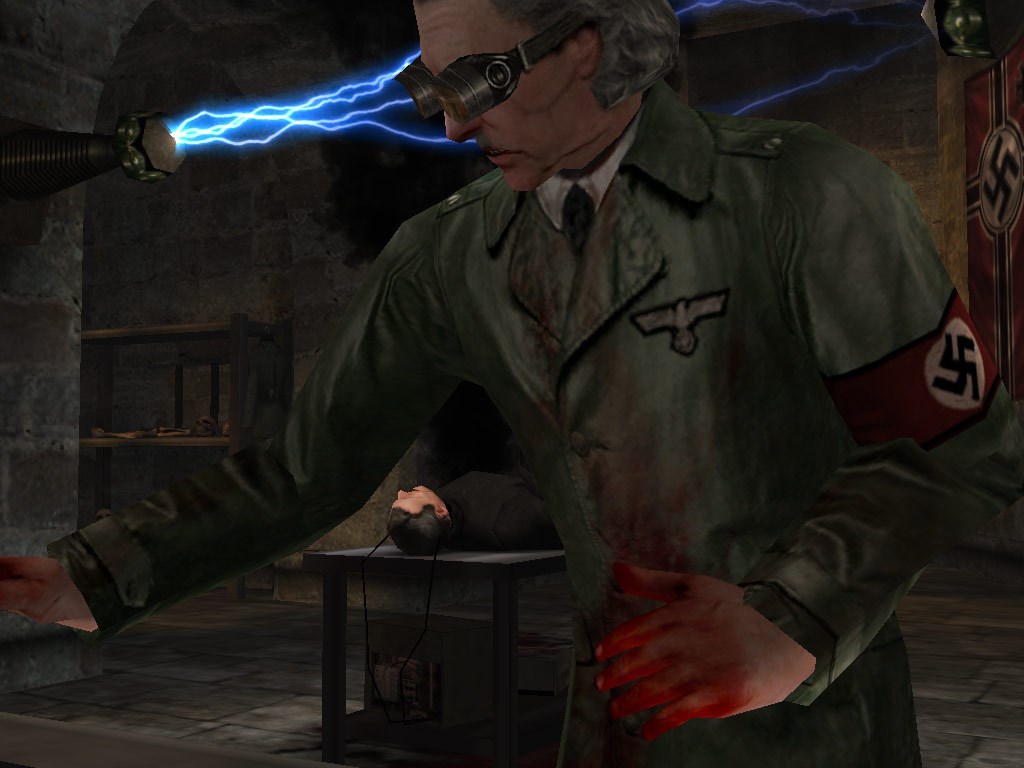
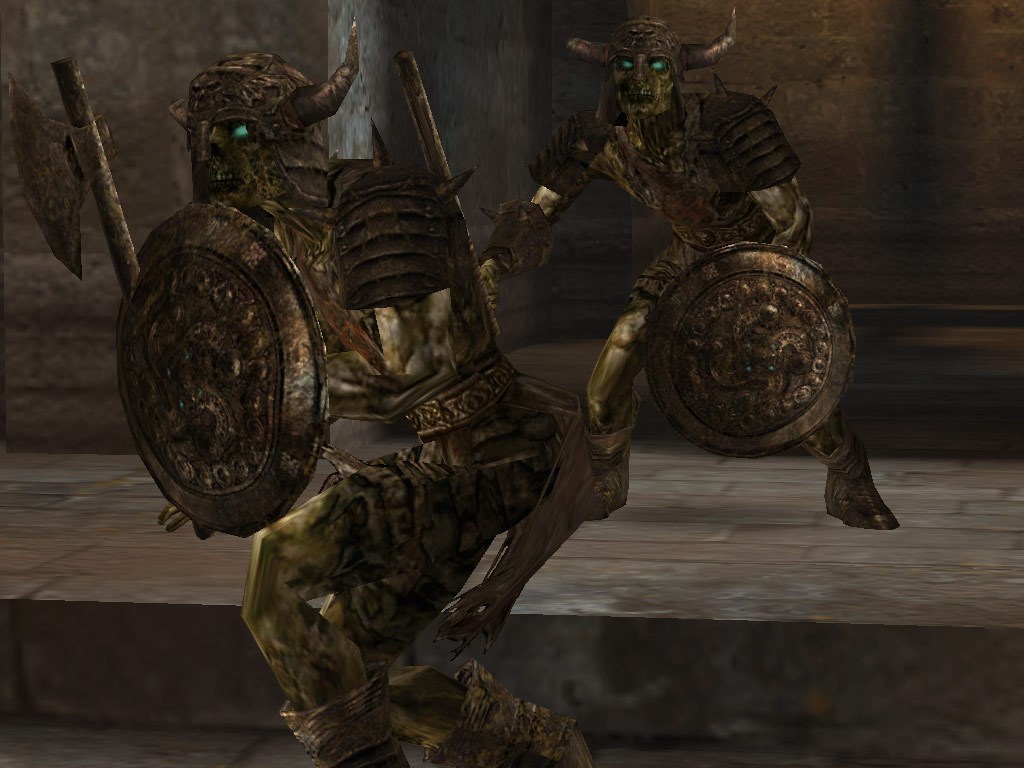
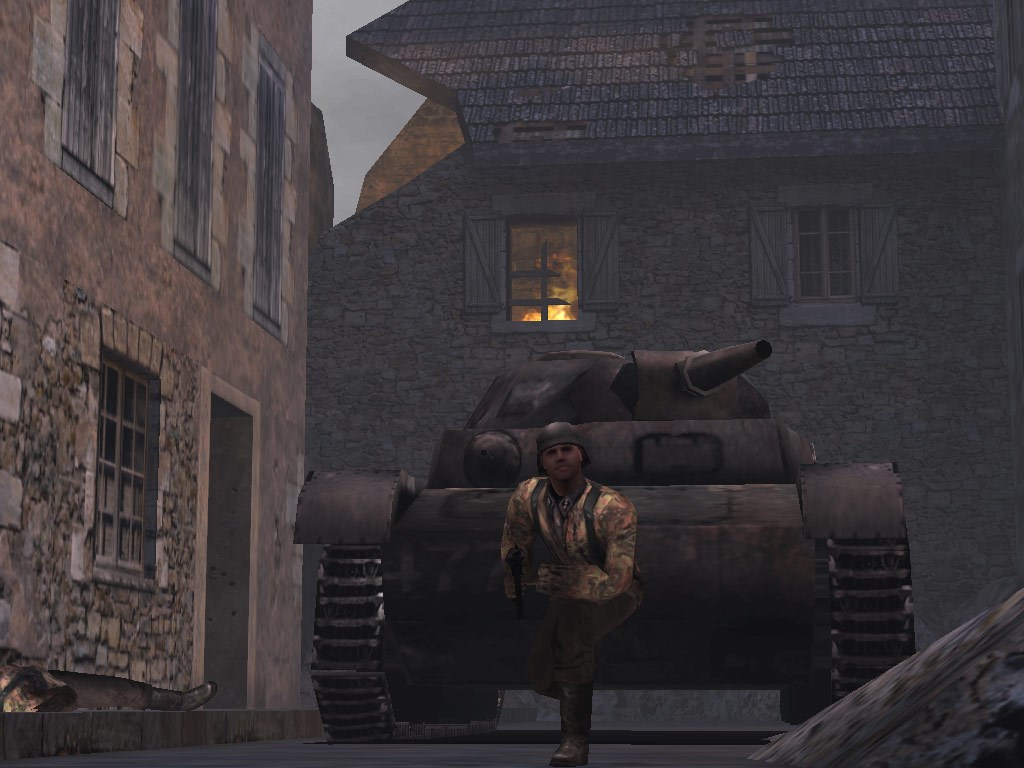
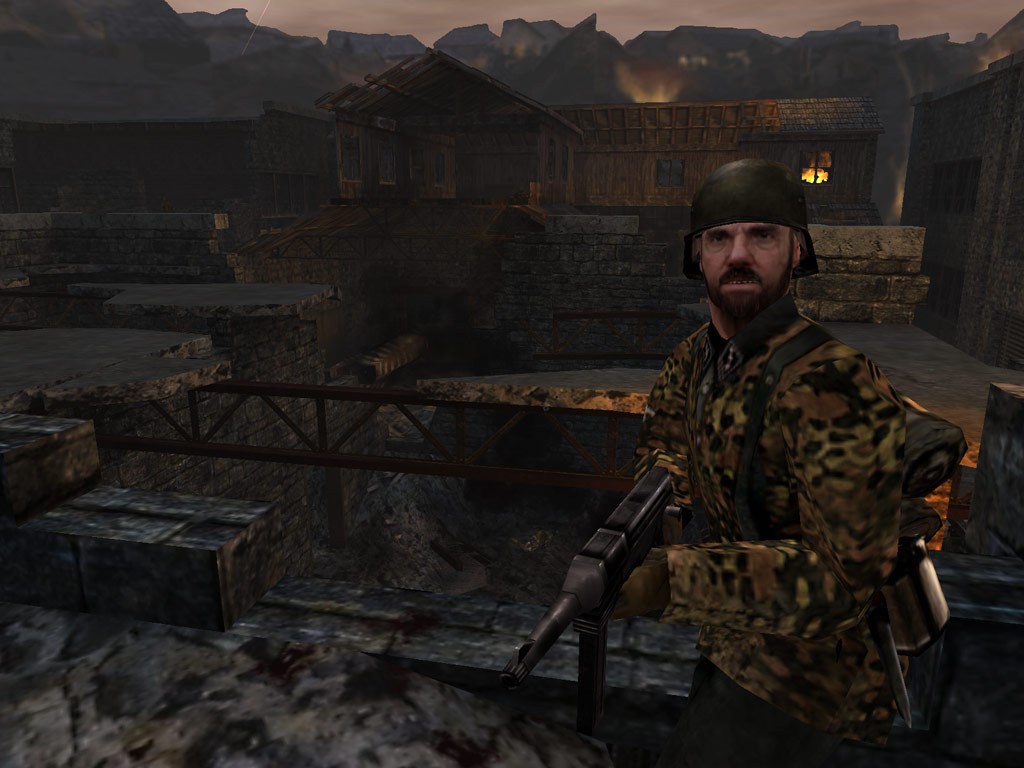
The interface design is clean and reminiscent of classic PC shooter menus—easy to navigate but packed with information. Graphically, it captures the gritty wartime aesthetic vividly: crumbling facades, flickering lights, and moody shadows create an immersive environment. Compared to modern shooters, it may lack hyperrealistic textures, yet it compensates with a nostalgic charm and well-crafted visual storytelling.
Gameplay Dynamics: Smooth, Tactical, and Engaging
Operating the game feels surprisingly smooth on modern systems, with responsive controls that replicate the classic feel—precise aiming, intuitive movement, and satisfying weapon handling. The learning curve is moderate; veterans will appreciate the depth of tactical options, while newcomers will find the straightforward shooting mechanics accessible. The variety of weapons and soldier classes adds layers of strategy, encouraging players to experiment and develop personalized combat styles.
What Sets It Apart? Unique Features and Advantages
Unlike many contemporary shooters, Return to Castle Wolfenstein emphasizes stealth elements and environmental interactivity, inviting players to plan their approaches rather than rush in guns blazing. Its most distinctive trait is the "Hero" and "Spy" classes, each offering unique abilities that elevate multiplayer gameplay—think of it as a chess game where each piece has special powers. This variation adds a layer of depth not often seen in similar titles, making multiplayer sessions both unpredictable and rewarding.
Final Verdict and Recommendations
This title is a well-maintained classic, ideal for those who appreciate strategic shooter gameplay and atmospheric storytelling rooted in historical fiction. Its combination of authentic design, engaging mechanics, and unique class roles distinguishes it from contemporary shooters that often emphasize fast-paced aggression over tactical finesse. For fans seeking a nostalgic yet playable experience on modern PCs, this game earns a solid recommendation.
Use it as a way to revisit the roots of FPS gaming or to experience a different approach to multiplayer combat. While it may not boast the cutting-edge graphics of today's titles, its depth and charm make it a worthwhile addition to any gamer's library, especially if you appreciate detailed eras and tactical gameplay.
Pros
- Excellent graphics and atmospheric design
- Engaging single-player campaign with strong narrative
- Smooth performance on modern hardware
- Good nostalgic value for fans of classic FPS games
- Decent multiplayer modes supporting multiple players
Cons
- Limited game updates and support
- Occasional stability issues and crashes
- Lack of modern features such as online leaderboards or cloud saves
- Graphics settings are limited on weaker devices
- Potential compatibility issues with newer operating system updates











