
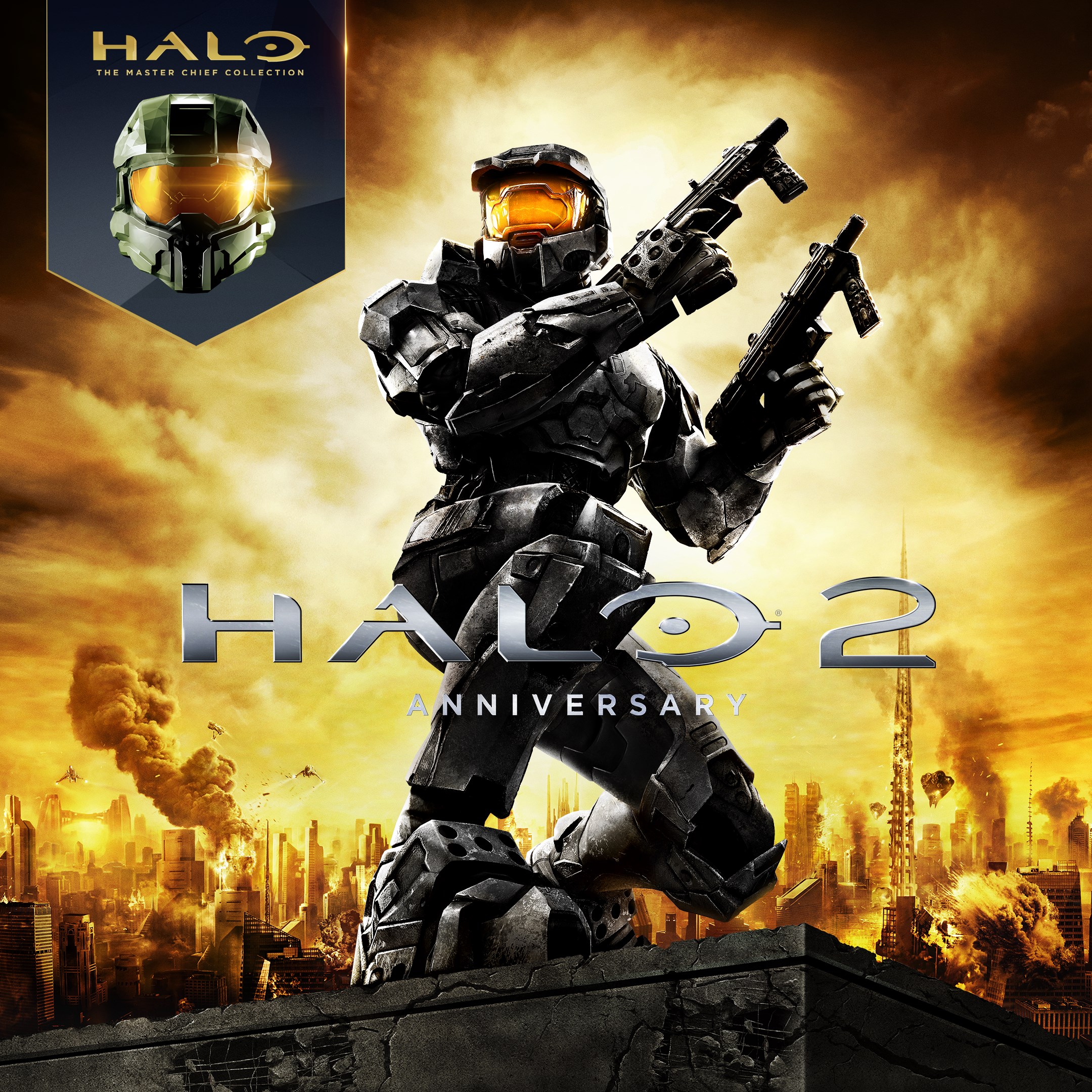
- Name Halo 2: Anniversary
- Category Shooter
Halo 2: Anniversary for Windows — A Nostalgic Journey with Modern Refinements
Halo 2: Anniversary for Windows stands as a shining example of classic FPS gameplay rejuvenated for today's gamers, blending nostalgic charm with contemporary visuals and smooth mechanics.
Basic Information and Highlights
Developed by 343 Industries, Halo 2: Anniversary is a remastered version of the iconic first-person shooter originally released in 2004 for Xbox, now optimized for Windows PCs. The game offers a compelling single-player campaign infused with beautifully remade visuals, alongside a robust multiplayer mode that captures the essence of the original while adding modern touches.
- Main Features:
- Remastered graphics with enhanced textures, lighting, and character models
- Switchable classic and remastered visuals at any moment, providing a nostalgic or modern experience
- Deep storyline intertwined with the Halo universe, complemented by cinematic cutscenes
- Multiplayer modes including co-op, multiplayer battles, and Forge mode for custom maps
- Target Audience: Fans of the Halo series, FPS enthusiasts, gamers seeking a blend of nostalgia and modern gaming, and newcomers interested in exploring a classic universe.
A Bright Rebirth of a Classic Shotgun
Stepping into Halo 2: Anniversary feels like revisiting an old friend who's put on a new suit. The game's atmosphere is akin to an epic sci-fi movie playing out on your screen, set in alien landscapes filled with towering structures and the hum of futuristic technology. It's a joy to traverse, whether you're tearing through enemies in the campaign or strategizing with friends in multiplayer. The game's sound design, with its booming weapons and immersive ambient noises, heightens the sense of being caught in a distant, war-torn galaxy.
Visual and User Experience
The hallmark of Halo 2: Anniversary is its dual-visual mode — players can switch seamlessly between the original, pixelated graphics and the stunning, HD remastered version. This feature perfectly caters to both purists craving authenticity and newcomers craving eye candy. The interface is intuitive, with menus that are straightforward and responsive, ensuring players spend less time fumbling and more time shooting. The game runs smoothly on a wide range of hardware, with minimal lag or hitches, which is essential in high-stakes firefights.
Learning curve-wise, Halo 2 offers relatively accessible controls, especially familiar to FPS players. The reticle, movement, and aiming mechanics are polished, making it easy to jump in and enjoy the action. The game also provides comprehensive tutorials and adjustable difficulty settings, accommodating both casual players and seasoned veterans.
Unique Selling Points and Differentiators
What sets Halo 2: Anniversary apart from other shooter titles is its dual-visual presentation and the integration of a dynamic “switch-on-the-fly” feature. Imagine watching a film in two different styles — the grainy 2004 look and the luminous modern version — and being able to toggle between them during gameplay. This innovation is not merely cosmetic but a thoughtful nod to fan nostalgia while showcasing technological advancement.
Moreover, Halo 2's expansive multiplayer, complete with Forge mode for map customization, offers a creative playground that few FPS games match in depth. Its emphasis on co-op campaigns and online community makes it stand out in a crowded shooter landscape, emphasizing social interaction and replayability.
Overall Recommendations
Considering the engaging gameplay, polished presentation, and nostalgic value, Halo 2: Anniversary for Windows earns a solid recommendation. It's particularly suitable for players who appreciate both classic FPS experiences and modern graphical fidelity. The ease of access and well-thought-out interface make it friendly even for newcomers, while the depth and customization options appeal to veteran gamers.
For best experience, ensure your PC meets the recommended specs to enjoy uninterrupted gameplay. Whether reliving childhood memories or exploring Halo's universe for the first time, this game offers a compelling blend of the past and present. If you're a fan of sci-fi shooters seeking a game that balances story, action, and nostalgia, Halo 2: Anniversary stands as a worthy choice.
Pros
- Enhanced Graphics and Visuals
- Faithful Nostalgia with Modern Updates
- Smooth Performance on Latest Hardware
- Integrated Achievements and Leaderboards
- Support for Game Controllers
Cons
- Occasional Bugs and Glitches
- Limited Customization Options
- Long Loading Times
- Inconsistent Multiplayer Connectivity
- Potential Compatibility Issues











