
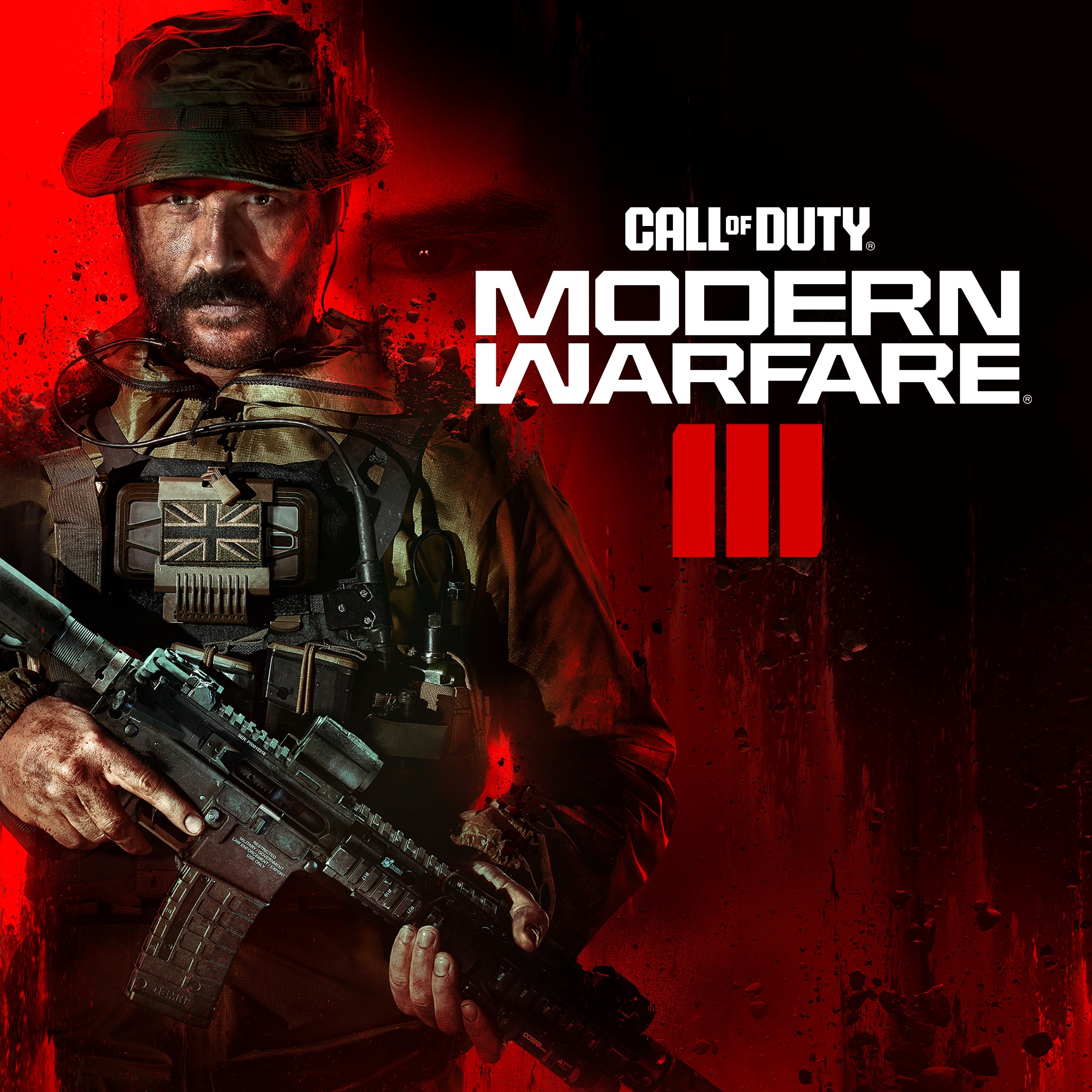
- Name Call of Duty®: Modern Warfare® III
- Category Shooter
A Modern Warfare Experience on Windows: Call of Duty®: Modern Warfare® III
As one of the most anticipated entries in the blockbuster shooter franchise, Call of Duty®: Modern Warfare® III for Windows offers an immersive and adrenaline-fueled combat experience designed to challenge both casual gamers and seasoned veterans alike. Developed by the renowned Activision Publishing Inc., this latest installment aims to elevate the first-person shooter genre with cutting-edge graphics, refined gameplay mechanics, and innovative features that set it apart in a crowded market.
Basic Information About the App
Call of Duty®: Modern Warfare® III is a first-person shooter game optimized for Windows PCs, delivering intense military combat scenarios and multiplayer action. The game is developed and published by Activision Publishing Inc., a leading name with decades of experience in the gaming industry. Key highlights include stunning visual realism, an expanded storyline, and enhanced multiplayer modes.
- Main Features: Realistic weapon handling and customization, dynamic campaign missions, and robust multiplayer options with new maps and modes.
- Target Audience: Hardcore shooters, esports enthusiasts, and gamers seeking a high-quality military game with detailed graphics and engaging gameplay.
Engaging and Vivid Gameplay Introduction
Imagine stepping into the muddy boots of a special forces operative navigating chaotic war zones, where every shot echoes with purpose and the thrill of victory hangs in the balance. Call of Duty®: Modern Warfare® III beckons you into this high-stakes world with its meticulously crafted environments and pulse-pounding missions. From close-quarters firefights in urban sprawls to strategic covert operations in remote landscapes, this game immerses players in a cinematic journey where every decision counts. It's like being front-row at a blockbuster action film—only now, you're the hero.
Core Features That Make Modern Warfare Stand Out
1. Revolutionary Combat and Weapon Systems
One of the most striking aspects of Modern Warfare III is its refined weapon handling mechanics. The game introduces a revamped gunplay system that feels more tactile and precise, akin to handling real-world firearms. Customization options allow players to tailor their loadouts with a variety of attachments, suppressors, and tactical gear—turning each weapon into a personalized instrument of destruction. This deep level of customization encourages strategic thinking, making every firefight unique and engaging.
2. Dynamic Campaign and Co-op Missions
The campaign mode transports players through a globe-trotting storyline filled with cinematic set-pieces and intense missions. What's new here is the integration of dynamic mission objectives, which sometimes change based on player choices or in-game events, adding layers of unpredictability. Plus, the co-op mode lets friends team up for special missions, fostering camaraderie and teamwork. The campaign's narrative depth and varied environments keep players entertained from start to finish without feeling repetitive.
3. Cutting-Edge Multiplayer Modes and Maps
Modern Warfare III elevates multiplayer combat with new modes such as "Strategic Domination" and "Tactical Assault," encouraging both aggressive tactics and strategic positioning. The maps are designed with meticulous detail—sprawling cityscapes, clandestine underground lairs, and open terrains—each offering fresh engagement points. The game also introduces a seamless progression system, rewarding skill and strategy over time, making each match a tense duel between wits and reflexes.
User Experience: Interface, Performance, and Learning Curve
The interface is sleek and intuitive, guiding players smoothly through menus, loadouts, and customization options. Navigation feels natural, even for newcomers, thanks to thoughtfully designed icons and clear instructions. Performance-wise, Modern Warfare III benefits from optimized graphics settings that deliver silky-smooth gameplay on a wide range of Windows devices, from high-end gaming rigs to mid-tier laptops. The game strikes a good balance between accessibility and depth—beginners can jump right in with minimal fuss, while veterans can spend time mastering advanced tactics and customizing their loadouts.
Differentiating Features and Unique Advantages
What truly sets Modern Warfare III apart from other shooter titles is its emphasis on realism coupled with innovative gameplay mechanics. Notably, the game introduces a "Tactical AI" system that adapts enemy behaviors based on player tactics, encouraging more strategic and thoughtful play. Additionally, the enhanced weapon customization system stands out, allowing players to fine-tune their gear for specific combat scenarios, making each playthrough a tailored experience. These features provide a layer of depth and immersion rarely matched in comparable shooters.
Verdict and Recommendations
All in all, Call of Duty®: Modern Warfare® III for Windows offers a compelling package for those seeking high-octane military action with an emphasis on realism and tactical gameplay. Its user-friendly interface, combined with technical enhancements and innovative features like adaptive AI and deep customization, make it a well-rounded shooter experience. Whether you're a single-player campaign aficionado or a competitive multiplayer enthusiast, this game delivers on multiple fronts.
I would recommend this game to players who appreciate finely tuned mechanics, immersive environments, and a balance of accessibility and depth. It's suitable for both new entrants to the franchise and seasoned veterans looking for fresh challenges. Just be prepared for a gameplay experience that can be as intense as a firefight in the middle of a war-torn city—so gear up and dive in!
Pros
- Stunning graphics and realistic visuals
- Smooth gameplay with minimal lag
- Extensive multiplayer options and maps
- Engaging storyline with cinematic cutscenes
- Regular updates and bug fixes
Cons
- Large download size requiring substantial storage space
- Occasional server connectivity issues
- In-app purchases can be frequent and tempting
- Battery consumption is relatively high during gameplay
- Some bugs or glitches reported post-update











