
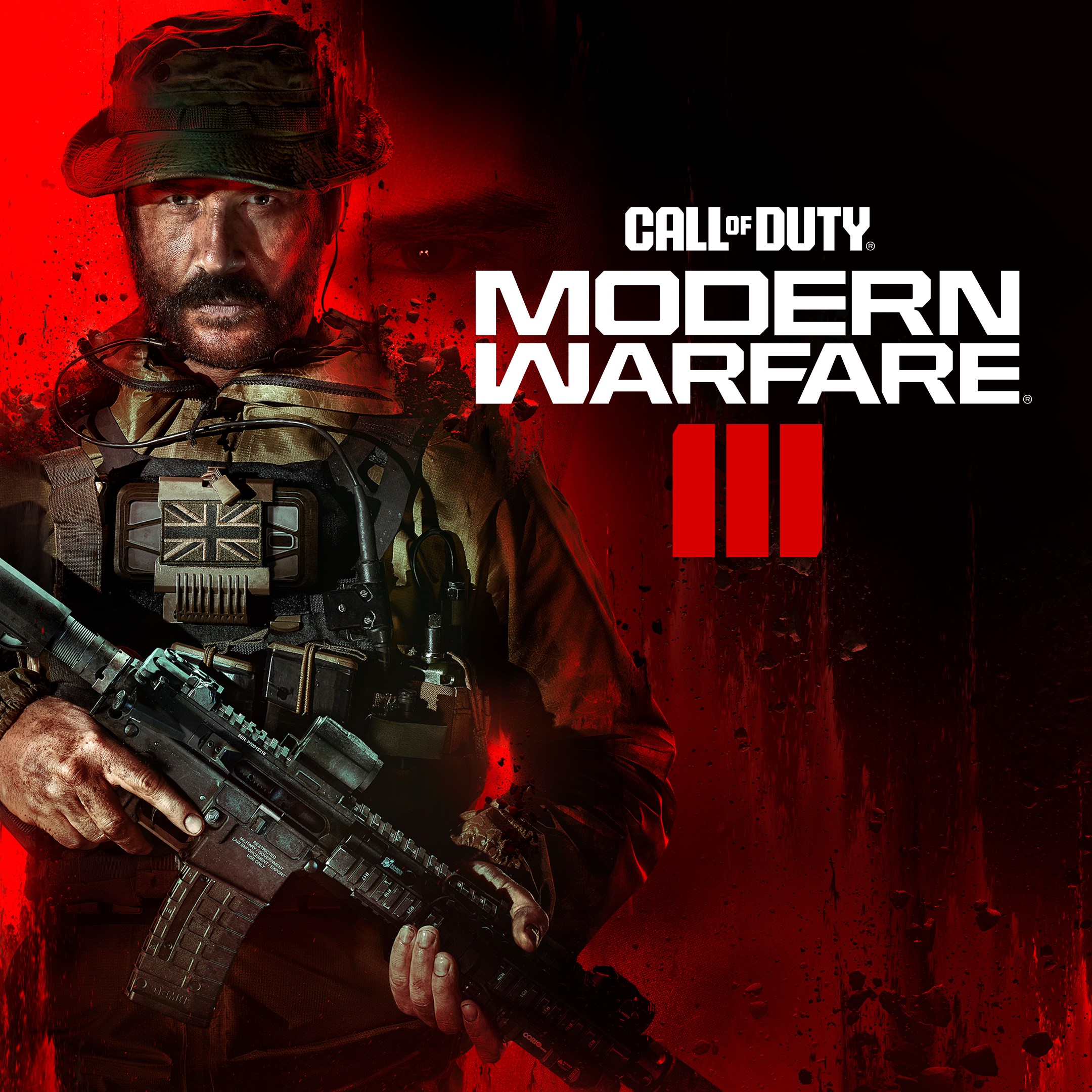
- Name Call of Duty®: Modern Warfare® III - Standard Edition (Windows)
- Category Shooter
Call of Duty®: Modern Warfare® III - Standard Edition: A Fresh Take on a Legendary Shooter
As one of the most anticipated entries in the Call of Duty franchise, Modern Warfare III delivers a compelling blend of intense combat, cinematic storytelling, and innovative gameplay mechanics—all wrapped in a visually stunning package that appeals to both veterans and newcomers alike.
Sharpen Your Arsenal with a Trusted Developer
Developed by Activision Publishing Inc., a giant in the gaming industry renowned for consistently pushing the boundaries of first-person shooter experiences, Modern Warfare III continues their tradition of high-quality, immersive titles. Their emphasis on balance, realism, and engaging narratives ensures players are treated to a polished and carefully crafted game.
Highlight Reel: Top Features to Keep You Engaged
- Enhanced Combat Mechanics: The game introduces refined gunplay with improved recoil dynamics and weapon customization options, making each firefight feel more visceral and satisfying.
- Immersive Campaign and Co-op Modes: Experience a cinematic storyline peppered with explosive set-pieces, complemented by cooperative multiplayer missions that encourage teamwork.
- Dynamic Multiplayer Environment: A reinvigorated multiplayer system boasting new maps, modes, and strategic gameplay elements, supported by a robust matchmaking system.
- Optimized Visuals and Sound Design: Enhanced graphics and realistic sound effects heighten immersion, creating a battlefield that truly feels alive.
Deep Dive into User Experience
From the moment you launch Modern Warfare III, the interface welcomes you with a sleek, modern design that's both intuitive and inviting—think of it as walking into a high-tech command center, where every button and menu is laid out logically. Navigating through menus feels seamless, thanks to rapid load times and a user-friendly layout, making customization and matchmaking straightforward even for newcomers.
Gameplay flows fluidly on a well-optimized codebase, regardless of whether you're running on mid-range hardware or high-end systems. The controls are precise, and the game responds swiftly to inputs, mirroring the same adrenaline rush you'd feel rushing across a battlefield. The learning curve is moderate—allowing veterans to master nuanced tactics while offering newcomers an accessible entry point.
What Sets Modern Warfare III Apart?
Compared to other shooters, Modern Warfare III shines with its meticulous attention to realism and strategic depth. Its gunplay mechanics stand out—the detailed recoil and weapon attachments create a more authentic shooting experience. Additionally, the game's focus on tactical options, such as advanced movement controls and situational awareness tools, gives players the freedom to craft their combat style.
Another notable feature is its dynamic multiplayer environment, which fosters a sense of unpredictability and excitement, making every match feel fresh. Unlike some competitors that rely heavily on fast-paced twitch shooting, MW III balances aggressive action with strategic planning, appealing to both adrenaline junkies and tactical thinkers.
Final Thoughts and Recommendations
Overall, Call of Duty®: Modern Warfare® III is a polished, engaging shooter that offers a well-rounded experience. Its standout features—the refined combat mechanics and the immersive multiplayer—make it a compelling choice for FPS enthusiasts. If you enjoy a game that combines realistic gunplay, strategic depth, and cinematic storytelling, this title deserves a place in your collection.
Recommended for players who seek a modern, high-quality shooter with a balance between accessible gameplay and tactical complexity. For those already familiar with the franchise or looking for a smooth, visually stunning combat experience, MW III stands out as a solid pick. Just prepare for some intense, adrenaline-fueled hours!
Pros
- Highly immersive gameplay
- Smooth performance on Windows
- Extensive multiplayer modes
- Regular updates and content patches
- Integrated voice chat and social features
Cons
- Large download size
- High system requirements
- Occasional server connectivity issues
- In-game microtransactions
- Steep learning curve for new players











