
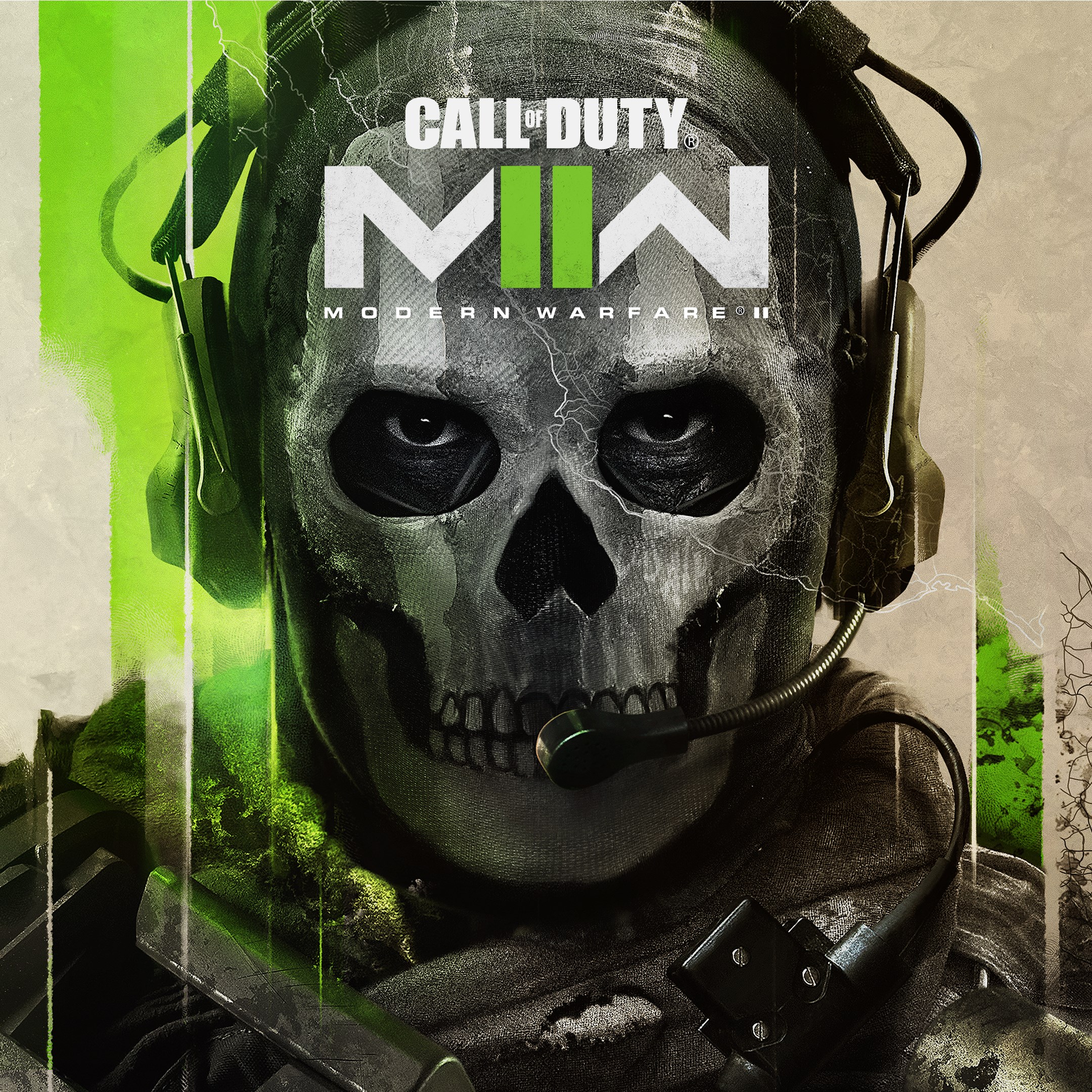
- Name Call of Duty®: Modern Warfare® II
- Category Shooter
Introducing Call of Duty®: Modern Warfare® II for Windows
As a seasoned shooter game enthusiast, Modern Warfare® II stands out as a contemporary take on tactical combat, blending cinematic storytelling with cutting-edge gameplay mechanics. Developed by Infinity Ward and published by Activision, this game aims to deliver an intense, immersive experience for military action fans.
Core Features That Elevate the Experience
Realistic and Engaging Campaigns
The single-player storyline plunges players into a dynamic world fraught with geopolitical tension. The game's narrative pacing is reminiscent of a high-stakes thriller, with meticulously crafted missions that blend stealth, high-octane combat, and quick decision-making. The cinematic quality of cutscenes and voice acting elevates the immersion, making each mission feel like a scene from a blockbuster film.
Multiplayer Mode with Tactical Depth
The multiplayer mode is the heart of Modern Warfare® II, featuring a variety of game modes such as Team Deathmatch, Domination, and Search and Destroy. Unique maps and customizable loadouts give players strategic flexibility, encouraging teamwork and tactical coordination. The addition of new mechanics like advanced weapon customization and operator skills introduces depth that appeals to both casual players and seasoned strategists.
Next-Gen Graphics and Smooth Gameplay
Powered by advanced rendering techniques, the game showcases highly detailed environments, realistic weapon modeling, and life-like character animations. The interface is crisp and intuitive, ensuring players can quickly adapt to different gameplay modes. Despite the high fidelity visuals, the game runs smoothly on a broad range of Windows configurations, thanks to optimization efforts that keep frame rates stable, enhancing the overall user experience.
User Experience: Interface, Performance, and Learning Curve
The user interface strikes a good balance between aesthetic appeal and usability—menus are streamlined, with readily accessible options for multiplayer, campaigns, and settings. Navigating through the game feels fluid, with responsive controls that make executing tactical maneuvers effortless. For newcomers, the learning curve is manageable; the game offers tutorials and adaptive difficulty settings that ease players into complex mechanics without overwhelming them.
Compared to other shooters like Battlefield or Apex Legends, Modern Warfare® II's interface emphasizes clarity and accessibility, making multiplayer matchmaking and loadout adjustments quick and intuitive. The game's performance, optimized for various hardware setups, minimizes lag and stuttering, which is crucial for maintaining competitive edge in online matches.
Unique Selling Points and Differentiators
The game's most distinctive feature is its seamless integration of narrative-driven single-player missions with highly strategic multiplayer gameplay. Its focus on realistic combat scenarios, combined with advanced weapon customization and operator roles, provides a depth rarely matched by competitors. Furthermore, Modern Warfare® II's commitment to visual fidelity and performance optimization ensures that the experience remains immersive and engaging across different systems.
Final Verdict: Is It Worth Playing?
Overall, Call of Duty®: Modern Warfare® II for Windows is a well-rounded, thoughtfully designed shooter that caters to both storyline enthusiasts and competitive gamers. Its intuitive interface, impressive graphics, and rich tactical options make it a compelling choice. While it maintains the straightforward gunplay roots of traditional shooters, its innovative features and attention to detail elevate it above many peers.
If you're seeking a modern, tactically nuanced shooter that balances engaging narrative with competitive multiplayer, this game comes highly recommended. Beginners should consider starting with tutorials and simple loadouts, but veterans will appreciate the depth and customization available.
Pros
- Exceptional Graphics Quality
- Engaging Single-Player Campaigns
- Smooth Gameplay Performance
- Robust Multiplayer Experience
- Regular Content Updates
Cons
- High System Requirements
- Limited Cross-Platform Functionality
- In-Game Microtransactions
- Occasional Server Connectivity Issues
- Complex User Interface for Beginners











