
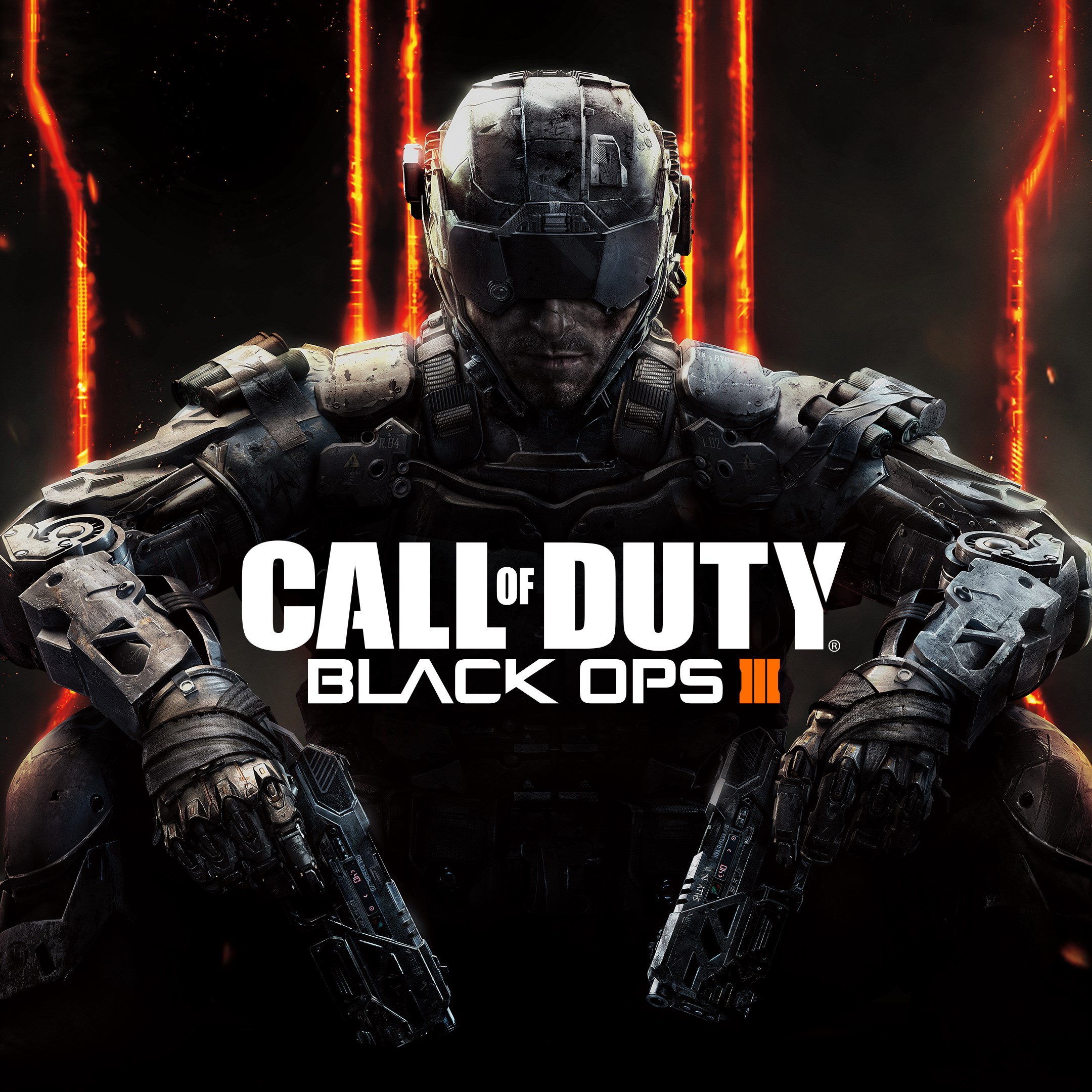
- Name Call of Duty®: Black Ops III - Multiplayer Starter Edition (Windows)
- Category Shooter
Introduction: A Tactical Dive into Call of Duty®: Black Ops III - Multiplayer Starter Edition
Calling all FPS enthusiasts and tactical gunplay lovers — Call of Duty®: Black Ops III - Multiplayer Starter Edition offers a compelling slice of the high-octane, immersive shooter experience tailored for Windows users eager to test their reflexes and strategic skills. With its roots firmly planted in the acclaimed Black Ops series, this minimal-commitment edition invites players into a world of fast-paced combat, futuristic weaponry, and team-based gameplay.
Core Features That Define the Experience
Fast-Paced Multiplayer Battles with Modern Twist
The core of this game lies in its adrenaline-charged multiplayer modes. The multiplayer experience is meticulously designed to balance accessibility with depth. Whether you're zipping around maps with advanced movement mechanics like wall-running and thrusters or deploying a diverse arsenal of futuristic weapons, the game's combat feels seamless and responsive. It's akin to stepping into a well-choreographed dance of gunfire and strategy — perfect for players who thrive in high-pressure situations.
Distinctive Map Design and Customization Options
The game offers a variety of well-crafted maps that encourage different tactical approaches. Each map feels alive with interactive elements and clever sightlines, ensuring no two battles feel the same. Additionally, while this is a starter edition, it still allows a decent level of customization, enabling players to tailor their loadouts and class perks, aligning gameplay with personal styles — from stealthy snipers to aggressive run-and-gun strategists.
User Interface and Gameplay Flow
The user interface is intuitive, stripping away unnecessary clutter and allowing players to jump into action swiftly. Matchmaking is reasonably quick, minimizing frustration for casual and dedicated players alike. The controls are well-optimized for keyboard and mouse, with fluid movement and sharp responsiveness — crucial for a shooter where reaction time can be the difference between victory and defeat. Its learning curve is moderate, accessible enough for newcomers but featuring enough depth for seasoned players to master specific mechanics.
What Sets It Apart from Other Shooters?
Compared to other multiplayer shooters, Black Ops III's standout features are its high mobility mechanics and the futuristic weapon customization. Unlike traditional shooters, it emphasizes movement agility — wall-running, sliding, and thrusting through the environment — which introduces a new layer of tactics and dynamism into multiplayer encounters. Moreover, its specialized weapon upgrade system allows players to fine-tune their firearms with attachments and modifications, giving each combat situation a personalized touch that can turn the tide of battle. These elements combine to create a nuanced, skill-based experience that rewards both strategic planning and quick reflexes.
Final Verdict: Is It Worth Your Time?
If you're a multiplayer shooter fan looking for a game that marries traditional FPS elements with futuristic mobility and customization, Call of Duty®: Black Ops III - Multiplayer Starter Edition is worth exploring. Its engaging gameplay, smooth user experience, and innovative mechanics make it a commendable choice for those wanting a taste of tactical combat without diving into the full-priced package. However, for players seeking a more extensive campaign or an expansive multiplayer universe, this starter edition serves as a compelling entry point that might beckon you to invest further down the line.
Pros
- Great multiplayer experience with a variety of game modes
- Smooth performance on modern hardware
- Includes popular maps and weapons to enhance gameplay
- Regular updates and patches improve game stability
- User-friendly interface makes multiplayer matchmaking quick and efficient
Cons
- Limited content compared to full version
- Requires an active internet connection to play
- Frequent in-game ads and prompts for in-app purchases
- Limited customization options for characters and weapons
- Some players experience matchmaking delays during peak hours











