
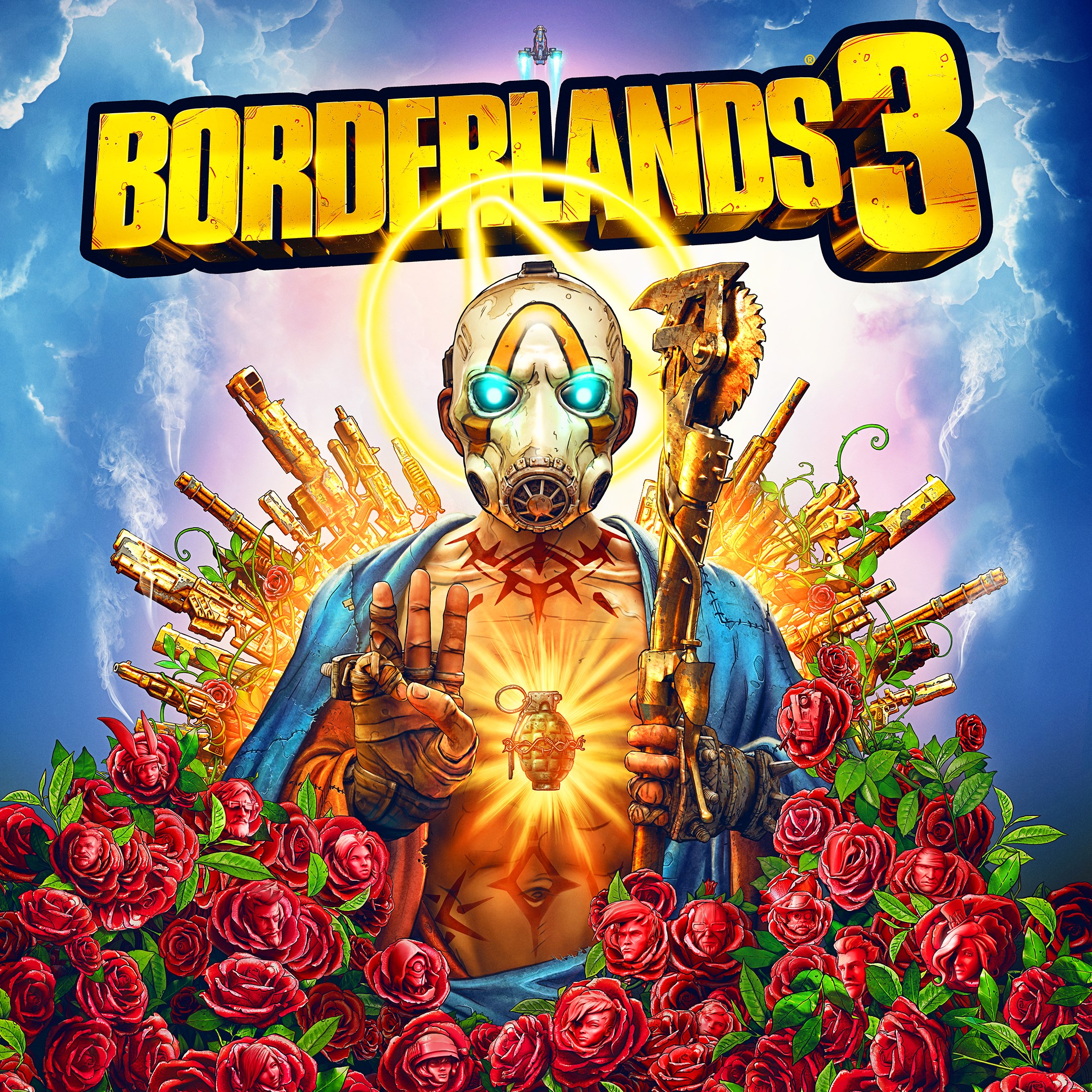
- Name Borderlands 3
- Category Shooter
Borderlands 3 for Windows: A Thrilling Co-Op Shooter Experience
Borderlands 3 for Windows stands out as an engaging blend of first-person shooter mechanics and loot-driven role-playing elements, offering players a rich, chaotic adventure set across diverse planets. Developed by Gearbox Software and published by 2K, this game invites gamers into a vibrant, irreverent universe full of quirky characters, massive weaponry, and endless replayability.
Dynamic Gameplay and Immersive Worldbuilding
Borderlands 3 delivers a fast-paced, action-packed experience reminiscent of a sci-fi extravaganza wrapped in a comic book aesthetic. The core gameplay revolves around navigating expansive environments, battling alien creatures and hostile mercenaries, and collecting a staggering variety of weapons and gear. Key highlights include the seamless integration of co-op multiplayer, allowing up to four players to team up and tackle missions together, turning each quest into a lively party where chaos reigns and strategies evolve on the fly.
Vibrant Visuals and User Interface
The game boasts a cel-shaded art style that is both visually striking and accessible, making every explosion, gunfire, and character design pop with cartoonish charm. The interface is intuitive, with clear menus and quick access to inventory management, skill trees, and mission logs, ensuring players aren't bogged down by complexity. The design strikes a balance between aesthetic appeal and ease of navigation, allowing new players to get started swiftly while still providing depth for seasoned explorers.
Gameplay Mechanics and User Experience
Borderlands 3's controls are notably responsive, with smooth gunplay and fluid movement that contribute to a satisfying combat experience. The learning curve is moderate; newcomers are introduced gradually to weapon modding, character abilities, and cover-based tactics, while veteran players can dive into advanced customization and strategic team setups. The game performs well on modern Windows systems, with minimal lag or technical glitches reported, making for a reliable and enjoyable session each time.
Standout Features and How It Differs from Its Peers
What makes Borderlands 3 truly stand out in the crowded shooter landscape is its rich loot system and the personality infused into every aspect of gameplay. Unlike many shooters that focus solely on realism or straightforward combat, Borderlands 3 offers an arsenal of bizarre, unique weapons—flamethrowers that shoot out waffles, or submachine guns that fire elemental blasts—adding a layer of whimsical fun. Additionally, its character customization options and diverse skill trees allow players to craft distinct playstyles, from destructive melee warriors to sharpshooters with snipers that feel like extensions of their own instincts.
Final Verdict and Recommendations
Borderlands 3 for Windows should appeal to gamers who enjoy humor, vibrant visuals, and cooperative chaos. It excels in creating a playful yet challenging environment with innovative weaponry and engaging storytelling. If you're someone who appreciates a game that combines fast-paced shooting with a sense of humor and customization, this title is definitely worth trying. It's especially recommended for groups of friends looking for a shared adventure that keeps the adrenaline high and the laughs flowing.
Pros
- Exceptional Graphics and Visual Effects
- Engaging Cooperative Multiplayer
- Extensive Weapon Customization Options
- Rich Narrative and Humorous Content
- Regular Content Updates
Cons
- High System Requirements
- Occasional Performance Fluctuations
- Long Loading Times
- Limited Mod Support
- Occasional Bugs or Glitches











