
- Name Blackjack Professional
- Category Casino
- Available on PC, Mobile, Surface Hub, HoloLens
- OS Windows 10 version 17763.0 or higher
- languages Chinese (Simplified), Dutch, English (United States), French, German, Italian, Japanese, Polish, Portuguese, Russian, Spanish
Blackjack Professional for Windows: Elevating the Classic Card Game Experience
Blackjack Professional for Windows by Random Salad Games LLC offers a sleek and immersive take on the timeless casino game, combining authentic gameplay with user-friendly design. Whether you're a seasoned gambler or a casual card player, this app aims to bring the thrill of blackjack directly to your desktop with professionalism and style.
Key Information at a Glance
Positioning and Purpose
This application serves as a realistic and engaging blackjack simulator designed to provide players with a polished gaming experience on Windows devices.
Developers Behind the Game
The app is developed and published by Random Salad Games LLC, a company known for creating thoughtful and accessible casual gaming experiences.
Main Features and Highlights
- Authentic Blackjack Experience: Realistic card dealing and casino-style visuals replicate the feel of playing in a real casino.
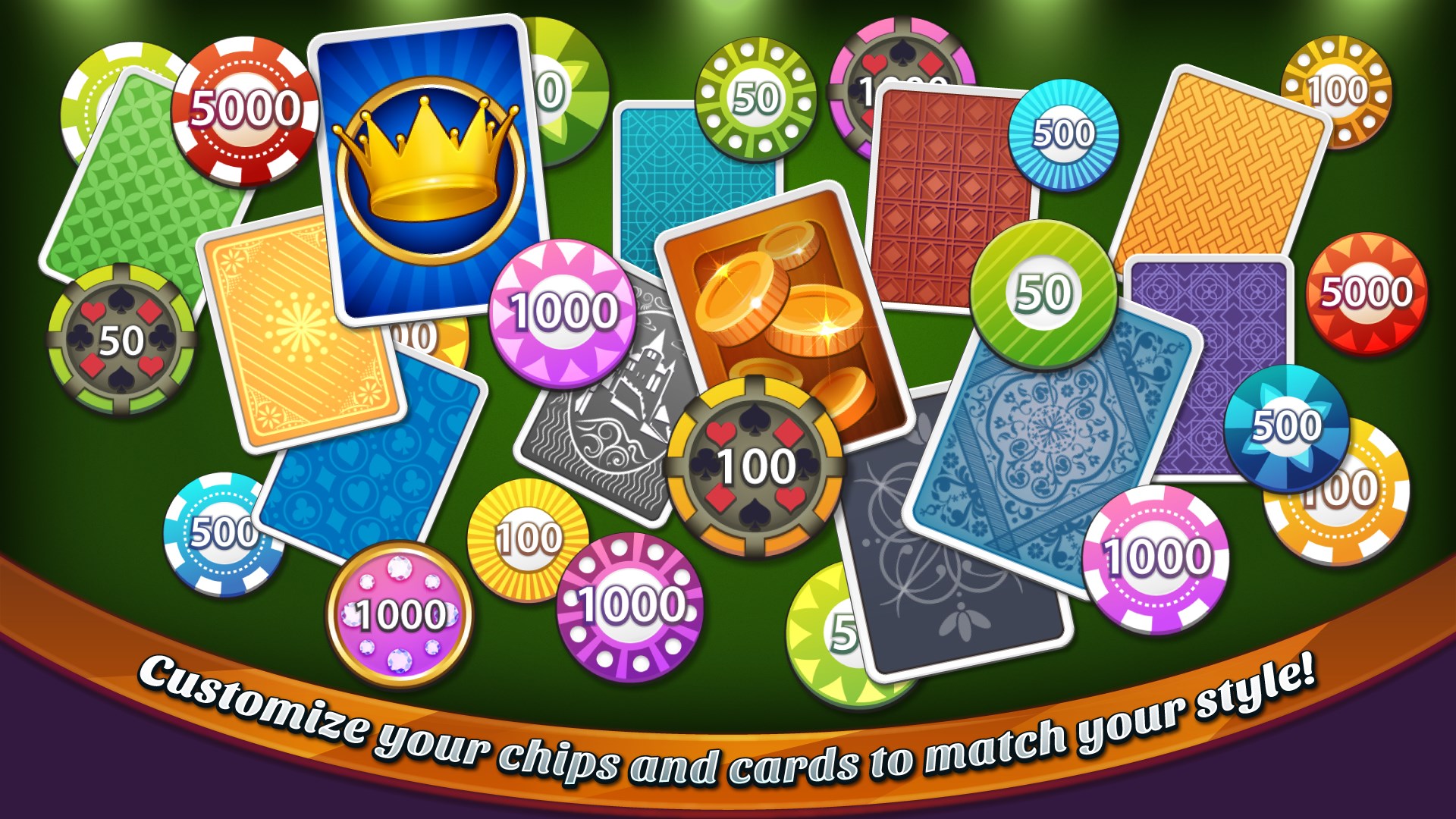
- Customizable Gameplay Settings: Options to adjust table rules, chip denominations, and game difficulty for tailored gaming sessions.
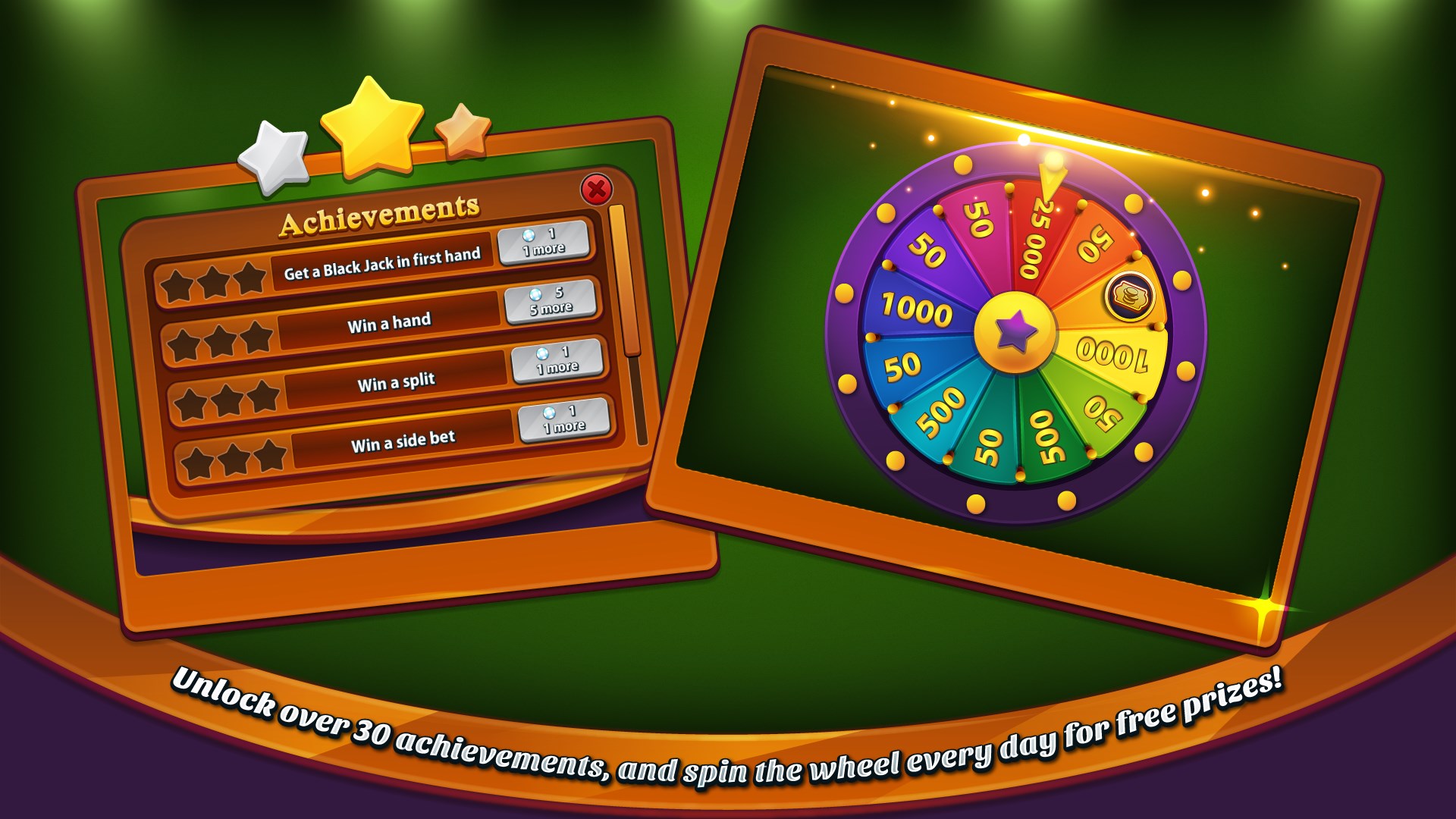
- Multiple Variants and Modes: Besides classic blackjack, gameplay includes various side bets and challenge modes to keep things interesting.
- Seamless User Interface: Intuitive controls and smooth animations enhance the overall user interaction.
Intended Audience
This app is suitable for adult players interested in casual gambling simulations, educational purposes, or simply enjoying a well-crafted card game within a virtual environment.
Immersive and Engaging Introduction
Step into a virtual casino where the shuffling of cards and the flicker of chips create an ambiance of excitement — Blackjack Professional for Windows captures this atmosphere perfectly. It's like having a high-end gaming table right on your desk, crafting a space where luck and strategy intertwine. Whether you're aiming to master your bankroll or just enjoy a quick game, this app offers a friendly, yet serious, playground for blackjack enthusiasts.
Core Functionality: The Heart of the Game
Realistic Card Play and Casino Atmosphere
The core appeal of Blackjack Professional lies in its meticulous attention to detail in simulating a real casino environment. The crisp graphics, sound effects mimicking shuffling and dealing, and the authentic card animations make each round feel genuine. The app takes pride in replicating the tension and excitement of traditional blackjack, ensuring players feel as if they're sitting at a luxurious gaming table without leaving their home.
Customizable Rules and Game Modes
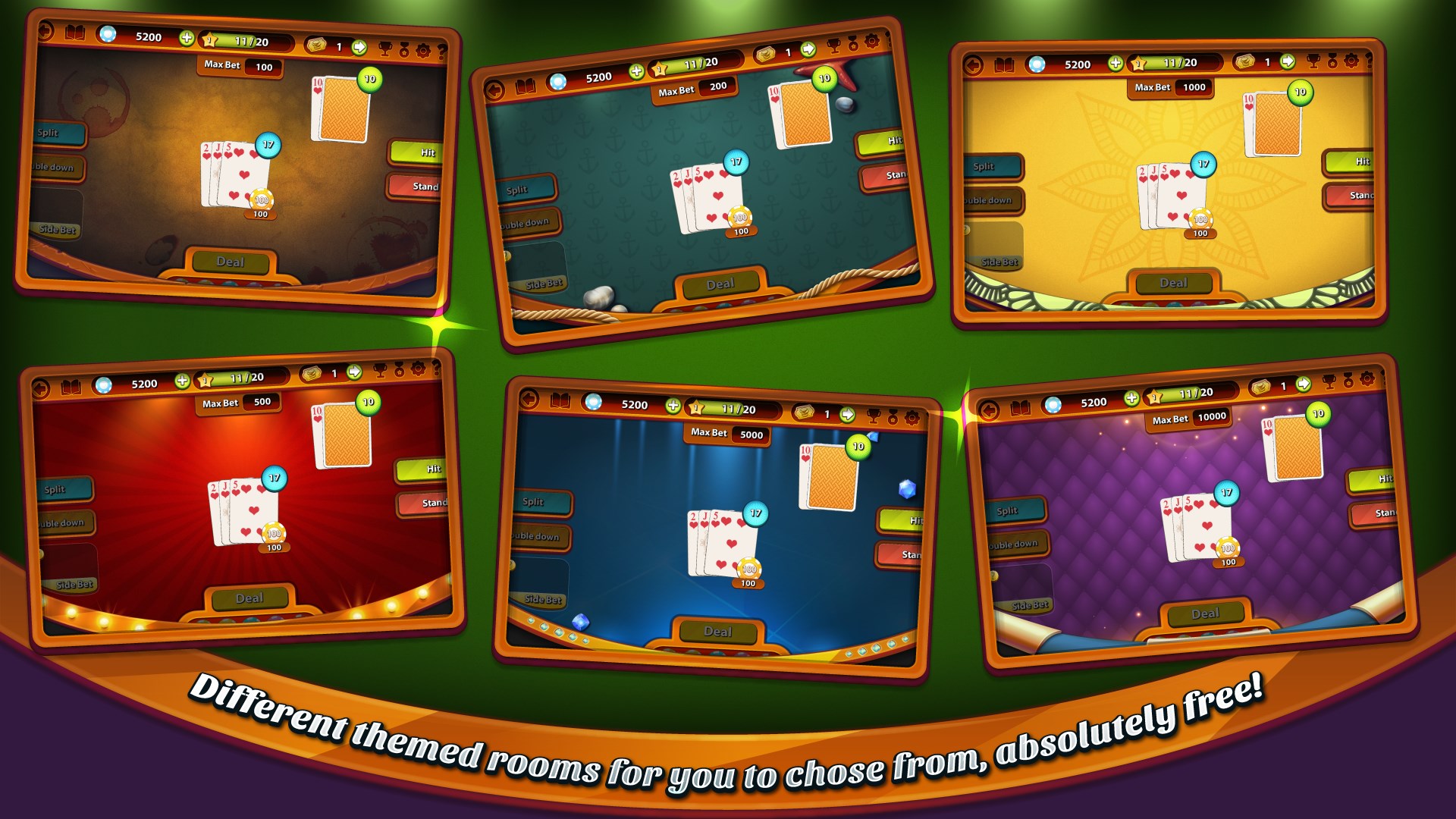
An especially notable feature is the adjustable gameplay settings. Want to try different house rules or challenge yourself with high-stakes chips? The app allows users to configure various parameters—such as the dealer stand rules, number of decks, or bet limits—tailoring the experience to individual preferences. Additionally, the inclusion of multiple game modes, from standard blackjack to special side bets, enriches replayability and offers a fresh challenge each time.
User Experience: Interface, Fluency, and Learning Curve
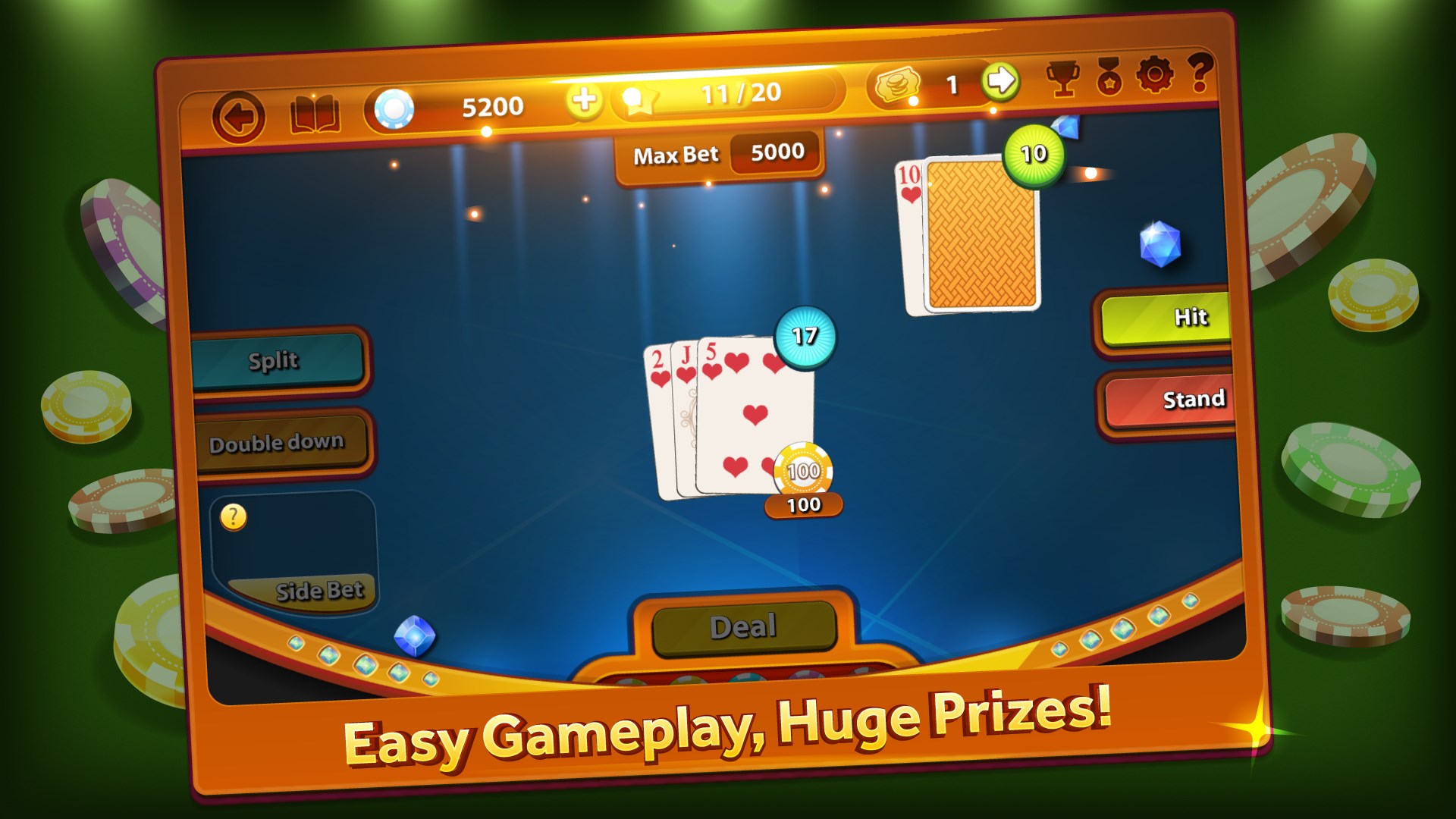
Blackjack Professional boasts a sleek, straightforward interface that even newcomers can navigate easily. The layout is clean, with intuitive buttons for betting, hitting, standing, or doubling down—making gameplay natural. Animations are smooth, ensuring that the pace of the game doesn't feel sluggish or choppy, which is essential during intense sessions. For those new to blackjack, the app provides accessible tutorials and hints, easing the learning curve while providing enough depth for experienced players to develop strategies.
What Sets It Apart? Unique Strengths of Blackjack Professional
One of the standout features of this app is its focus on realism paired with customization options—traits that many similar applications overlook. Unlike basic blackjack simulators that offer a one-size-fits-all experience, Blackjack Professional allows players to tweak nearly every aspect of the game. This flexibility makes it not just an entertainment tool but also a platform for practicing various strategies in controlled settings. Furthermore, its polished visuals and seamless performance distinguish it from less refined alternatives, giving it an edge even among other casino-style apps.
Final Verdict and Recommendations
Overall, Blackjack Professional for Windows is a thoughtfully crafted application that balances realism, flexibility, and user-friendly design. Its emphasis on authentic gameplay experiences makes it a recommended choice for aspiring card strategists and casual players alike. If you appreciate a well-structured blackjack simulation with customization options and high-quality visuals, this app is certainly worth trying out. For those seeking a dependable, immersive, and adaptable virtual blackjack game, it earns a solid endorsement— especially if your goal is to hone your skills or enjoy the casino atmosphere without leaving your home.
Pros
- Intuitive user interface
- Realistic blackjack experience
- Multiple game modes
- Smooth performance and graphics
- In-app tutorials and tips
Cons
- Limited multiplayer options
- In-app purchases can be frequent
- Occasional ads disrupt gameplay
- Limited customization options
- Lack of advanced statistical analysis