- Name Bingo Star
- Category Casino
- Developer Rolling Donut Apps
- Available on PC
- OS Windows 8.1 or higher
- languages English (United States)
Introducing Bingo Star for Windows: The Classic Game Reinvented
Imagine the timeless thrill of digging for that perfect bingo card but with a modern, sleek twist — Bingo Star for Windows brings this familiar game to your desktop with engaging visuals and seamless gameplay. Designed by Rolling Donut Apps, this application aims to recapture the nostalgic charm of bingo while offering new features to enhance user experience.
About the Developer: Rolling Donut Apps
Rolling Donut Apps is a dedicated developer known for crafting casual and engaging gaming experiences, often with a focus on simple yet captivating gameplay mechanics. Their products span various genres, but Bingo Star is among their flagship titles targeting casual players seeking light entertainment that's easy to pick up and enjoy.
Key Features That Make Bingo Star Stand Out
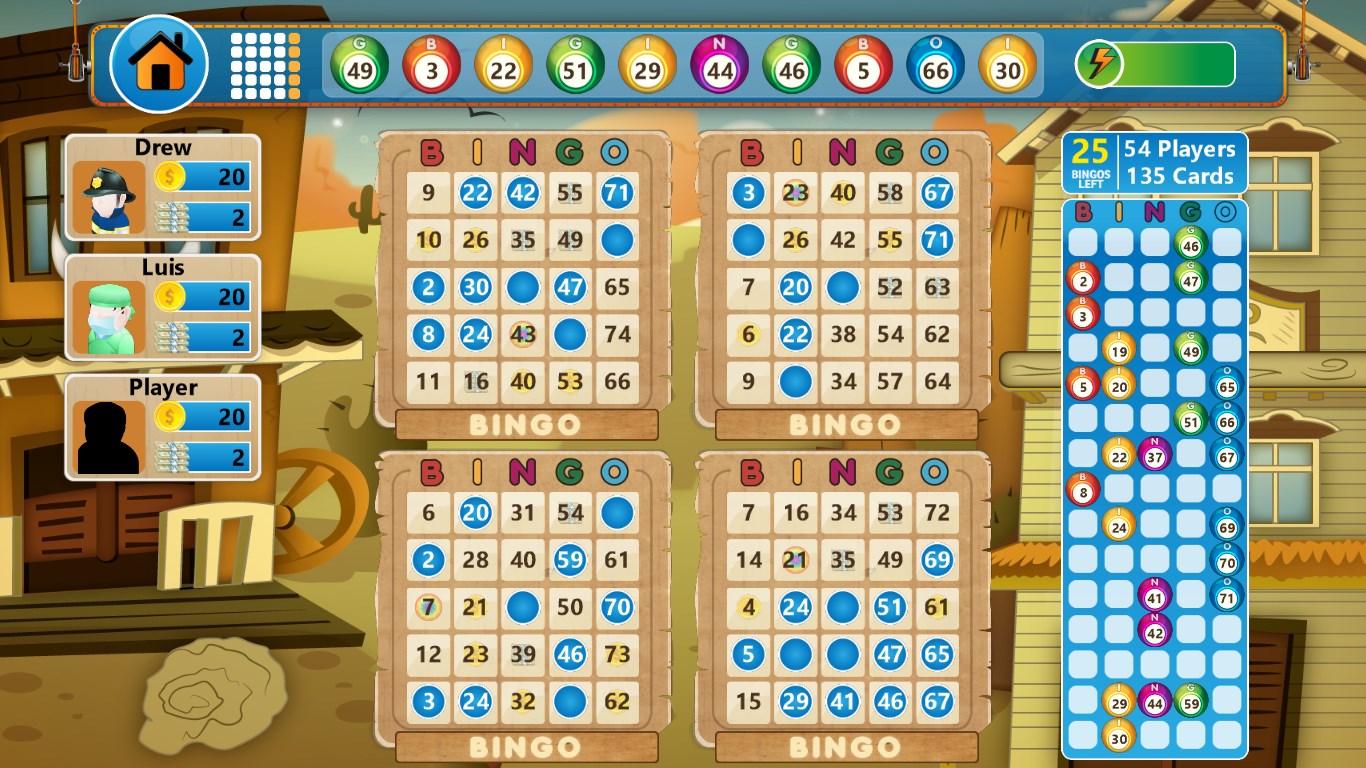
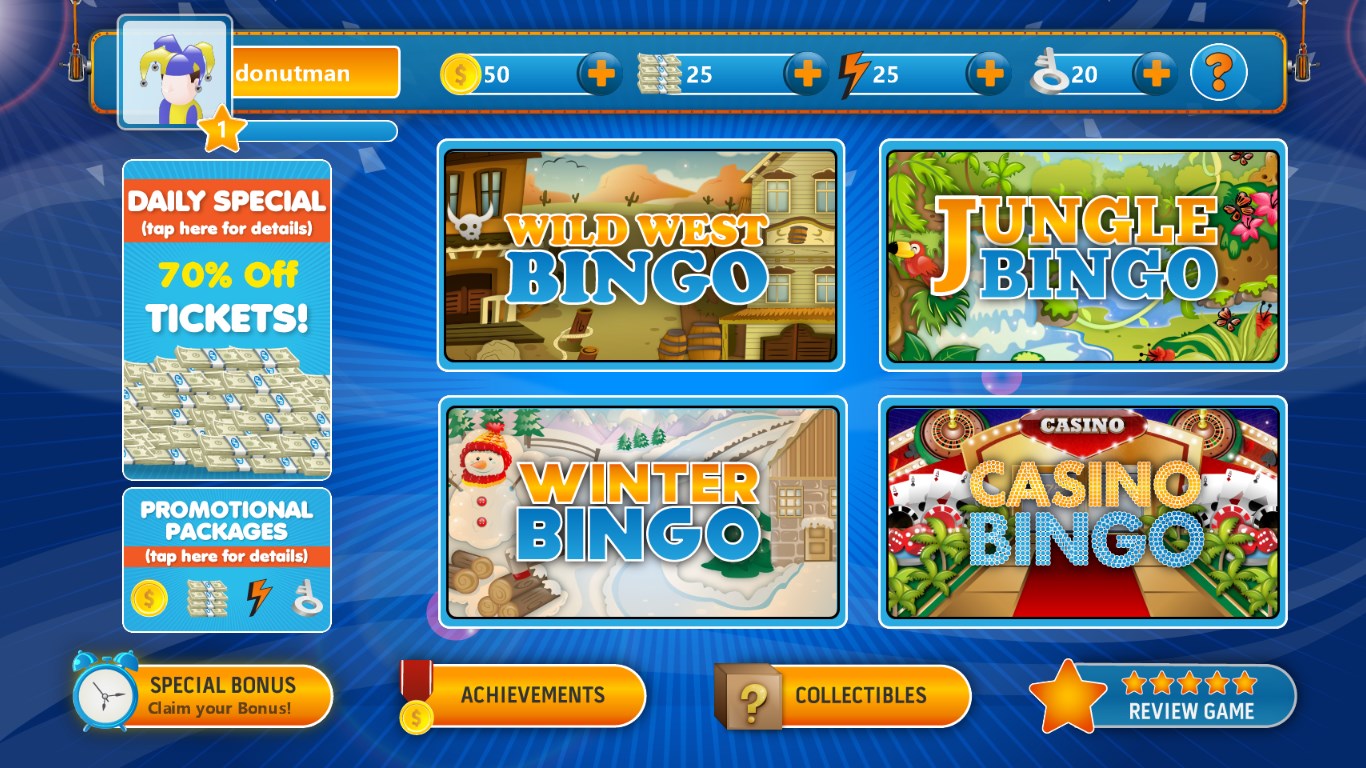
- Colorful, Intuitive Interface: The game boasts vibrant visuals and a user-friendly layout that makes navigation straightforward for players of all ages.
- Multiple Game Modes: Whether you prefer classic bingo or creative variations, Bingo Star offers diverse modes to keep your experience fresh and exciting.
- Real-time Multiplayer: Compete with friends or players worldwide, adding a social dimension that elevates the traditional bingo experience.
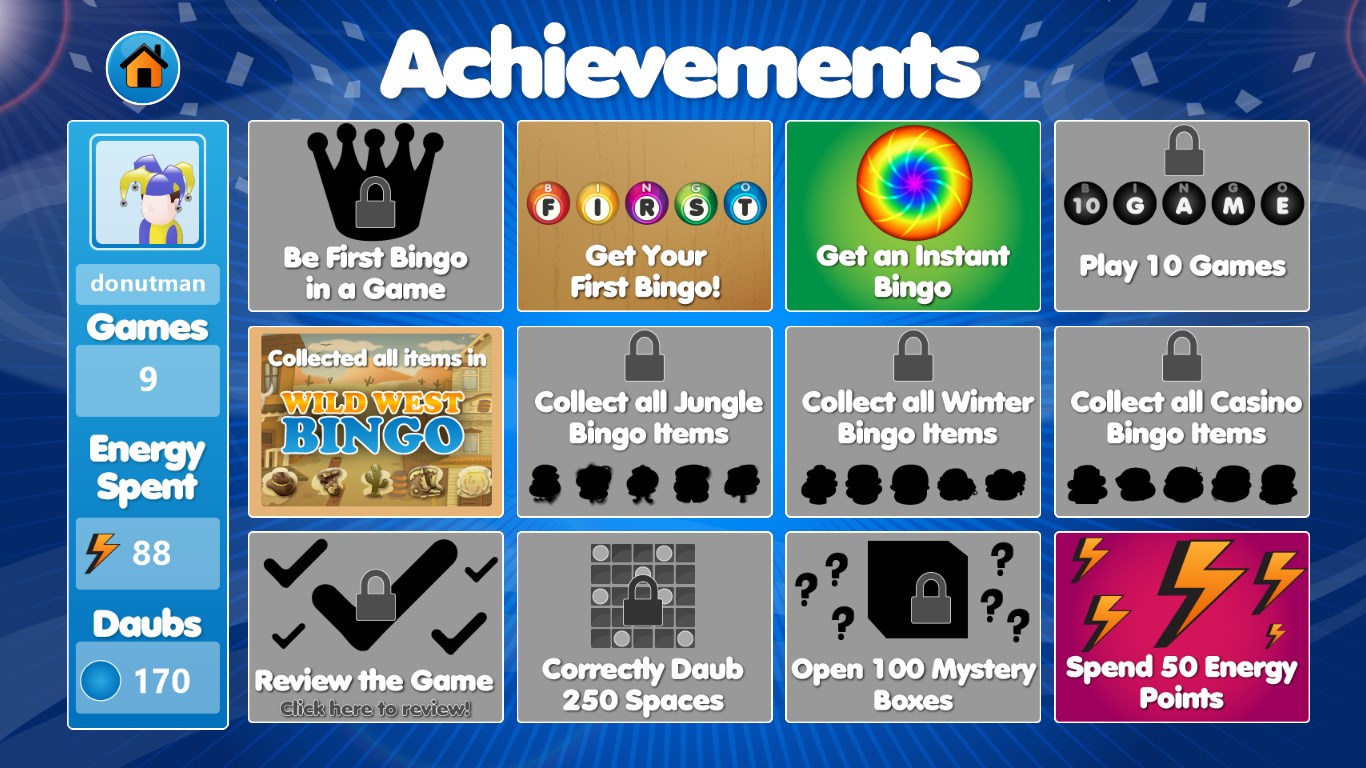
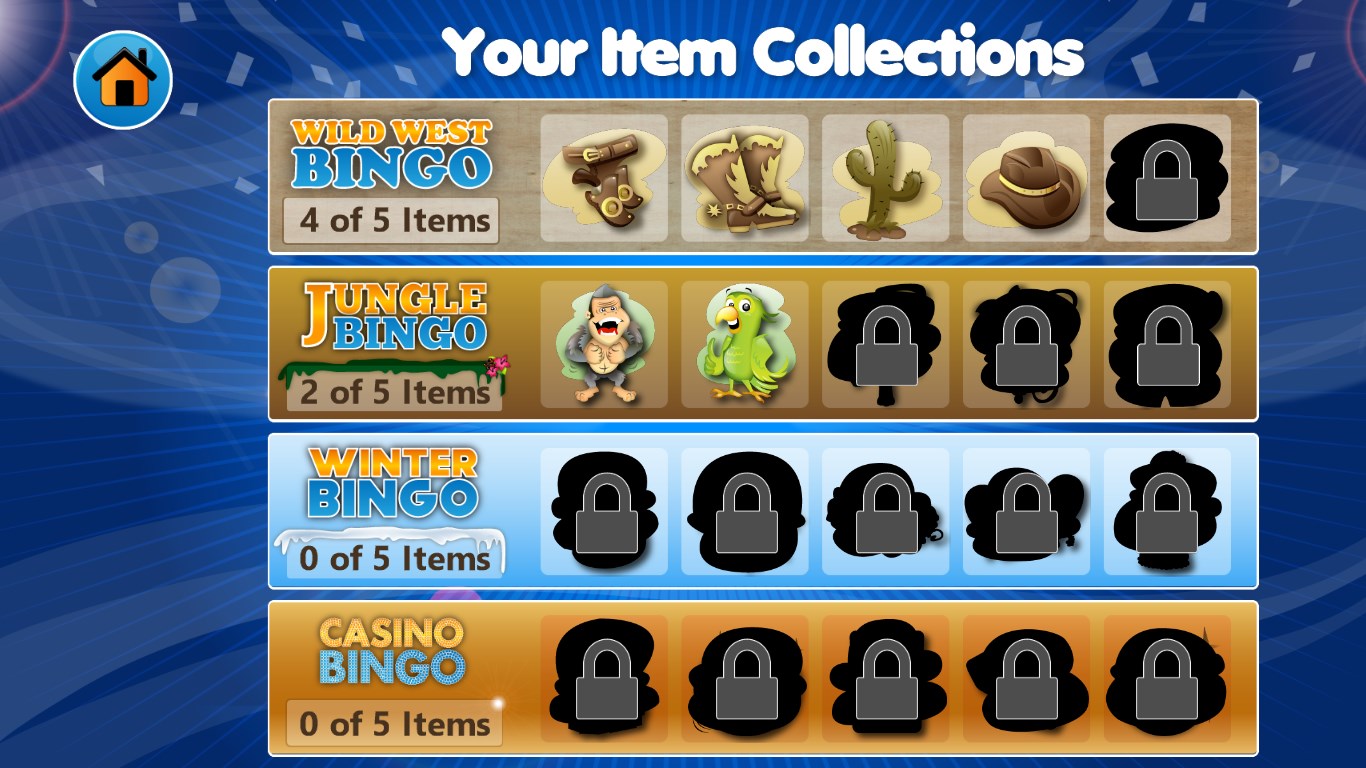
- Progression and Rewards System: Unlocking new themes, power-ups, and bonuses keeps players motivated beyond just marking numbers.
Engaging Gameplay and User Experience
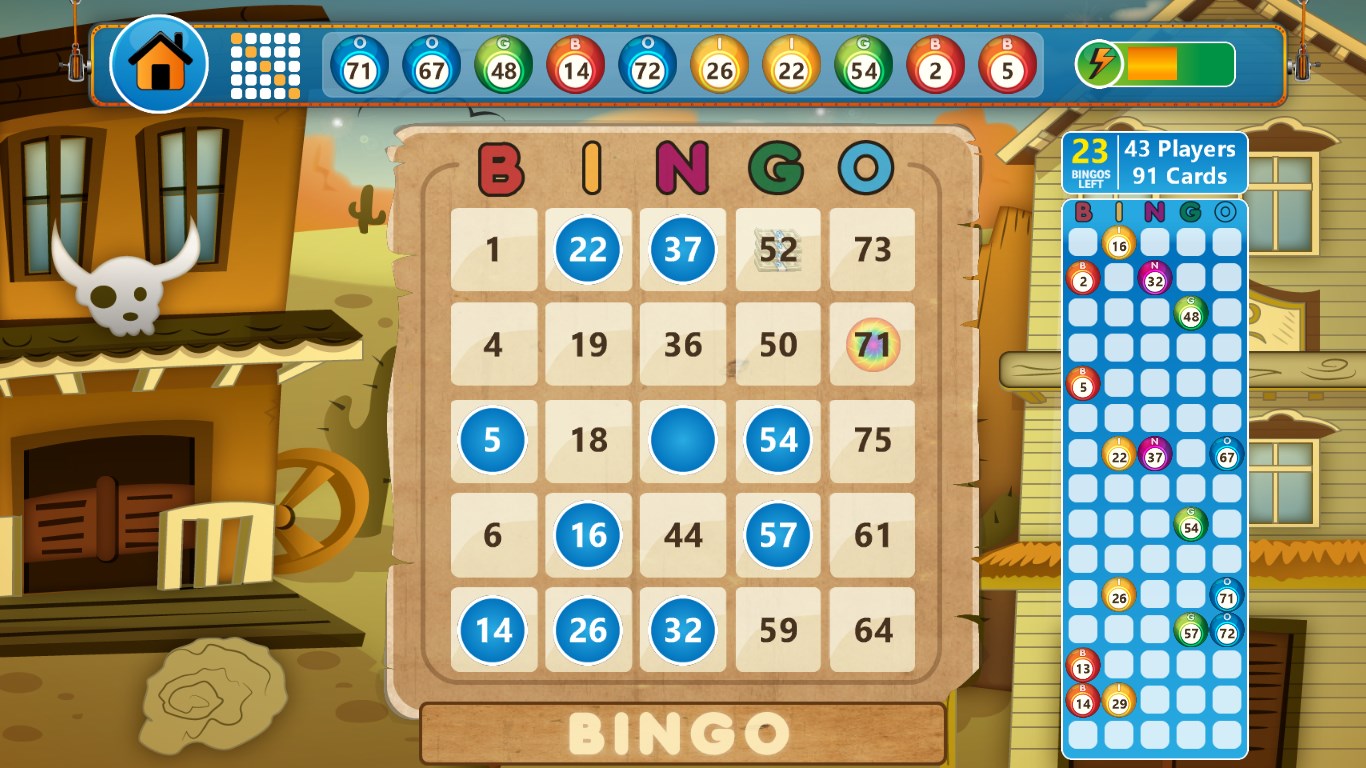
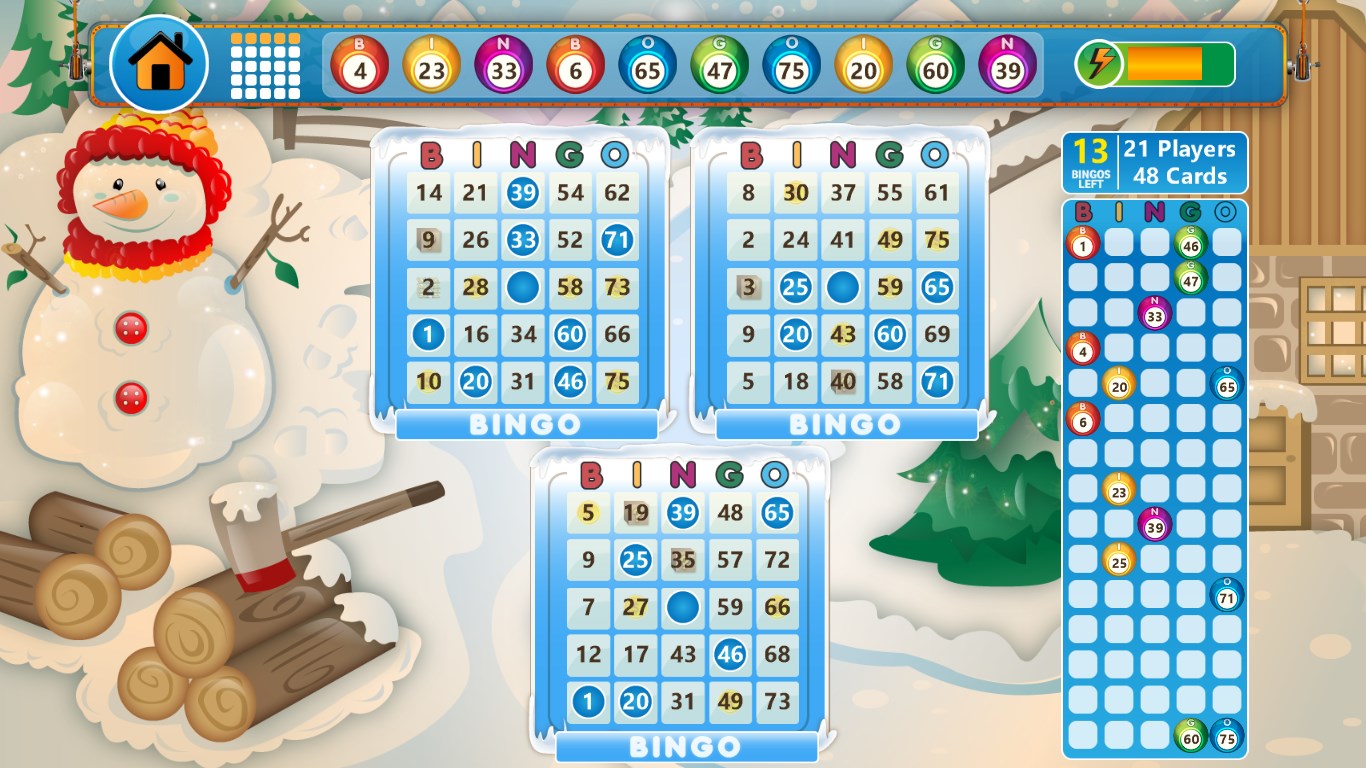
From the moment you launch Bingo Star, the game welcomes you into a lively virtual bingo hall. The colorful design feels like stepping into a cheerful community center, with animated effects that make each number called feel like a small celebration. The interface is clutter-free, with large buttons and clear indicators, making the gameplay accessible even for beginners.
Smooth and Responsive Performance
One of the standout qualities of Bingo Star is its fluidity. Clicking through different game modes or navigating menus is seamless, thanks to optimized performance. This smoothness ensures that players aren't interrupted by lag or delay, which is vital for maintaining immersion in an online multiplayer setting. The game's responsiveness feels like a well-oiled machine, making every tap or click satisfying.
Design and Learning Curve
Even for newcomers, Bingo Star is surprisingly easy to pick up. The intuitive tutorial and straightforward layout reduce the usual learning curve associated with new games. The energetic graphics and engaging sound effects act as gentle guides, encouraging players to dive right into the fun without feeling overwhelmed. This balance of simplicity and depth caters well to casual players who want quick entertainment and more dedicated gamers seeking strategic variation.
What Sets Bingo Star Apart from Other Casino Games?
Many online casino applications tend to focus heavily on gambling mechanics or flashy ads, but Bingo Star takes a different path by emphasizing community and social interaction. The inclusion of real-time multiplayer matches creates a sense of camaraderie and competition similar to gathering with friends in a lively bingo hall. Moreover, the game's varied modes and reward system provide layers of personal achievement beyond just winning rounds, making it feel more like a casual, friendly contest rather than a high-stakes gamble.
Final Thoughts and Recommendations
In the crowded space of casual casino-like apps, Bingo Star offers a refreshing experience that balances fun, visual appeal, and social connectivity. Its ease of use, engaging design, and multiplayer features make it suitable for players looking to relax, socialize, or enjoy a quick mental break. While it may not satisfy those seeking intense gambling or high-stakes strategies, it excels as an enjoyable, approachable game for all ages.
We recommend giving Bingo Star a try if you appreciate classic games with a modern touch. Whether you're a casual gamer or someone looking for a lively way to connect with friends, this app stands out as a cheerful, well-crafted option worth exploring. Its most special feature — the real-time multiplayer mode — truly sets it apart, turning a simple bingo game into a social experience you'll want to revisit again and again.
Pros
- Addictive gameplay with simple mechanics
- Bright and vibrant graphics
- Variety of themed bingo rooms
- Frequent updates and new features
- Smooth performance on most devices
Cons
- Limited customization options
- Ads can interrupt gameplay occasionally
- Requires internet connection for most features
- Lack of social features such as chat or friends list
- Difficulty in progressing without in-app purchases