

Introducing the Verizon Family App: A Comprehensive Solution for Family Safety and Connectivity
The Verizon Family app is an essential tool designed to help families stay safe, connected, and in control while on the go. Especially beneficial for parents with young children, the app offers a wide range of features that promote digital safety, monitor activity, and enable quick assistance during emergencies. From location sharing to parental controls, the Verizon Family app provides peace of mind with an easy-to-use interface, making it a must-have in today’s connected world.
Key Features of the Verizon Family App
The app consolidates several powerful tools into one platform, including:
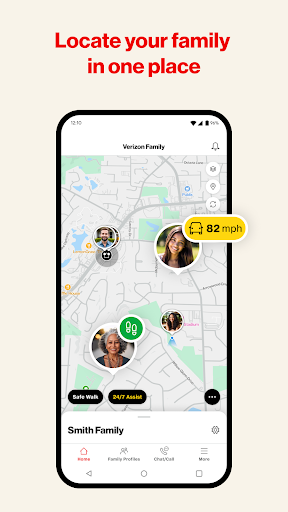
- Location Sharing: Real-time updates on family members’ locations, with location alerts and the ability to set up geofencing boundaries.
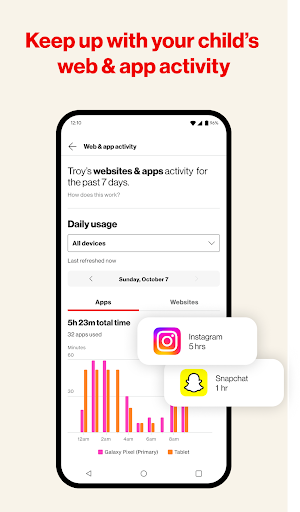
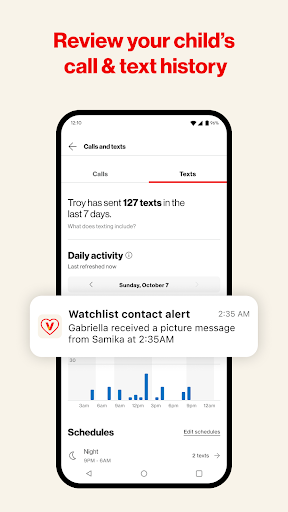
- Parental Controls: Content filtering, monitoring and limiting Verizon call and text activity, as well as web and app activity monitoring.
- Screen Time Management: Set limits on device usage, pause internet access during family time or homework, and manage device activity remotely.
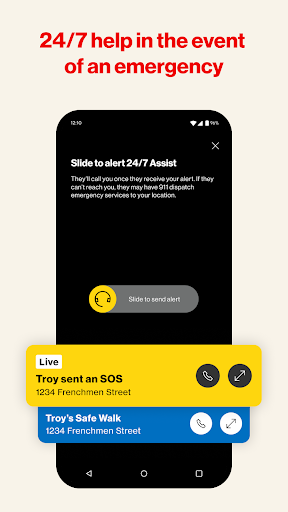
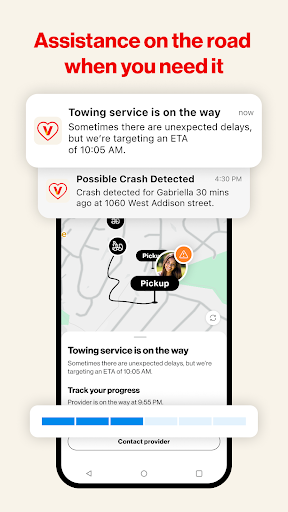
- Safety & Assistance Features: Includes Safe Walk with SOS, Crash Detection, and Roadside Assistance — all designed to keep your loved ones safe while traveling or walking the streets.
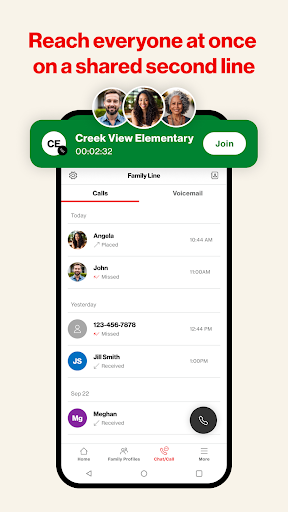
- Family Line Management: Monitor and control activity across multiple lines within your family plan, ensuring everyone's online use remains safe and manageable.
Usage and Requirements
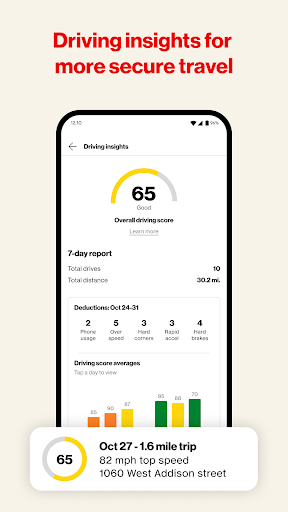
To access the Verizon Family app, a Verizon standard monthly postpaid account on an eligible device or an invitation from a Verizon account is necessary. The app’s features are included with Verizon’s postpaid mobile plans at no additional cost, with an option to upgrade to Verizon Family Plus at $14.99/month—adding advanced location sharing, alerts, parental controls, driving insights, and roadside assistance.
Additional Information and Legal Notes
The app requires downloading and setup on your device. It does not monitor internet-based calls or texts nor contact emergency services directly for crash or SOS alerts. Push notifications must be enabled to stay updated on family activity, and some alerts might be sent via text message. Standard messaging and data rates apply. For detailed legal terms, please see the full terms and conditions.
Why the Verizon Family App Is a Game-Changer for Modern Families
The Verizon Family app stands out as a vital digital companion for families seeking a balance between safety and independence. Its intuitive interface and comprehensive features make managing your loved ones’ online presence straightforward and stress-free. Location sharing ensures you’re always aware of your child’s whereabouts, providing peace of mind during daily routines or outings. Meanwhile, the screen time controls and content filters help foster healthy online habits and limit exposure to inappropriate content.
Beyond monitoring, the app's safety features—such as Safe Walk and Crash Detection—ensure quick assistance and real-time alerts that can be crucial during emergencies. With Roadside Assistance included, you can trust that help is just a tap away in unforeseen situations, making it an excellent tool for families on the move.
The app is designed to promote responsible device use while allowing children some independence to explore the digital world safely. It strikes a perfect balance between supervision and autonomy, enabling parents to guide their children with insightful data and practical controls. Whether you’re tech-savvy or new to parental control apps, its user-friendly dashboard makes setup and management simple, ensuring your family benefits from enhanced safety without unnecessary complexity.
In summary, the Verizon Family app is more than just a family locator or parental control tool—it’s a comprehensive safety network that adapts to your family’s dynamic needs. By combining location services, content monitoring, device management, and emergency assistance in one platform, it empowers parents to stay connected and keep their loved ones protected. If peace of mind, safety, and fostering healthy digital habits are priorities for your family, this app definitely deserves your consideration.
Pros
- Comprehensive parental control features.
- Real-time location monitoring.
- Ability to manage screen time effectively.
- Customizable alerts and notifications.
- Compatible across multiple device platforms.
Cons
- Full feature access requires a subscription.
- May cause rapid battery drainage.
- Location updates can be delayed at times.
- Limited functionalities on older devices.
- Setup can be complicated for users with little technical experience.