

Color Widgets, Theme: iWidgets — Enhance Your Android Home Screen with Style and Functionality
Key Features of iWidgets
- Works on all Android devices ensuring broad compatibility
- Multiple aesthetic themes for a personalized look
- One-click widget addition for quick customization
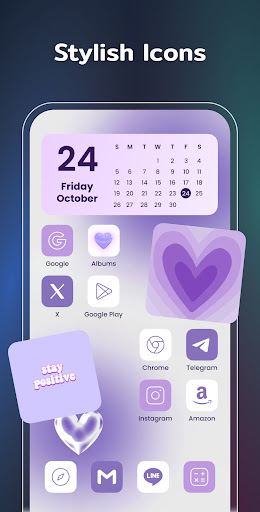
- Ability to change app icons to match your theme
- Support for small, medium, and large widgets for flexible placement
- Variety of widget styles to suit your preferences
- Options to make your screen unique and exclusive
Popular iWidgets Components
X-Panel Widget
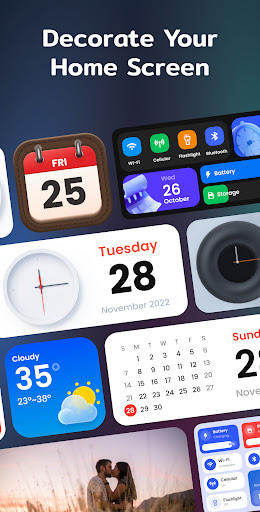
This collection of shortcuts consolidates essential functions right on your home screen. It displays real-time date and time, network status, Bluetooth, battery levels, and storage information. You can quickly toggle features such as flashlight, Wi-Fi, and more for effortless device management.
Photo Widget
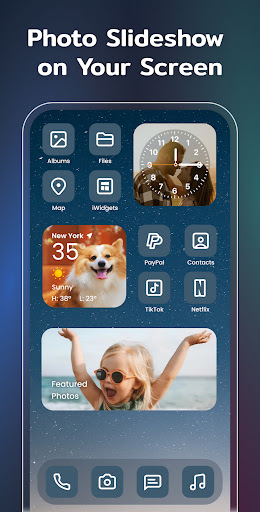
Decorate your home screen with your cherished photos. The widget supports photo slideshow, allowing you to record and display memories with family, friends, or pets, adding a personal touch to your device’s interface.
Clock Widget
Create a more eye-catching display with beautifully crafted analog and digital clock widgets. The variety of styles ensures your clock complements your overall theme and aesthetic preferences.
Weather Widget
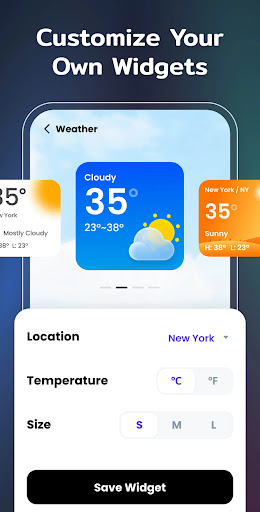
Stay informed about local weather conditions with real-time updates on temperature, weather status, and forecasts. The simple yet elegant display ensures quick access to essential weather information.
Calendar Widget
Display your current date or an entire month calendar. Choose from creative and vintage styles to match your overall theme and personalize your home screen further.
Exquisite Themes & Future Widgets
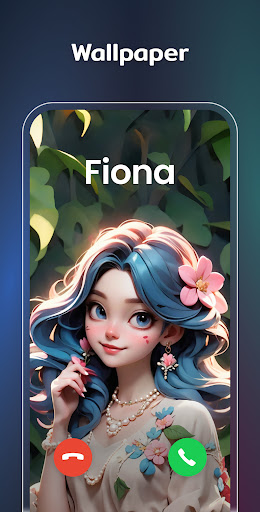
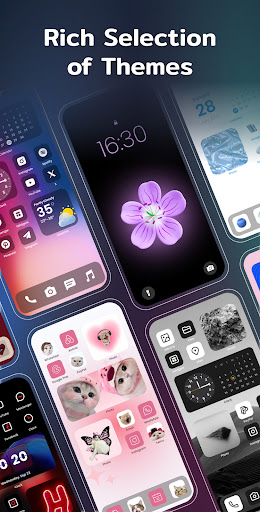
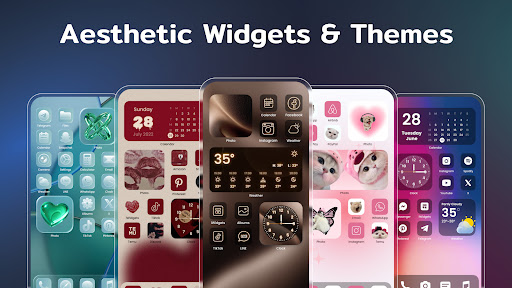
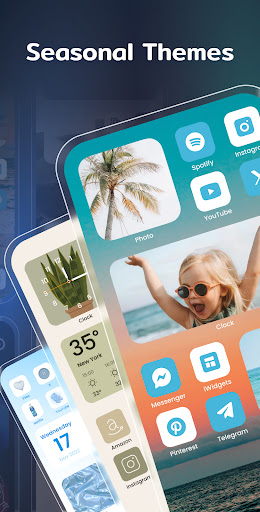
iWidgets offers a wide variety of preset themes in styles like anime, neon, aesthetic, and more. With options to change app icons and customize wallpapers, you can craft a truly unique home screen experience.
Upcoming widget types include to-do lists for maintaining productivity and notes to record your thoughts or important events, further enhancing the app’s practicality.
Permissions & Customization
The app requires storage permission for displaying photos and location permission to show weather information and track distances. Additionally, notification permission is needed to update widget content seamlessly. These permissions enable iWidgets to deliver a comprehensive and user-friendly customization experience.
Why Choose Color Widgets with iWidgets Theme?
Pros
- Highly customizable interface.
- Intuitive user experience.
- Wide variety of widget designs.
- Frequent updates with new features.
- Seamless integration with iOS themes.
Cons
- May drain battery quickly.
- Some features require a premium subscription.
- Occasional bugs in widget display.
- Limited support for older iOS versions.
- Ads in the free version can be intrusive.










