

Introduction to Uber Lite
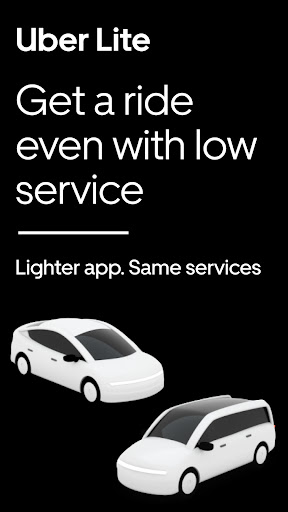
Uber Lite is a new, simplified way to request a ride, designed to provide reliable transportation through an easy-to-use application. This streamlined version of the popular Uber app is particularly suited for users with limited device storage, slower internet connectivity, or older smartphones. With its minimal size and data-efficient features, Uber Lite ensures that you can access rides comfortably, even in areas with poor network connection.
What Is Uber Lite?
Uber Lite is essentially a lightweight version of the Uber app, offering the core features you need for seamless ridesharing. It allows you to summon Uber rides effortlessly, with just a few taps, and supports cash payments—making it an accessible choice for many users around the world. The app’s compact size of only 5 MB makes it comparable to a few selfies, and its design ensures optimal performance on any Android device.
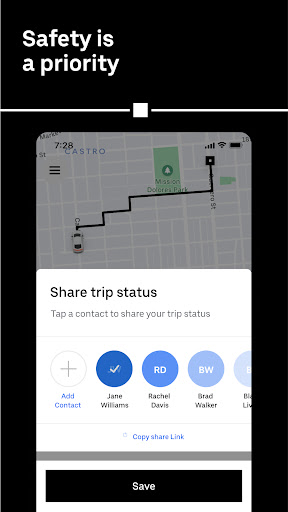
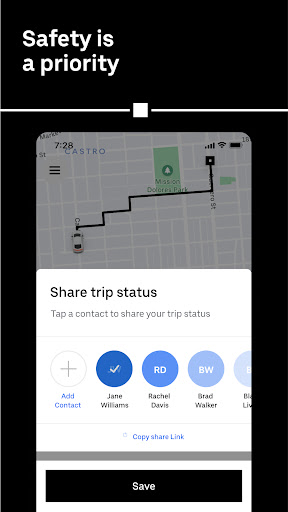
This app is built for reliability, functioning efficiently even without Wi-Fi or strong network signals. Its safety features include trip sharing options for real-time updates to your loved ones, giving you peace of mind during every journey. Uber Lite is a perfect solution for users seeking a quick, simple, and dependable way to get from point A to point B.
How Uber Lite Works
Step-by-Step Ride Request Process
Requesting an Uber Lite ride is straightforward and quick—done in just four simple steps:
- Open the app
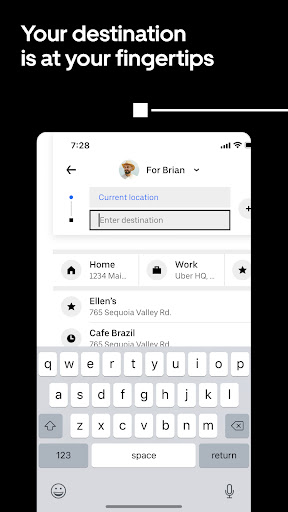
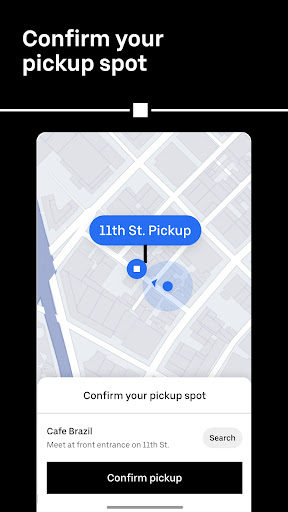
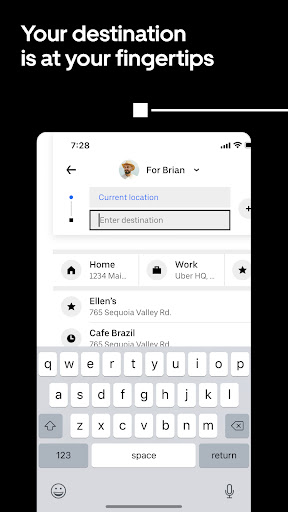
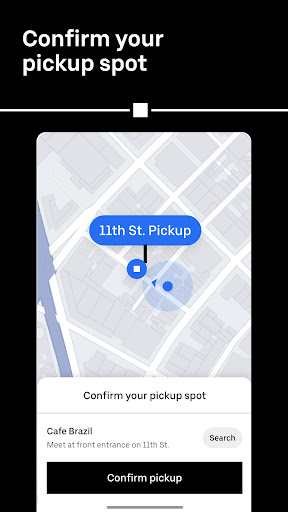
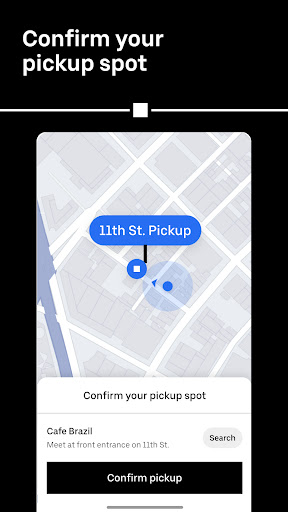
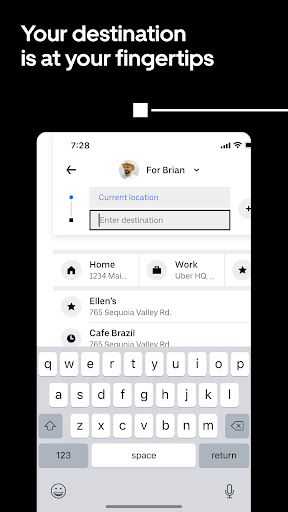
- Confirm your current location and select your destination
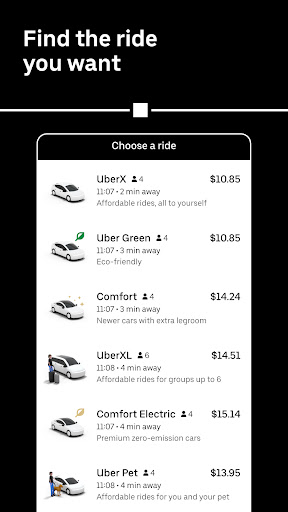
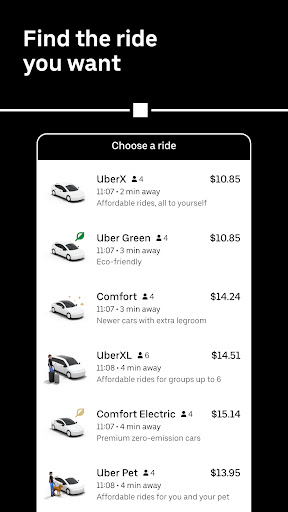
- Choose a vehicle type
- Confirm your ride
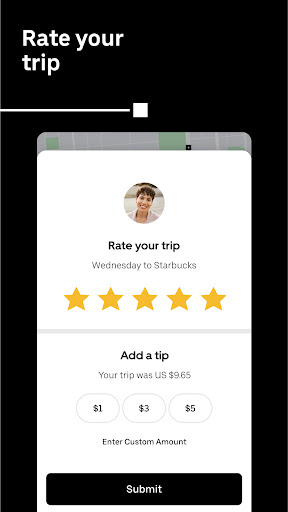
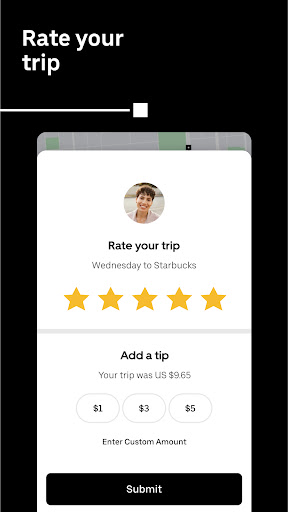
Once your request is made, your location and destination details are shared with the driver, enabling them to arrive at your pickup point efficiently. The app then displays all necessary trip information, including your driver’s name, photo, contact details, vehicle information, and estimated time of arrival. After your ride, payments are made in cash, as Uber Lite does not currently support digital payment options.
Affordable and Variety of Ride Options
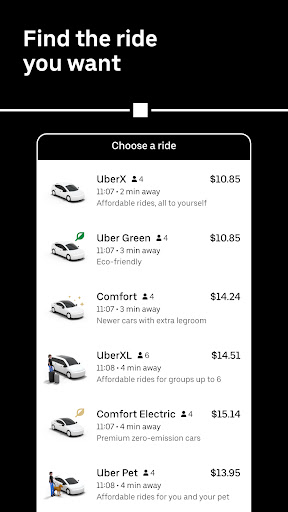
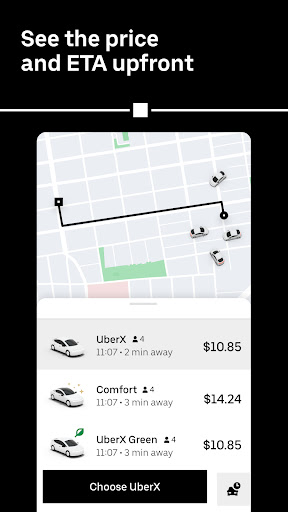
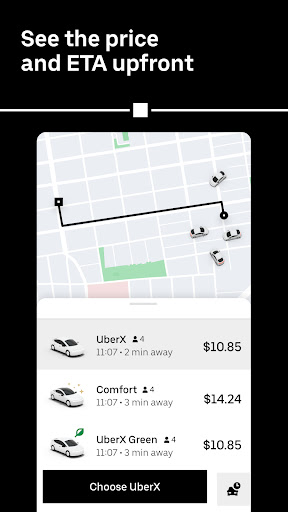
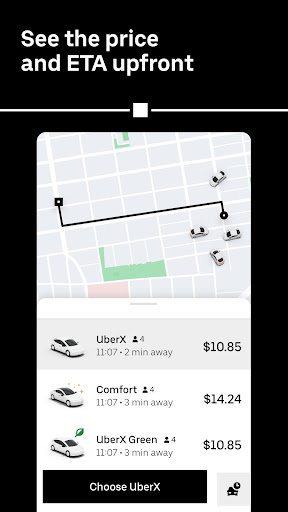
Uber Lite offers a range of ride options to cater to different needs and budgets. It features upfront pricing and sorts available vehicle types starting with the most affordable choices. Whether you’re looking for a quick, budget-friendly ride or a more luxurious experience, Uber Lite has you covered.
Popular options include UberGO and UberAuto, which are excellent for economical travel. For riders seeking a premium experience, Uber Premier provides high-end vehicles. Additionally, the app includes options for travelers with larger groups or those requiring accessible vehicles, ensuring inclusivity and comfort for all users.
Advantages of Uber Lite
Designed for Low Connectivity and Storage Constraints
One of the standout features of Uber Lite is its ability to function smoothly in areas with patchy network coverage. It’s optimized to load faster, consume less data, and operate efficiently on devices with limited storage capacity—making it ideal for countries or regions with unreliable internet or older smartphones.
Easy Setup and User-Friendly Interface
The app’s setup process is quick, requiring only a 5MB download. Once installed, users enjoy a clean and intuitive interface that simplifies the ride booking experience. You can request a ride with minimal typing, even when your internet connection dips to single bars, thanks to the app’s responsive design.
Safety and Reliability
Safety remains a priority, with features allowing you to share your trip status in real-time with friends or family. The driver verification process is thorough, and the app provides detailed trip updates throughout your journey, ensuring a secure ride experience.
Conclusion
Uber Lite stands out as a perfect alternative for users who need reliable transportation without the extra data consumption and storage requirements. Whether you're navigating an area with limited connectivity, using an older device, or simply prefer a fast, uncomplicated way to book rides, Uber Lite offers a streamlined solution. It’s like having a fast lane pass to quick, efficient ridesharing—designed to get you where you need to go with ease, safety, and affordability.
Pros
- Lightweight and quick to install.
- Easy-to-use interface.
- Consumes minimal data.
- Compatible with low-end devices.
- Fast booking process.
Cons
- Fewer features than the full version.
- Lacks scheduled ride options.
- Limited payment methods.
- Simple map interface.
- Restricted customer support.











