

Introduction to Sygic GPS Navigation & Maps
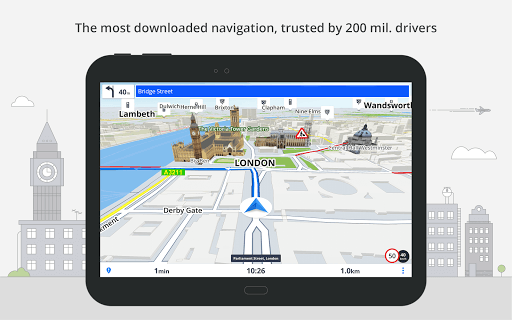
Sygic GPS Navigation & Maps is an innovative GPS navigation application trusted by over 200 million drivers worldwide. With monthly-updated offline maps and precise real-time traffic and speed camera alerts, it offers a comprehensive solution for both daily commuting and long-distance travel. Designed to work seamlessly without an internet connection, Sygic ensures you stay on track wherever your journey takes you.
Navigate Anywhere, Anytime
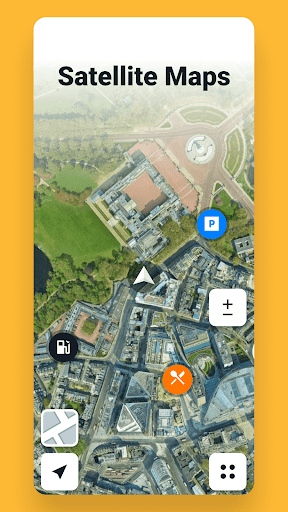
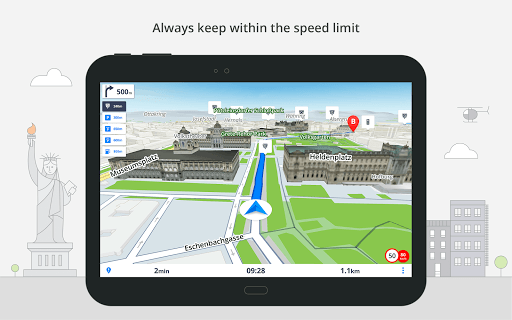
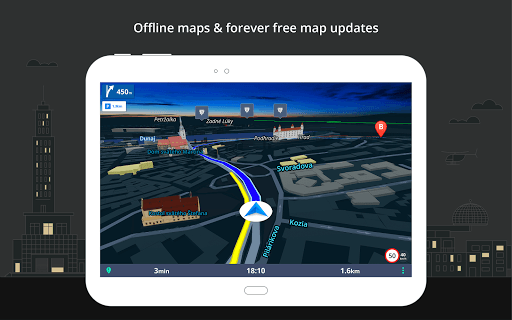
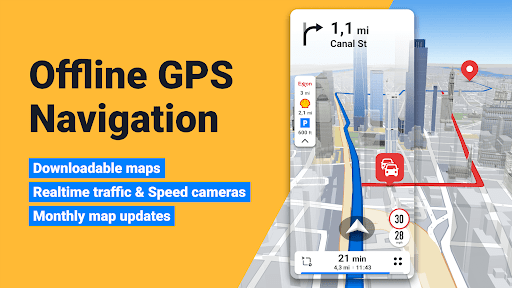
The core strength of Sygic lies in its reliable offline maps. With 3D offline maps for all countries, sourced from providers like TomTom, users can navigate without the need for internet connectivity. The app provides free map updates multiple times each year, ensuring you always have the latest routing information. Features include voice-guided GPS navigation with spoken street names, making driving directions clear and accessible. Importantly, Sygic's Point of Interest (POI) database covers millions of interesting places, including tourist attractions and essential services. For walkers and explorers, pedestrian navigation is available, offering walking directions and POI suggestions. Additionally, Satellite Maps allow you to find addresses, POIs, or favorites using visual satellite imagery for a more detailed view of your surroundings.
To customize your experience, Sygic lets you modify the navigation arrow, allowing you to set it as everyday car, van, or even formula race car icons, enriching the visual appeal.
Escape Traffic & Optimize Your Route
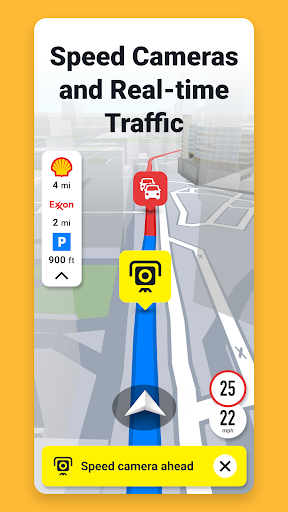
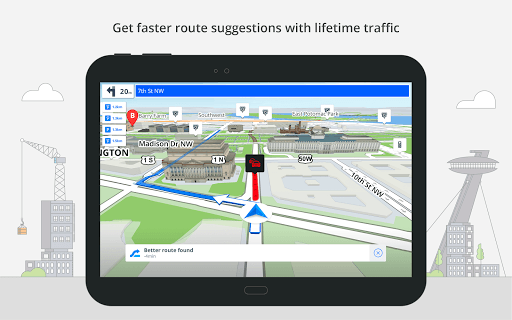
Real-time traffic data, collected from over 200 million users globally, ensures you avoid traffic jams and delays by rerouting efficiently. Sygic's dynamic routing adapts to current road conditions, saving you time and frustration. Whether you're caught in rush hour or exploring unfamiliar streets, the app helps you stay on the fastest path.
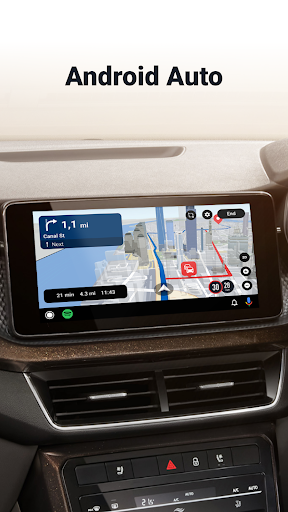
For those driving in the car, Android Auto connectivity allows you to connect your phone to your vehicle's display. This setup lets you control navigation via your car's touchscreen, knobs, or buttons, keeping you focused on the road while accessing all navigation features effortlessly.
Safety Features for Peace of Mind
Sygic emphasizes safety with various advanced features that facilitate secure driving, even in unfamiliar areas. The speed limit warnings keep you informed about current and upcoming speed restrictions. The Dynamic Lane Assistant guides you into the correct lane, crucial for complex intersections or motorway exits.
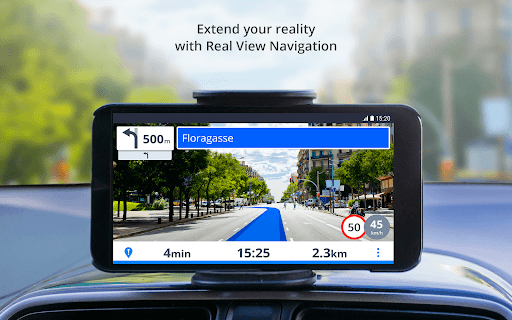
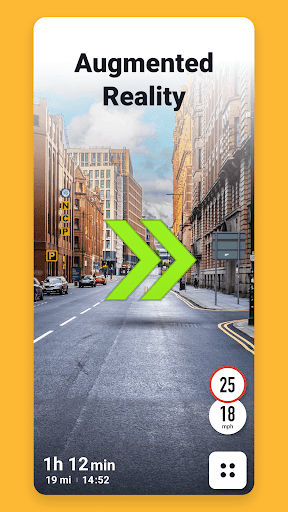
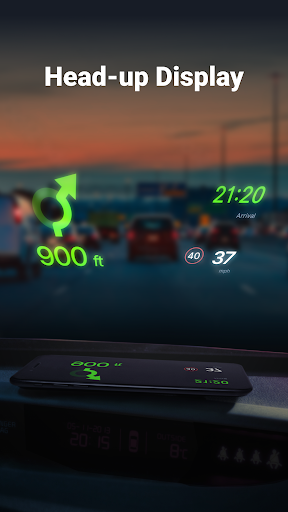
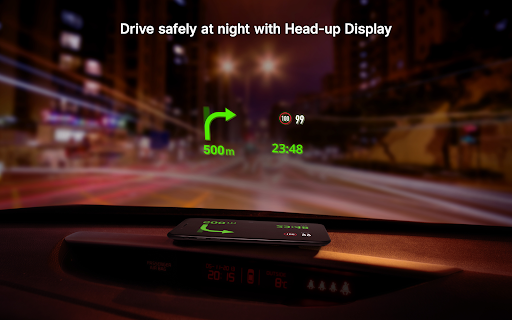
An innovative Head-up Display (HUD) projects navigation instructions onto your windshield, enhancing safety at night. Additionally, Sign Recognition detects speed limit signs on the road, updating you about regulatory changes instantly. The built-in Dashcam records your journey, automatically saving footage in case of accidents, while Real View Navigation, an augmented reality feature, offers immersive, safer directions overlayed onto real-world scenes.
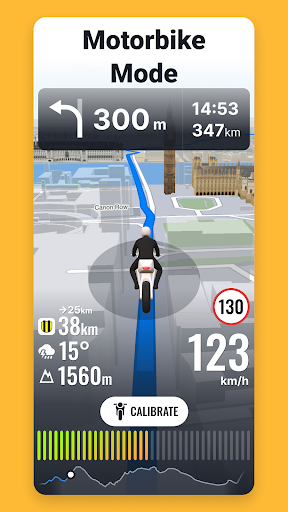
The Cockpit feature shows real-time vehicle performance metrics, and real-time route sharing allows you to share your estimated arrival time and location—perfect for coordinating meetups. The Wrong-way driver warning (available in partnership with Bosch) alerts you if you're traveling in the wrong direction, further enhancing safety.
Save Money and Enhance Your Travel Experience
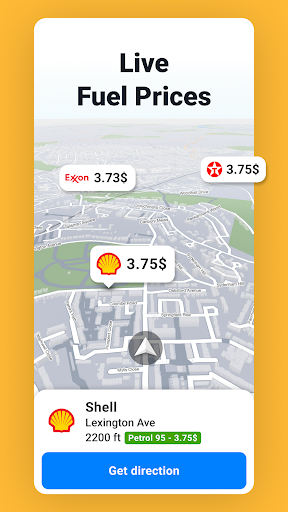
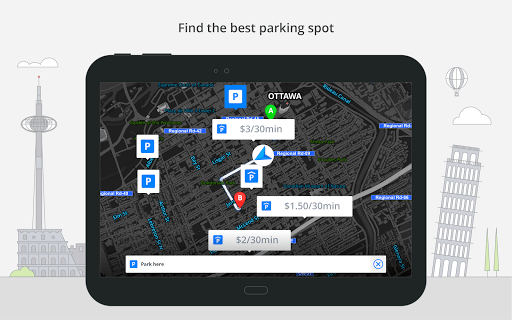
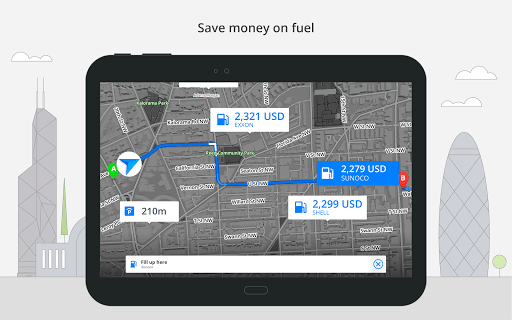
Travel smarter with Sygic’s money-saving features. The app offers parking suggestions with live information on prices and availability, making city parking hassle-free. You can also set your fuel type to receive updates on the best fuel prices along your route, reducing your overall fuel expenses.
Speed camera warnings help you avoid fines, and offline maps eliminate roaming charges during international travel. For added convenience, Sygic offers a 7-day free trial for its Premium+ subscription, unlocking advanced features such as dashcam and augmented reality navigation, transforming your smartphone into a comprehensive navigation device.
User Experience and Performance
From my personal experience, the app boasts a sleek, intuitive interface that makes setup and navigation straightforward, whether you’re a tech novice or a seasoned user. The maps are highly detailed, and the 3D views aid in recognizing landmarks and understanding intersections better.
Real-time adjustments in routing—based on current traffic—make traveling efficient. The voice guidance is clear, helping you keep your eyes on the road without missing turns or exits. When exploring unfamiliar cities, the app's ease of use, combined with comprehensive features like POIs and parking assistance, truly enhances the driving experience.
While some features require a subscription, the overall value offered by Sygic GPS Navigation & Maps makes it a top choice for daily commuters, travelers, and adventurers alike. With continuous updates and user-focused tools, it turns your smartphone into a reliable navigator anywhere in the world.
Pros
- Comprehensive offline maps available for use.
- Provides real-time traffic updates to improve navigation.
- Allows route planning with multiple alternative options.
- Offers clear voice-guided navigation.
- Regular updates enhance the app's features.
Cons
- Certain features require additional in-app purchases.
- Experience occasional GPS signal loss.
- User interface may be complicated for new users.
- Battery usage tends to be high.
- Limited options for customizing map display.










