
Discover the Power of the TP-Link Tapo App for Smart Home Management
The TP-Link Tapo app is a versatile and user-friendly tool designed to simplify your smart home experience. With its intuitive interface and extensive features, it allows you to effortlessly set up, control, and customize a wide range of smart devices, transforming your living space into a seamless connected environment. Whether you're a tech newbie or a seasoned smart home enthusiast, this app makes managing your smart devices quick and convenient.
Key Features of the TP-Link Tapo App
The app offers several essential features that enhance your control over your smart home devices:
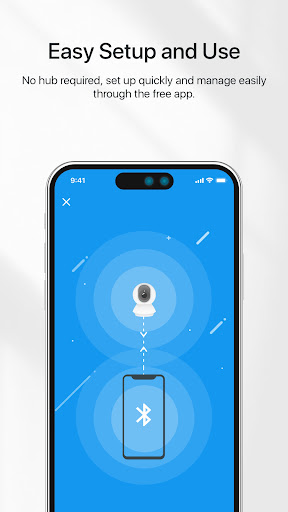
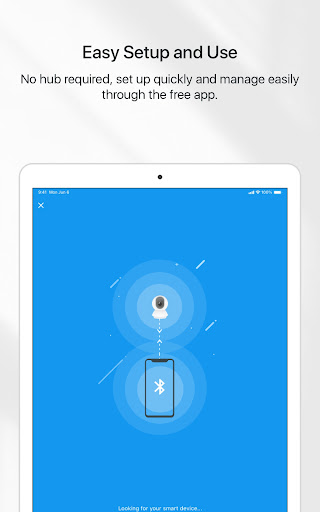
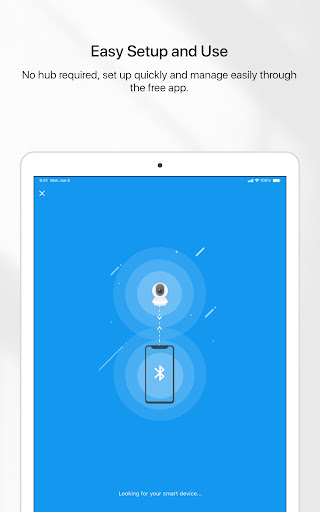
- Quick Device Setup: The Tapo app helps you set up your smart devices within minutes. Its straightforward setup process involves only your phone and an internet connection, without the need for additional hardware.
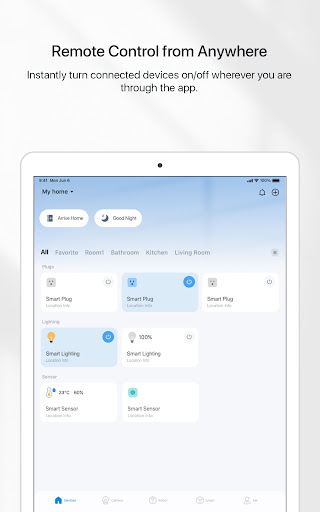
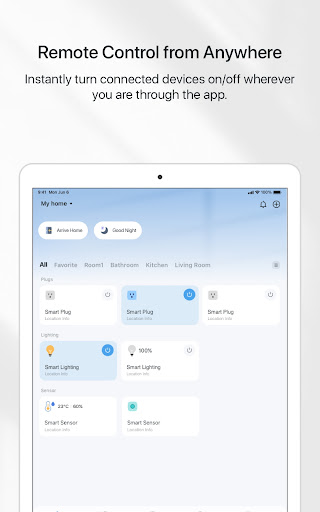
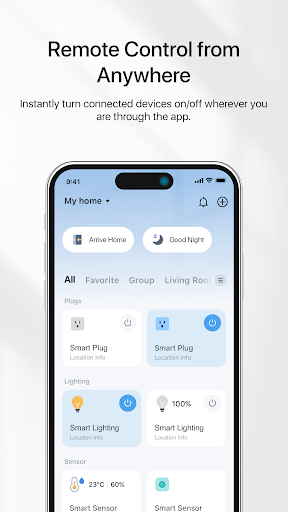
- Remote Control: Manage your smart devices from anywhere in the world. Whether you're at work or on vacation, your devices are just a tap away, providing peace of mind and convenience.
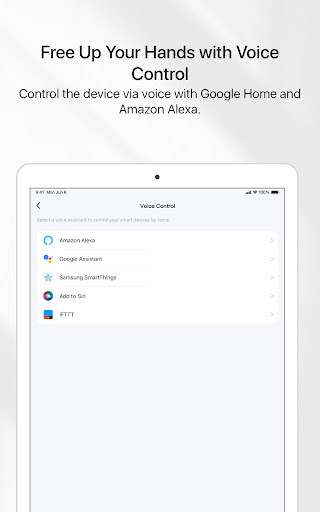
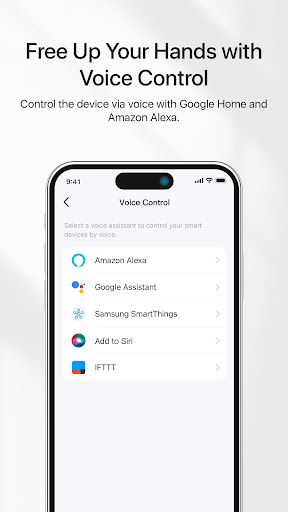
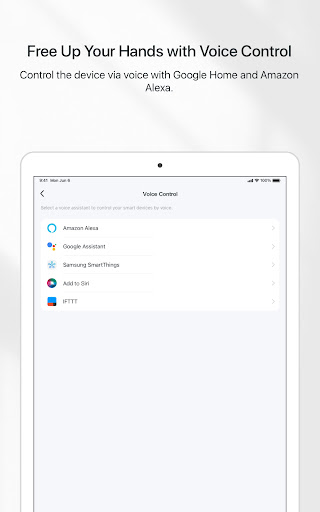
- Voice Control Compatibility: The app integrates seamlessly with popular virtual assistants like Google Home and Amazon Alexa. This allows you to control your devices hands-free using simple voice commands.
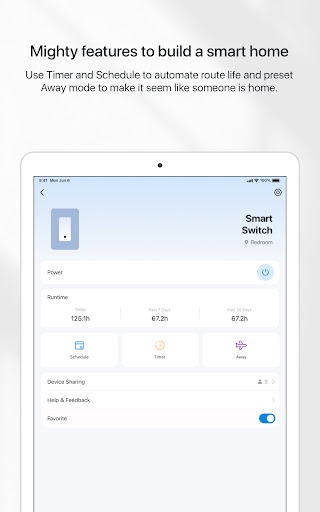
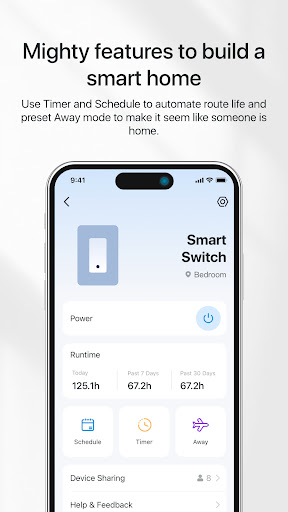
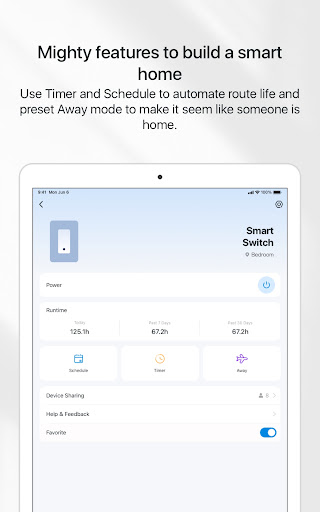
- Preset Modes: Create preset scenarios such as Away mode to simulate occupancy when you're not home. This feature helps enhance security while you're away.
- Scheduling and Timers: Set specific times for your devices to turn on or off automatically. Use countdown timers to control your devices precisely when needed.
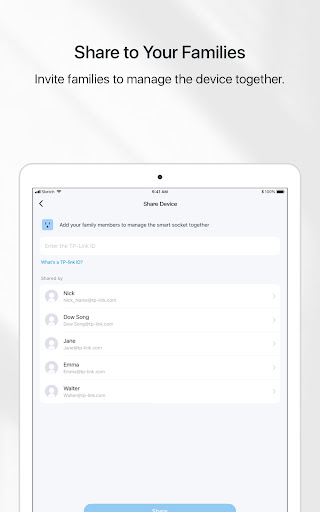
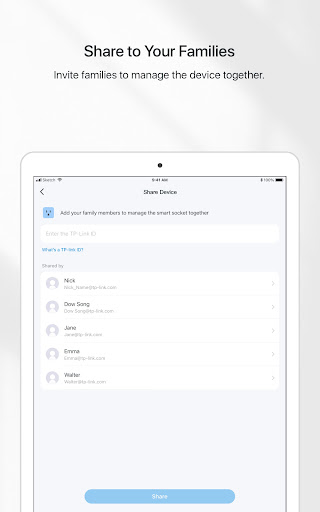
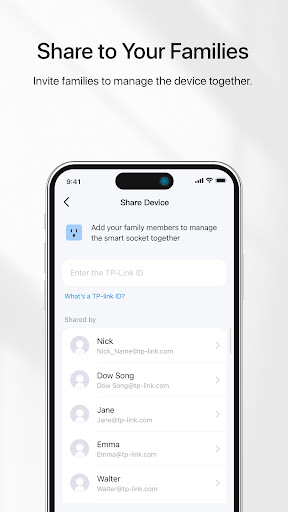
- Family Sharing: Invite family members to manage and control devices collectively, making smart home management a collaborative effort.
Enhancing Your Living Space with the TP-Link Tapo App
Imagine scenarios like forgetting to turn off your lights or being too cozy on the couch to get up—these are common frustrations that the Tapo app addresses effortlessly. Its real charm lies in turning complexity into simplicity by providing you with an all-in-one platform for managing your entire smart home setup.
An Intuitive and Personalized Experience
Once installed, the TP-Link Tapo app offers an intuitive interface that anyone can navigate. Customization options allow you to create scenes—specific combinations of device settings tailored to particular moments. For example, a "Movie Night" scene can dim the lights and activate your preferred sound system with a single tap. These personalized scenes enhance your comfort and set the perfect mood effortlessly.
High-Level Security and Monitoring
Security is a vital aspect of any smart home, and the Tapo app excels here with its integrated security features. Connect your smart cameras to monitor your property remotely. Receive instant notifications upon detecting motion or unusual activity, ensuring you're always aware of what's happening at home. Cloud storage options give you secure access to footage anytime, providing an added layer of peace of mind.
Seamless Integration and Control
Beyond controlling individual devices, the Tapo app allows you to automate your smart home routines with schedules and timers. Plus, the compatibility with voice assistants makes control even more effortless. Just say the word, and your smart devices respond instantly, adding a new level of convenience to your daily life.
Transform Your Home with the TP-Link Tapo App
In summary, the TP-Link Tapo app is a comprehensive smart home management solution that combines ease of use with powerful features. It enables you to control your smart devices remotely, customize device behavior, enhance home security, and enjoy hands-free operation through voice commands. Whether you're looking to automate your lighting, monitor your home, or create restful scenes, this app is your gateway to a smarter, more connected living environment. Once you start using it, managing your smart home will become second nature, and you'll wonder how you ever did without it.
Pros
- Simple setup and installation process
- Compatible with a variety of smart home systems
- More affordable compared to competitors
- Intuitive and user-friendly interface
- Provides remote control and automation capabilities
Cons
- Limited support for third-party integrations
- Occasional connectivity problems
- Missing advanced scheduling features
- No backup power source during outages
- Needs a stable internet connection











